메인 콘텐츠로 건너뛰기

Documentation Index

Fetch the complete documentation index at: https://docs.replit.com/llms.txt

Use this file to discover all available pages before exploring further.

Replit MCP 서버는 현재 베타 버전입니다. 도구와 동작이 변경될 수 있습니다.
Replit의 MCP 서버를 통해 외부 클라이언트는 Model Context Protocol을 사용하여 Replit에서 풀스택 애플리케이션을 생성, 업데이트, 관리할 수 있습니다. Replit Agent로 구동되며, 자연어 프롬프트를 실제 배포된 앱으로 변환합니다.

서버 정보

속성
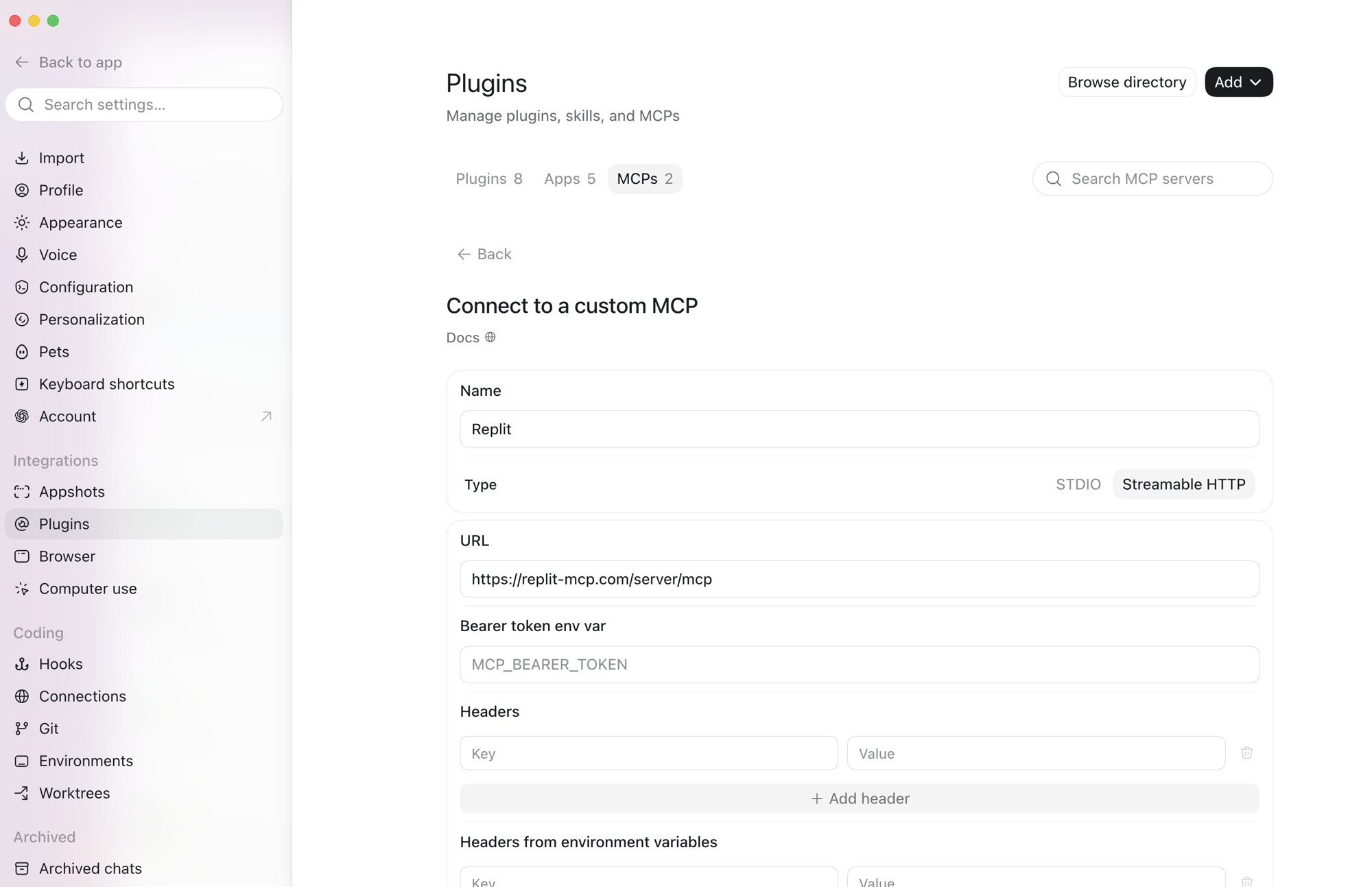
URLhttps://replit-mcp.com/server/mcp
전송Streamable HTTP
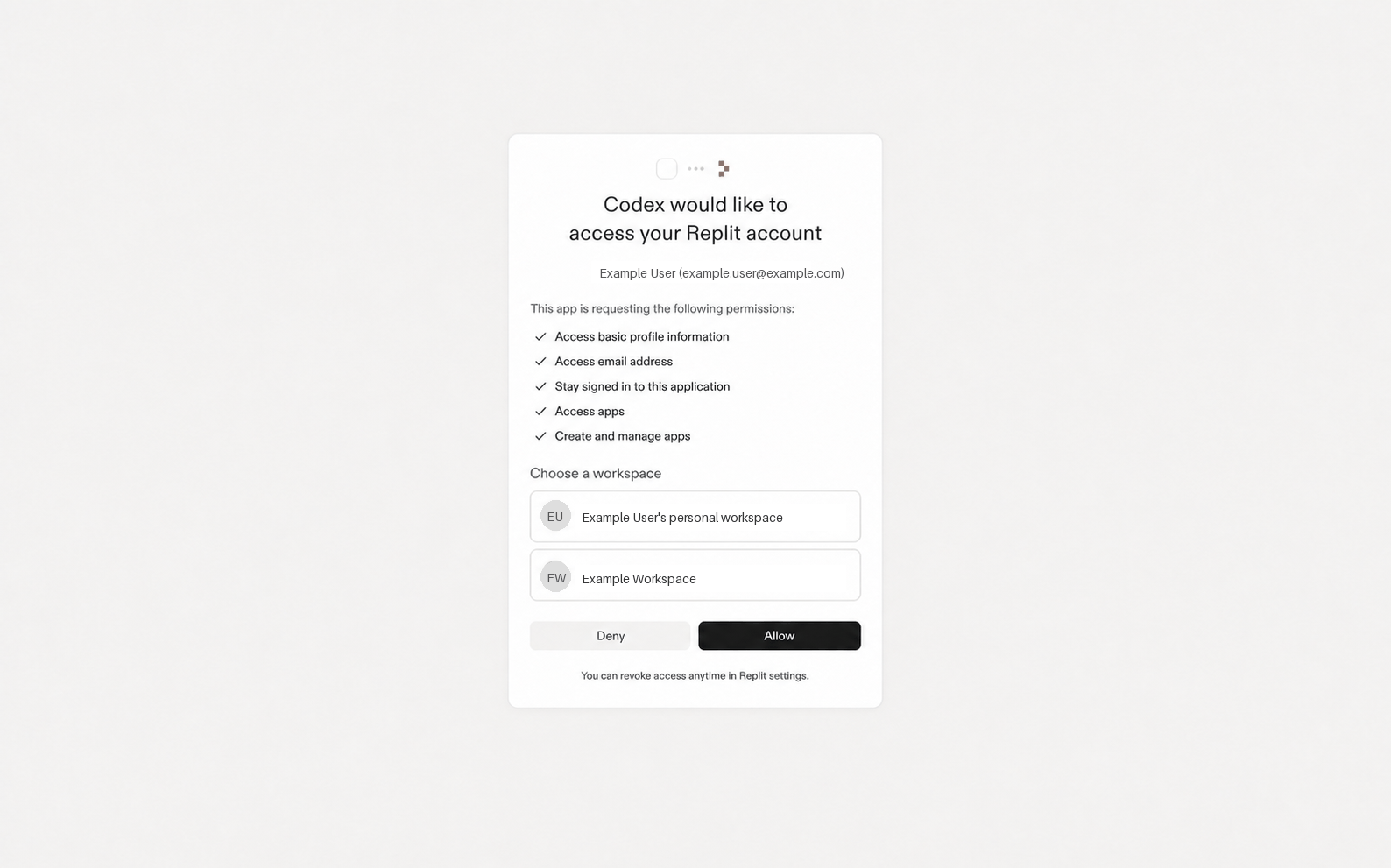
인증OAuth 2.0 (MCP 클라이언트와 SDK가 자동으로 처리)

요구 사항

개발자의 경우:
  • Streamable HTTP 전송을 지원하는 MCP 클라이언트 또는 SDK
빌더(최종 사용자)의 경우:
  • Replit 계정(무료, Core, Teams 또는 Enterprise)

인증

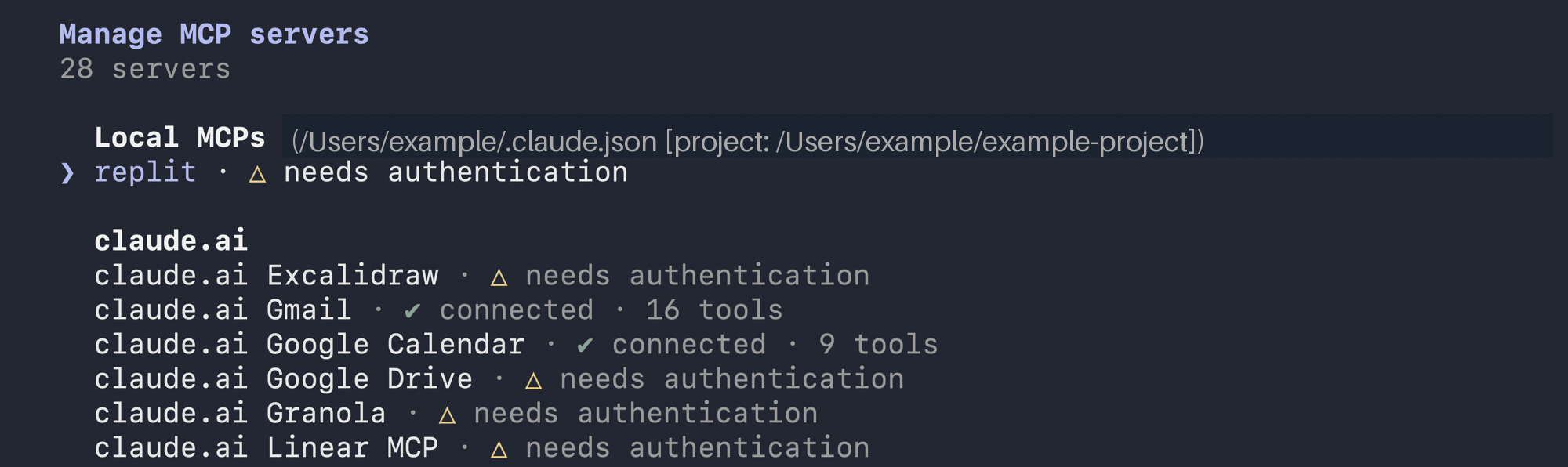
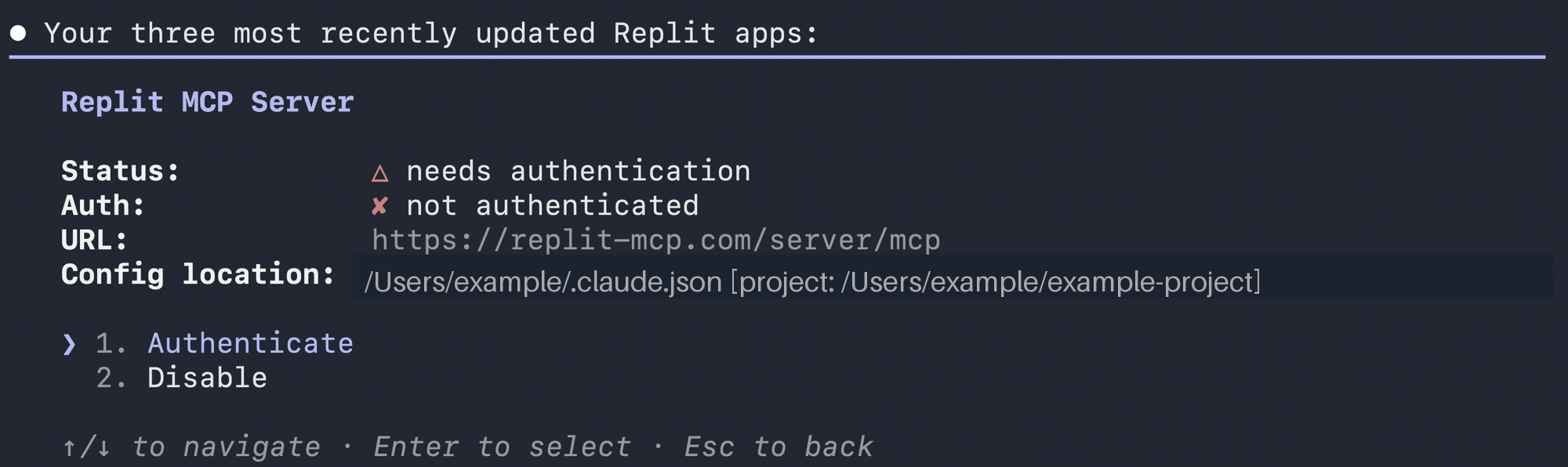
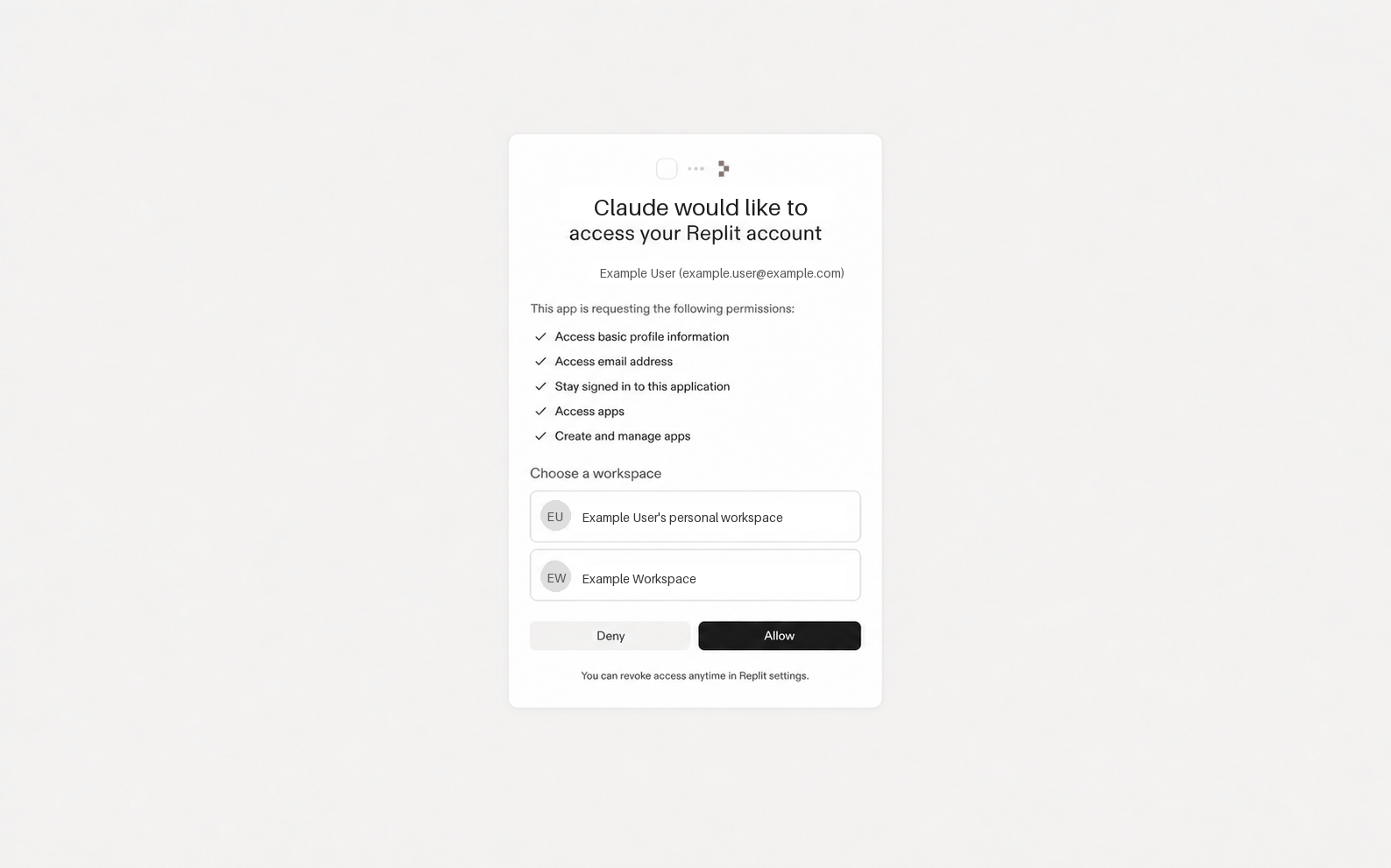
서버는 PKCE를 사용하는 OAuth 2.1을 사용합니다. Claude Code와 같은 MCP 클라이언트는 전체 흐름을 자동으로 처리합니다. MCP 클라이언트 SDK로 개발하는 경우, discovery, 동적 클라이언트 등록, PKCE, 토큰 교환을 SDK가 처리하며 — UX(브라우저 리디렉션, 콜백 핸들러, 토큰 저장)만 제공하면 됩니다. 자세한 내용은 MCP 인증 사양을 참조하세요.

연결하기

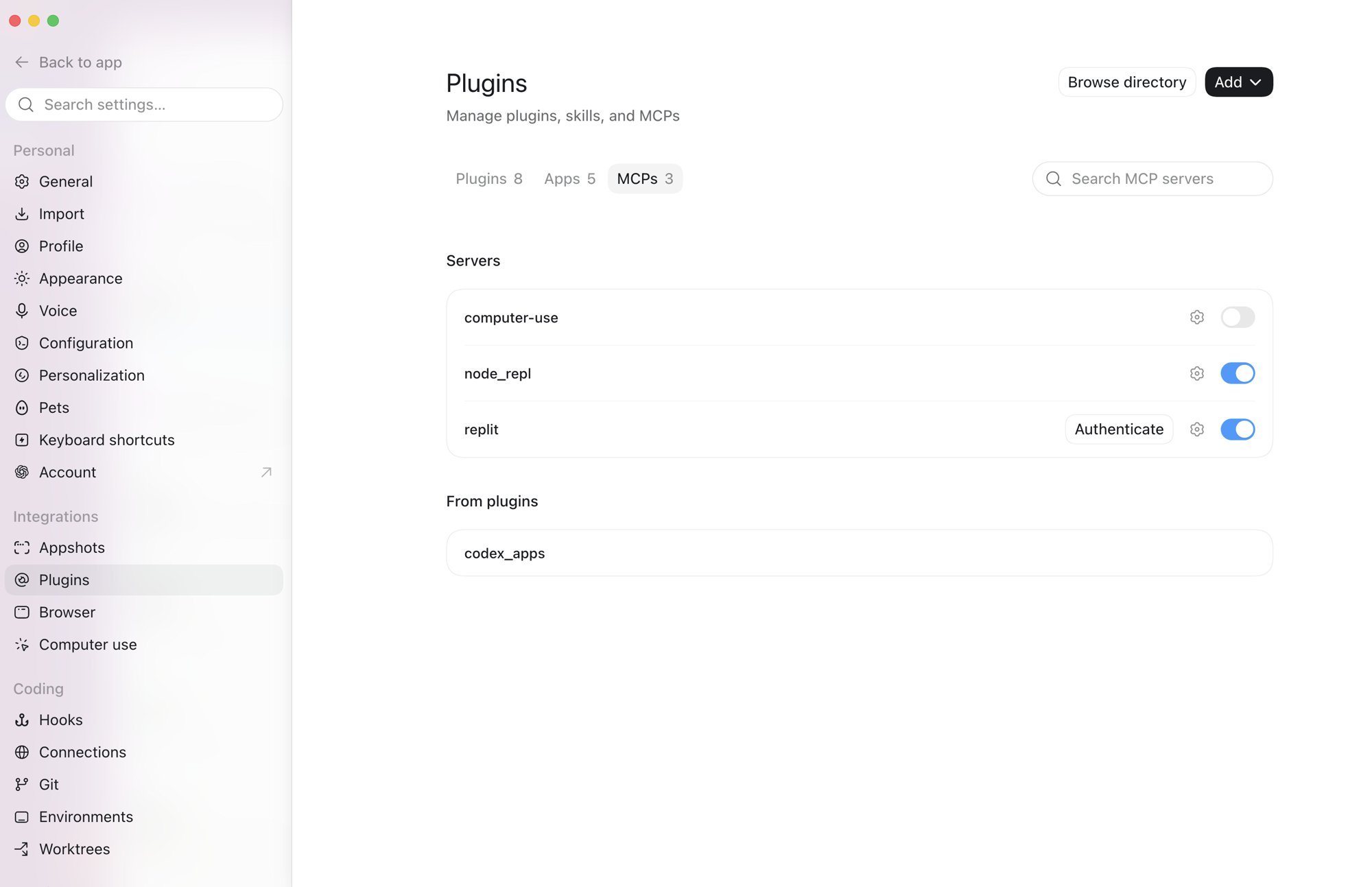
MCP 클라이언트에서 서버 URL을 설정하세요. 빌더는 처음 연결 시 OAuth 동의 흐름을 완료합니다. MCP SDK (TypeScript):
TypeScript (MCP SDK)
import { Client } from "@modelcontextprotocol/sdk/client/index.js";
import { StreamableHTTPClientTransport } from "@modelcontextprotocol/sdk/client/streamableHttp.js";

const transport = new StreamableHTTPClientTransport(
  new URL("https://replit-mcp.com/server/mcp"),
  { authProvider: yourOAuthProvider } // OAuthClientProvider 인터페이스 구현
);

const client = new Client({ name: "my-client", version: "1.0.0" });
await client.connect(transport);
자세한 내용은 MCP TypeScript SDK 문서를 참조하세요. SDK가 내부 OAuth 흐름을 자동으로 처리합니다. Claude Code:
Claude Code
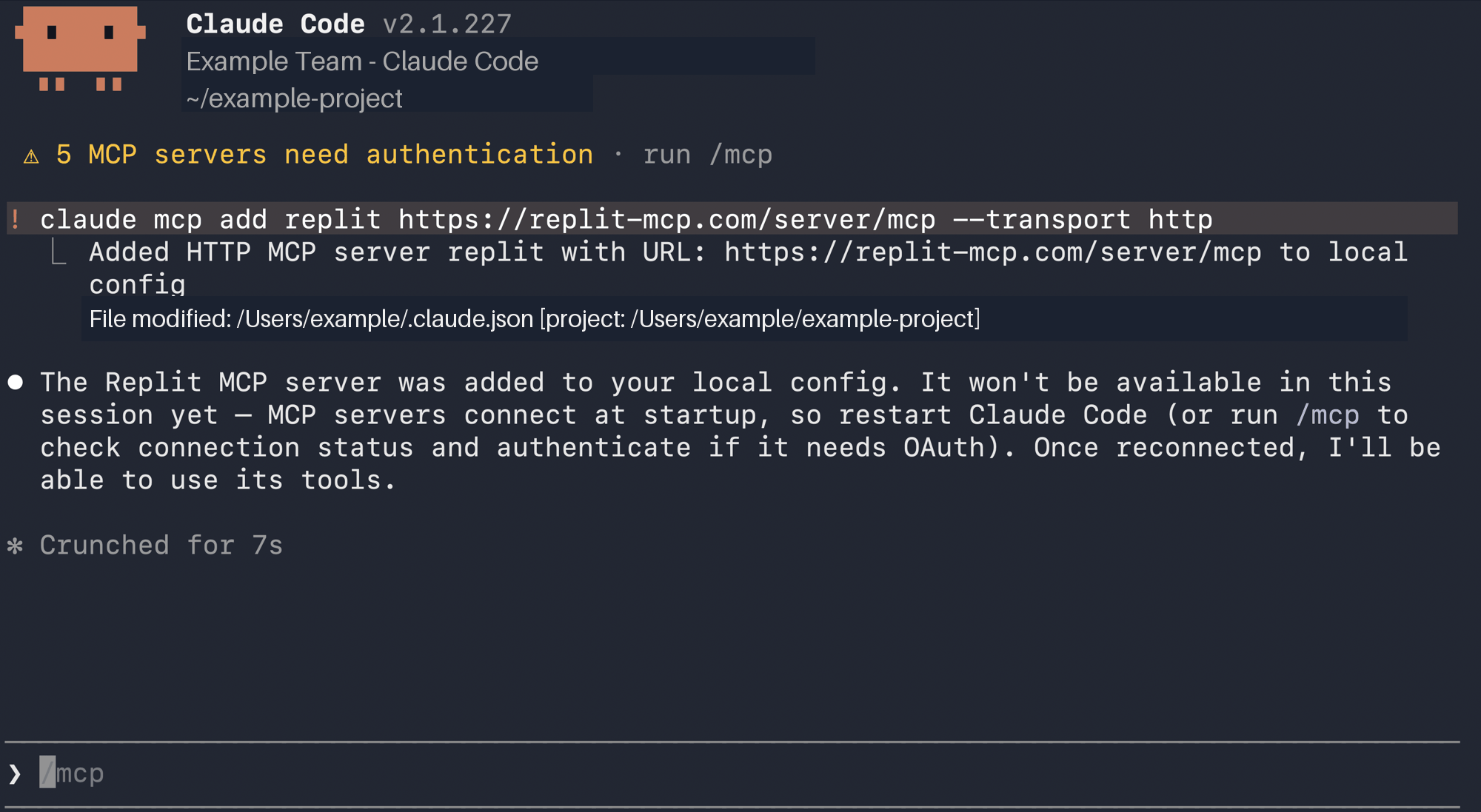
claude mcp add --transport http replit https://replit-mcp.com/server/mcp

도구

서버는 세 가지 공개 도구를 제공합니다.

create_app_from_prompt

자연어 설명으로 새 Replit 앱을 생성합니다. Replit Agent가 즉시 앱 빌드를 시작합니다.
파라미터타입필수설명
appDescriptionstring빌드할 앱에 대한 자연어 설명
app_stackstring (enum)다음 중 하나: "react_website", "mobile_app", "design", "slides", "animation", "data_visualization", "3d_game", "document", "spreadsheet". 대부분의 웹 앱에는 "react_website"를 사용하세요.
userSpecifiedAppNamestring | null아니오사용자가 지정한 앱 이름
userQuotesstring | null아니오appDescription에 완전히 담기지 않은 사용자의 정확한 인용구
attachmentSummarystring | null아니오첨부 파일의 필수 세부 정보 요약
응답:
{
  "phase": "creating",
  "replId": "d44d994b-96e1-4a1c-8085-88401b870a9a",
  "turnId": "turn-id",
  "replUrl": "https://replit.com/@username/App-Name",
  "user": { "id": 12345, "username": "username" }
}
Agent가 비동기적으로 앱을 빌드합니다 — 진행 상황을 추적하려면 빌더를 replUrl로 안내하세요. 이후 도구 호출에서 replIdreplUrl을 사용하세요.

update_app_using_prompt

기존 Replit 앱을 변경합니다. 앱 생성 후 기능 추가, 버그 수정, 반복 개선에 사용하세요.
파라미터타입필수설명
replIdstring (UUID)create_app_from_promptreplId
changeDescriptionstring적용할 변경 사항 설명
replUrlstring아니오create_app_from_promptreplUrl
userQuotesstring | null아니오changeDescription에 담기지 않은 사용자의 정확한 인용구
attachmentSummarystring | null아니오첨부 파일 세부 정보 요약

ask_question

현재 앱에 대해 Replit Agent에게 질문합니다. 토론 모드로 실행되므로 앱을 수정하지 않습니다. 빌드 상태 확인, 기술 스택 문의, 빌더의 질문 전달에 사용하세요.
파라미터타입필수설명
replIdstring (UUID)create_app_from_promptreplId
questionstringReplit Agent에게 보낼 질문

문제 해결

오류원인해결 방법
MCP error -32001: Request timed out도구 호출이 MCP 타임아웃 시간보다 오래 걸렸습니다. 작업은 백그라운드에서 계속 실행 중입니다.사용자를 replUrl로 안내하세요. 재시도하지 마세요.
"Replit was not able to build your Replit App."액세스 토큰이 MCP 서버 리소스로 범위가 지정되지 않았습니다.인증 프로바이더 설정이 올바른지 확인하세요. 커스텀 OAuth 흐름을 구축하는 경우 resource 파라미터가 https://replit-mcp.com/server/mcp로 설정되어 있는지 확인하세요.
"Not authenticated"유효한 세션 또는 토큰이 없습니다.OAuth 흐름을 통해 재인증하세요.