

Looking for visitor and user insights? Open Project
Analytics in the Growth pane.
Application monitoring
Application monitoring shows how your app is behaving from your visitors’ point of view. Pick a time range at the top to zoom in or out.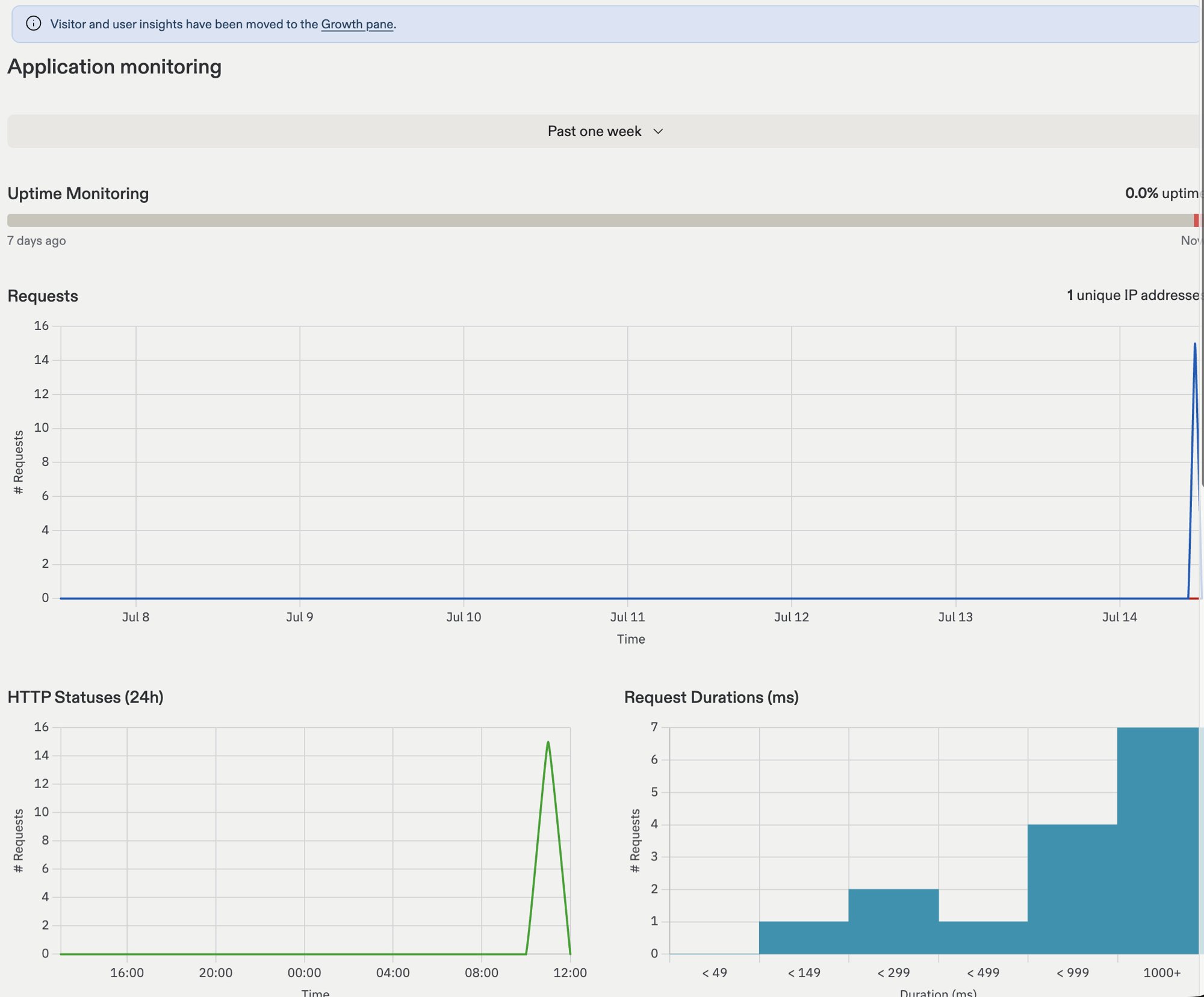
- Uptime Monitoring: Shows the percentage of time your app was online, with a colored bar for recent history. Replit checks your app on a regular schedule and emails you if it goes down.
- Requests: How much traffic your app is serving over time, along with the number of unique IP addresses reaching it.
- HTTP Statuses: How your app answered recent requests. Successful responses are healthy; a spike of errors is a sign to investigate. Paste an error spike’s timeframe into Agent chat and ask it to check the logs.
- Request Durations: How long your app takes to respond, grouped into buckets. If most requests land in the slowest buckets, your app may need attention or a more powerful machine.
Monitoring alerts
When monitoring alerts are on, Replit checks your published app and records production issues in the Monitoring alerts table. Automatic checks watch three signals: application error logs, HTTP errors, and request latency. These checks don’t cover every metric Agent can investigate.- Active: Issues that currently affect your app.
- Resolved: Issues that stopped affecting your app within the last 30 days.
Uptime checks require a paid plan and aren’t available for Scheduled Deployments.
Infrastructure monitoring
Infrastructure monitoring shows what your app is consuming behind the scenes.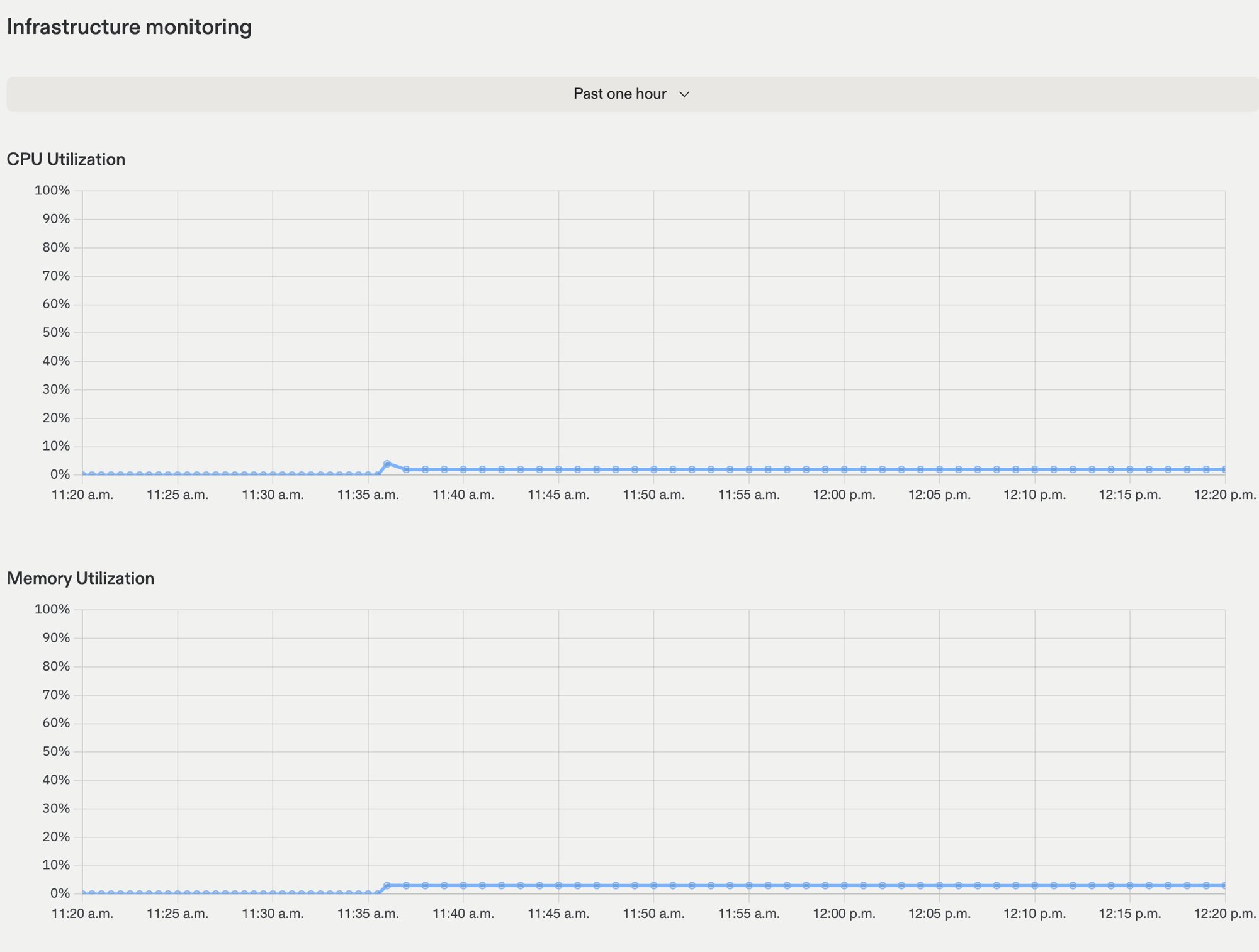
- CPU Utilization: How much processing power your app is using.
- Memory Utilization: How much memory your app is using.
Logs
Logs show what your app is doing in real time, including errors and messages your app prints while it runs. Replit retains deployment logs for 30 days. You can narrow down the logs with the following filters:- Errors only: View only error logs.
- Search: Enter a phrase to find in the logs.
- Date: Select a date range.
Next steps
- Monitoring Agent: Investigate production alerts and attempt fixes automatically.
- After you publish: What happens when your app goes live.
- Machine configuration: Give your app more power.
- Feedback widget: Hear from your visitors directly.