

- Understand your codebase: Ask Replit how a feature works, where it is implemented, and which parts of the code it depends on. Use the explanation to explore an unfamiliar repository or plan a change without editing anything.
- Make small fixes: Correct a typo, fix a broken link, or clarify an error message. Describe what needs to change, check the result, and propose the fix to your team.
- Investigate bugs and improve workflows: Share a bug report or recurring customer feedback. Ask Replit to trace the problem, suggest a fix, and test the updated behavior.
- Develop new features: Share your requirements, designs, and business rules. Replit can help implement the feature using existing code patterns, preview the result, and prepare it for your team’s review.
Why work this way?
- Move faster: Replit can explore code, make changes, run checks, and prepare a pull request so you can focus on the result.
- Bring more expertise into the work: Designers, product managers, support teams, and engineers can propose improvements. Your team reviews them through its existing process.
- Work in the cloud: Run and preview your app without setting up everything on your laptop. Your production hosting stays where it is.
- Work on tasks in parallel: Replit can coordinate independent tasks across chats. Follow each task and give feedback while keeping the overall goal in your main chat.
Get started
Start with a repository you can access and a question or change you want to work on. You don’t need to configure a reusable development environment before beginning. The Get started guides follow one repository from connection to a reviewed contribution:- Connect to your repository: Authorize GitHub or GitLab access and choose the codebase to work on.
- Run your app in Replit: See the app running in a cloud sandbox and optionally save the setup for future work.
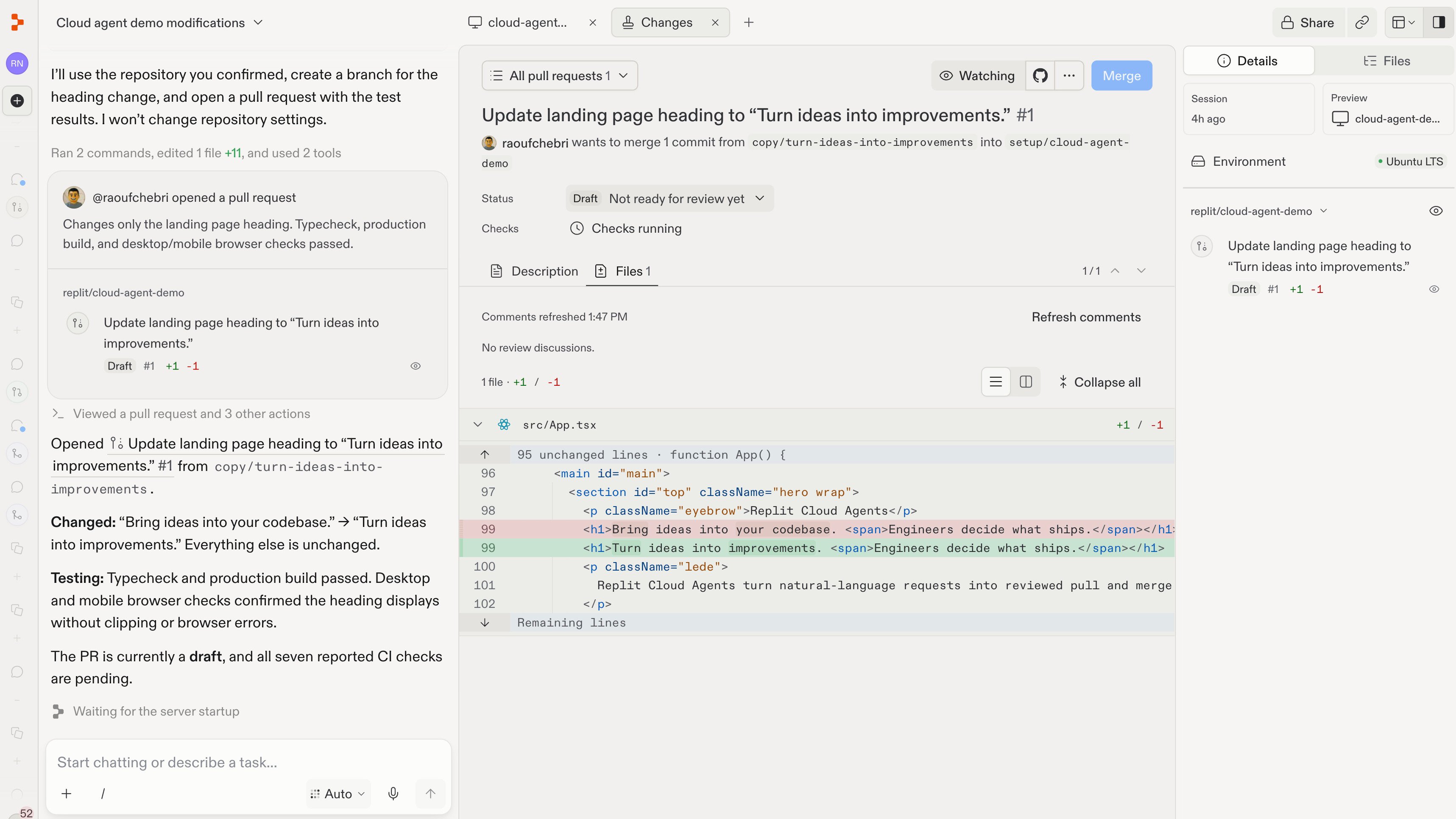
- Make a contribution: Request a change, check the result, and propose it through a pull request.
- Respond to review: Address feedback and update the same contribution.
- Work with a team of agents: Run independent tasks in separate chats and follow their progress.
Repository-based development is an early-access workflow. Availability and setup can differ by workspace. You need authorized repository access; connecting an account does not grant permissions you do not already have.
Your team stays in control
Replit works with the access you authorize. A development preview is not your live app, and opening a pull request does not merge or deploy it. Sandbox isolation also does not remove the permissions of credentials you provide, so use development access with the smallest practical scope. Next: Connect to your repository, then run a preview, explore the code, and make a contribution. Read How coding with Replit works whenever you want more background.Turn customer feedback into working improvements
Follow a recurring customer problem from feedback to a tested change and a pull request for your team.