

From your repository to a reviewed change

1. Repository access and a running preview
When you connect your GitHub or GitLab account, Replit can access repositories through the permissions you authorize. The connection does not grant permissions you don’t already have. When you provide a repository URL and ask Replit to run it, Replit clones the code into a sandbox. The instructions and skills stored with your code come with it:AGENTS.mdandCLAUDE.md: Guidance such as coding conventions, setup commands, and required checks. Instructions apply within their directory scope.- Skills: Task-specific instructions in
SKILL.mdfiles. Replit discovers enabled skills under.agents/skillsand.claude/skills, including nested directories, and reads relevant skills when needed.
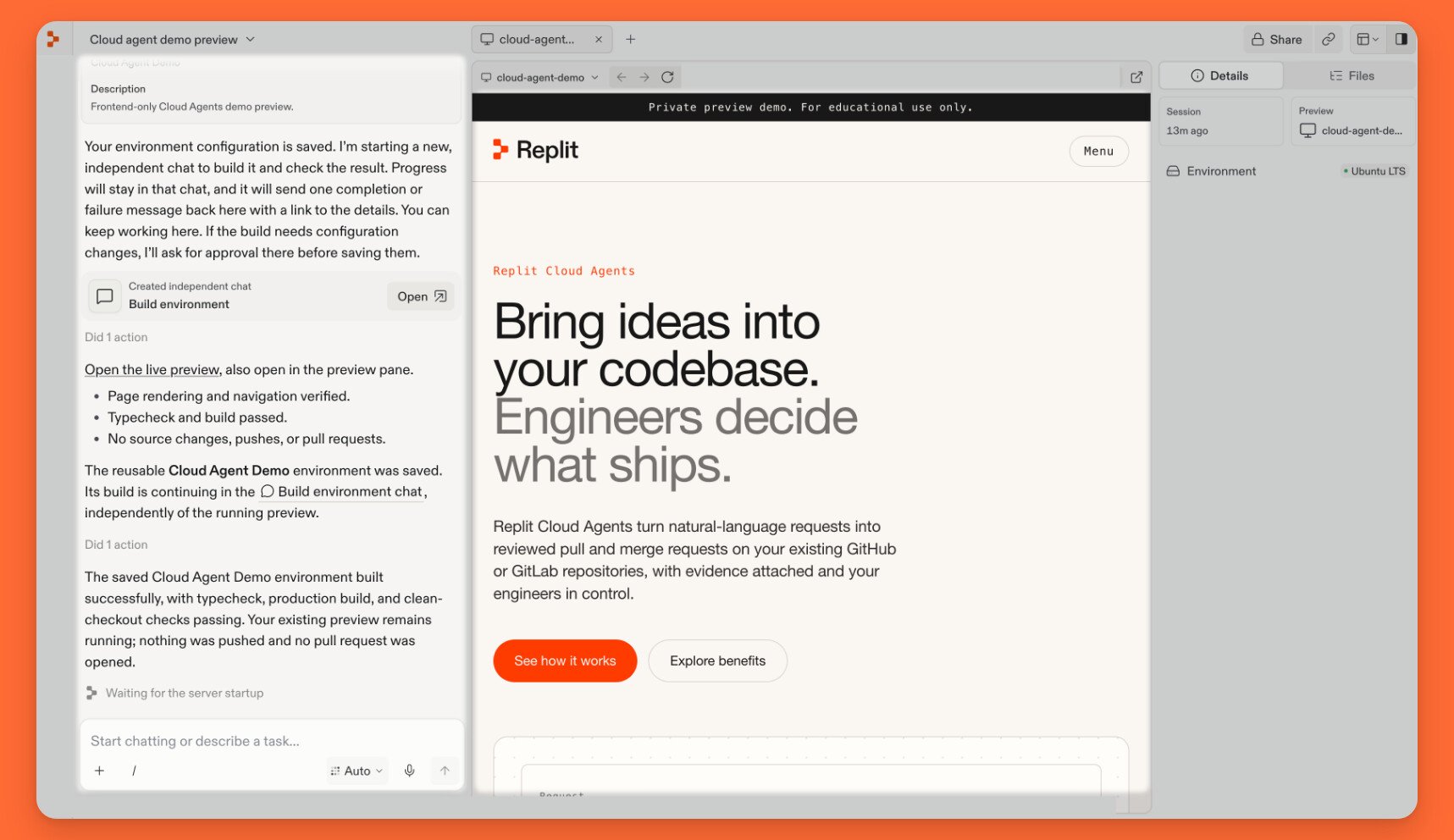
2. Changes in the development copy
When you describe a change, Replit edits the development copy using the existing code and repository guidance. These edits do not immediately update the shared repository. The preview lets you inspect the result and give feedback in chat. Replit can also test the app in a browser and run repository checks. Its results help you understand what was verified and what remains uncertain before the contribution is proposed. This process supports small corrections and larger features.3. Working with a team of agents
One main chat can coordinate multiple independent tasks. Replit hands each task to a worker agent in a separate chat and brings the findings or results back to the main chat.
4. A draft pull request
When you ask Replit to open a draft pull request, it creates a contribution branch, commits and pushes the changes, and opens the request on your behalf. In GitLab, this is a draft merge request. The request explains what changed and can include test results and visual evidence. Your team can inspect the proposed changes without bringing them into the target branch yet. A draft signals that the contribution is not ready for final approval. Marking it ready for review moves it into your team’s review process. Git essentials explains branches, commits, and pull requests.5. Review, revisions, and merging
Your team reviews the contribution and leaves questions or suggestions. Replit can help address the feedback, check the revisions, push them to the same branch, and reply to comments. The existing request updates as the conversation continues. Once the required reviews and checks are complete, you or an authorized teammate can merge the contribution. Your repository’s permissions and branch rules still apply. Merging incorporates the change into the target branch. Deployment follows your team’s release process; some teams deploy automatically after merging, while others release separately.Isolation does not remove permissions granted to code running in the sandbox. Development credentials should have only the access needed. Personal repository access and shared access for background environment builds are separate; see Manage repository access and Security.