Work on tasks in parallel
1
Split the work
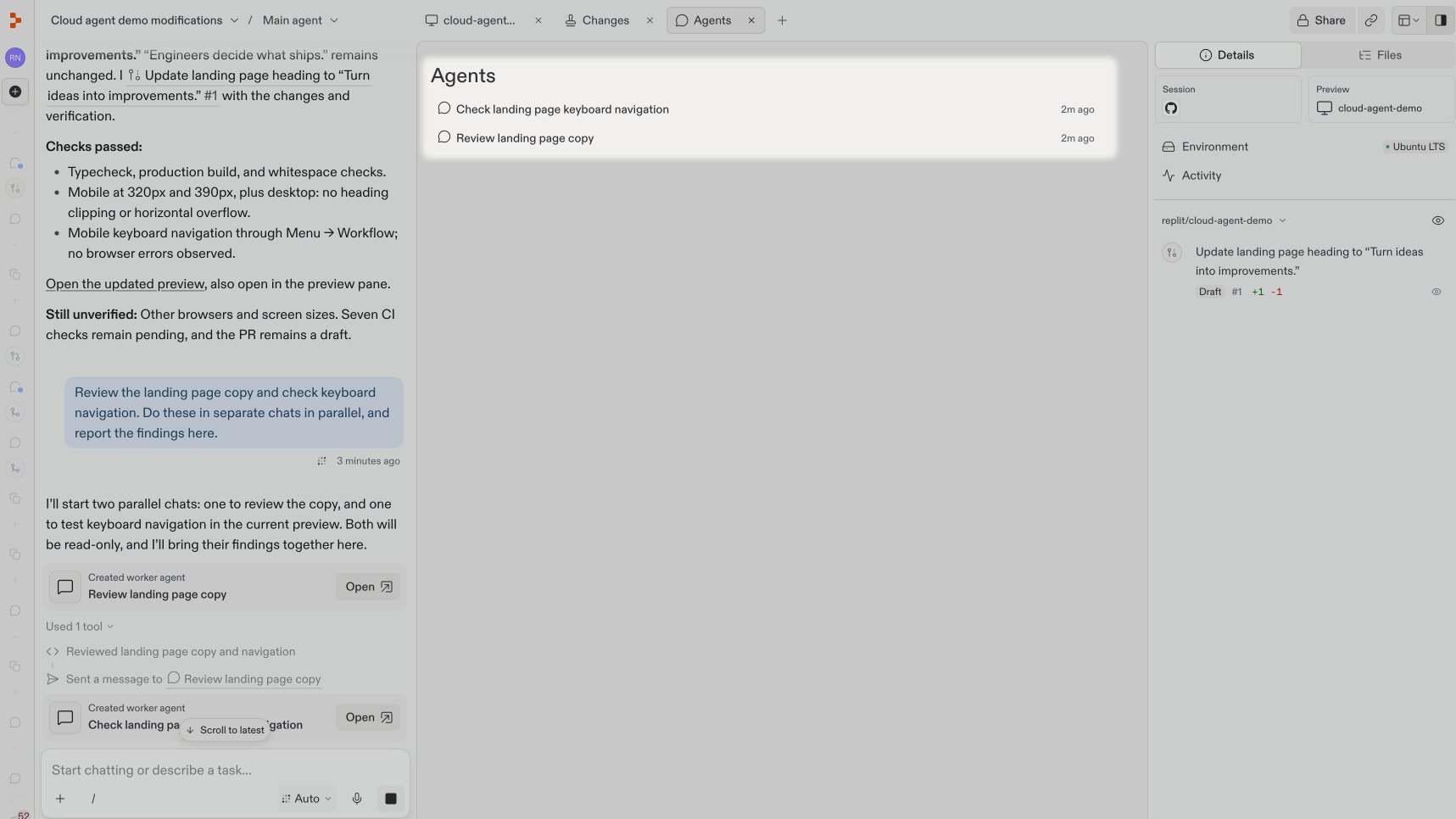
Ask Replit to review the page’s wording and keyboard navigation in separate chats:Replit creates two worker chats: one for the copy review and one for keyboard navigation. Each appears as a card in your main chat.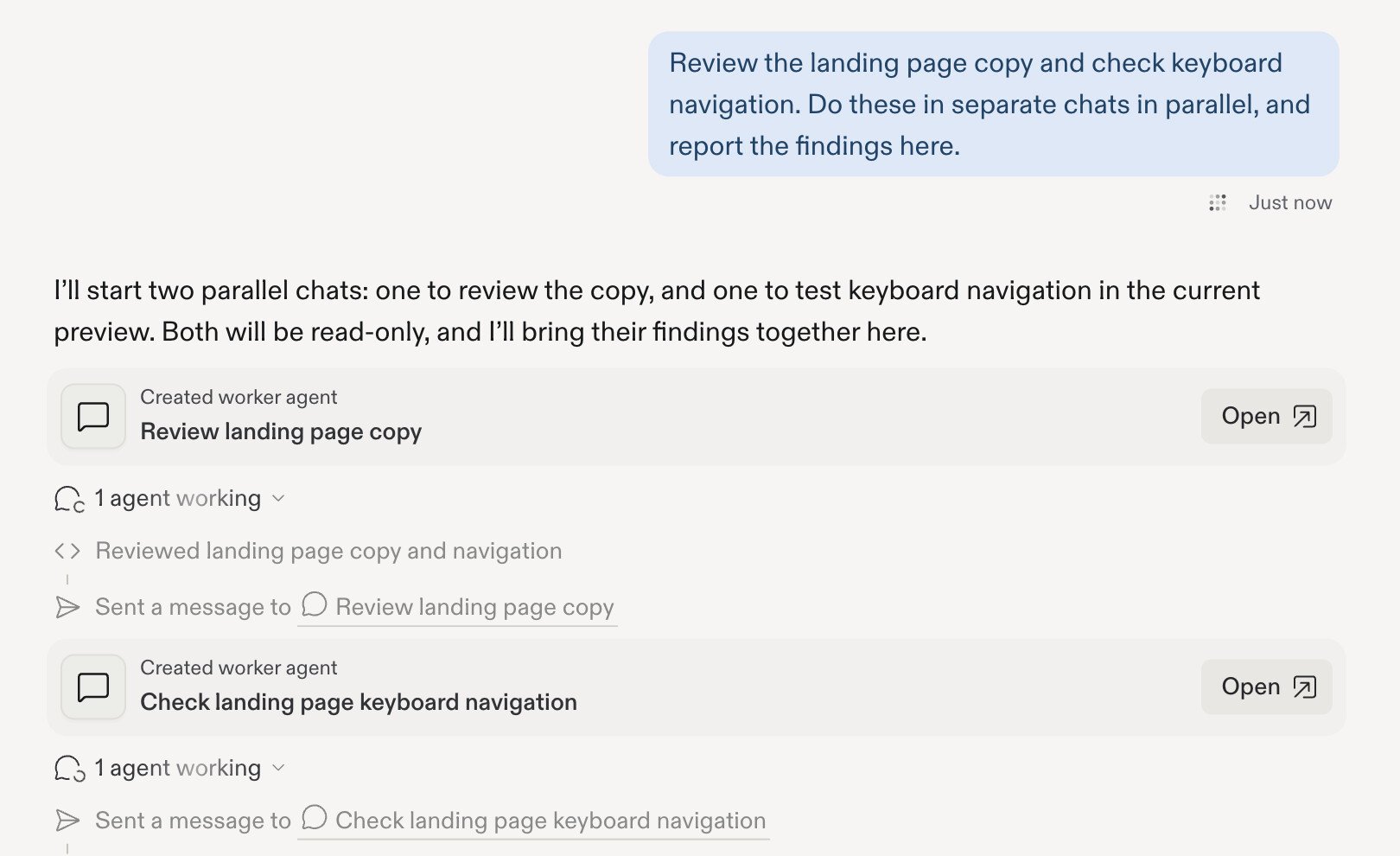
2
Follow each task
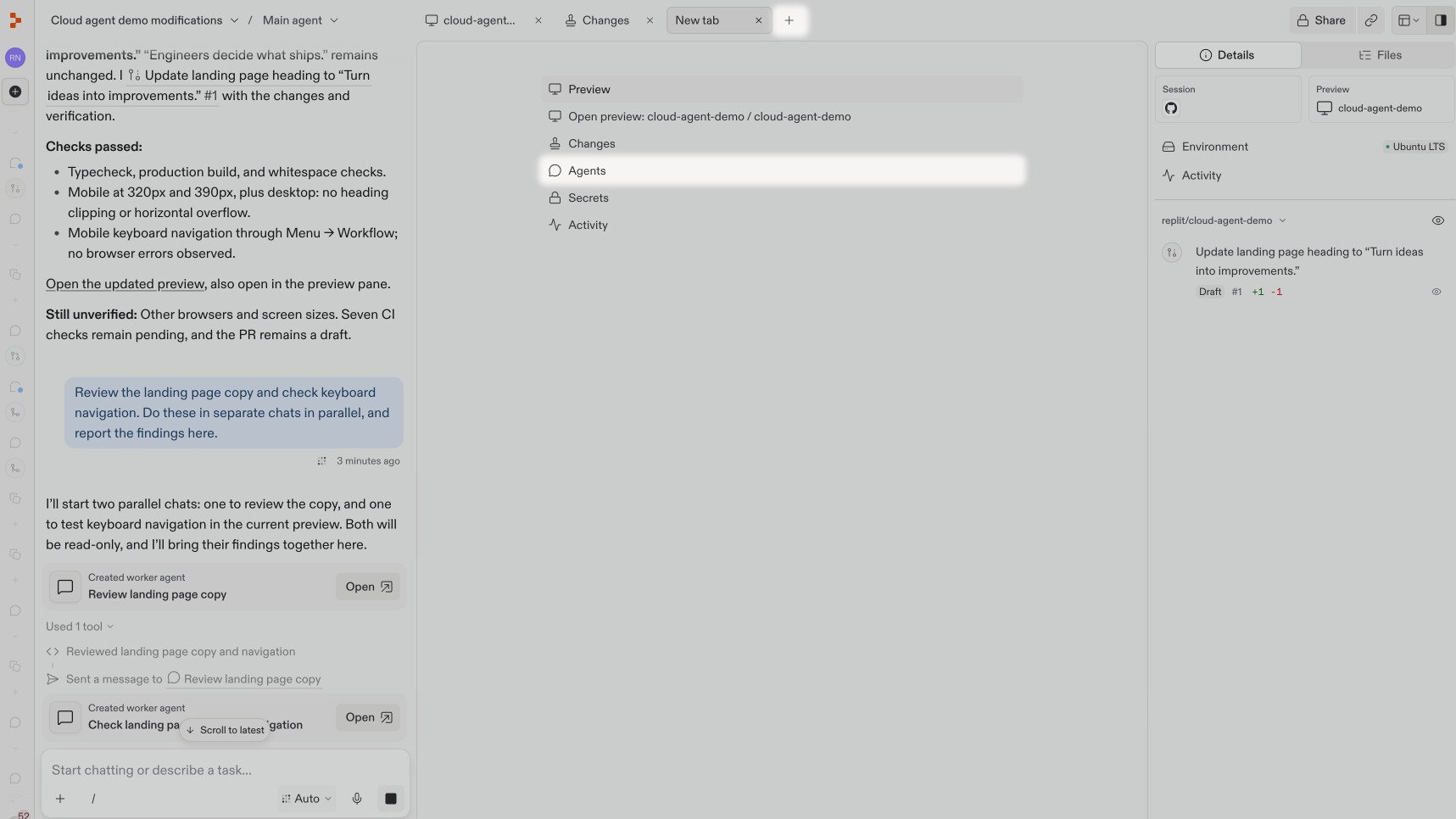
Open a worker chat from its card to see its progress or give more direction. You can also select Main agent at the top of the chat to see the worker chats reporting to it. Choose a name to switch chats.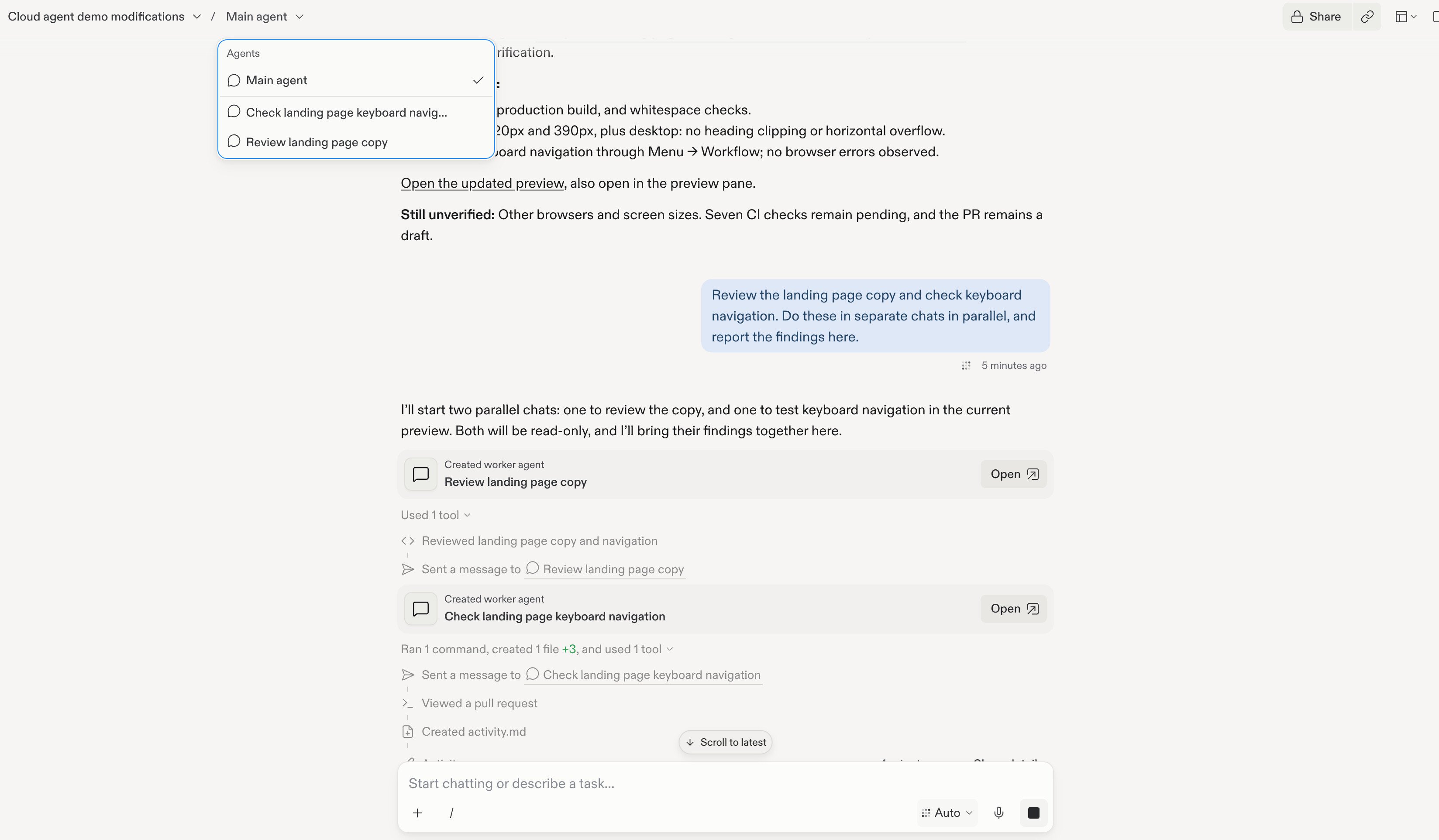
3
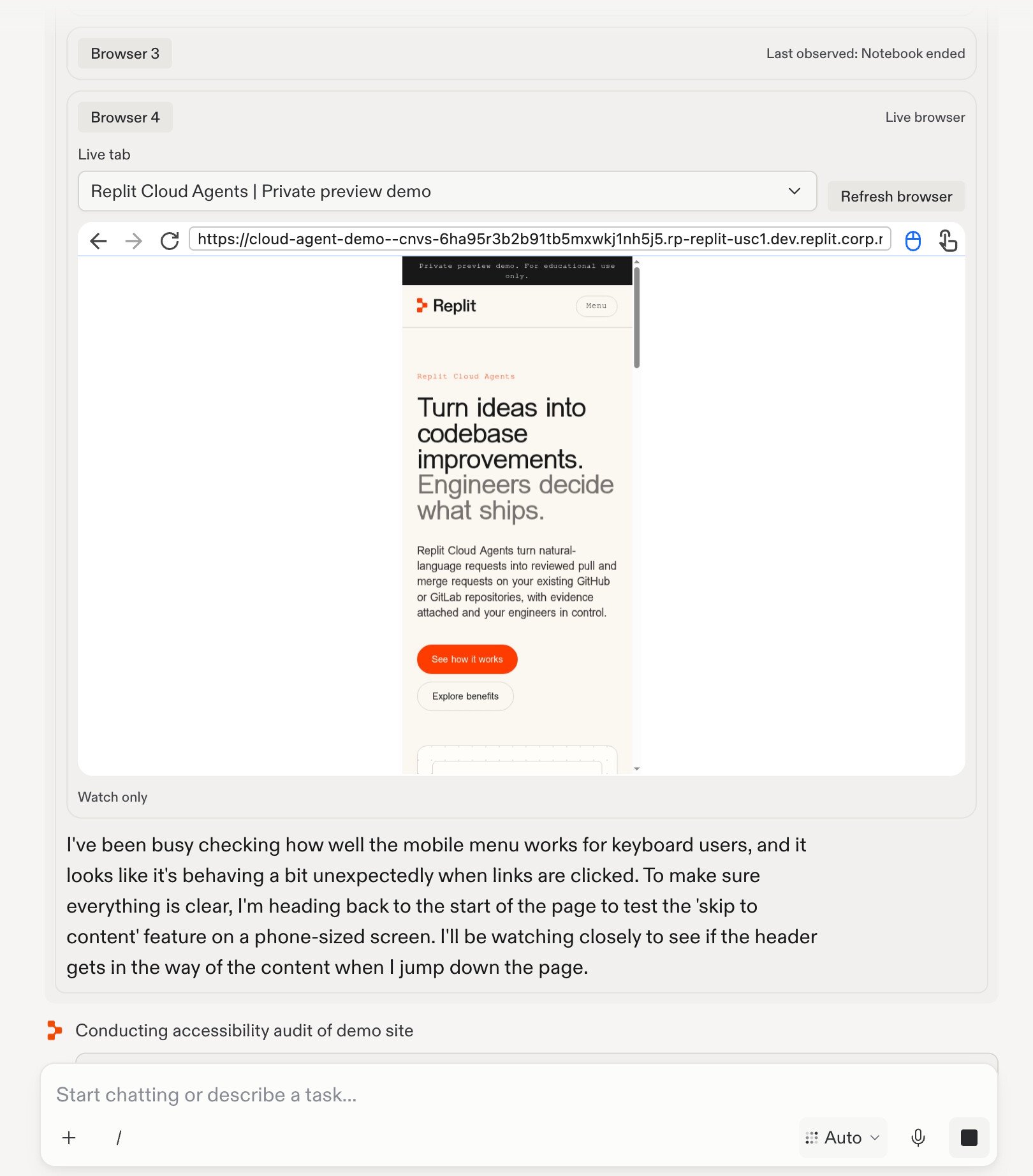
See the work in progress
Inside the keyboard-navigation chat, Replit tests the page in a browser and explains what it is checking. Here, it is investigating the mobile menu and testing the skip-to-content link on a phone-sized screen.