- Approach: How Replit will tackle the work.
- Success criteria: The outcomes that count as completion.
- Budget: The maximum Replit AI usage for the mission.
- Boundaries: Actions that require your approval or must not be taken.
- “Fix these 25 problems reported by my customers. Test each fix and summarize anything that still needs attention.”
- “Improve my slide importer so imported presentations look like the original PowerPoint slides. Agree on how closely they should match, then compare the results and keep improving until they meet that target.”
Start a mission
Ask Replit to start a mission in a chat, or type/mission followed by your goal.
Replit guides you through planning before execution starts. Questions adapt to
your goal and the information you have already provided.
1
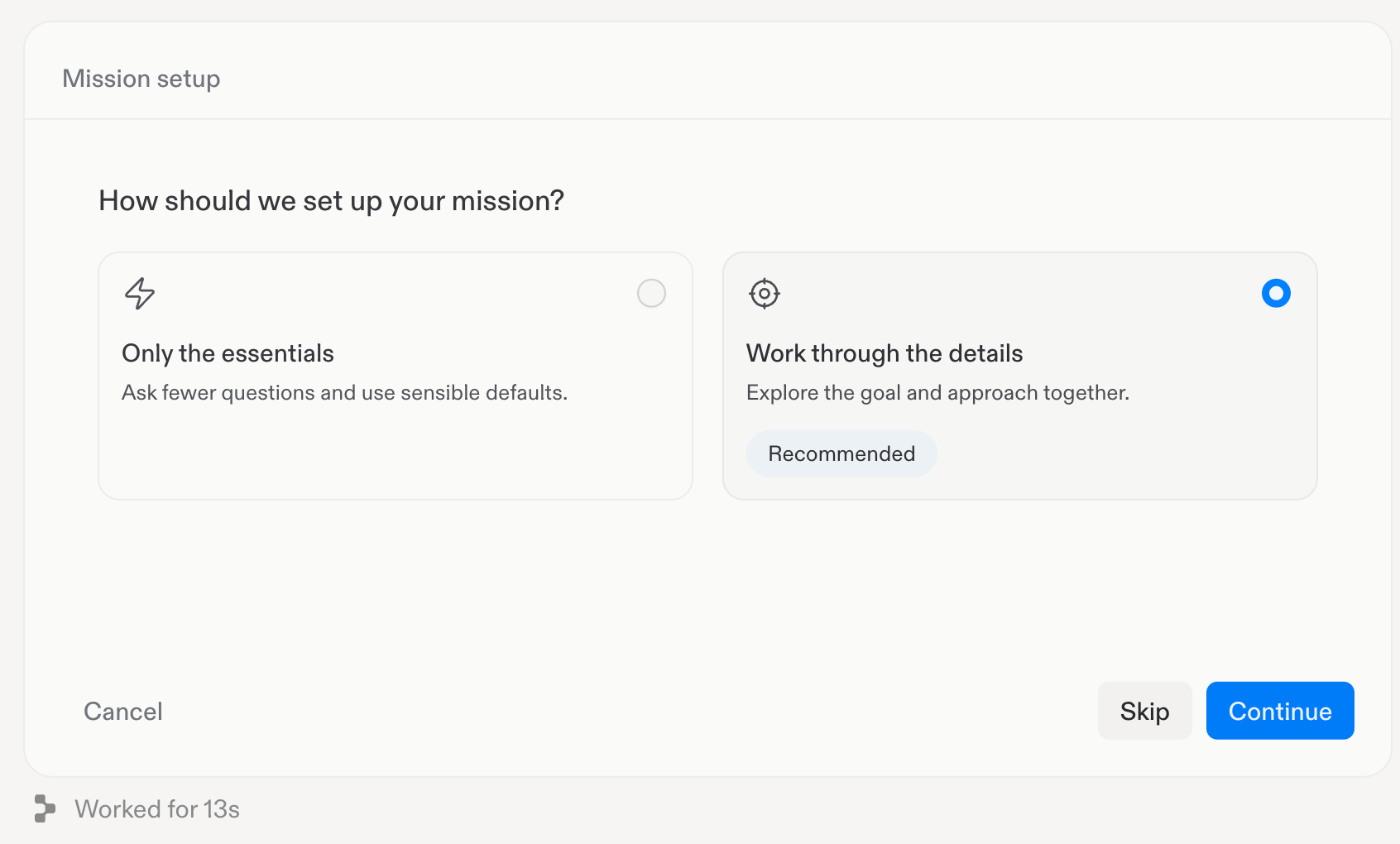
Choose your planning depth
2
Understand
Clarify what you want to accomplish, why it matters, and what you are
starting with. Your answers help Replit define the scope of the mission.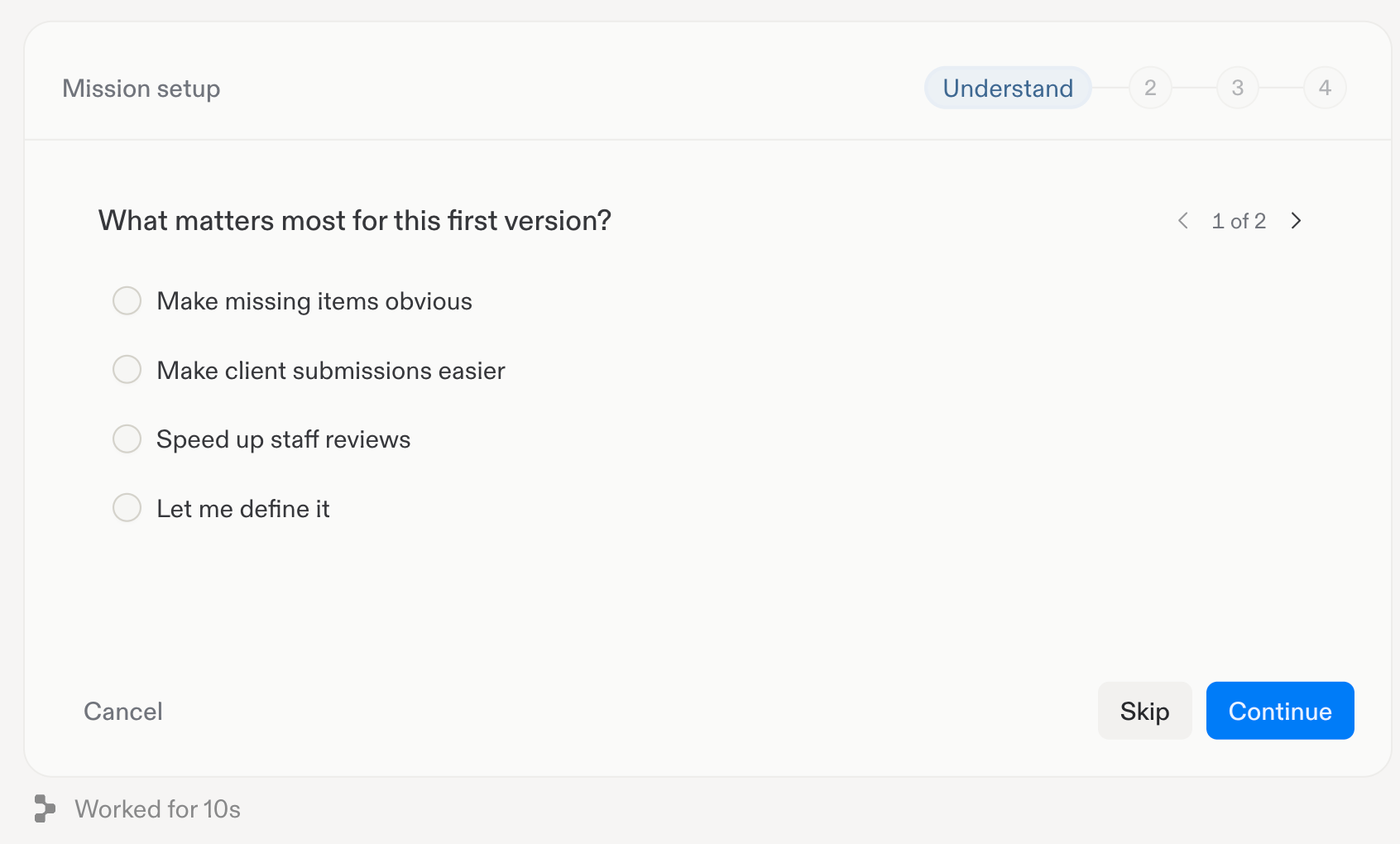
3
Approach
Decide how Replit should tackle the work. Review the suggested approaches,
select the one that fits your needs, or describe your own.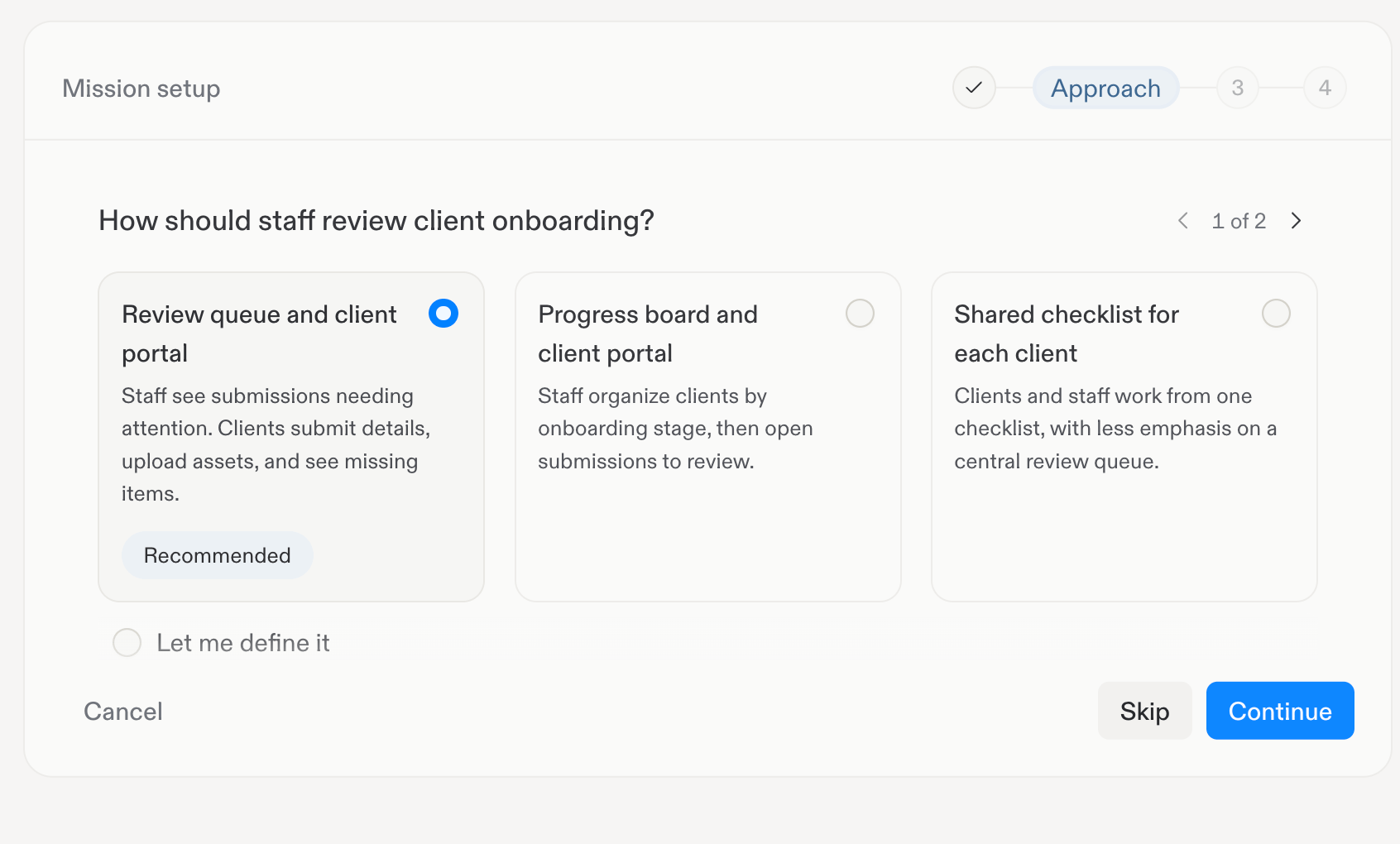
4
Success
Define the outcomes that count as completion. Choose criteria that can be
checked against the result, rather than only listing activities to perform.Replit uses these criteria to guide the work and evaluate whether the mission
has achieved its goal.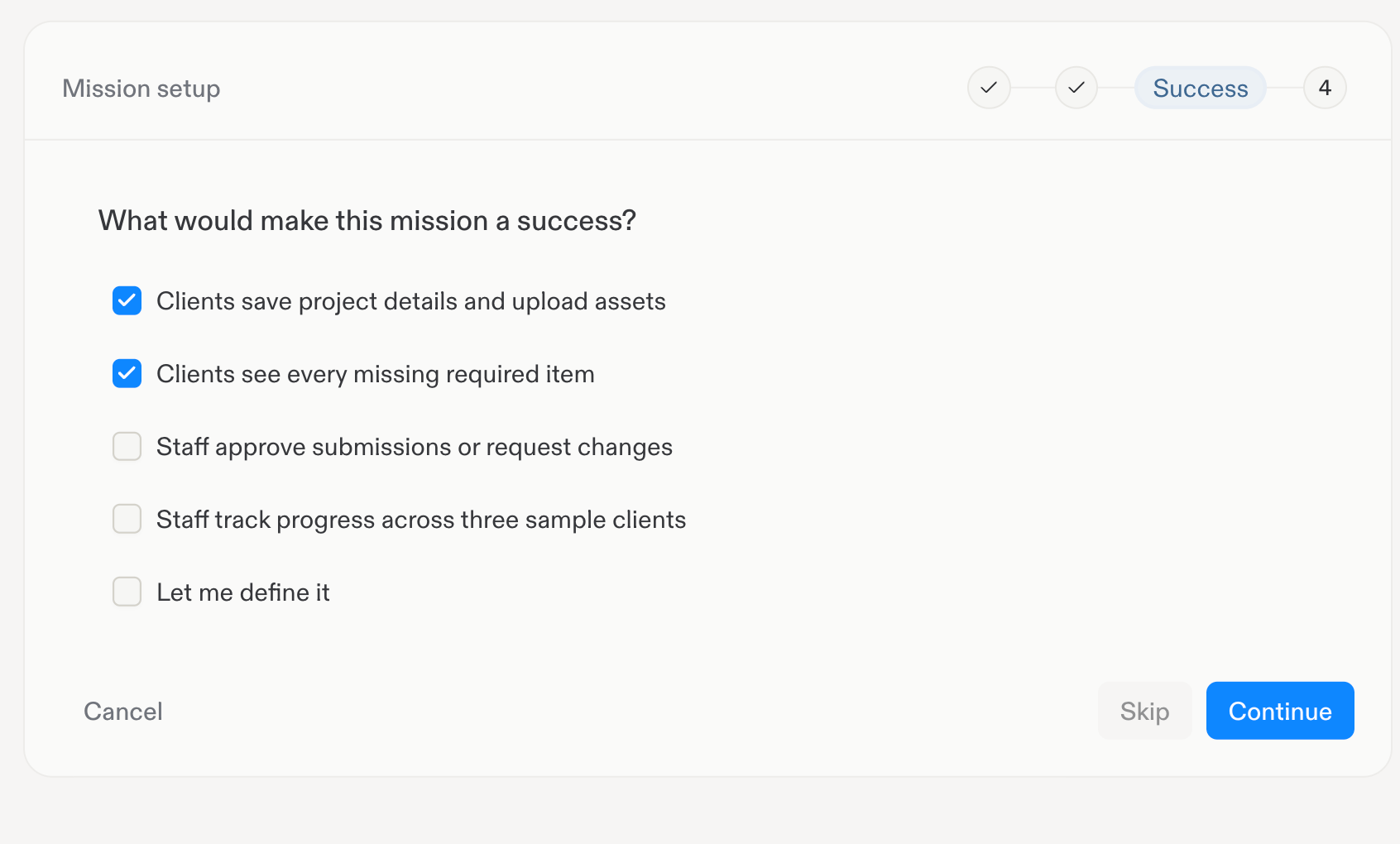
5
Boundaries
Set your maximum Replit AI usage budget in USD and select the model for the
mission. Specify which actions Replit must ask you about first and which
actions it must never take.Work already running can take AI spending slightly over the budget before it
stops. The budget does not guarantee that the mission will succeed within
that amount.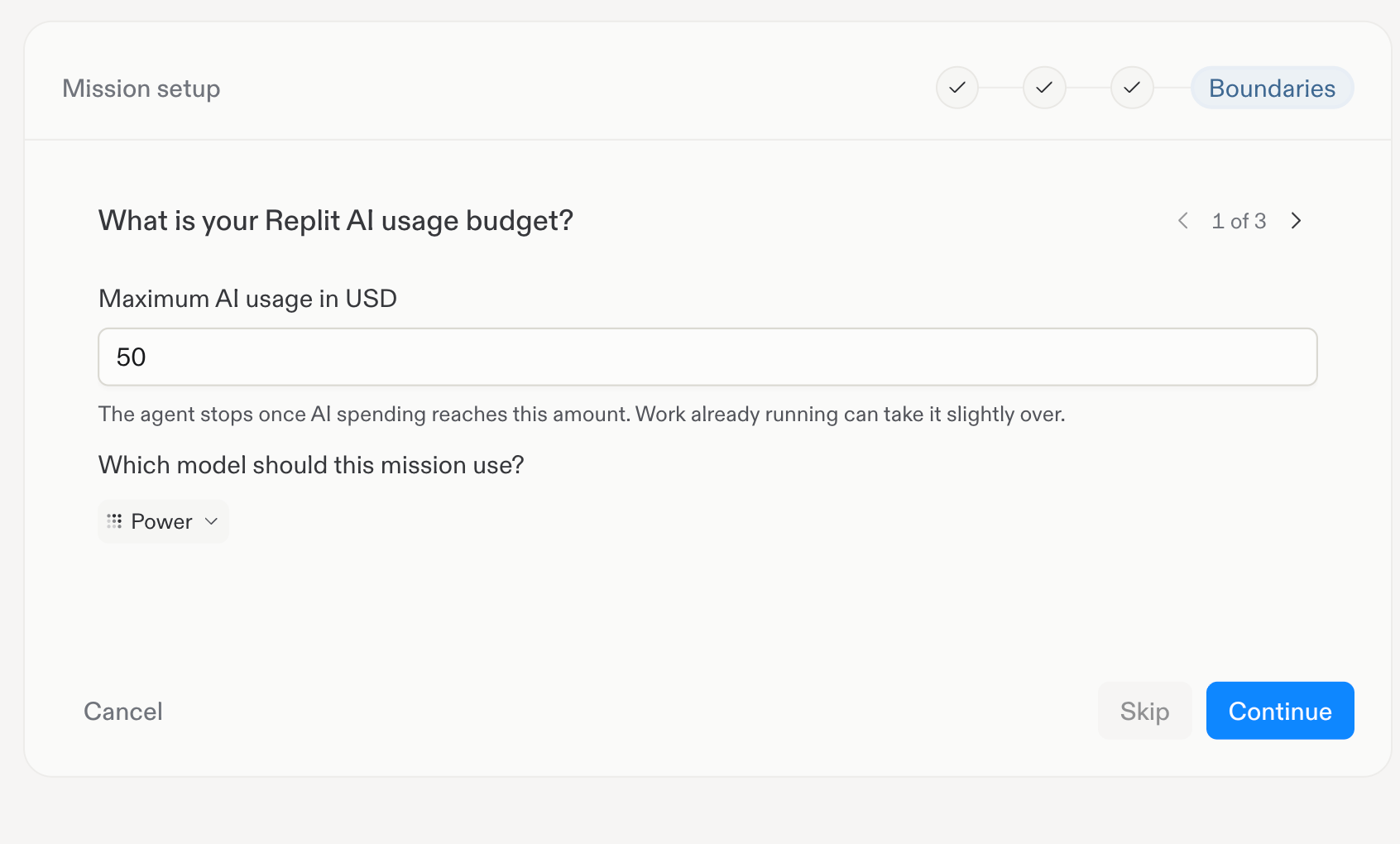
6
Review and start
Review the Mission contract in the side panel. Check the goal, approach,
success criteria, budget, and boundaries.Ask Replit to revise anything that is missing or incorrect. When you are
ready, select Confirm and start. A contract marked Draft has not
activated the mission.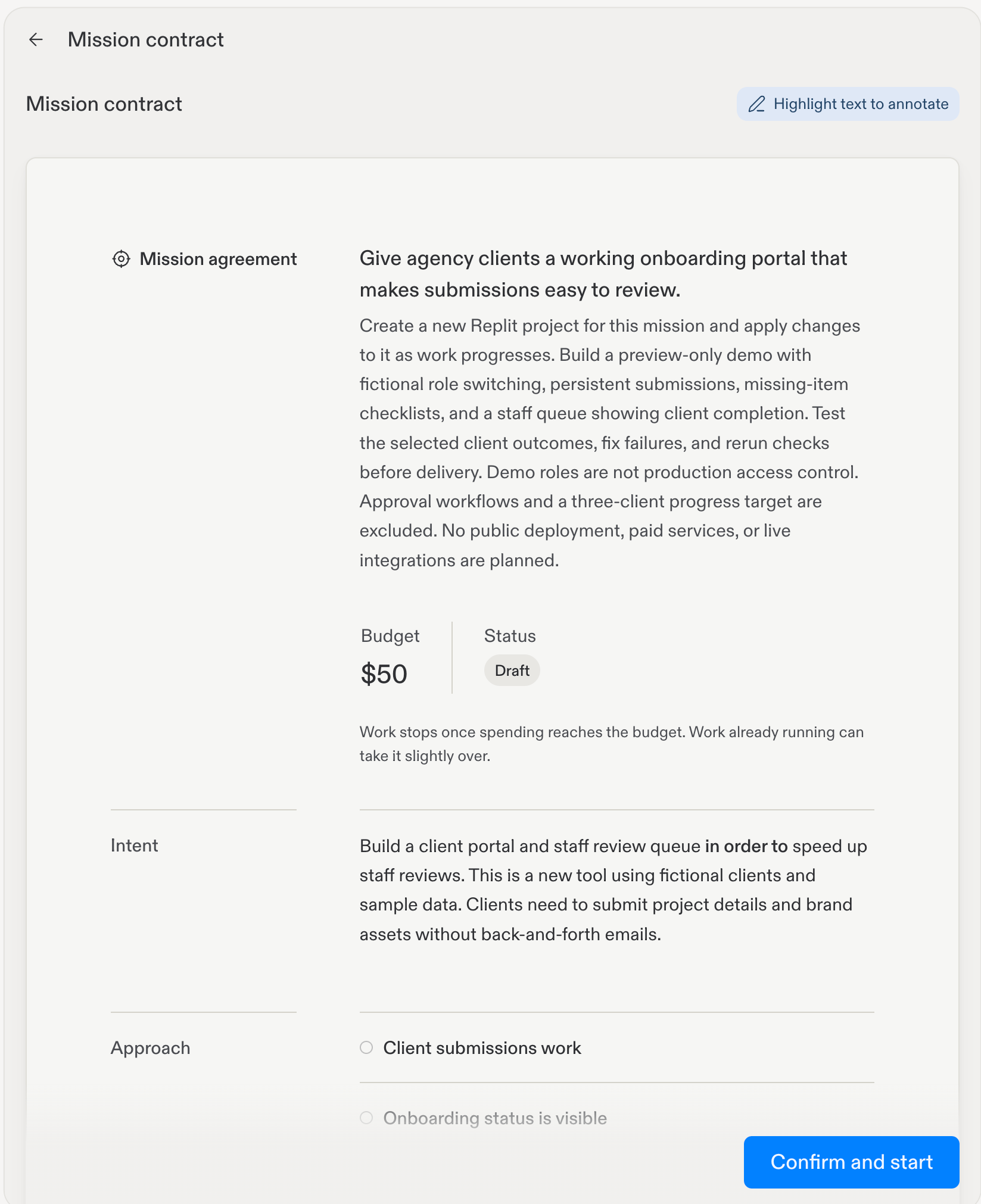
Follow progress
Replit works toward the mission’s milestones and reports progress as work proceeds. It may request a decision, approval, or access to a connected service before continuing. A mission can wait for your input or for scheduled work to resume. Its goal remains active while it waits, even though Replit is not executing work at that moment. The goal stays attached to the chat across turns and sessions.Review completion
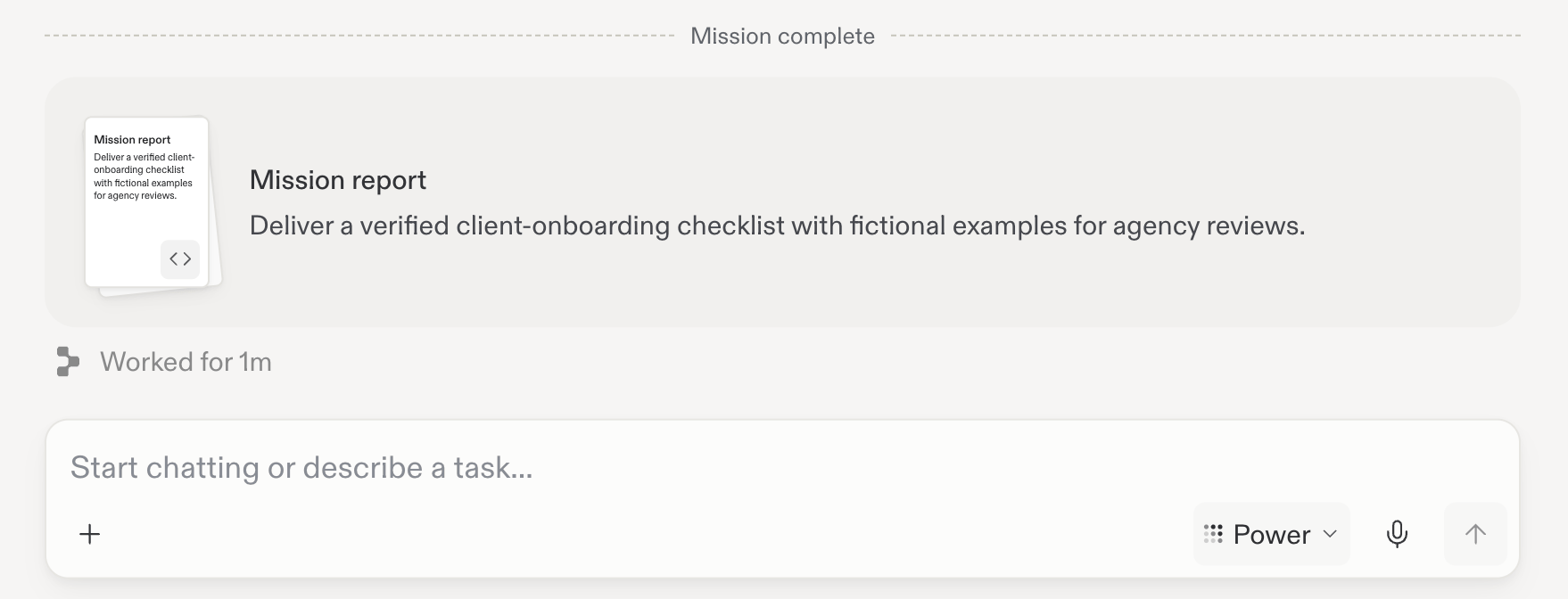
When Replit attempts to finish, an automated evaluator checks the available evidence against the mission’s success criteria. It can accept completion or return feedback identifying work that remains. When the mission is complete, Replit displays Mission complete in the chat. Open the Mission report to review the result.