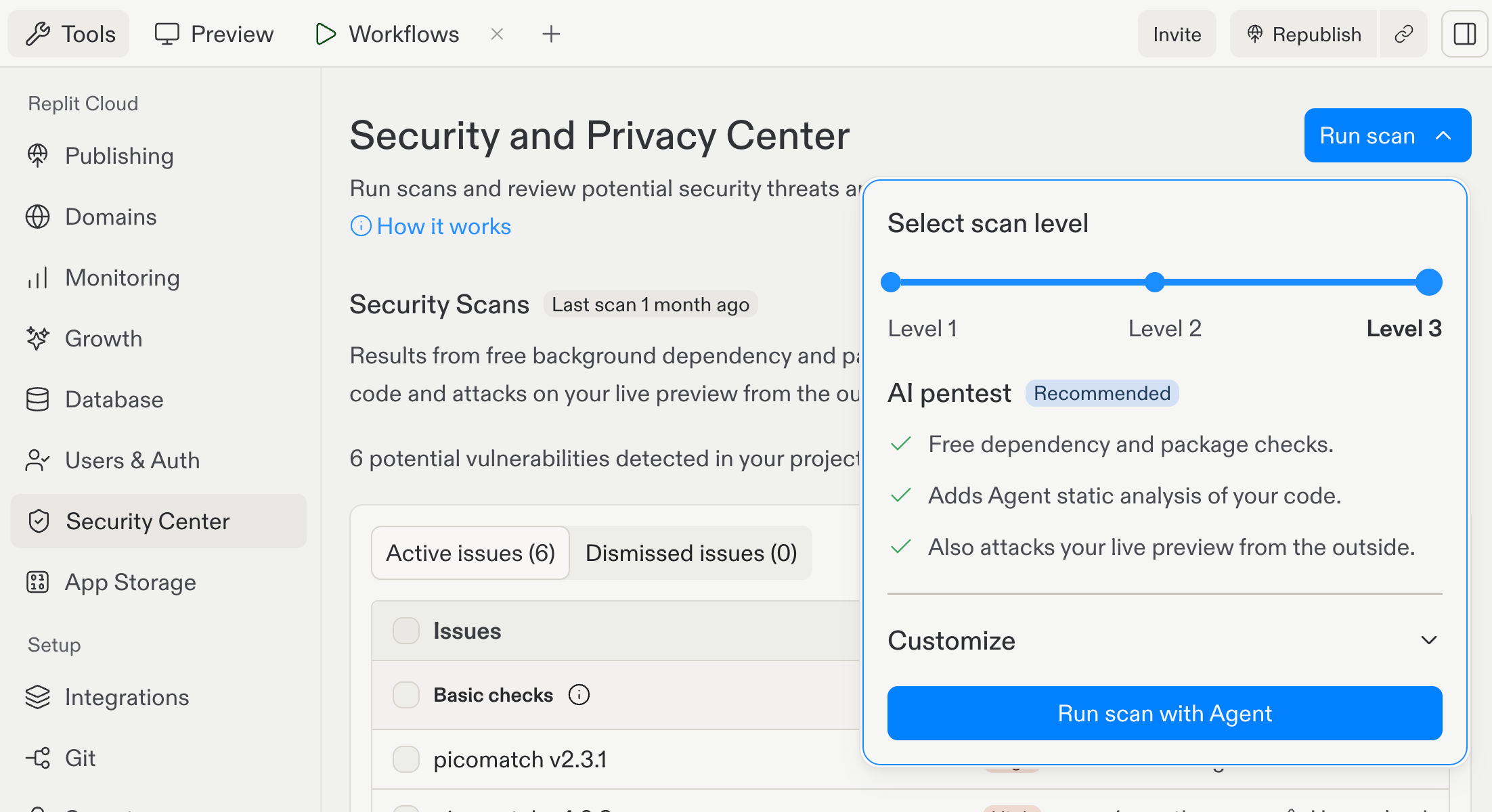
Run a Level 3 security scan that reviews source code and tests the running app through browser and network interactions.
A black-box penetration test examines a running app from the outside through browser and network interactions. It does not use the app’s source code.In the Project Security Center, Level 3 (AI pentest) brings together three types of security checks:
Free dependency and package checks
Agent static analysis of your source code
An external black-box test of the live Preview, conducted from outside without using your source code
After you start Level 3, Replit runs the Agent source-code review and the external black-box test in parallel.For apps that use Clerk Auth, the black-box test runs two passes: one anonymous and one authenticated as a synthetic user. The authenticated pass uses synthetic credentials, so Replit does not expose your project’s credentials to Agent. The test creates a second synthetic user only when it needs to check an ownership boundary between accounts.
Identifies security, privacy, and architectural vulnerabilities in the codebase
Black-box pen test
Browser and network interactions with the running app
Examines externally observable behavior without using source code
Review both sets of findings. One task does not replace the other: the source review can identify vulnerable implementation details, while the black-box test assesses the running app from the outside.