

Looking to require SSO for your Replit organization (signing in to replit.com)? That is configured separately — see Single sign-on (SAML SSO). This page covers adding SSO to the sign-in flow of an app you build on Replit.
What you can configure
- Enterprise SSO connections: Configure single sign-on with Okta or Microsoft Entra ID, using OIDC or SAML. Let customers sign in with their company identity provider. SSO also secures internal tools that handle sensitive data, replacing manual email allowlists with your company’s existing identity provider.
- Multi-factor authentication (MFA): Add MFA to your app’s sign-in flow.
- Session controls: Adjust session lengths and verification frequency.
- Other Clerk settings: Additional Clerk configuration applies to your Replit app automatically. Don’t change API keys or environment settings — Replit manages those. See Development and Production environments.
Open the Clerk Dashboard
Ask Agent for the authentication change you need. Agent sets up what it can and directs you to your app’s Clerk Dashboard for configuration that needs your input.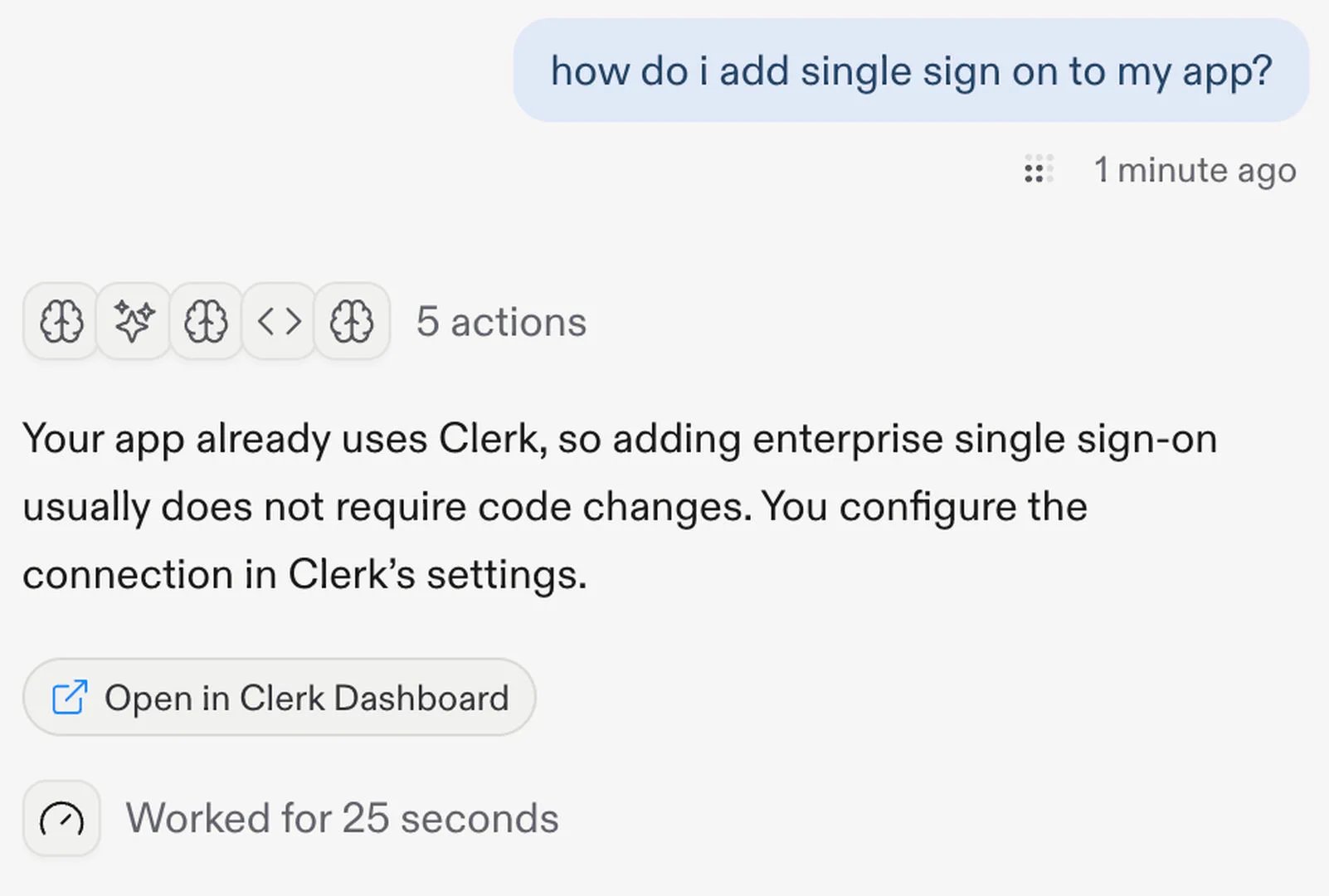
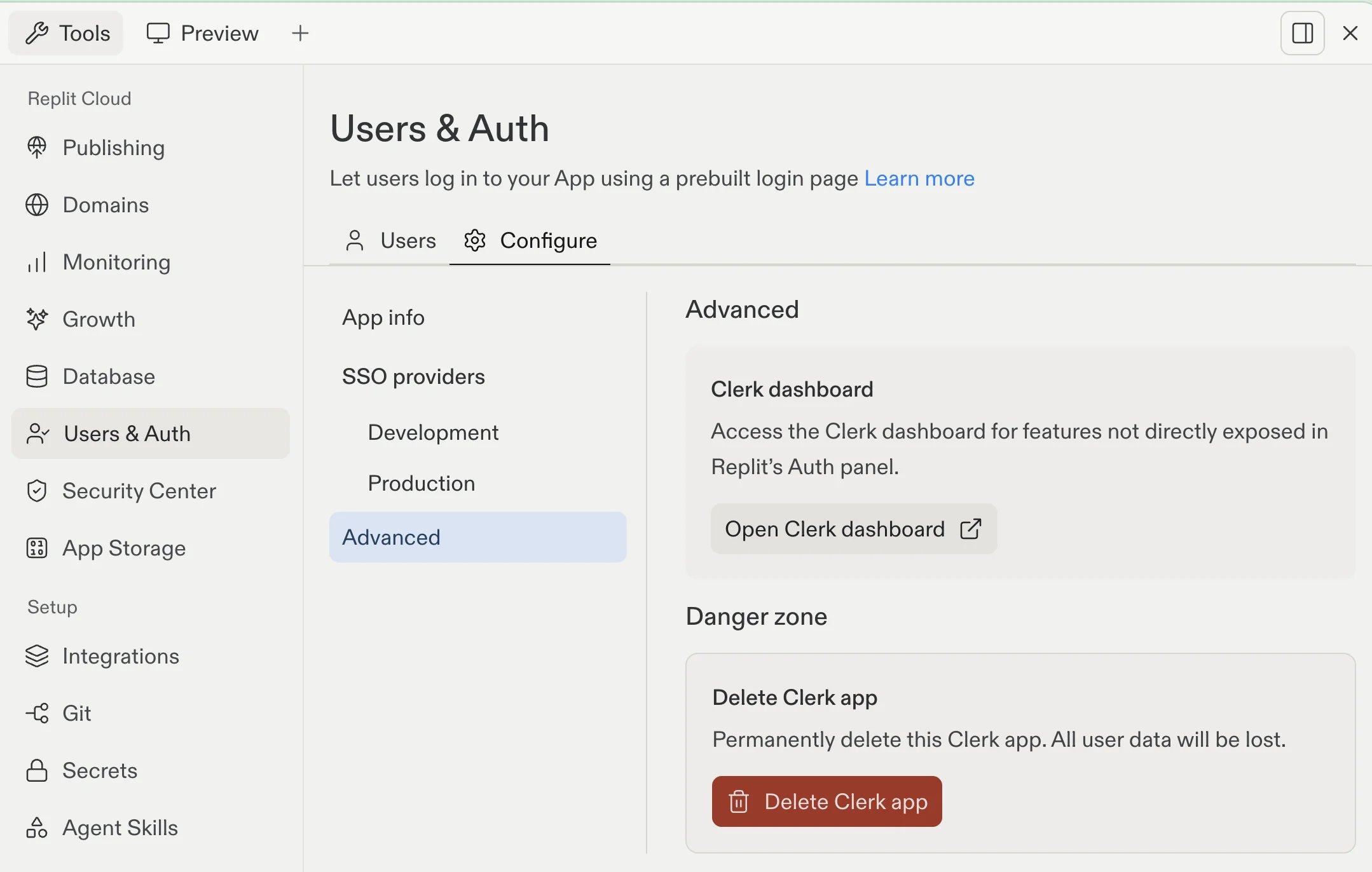
- In the Tools pane, select Users & Auth.
- Select the Configure tab.
- Select Advanced.
- Under Clerk dashboard, select Open Clerk dashboard.
Set up an enterprise SSO connection
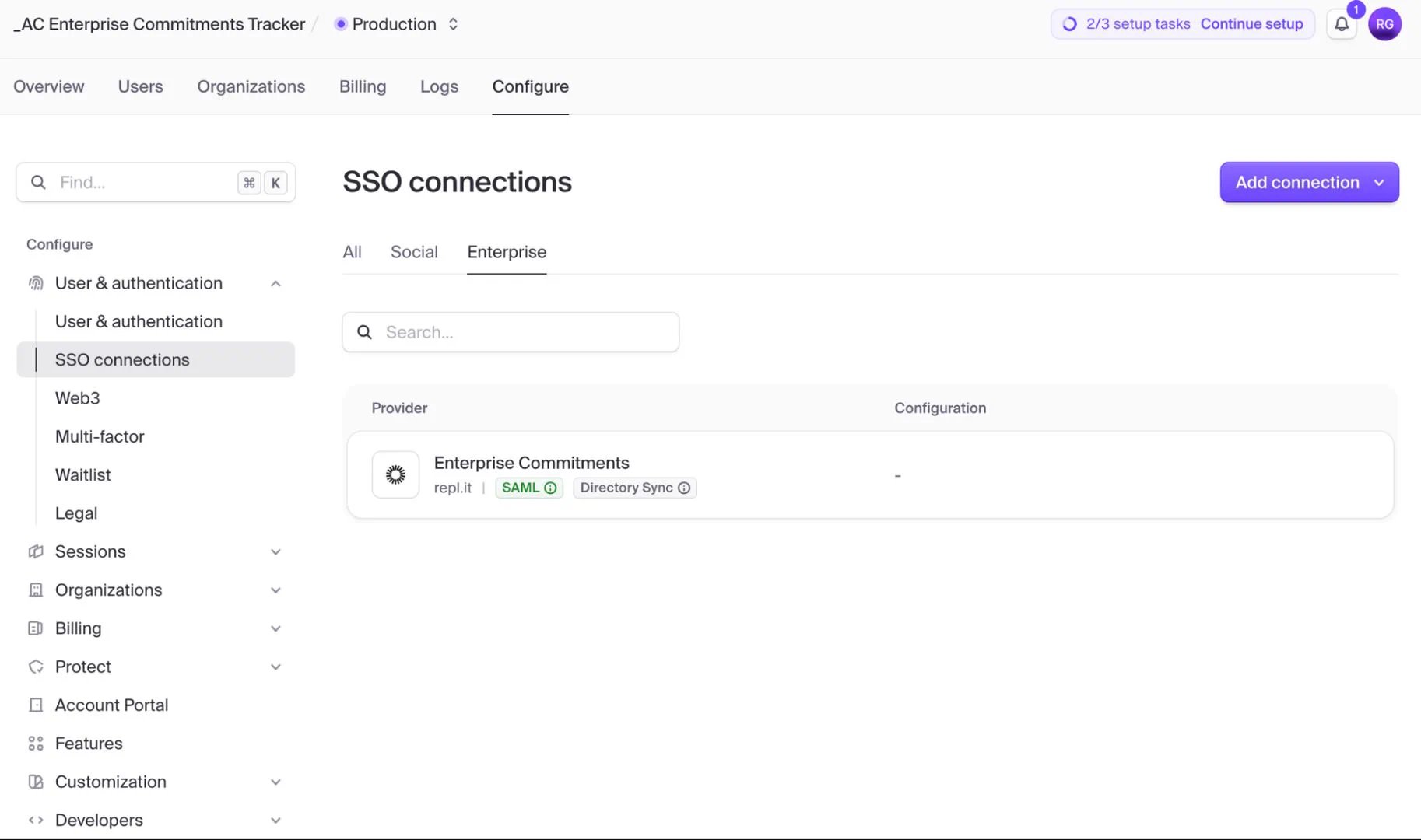
- In the Clerk Dashboard, select Configure.
- Under User & authentication, select SSO connections.
- Select Enterprise.
- Select Add connection.
Validate the connection
After you complete the configuration, sign in with a test account from your identity provider. Make sure the account can access the expected parts of your app. If sign-in fails, ask Agent for help. Include the identity provider, protocol, and error message in your request.This page covers enterprise SSO for your app’s own sign-in flow. For social sign-in with Google, GitHub, Apple, or X — labeled SSO providers in the Workspace — see Sign-in providers. This page does not cover Replit Auth migration or SAML sign-in for Replit accounts.
Pricing and availability
Clerk Dashboard access is available on the Replit Pro and Replit Enterprise plans.Enterprise SSO connections are free through October 1, 2026. After that date, SSO pricing matches Clerk’s pricing and is passed through to your Replit bill.
Related documentation
- Clerk Auth explains how Clerk-powered authentication works in Replit apps.