

To edit production data, select the production database, open My Data, and turn on Enable Editing. Be careful: this is your live app’s real data.
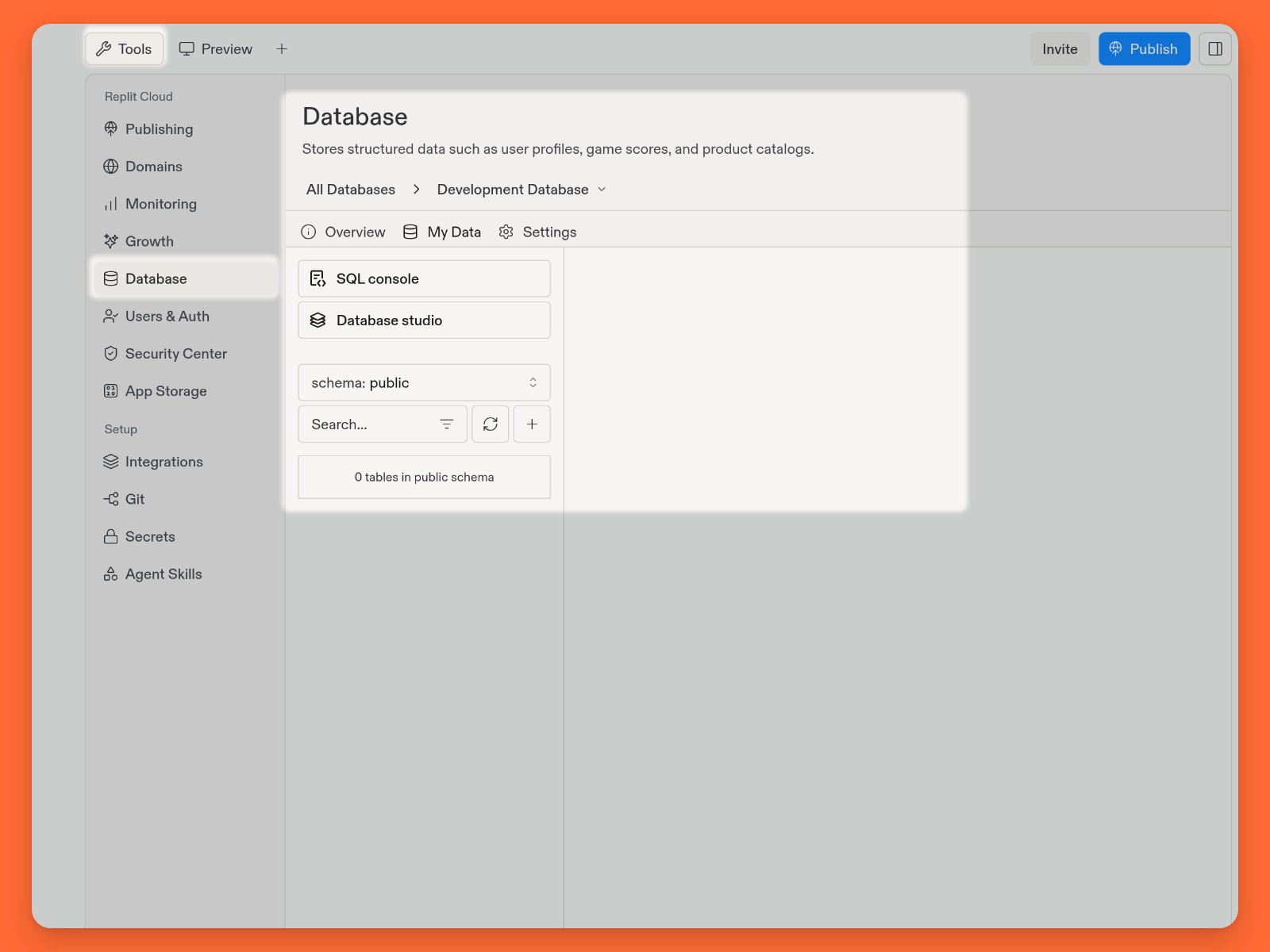
Browse and modify data visually
In My Data, select Database studio to browse and modify data visually with Drizzle Studio. These visual tools help you avoid syntax errors and offer the following functionality:- Filter and sort data to focus on specific information
- Export data to a file for external use
- Insert or modify row data
- Create and manage schema, tables, views, and enums
Run SQL commands
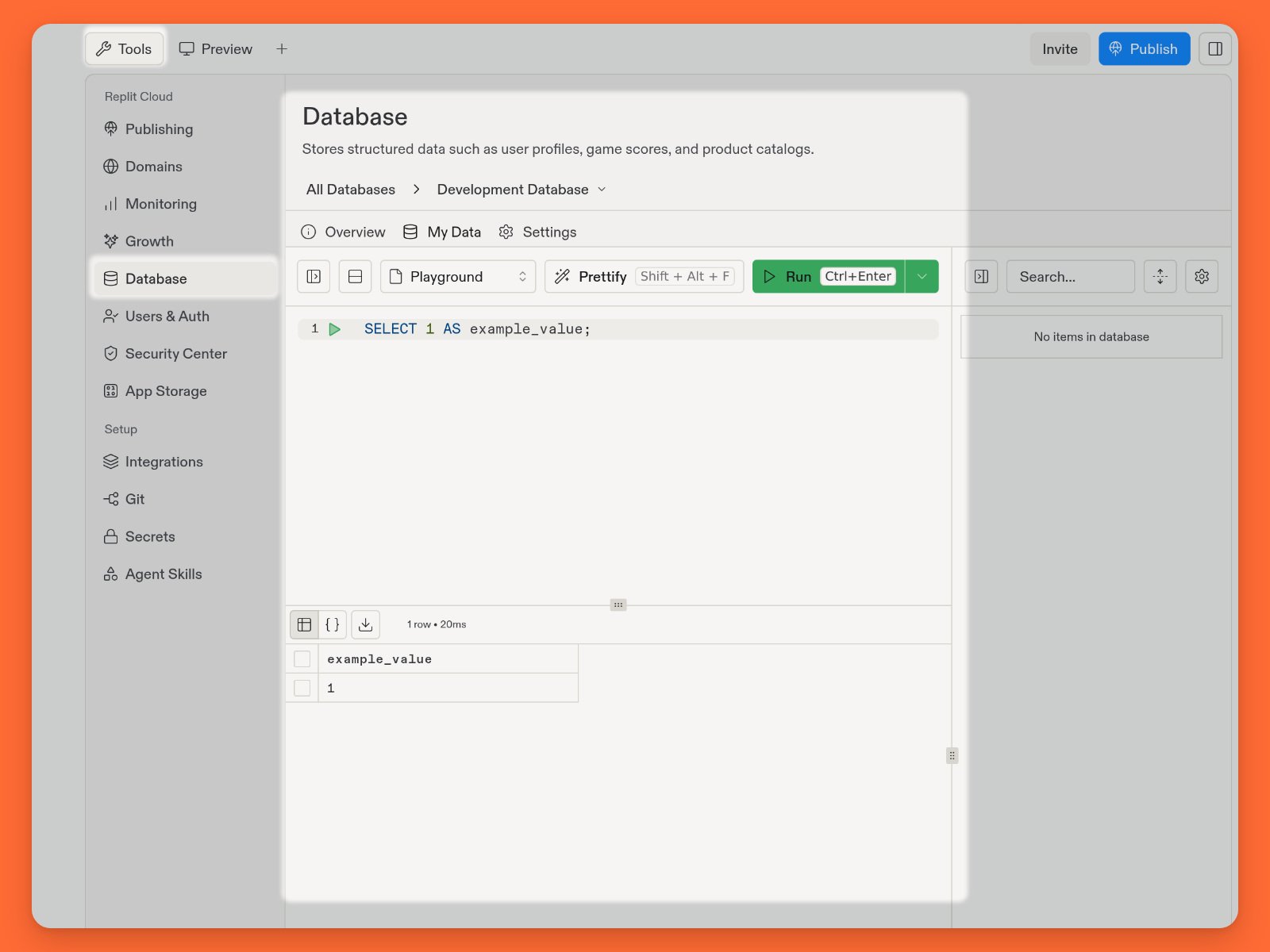
The SQL console lets you run SQL commands on your database and view the results.How to access SQL console
How to access SQL console
From the Database tool:
- Select the My Data tab
- Select SQL console
example_value set to 1:
Next steps
- Connection details: Connect an external SQL client.
- Data recovery: Undo unwanted data changes.