The Replit MCP Server is in beta. Tools and behavior may change.
Replit’s MCP server lets external clients create, update, and manage full-stack applications on Replit using the Model Context Protocol. Powered by Replit Agent, it transforms natural language prompts into live, deployed apps.

Server details

PropertyValue
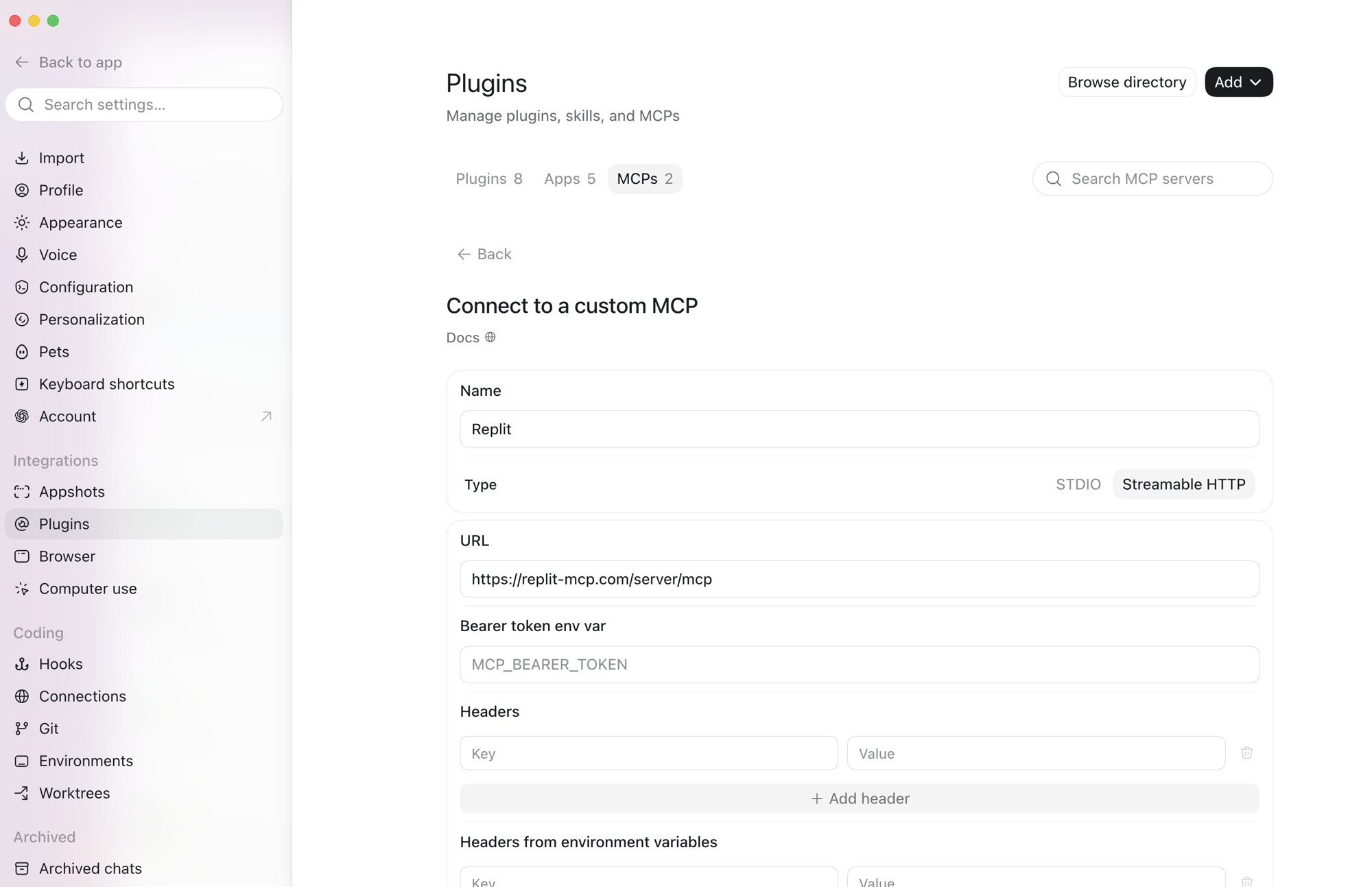
URLhttps://replit-mcp.com/server/mcp
TransportStreamable HTTP
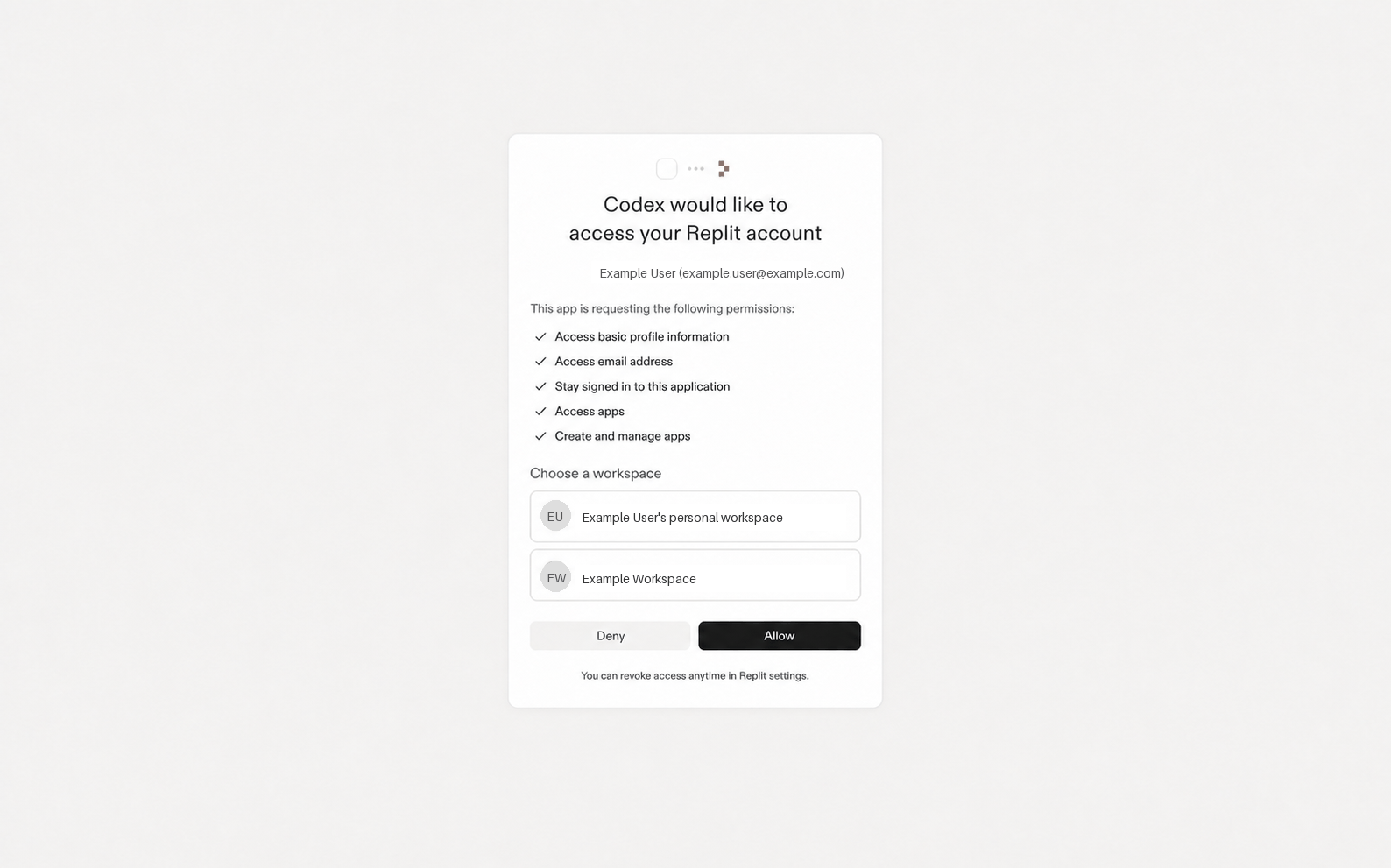
AuthenticationOAuth 2.0 (handled automatically by MCP clients and SDKs)

Requirements

For developers:
  • An MCP client or SDK that supports Streamable HTTP transport
For builders (end users):
  • A Replit account (Free, Core, Teams, or Enterprise)

Authentication

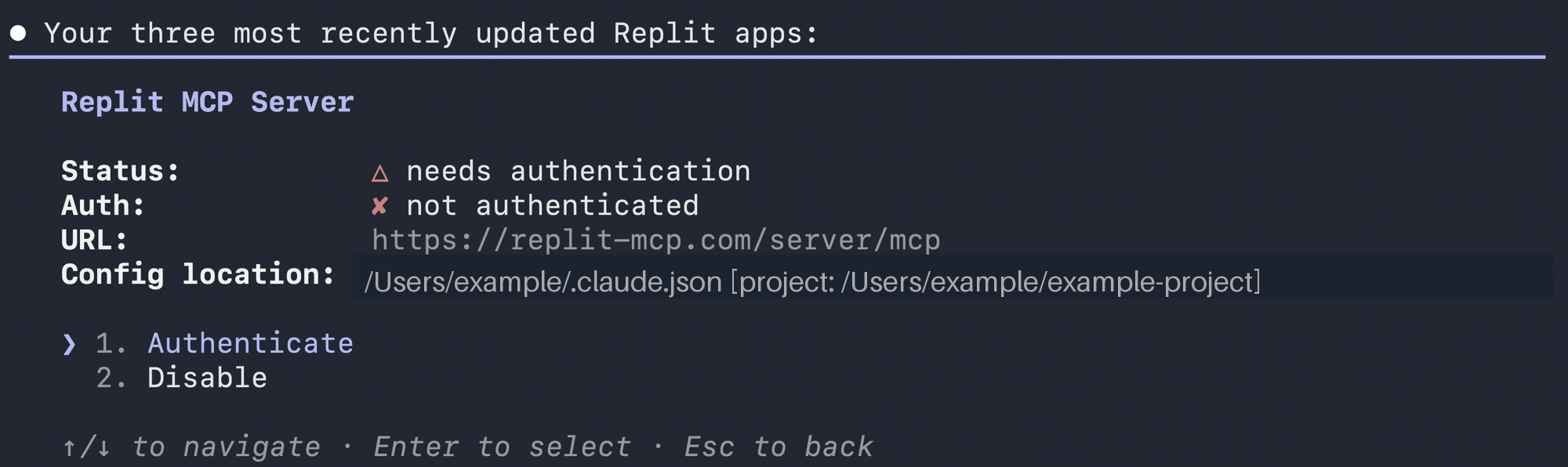
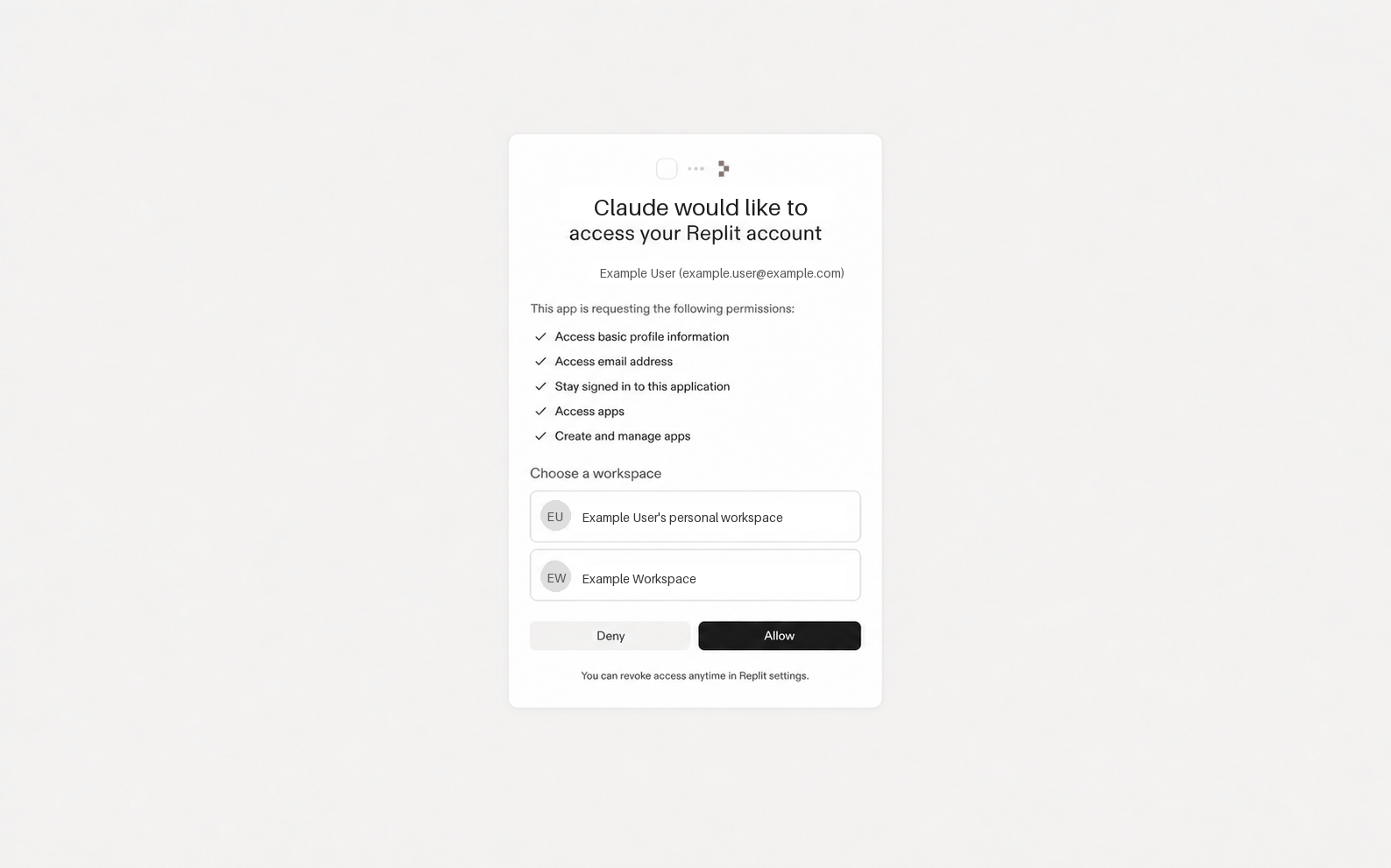
The server uses OAuth 2.1 with PKCE. MCP clients like Claude Code handle the entire flow automatically. If you’re building with an MCP client SDK, it handles discovery, dynamic client registration, PKCE, and token exchange — you provide the UX (browser redirect, callback handler, token storage). See the MCP authorization spec for details.

Connecting

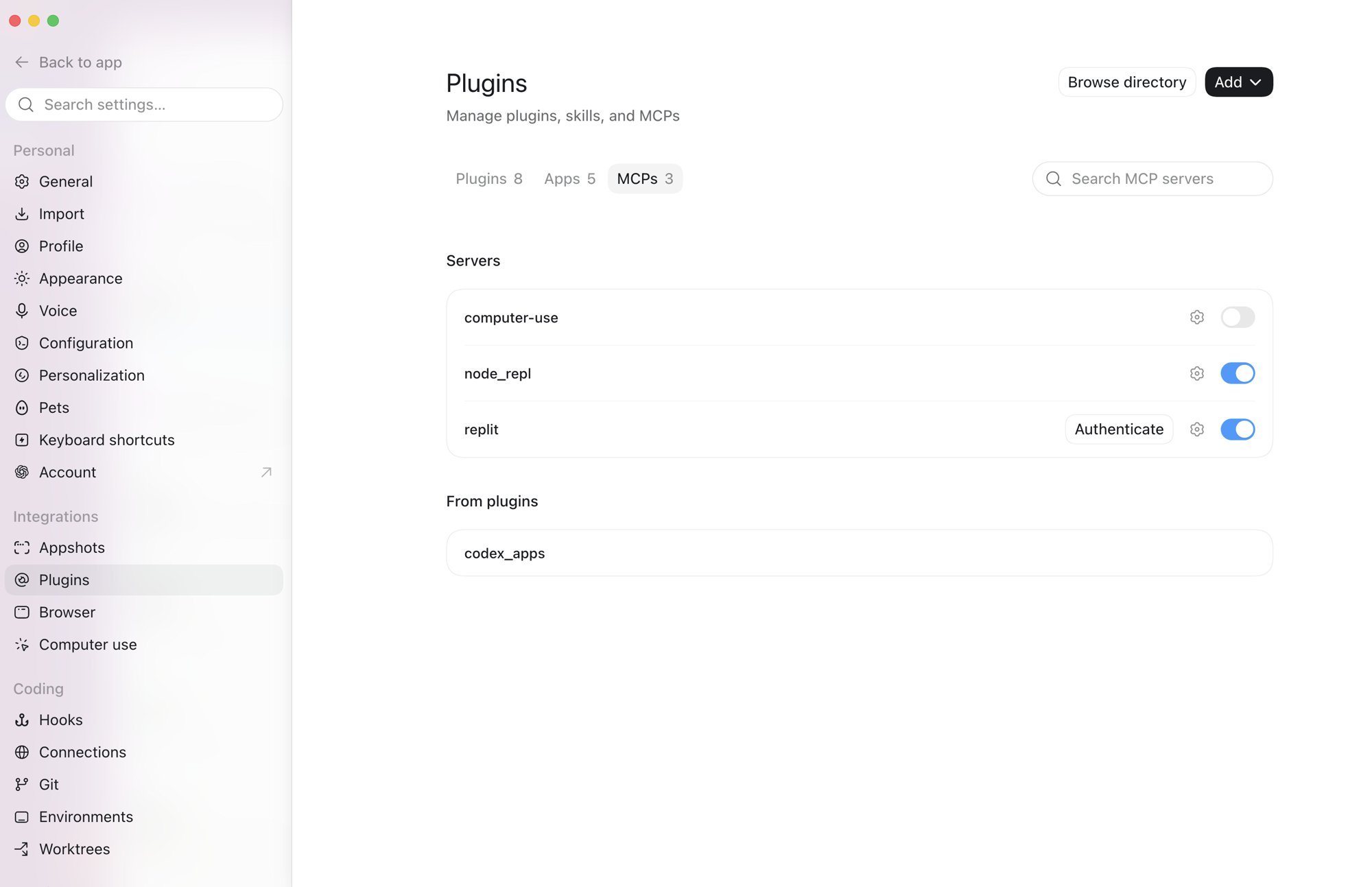
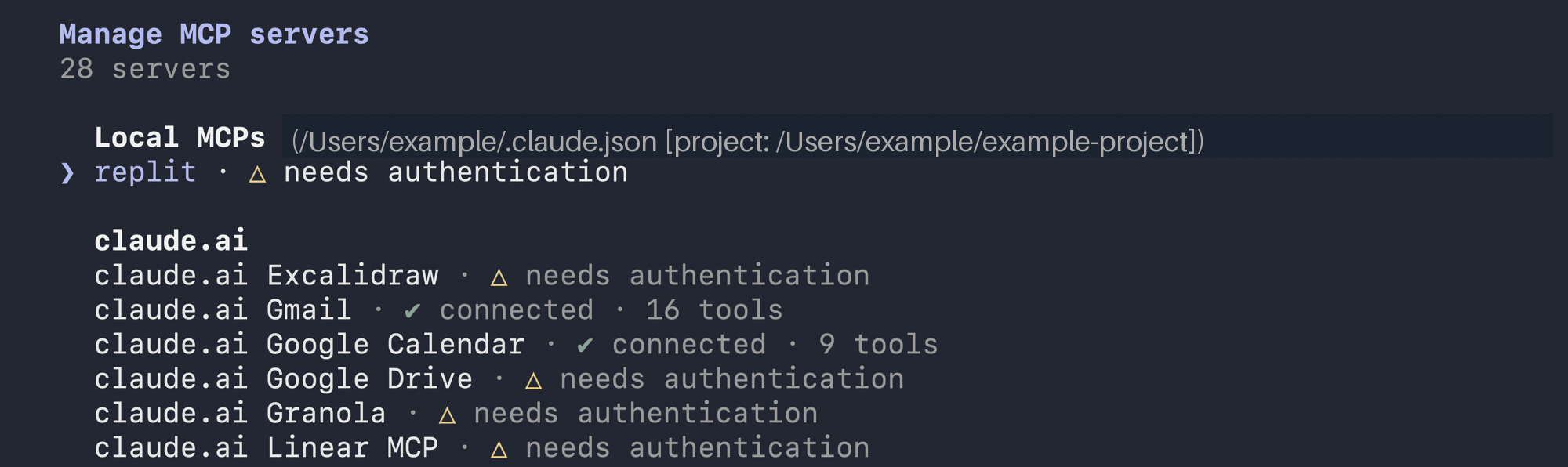
Configure the server URL in your MCP client. Builders will complete the OAuth consent flow when they first connect. MCP SDK (TypeScript):
TypeScript (MCP SDK)
import { Client } from "@modelcontextprotocol/sdk/client/index.js";
import { StreamableHTTPClientTransport } from "@modelcontextprotocol/sdk/client/streamableHttp.js";

const transport = new StreamableHTTPClientTransport(
  new URL("https://replit-mcp.com/server/mcp"),
  { authProvider: yourOAuthProvider } // Implement the OAuthClientProvider interface
);

const client = new Client({ name: "my-client", version: "1.0.0" });
await client.connect(transport);
See the MCP TypeScript SDK documentation for details. The SDK handles the internal OAuth flow automatically. Claude Code:
Claude Code
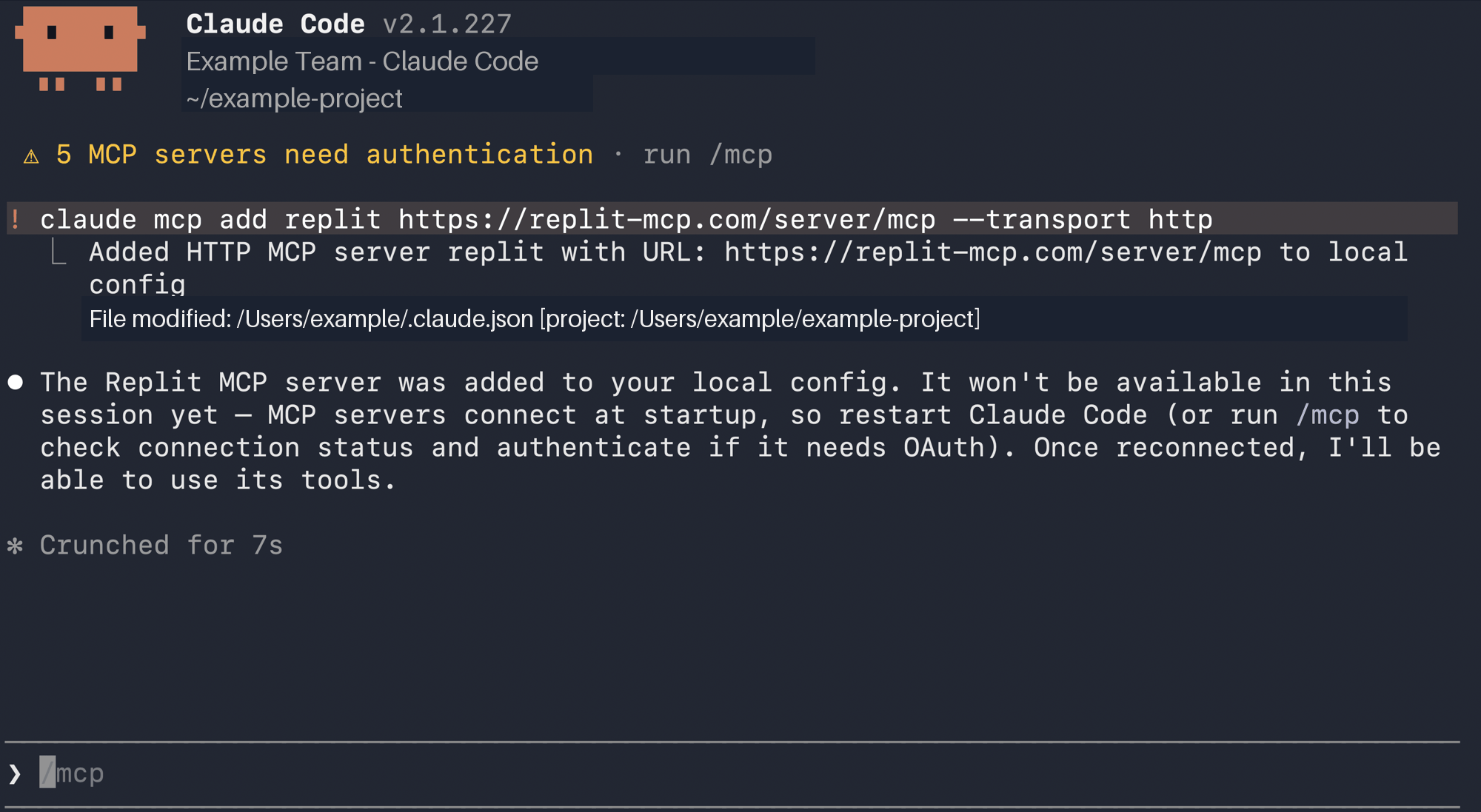
claude mcp add --transport http replit https://replit-mcp.com/server/mcp

Tools

The server exposes three public tools.

create_app_from_prompt

Create a new Replit App from a natural language description. Replit Agent immediately starts building the app.
ParameterTypeRequiredDescription
appDescriptionstringYesNatural language description of the app to build.
app_stackstring (enum)YesOne of: "react_website", "mobile_app", "design", "slides", "animation", "data_visualization", "3d_game", "document", "spreadsheet". Use "react_website" for most web apps.
userSpecifiedAppNamestring | nullNoApp name if provided by the user.
userQuotesstring | nullNoExact user quotes not fully captured in appDescription.
attachmentSummarystring | nullNoSummary of essential details from attachments.
Response:
{
  "phase": "creating",
  "replId": "d44d994b-96e1-4a1c-8085-88401b870a9a",
  "turnId": "turn-id",
  "replUrl": "https://replit.com/@username/App-Name",
  "user": { "id": 12345, "username": "username" }
}
Agent builds the app asynchronously — direct the builder to the replUrl to track progress. Use replId and replUrl in subsequent tool calls.

update_app_using_prompt

Make changes to an existing Replit App. Use this to add features, fix bugs, or iterate on the app after it has been created.
ParameterTypeRequiredDescription
replIdstring (UUID)YesThe replId from create_app_from_prompt.
changeDescriptionstringYesDescription of the change to make.
replUrlstringNoThe replUrl from create_app_from_prompt.
userQuotesstring | nullNoExact user quotes not captured in changeDescription.
attachmentSummarystring | nullNoSummary of attachment details.

ask_question

Ask Replit Agent about the current app. Runs in discussion mode — it won’t modify the app. Use this to check build status, ask about the tech stack, or relay builders’ questions.
ParameterTypeRequiredDescription
replIdstring (UUID)YesThe replId from create_app_from_prompt.
questionstringYesThe question to send to Replit Agent.

Troubleshooting

ErrorCauseFix
MCP error -32001: Request timed outTool call took longer than the MCP timeout window. The operation is still running in the background.Direct the user to the replUrl. Do not retry.
"Replit was not able to build your Replit App."Access token is not scoped to the MCP server resource.Verify your auth provider is configured correctly. If building a custom OAuth flow, ensure the resource parameter is set to https://replit-mcp.com/server/mcp.
"Not authenticated"No valid session or token.Re-authenticate through the OAuth flow.