

What’s new
- Jev is now available through Replit AI Integrations
- New models from OpenAI and Anthropic
- New Settings page
- Workspace settings
Platform
Jev is now available through Replit AI Integrations
Build apps that classify content, route requests, and score leads with fast, structured AI decisions, without managing API keys. To get started, ask Agent to usejev-latest through OpenRouter in Replit AI Integrations.
Learn more about Jev in Replit AI Integrations.
New models from OpenAI and Anthropic
You can now choose GPT-6.1 Sol and Claude Sonnet 5.5 when building with Agent. Sonnet 5.5 is available in Power Mode, and GPT-6.1 Sol is available in Max Mode. To learn more about our approach to models, see our recent blog post.New Settings page
Settings now opens as its own page instead of a modal. Integrations and Security get their own pages too. Your project or chat stays open underneath, so leaving Settings puts you right back where you were.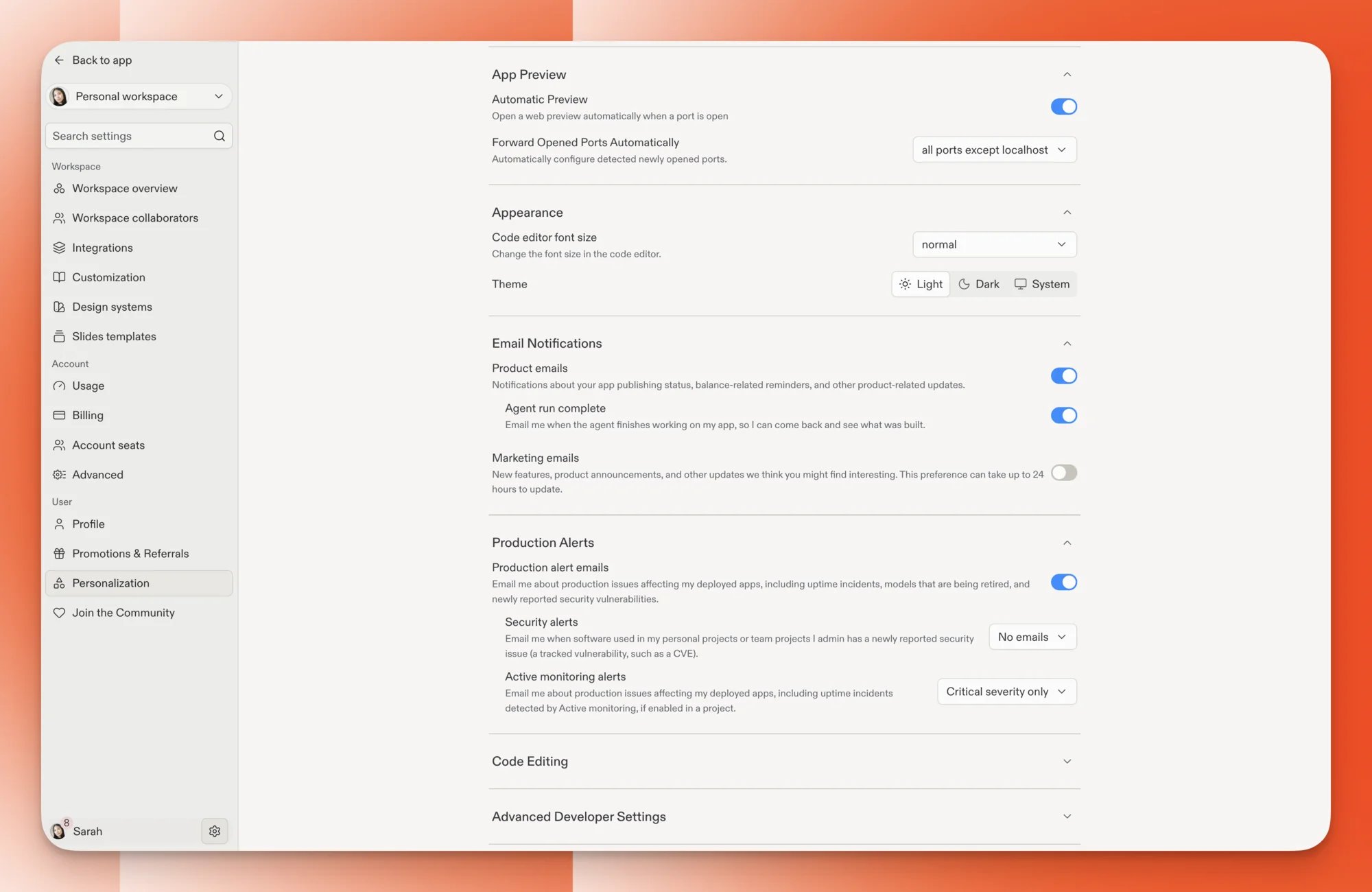
Settings now opens as a full page, with every section in the sidebar.