

What’s new
- Choose a workspace region
- Use Replit through MCP
- Migrate to Clerk Auth
- Connect more MCP servers
- Ask for inline charts
- Share and manage workspace skills
- Admin API available in beta
Platform
Choose a workspace region
Pro builders can now choose North America, Europe (EU), or Asia when they create a workspace. The selection sets the region for new projects and workspace resources.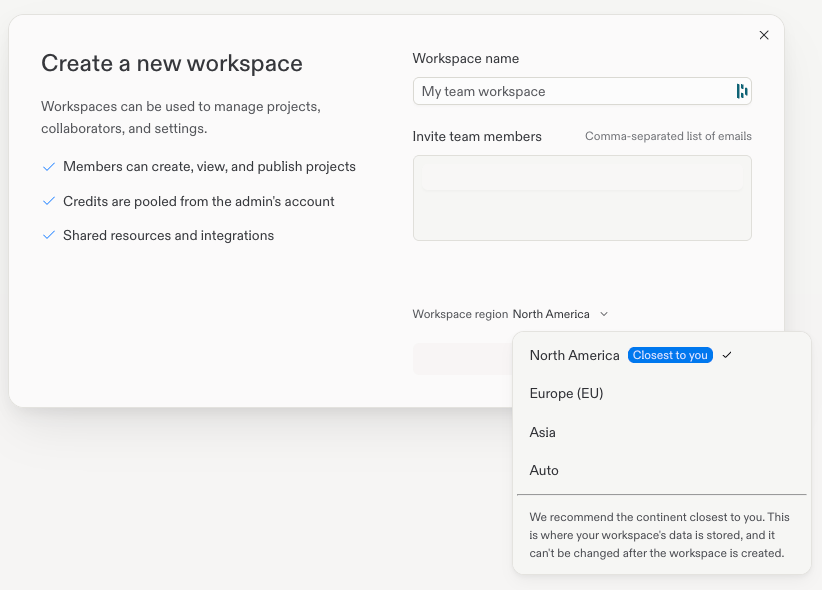
Use Replit through MCP
Connect Replit natively to ChatGPT, Claude, or Slack, or point any compatible MCP client at Replit, to create, find, inspect, update, and publish apps. You can also create a private copy of an app you can edit instead of starting from a blank app.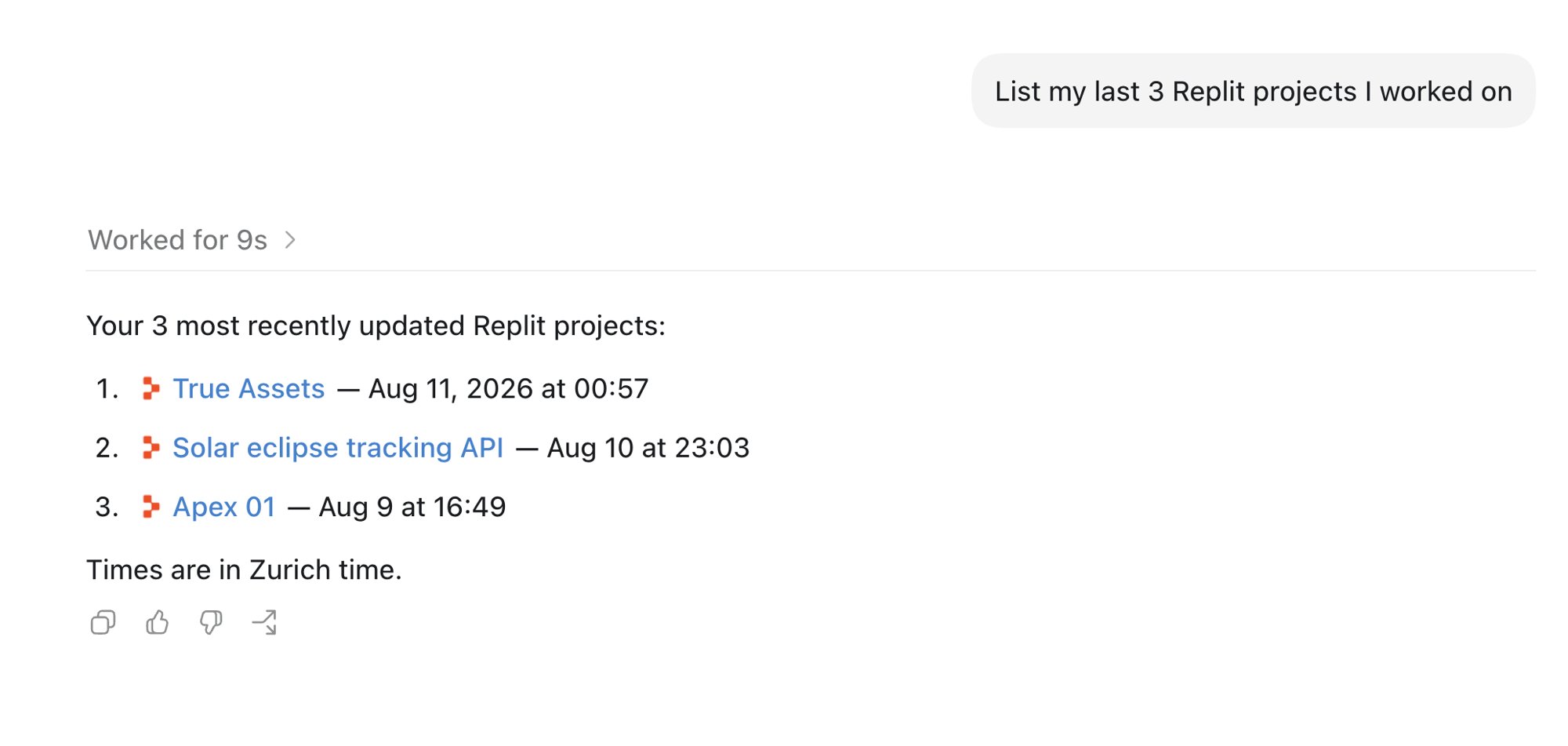
Migrate to Clerk Auth
You can now move an eligible Replit Auth app to Clerk Auth. Agent moves account data before it updates the sign-in code, so returning users keep access to their data.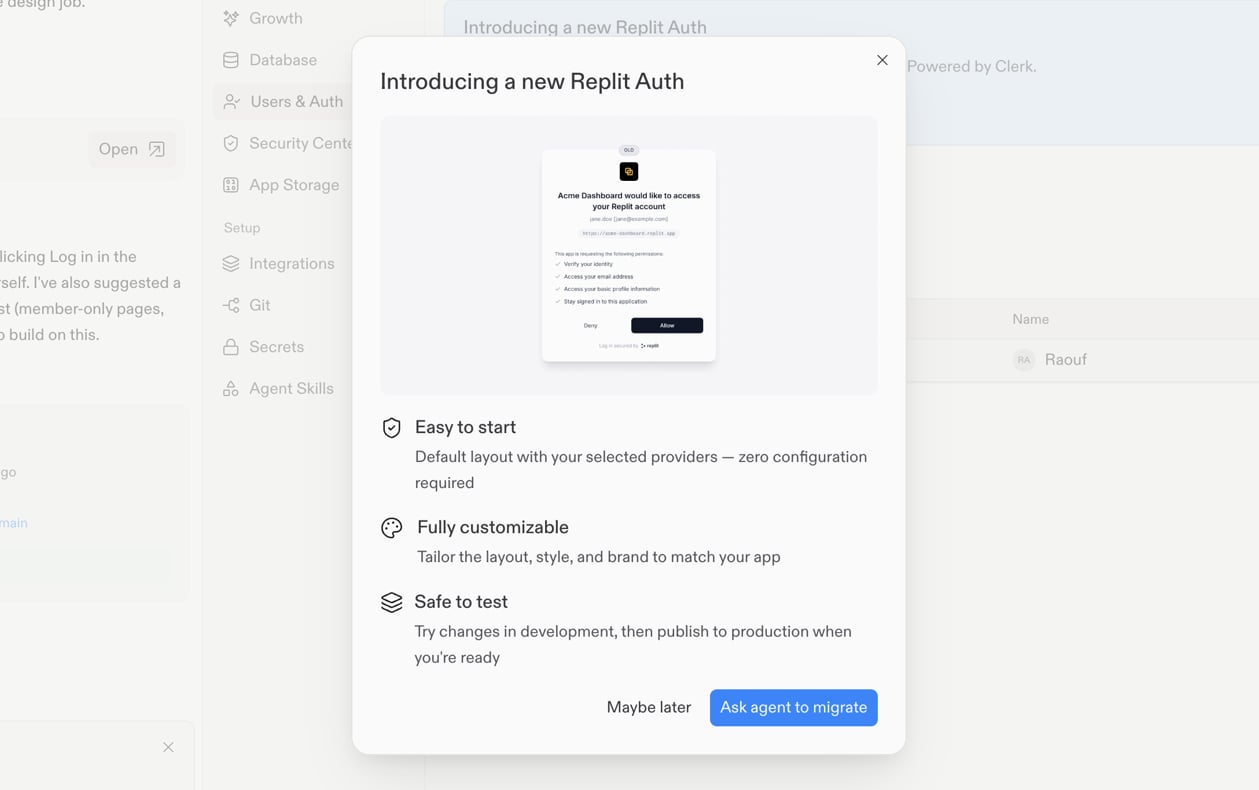
Integrations
Connect more MCP servers
Connect Cal.com to manage schedules, Airtable to work with your data, or Rootly Docs to search Rootly documentation from Agent.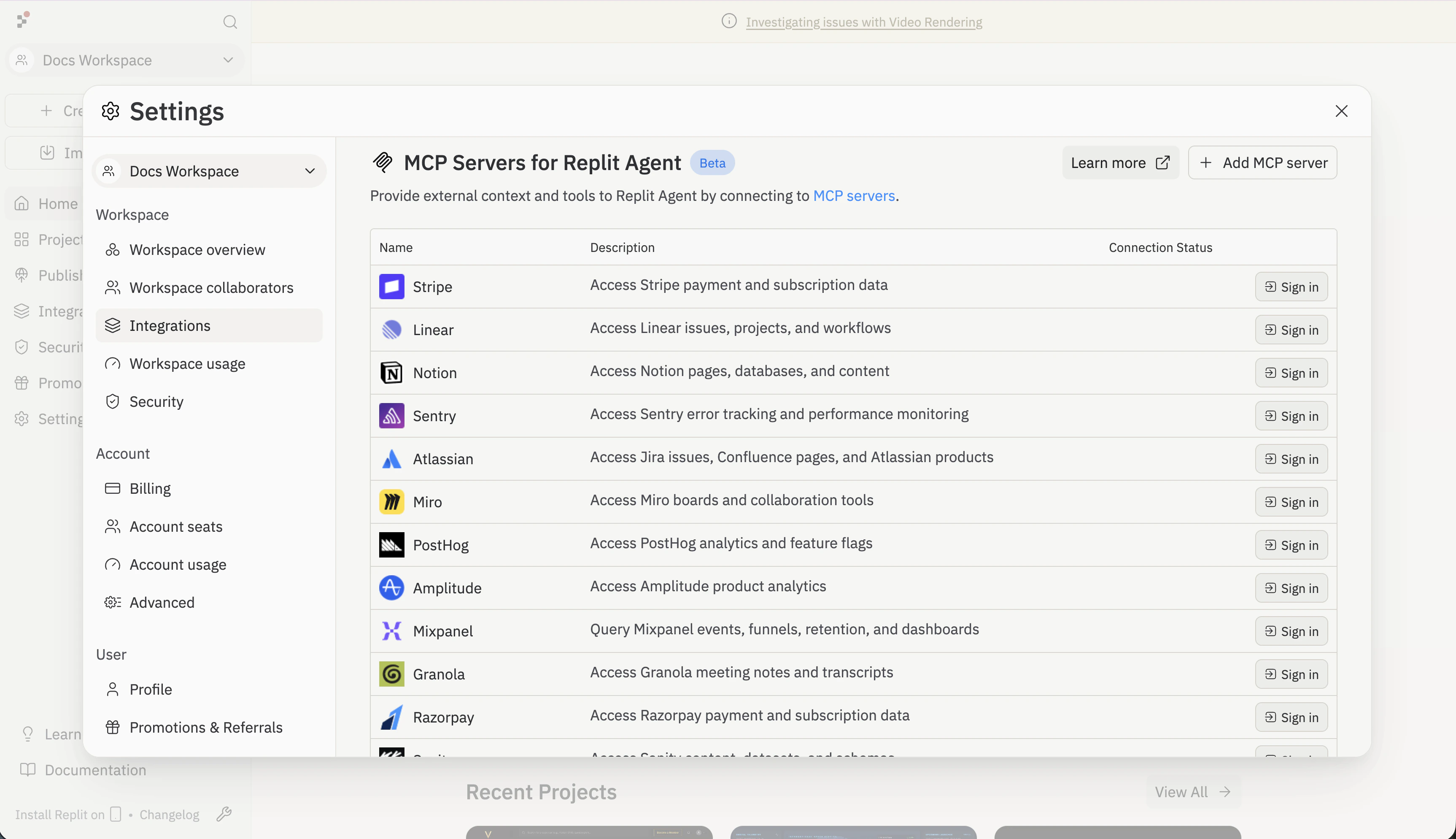
Ask for inline charts
Ask Agent a data question and see the answer as a chart directly in the conversation. Charts are a core Agent capability, so you can build on them in anything you create.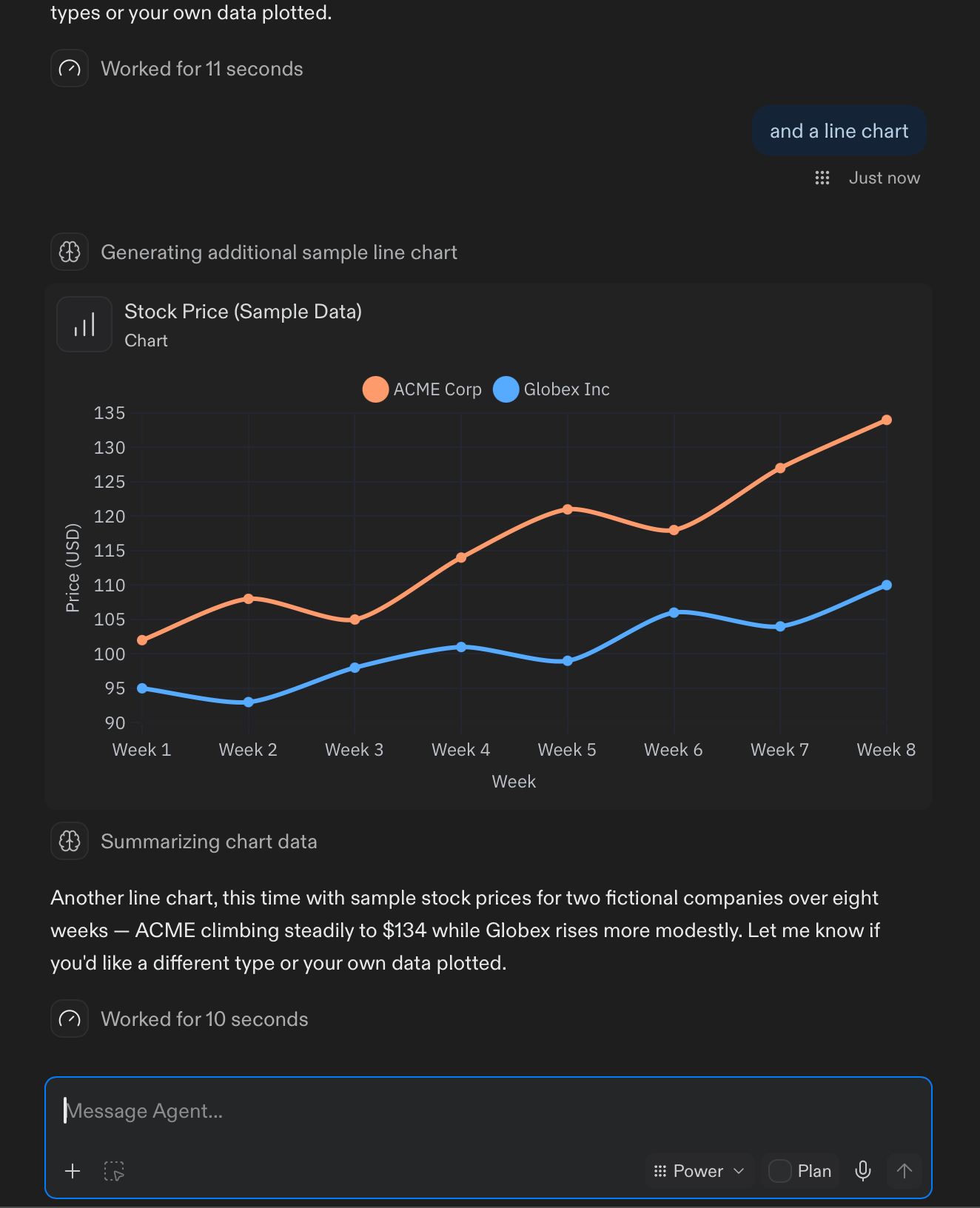
Share and manage workspace skills
Any workspace member can now create skills and keep them private or share them with the workspace. Shared skills start turned off for other members, and each person chooses which ones to enable. Admins can manage every workspace skill and require specific skills for their workspace. A redesigned Skills Library makes skills easier to discover and manage. Learn more about Agent Skills.Teams and Enterprise
Admin API available in beta
Enterprise account admins can now create API keys from the new Developer tab in Settings and use the Admin API to:- View workspaces, members, user groups, projects, and deployments.
- View usage for members, projects, and workspaces over custom date ranges.
- View and edit budgets for workspaces, user groups, and individual members.