

What’s new
- Buy Enterprise online with automated SSO setup
- Per-user spend limits for Enterprise workspaces
- Export Canvas frames as PNGs
- Nine new connectors ready to use out of the box
- Four new MCP servers in the directory
Teams and Enterprise
Buy Enterprise online with automated SSO setup
You can now purchase the Replit Enterprise plan directly from the pricing page. No sales call required. After checkout, the in-product wizard guides you through Single Sign-On setup end-to-end. Paste your Identity Provider values into the SAML form, and Replit provisions your SSO connection automatically. Your team can be live on Enterprise within minutes instead of waiting on email back-and-forth.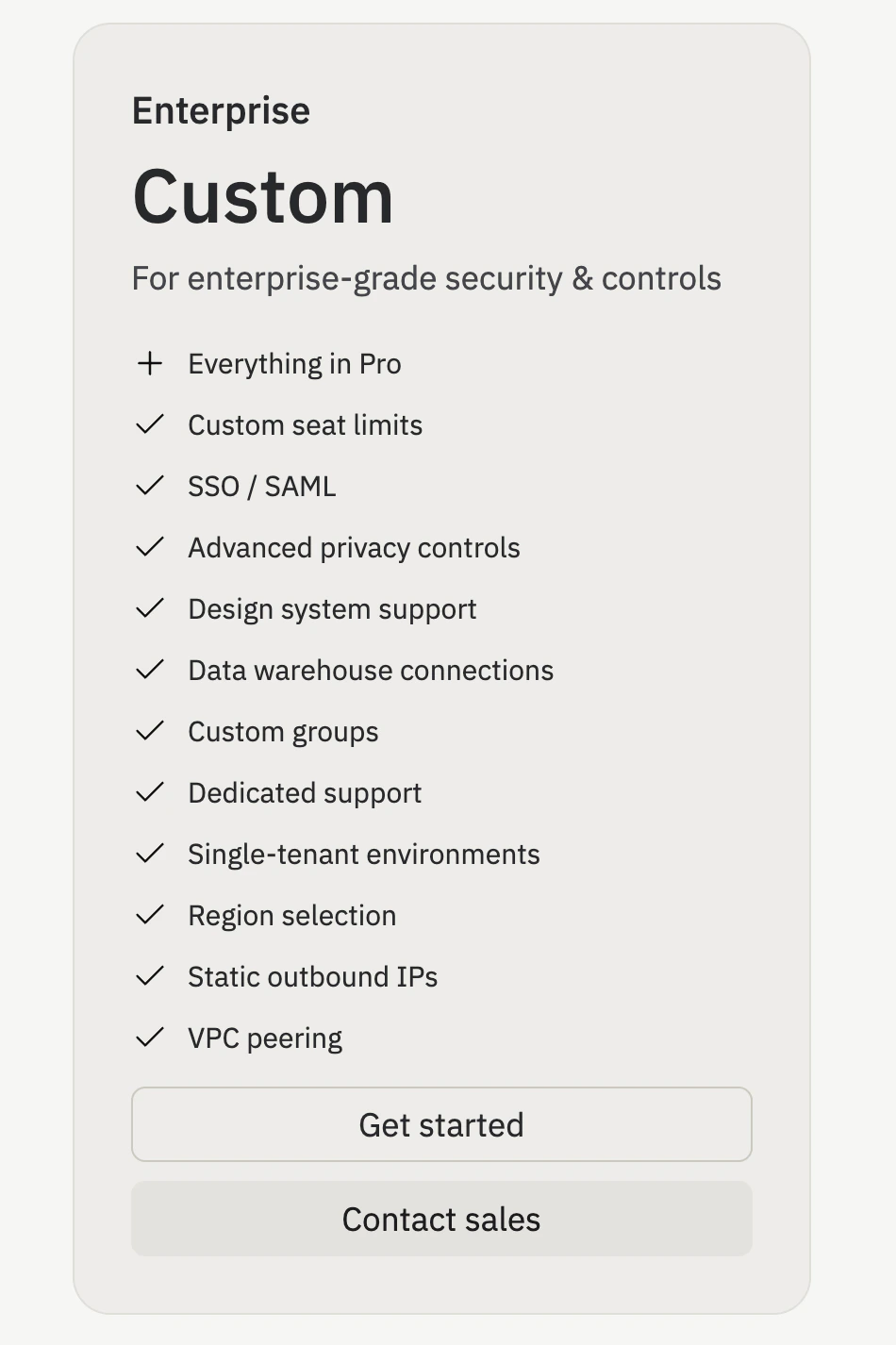
Per-user spend limits for Enterprise workspaces
Enterprise admins can now set a different agent spend limit for individual workspace members. Open the Agent users table on your usage page, select the edit icon on any row, and choose a new limit. Per-user limits take precedence over group and workspace defaults. This is useful when you want to grant power users a higher cap or tighten spend for a single member without changing the rest of the workspace.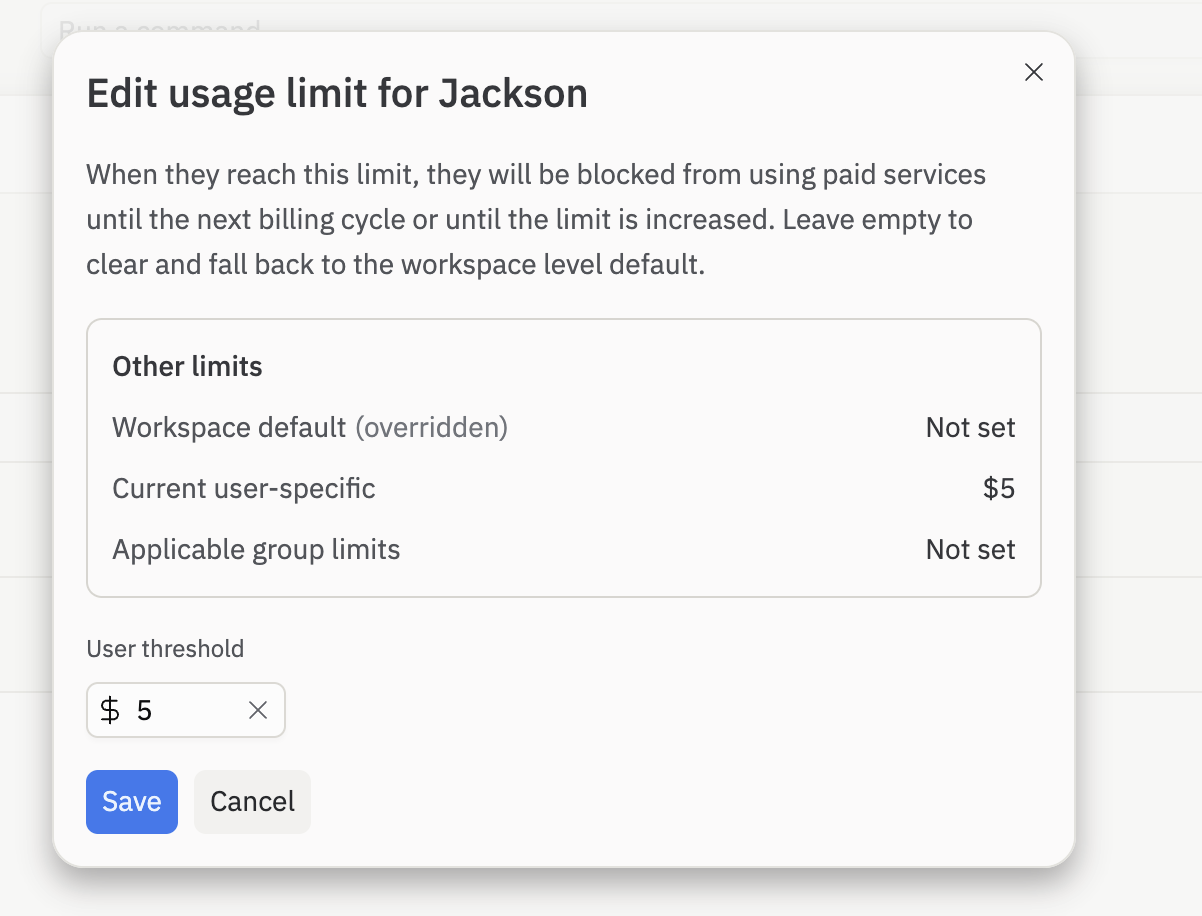
Agent
Export Canvas frames as PNGs
Right-click any artifact or design frame on the Canvas and select Export > PNG to download a snapshot of the current preview. Great for sharing a quick visual in a doc, a chat, or a teammate review without taking a manual screenshot. The exported image matches exactly what the frame shows on the Canvas at the moment you export.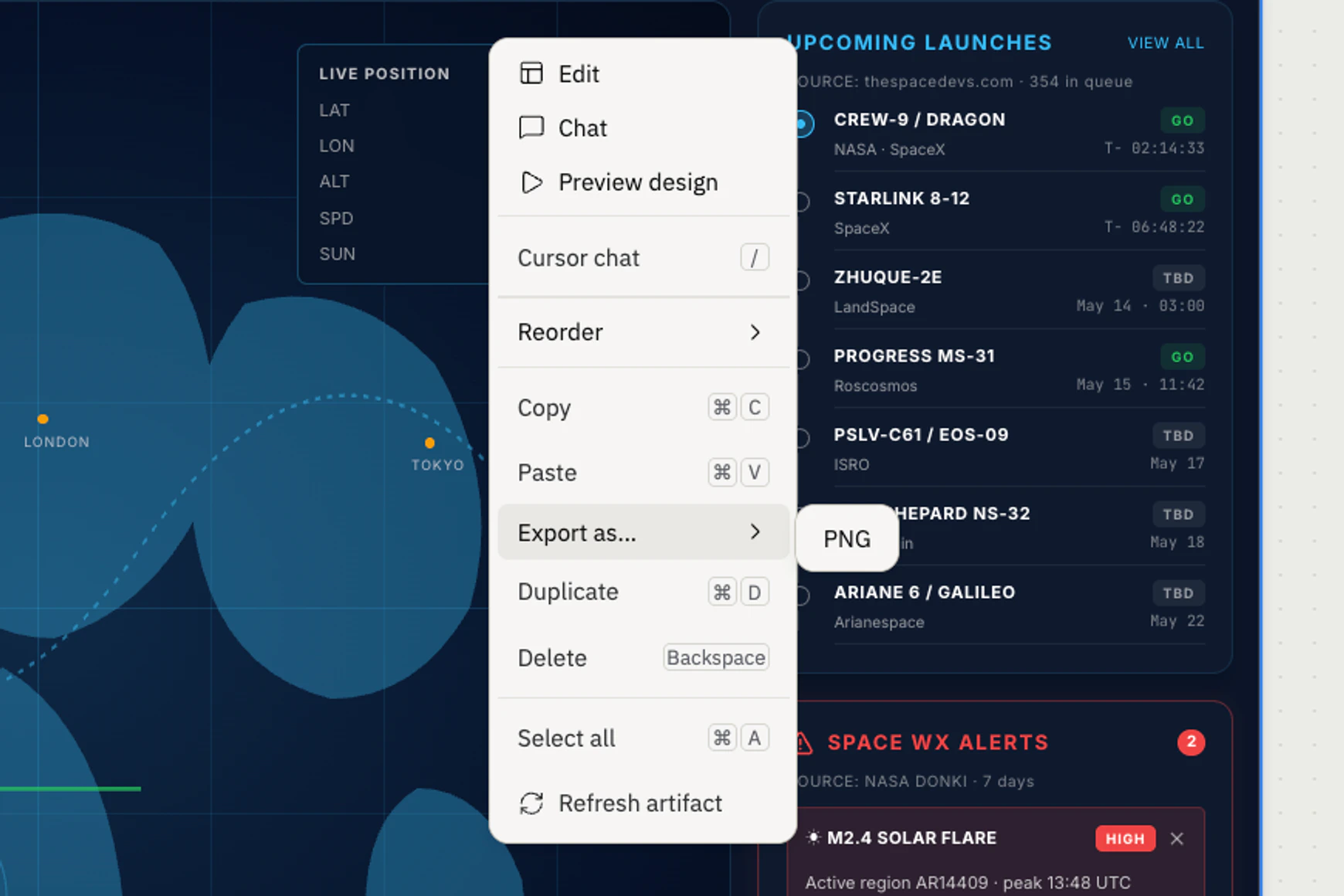
Integrations
Nine new connectors ready to use out of the box
Nine more connectors now ship with default credentials, so you can connect them to Agent with one click. No need to set up your own OAuth app first. Open the Integrations panel in your project, pick the service, and authorize the connection.- Airtable: Read and write to bases, tables, and records.
- GitLab: Access projects, issues, merge requests, and pipelines.
- Basecamp: Read and manage projects, to-dos, messages, and schedules.
- Productboard: Read and update features, releases, and customer feedback.
- Teamwork: Read and manage projects, tasks, and time entries.
- Twitch: Read streams, channels, and viewer activity.
- Square: Accept payments and manage orders, customers, and inventory.
- Intercom: Read and write conversations, contacts, and support workflows.
- Mailchimp: Read and manage audiences, campaigns, and email marketing data.
Four new MCP servers in the directory
The MCP directory now has four hosted Model Context Protocol servers. Open the Integrations panel, find the server under MCP Servers for Replit Agent, and select Add to Replit to connect it.- Twilio: Search Twilio docs and 1,800+ API endpoints for voice, SMS, email, and identity.
- Mixpanel: Query Mixpanel events, funnels, retention, and dashboards.
- Lazyweb: Search 257k+ real app screens for UI references and design research.
- Doola: Register a US LLC and manage formation, bookkeeping, and taxes.