What’s new
- Claude Opus 4.7 powers Power mode
- New Agent modes dropdown
- Agent suggests follow-up tasks
- Projects page improvements
- Filter the Projects page by artifact — now including Slides
- Replit Agent on Google Cloud Marketplace
- Custom groups for SCIM organizations
Agent
Claude Opus 4.7 powers Power mode
Power mode now runs on Anthropic’s Claude Opus 4.7. Select Power in the Agent modes dropdown and Agent routes your request to the new model automatically.
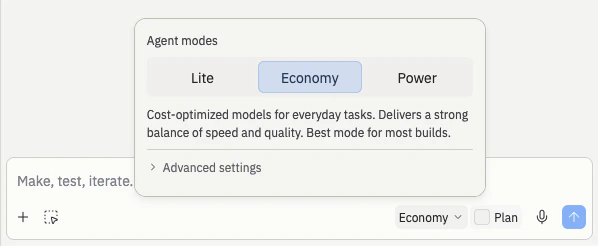
New Agent modes dropdown
The Agent mode selector in the chat input is now a simpler segmented control. Pick between Lite, Economy, and Power right from the toolbar, and reach Turbo through Advanced settings when you need it.. What’s new:- Segmented control in the toolbar. Lite, Economy, and Power sit side-by-side so it’s obvious which mode you’re in and how to switch.
- Keyboard shortcut. Press ⌘+Shift+I (Ctrl+Shift+I on Windows) to cycle through modes without reaching for your mouse.
- Turbo highlighted in orange. Turbo is the fastest mode but costs more, so it stands out in the UI to keep the cost tradeoff visible.
- Advanced settings collapsed by default. The controls for testing, code review, and Turbo live behind Advanced settings so the main view stays clean.
- Max mode has been retired. Use Power for the most capable builds, or turn on Turbo inside Advanced settings when you want the fastest response.
Agent suggests follow-up tasks
- New features to build — capabilities that pair naturally with what you just shipped
- Performance improvements — optimizations Agent noticed while working on the task
- User experience enhancements — polish that rounds out the feature
Workspace
Projects page improvements
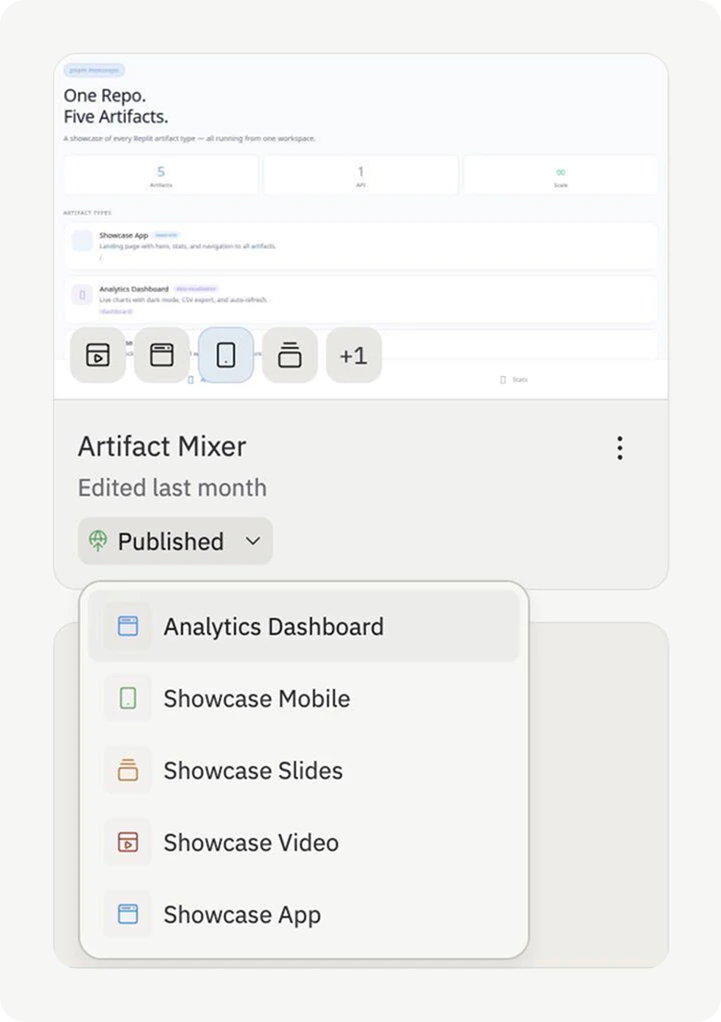
Three quality-of-life improvements landed on the Projects page:- Artifact previews on every card. Each project card now shows small icons for each artifact inside. Hover any icon to preview that artifact’s screenshot without opening the project.
- Default sort by last opened by you. The page now puts the projects you worked on most recently at the top, so your current work stays front and center in busy team workspaces.
- Personal pinning. Pin the projects you return to often. Pins are private to you and don’t affect what other members of your workspace see.
Filter the Projects page by artifact
You can filter your Projects page by artifact using the Build type dropdown. Select the artifact type (for example, Slides) to see only the projects that contain it.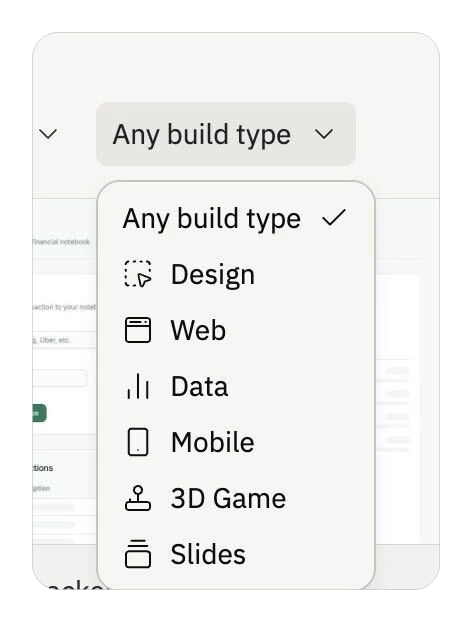
Integrations
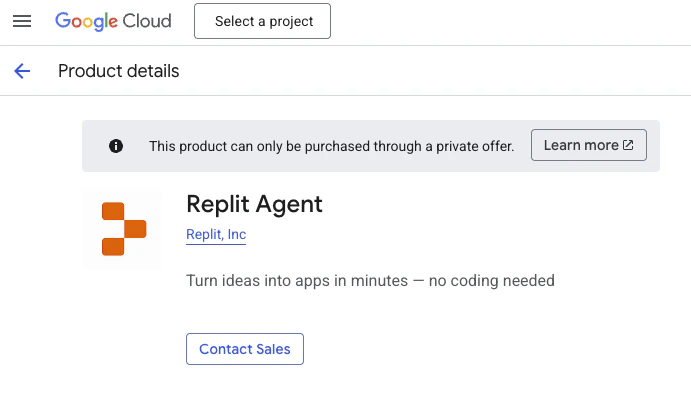
Replit Agent on Google Cloud Marketplace
Replit Agent is now available as an MCP Server listing on Google Cloud Marketplace. Enterprise teams using Google Cloud can provision Agent through their existing billing relationship and integrate it with Gemini Enterprise.