What’s new
- Upgrade to Enterprise without leaving Replit
- Connect Stripe by installing an app, no keys to copy
- Generate 3D models with the Tripo3D connector
- Agent can generate music, sound effects, and speech
- Generate media right on Canvas
Teams and Enterprise
Upgrade to Enterprise without leaving Replit
You can now upgrade to Replit Enterprise from any plan, Free, Core, or Pro, without leaving the product or contacting sales first. If you have collaborative workspaces, they move into your new Enterprise organization automatically when you complete checkout. Your published apps stay live throughout, with no downtime.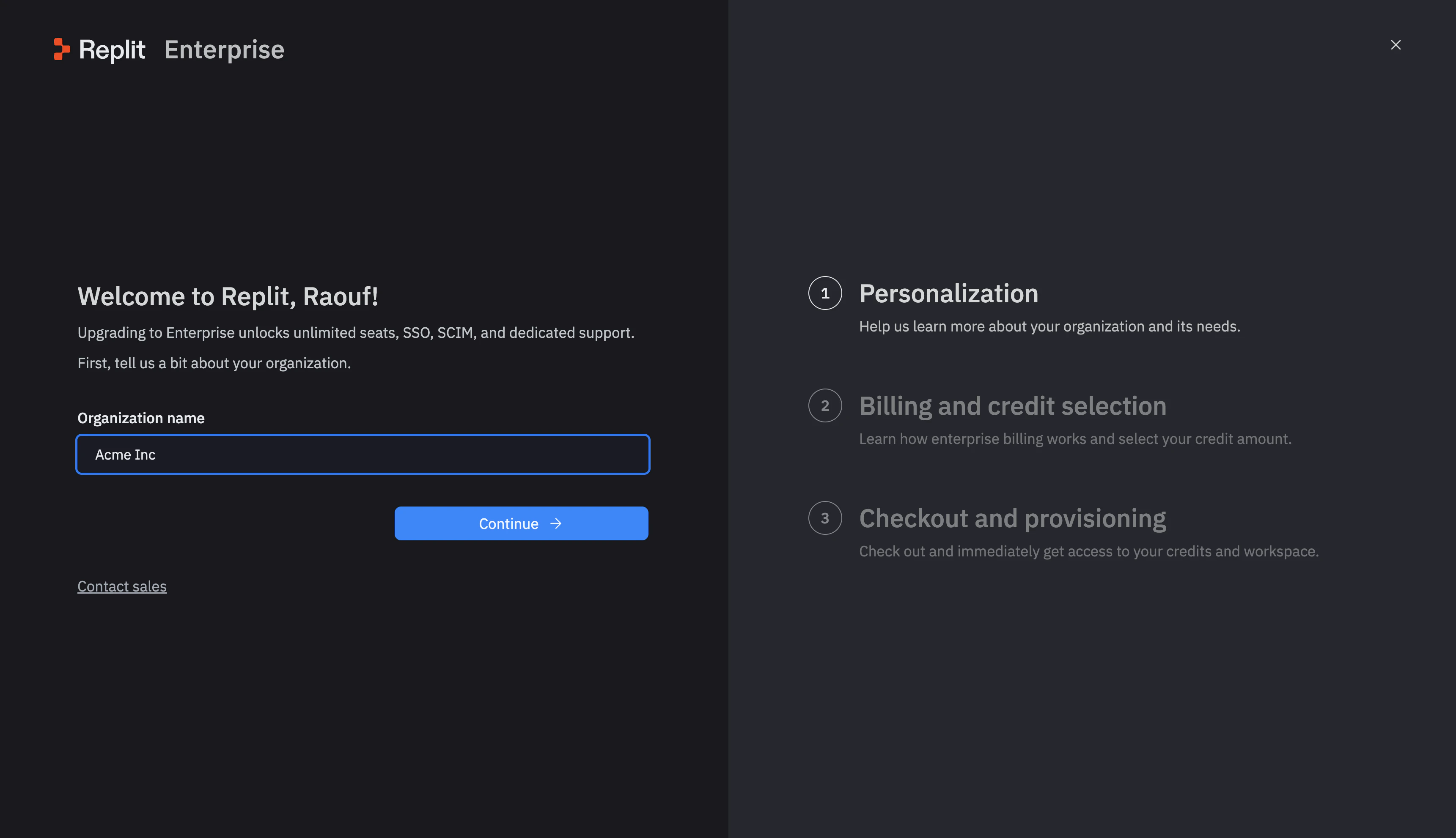
Billing
Connect Stripe by installing an app, no keys to copy
Taking your app live with Stripe is simpler. Instead of copying live API keys from the Stripe dashboard, you now install the Replit Integrated Payments app from the Stripe Marketplace. Your production keys get wired up for you. Open the Publish pane, install the app, and finish the connection in Stripe.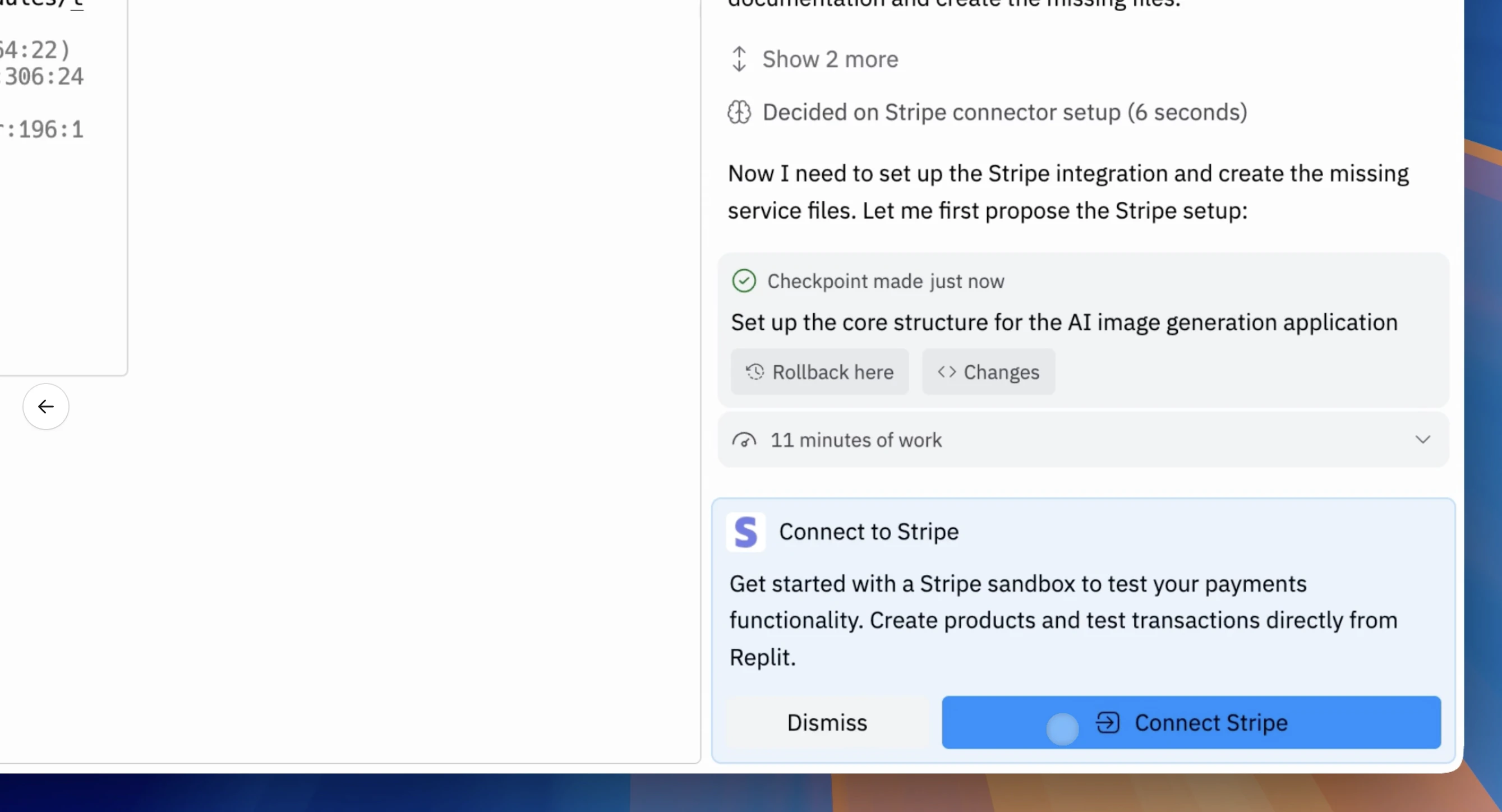
Integrations
Generate 3D models with the Tripo3D connector
Tripo3D is now in the connector catalog. Ask Agent to generate 3D models from a text description or an image, useful for games, product mockups, and AR experiences. Usage is billed to your Replit credits.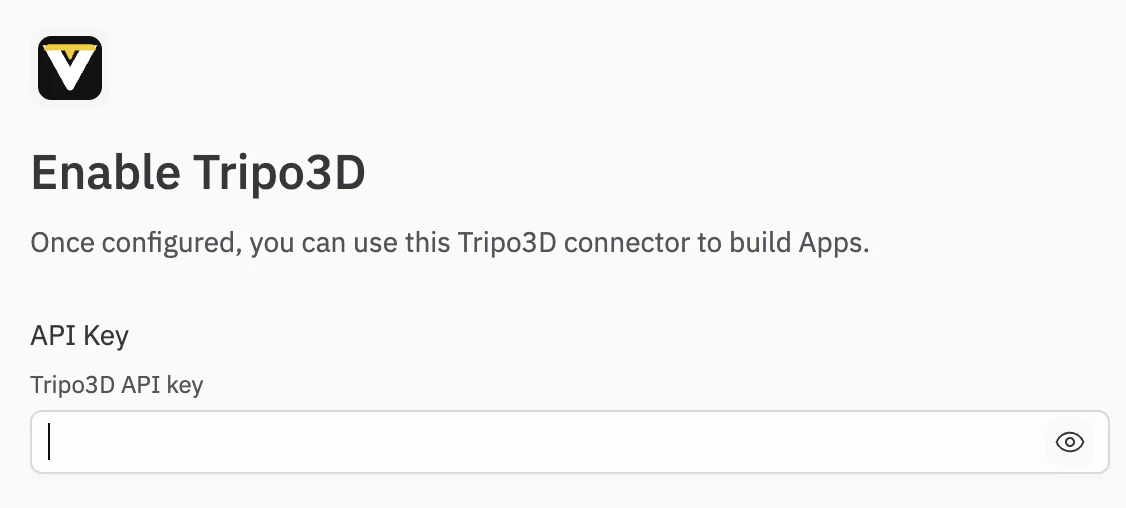
Agent
Agent can generate music, sound effects, and speech
Agent can now create audio for your apps. Ask for background music, sound effects, or spoken narration, and Agent generates the audio and adds it directly to your project. Usage is billed to your Replit credits. Learn more about audio generation.Workspace
Generate media right on Canvas
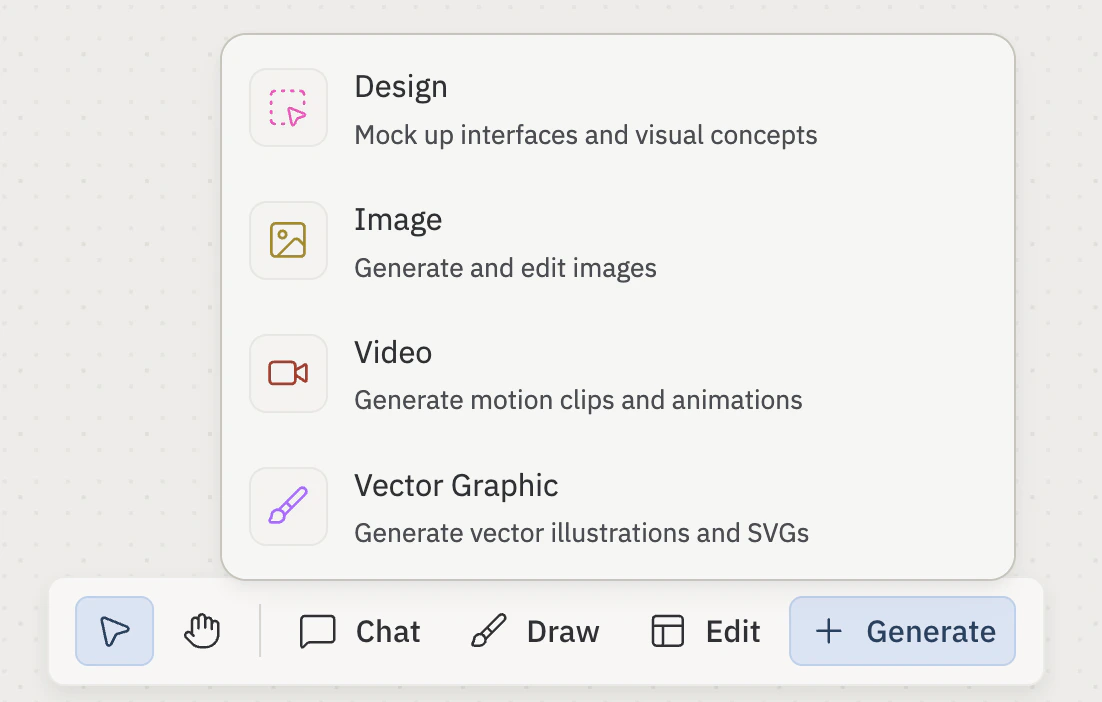
You can now create media directly on Canvas. Open the Generate tool in the Canvas toolbar and choose Image, Vector Graphic, or Video to generate it in place. The whole flow stays on the board, so you can design and iterate without switching tools.