

What’s new
- Work in Free Mode
- Start with Conversations
- Automate recurring work with Routines
- Steer Agent while working
- Share and import Skills
- Control Agent models across Workspaces
- Run black-box pen tests
Agent
Work in Free Mode
Use Free Mode to chat, explore ideas, create, and build without using Power Mode or Max Mode credits. Free Mode uses Auto to select a model, and its limits depend on your plan. Check Settings > Usage to see your remaining allowance and reset timing.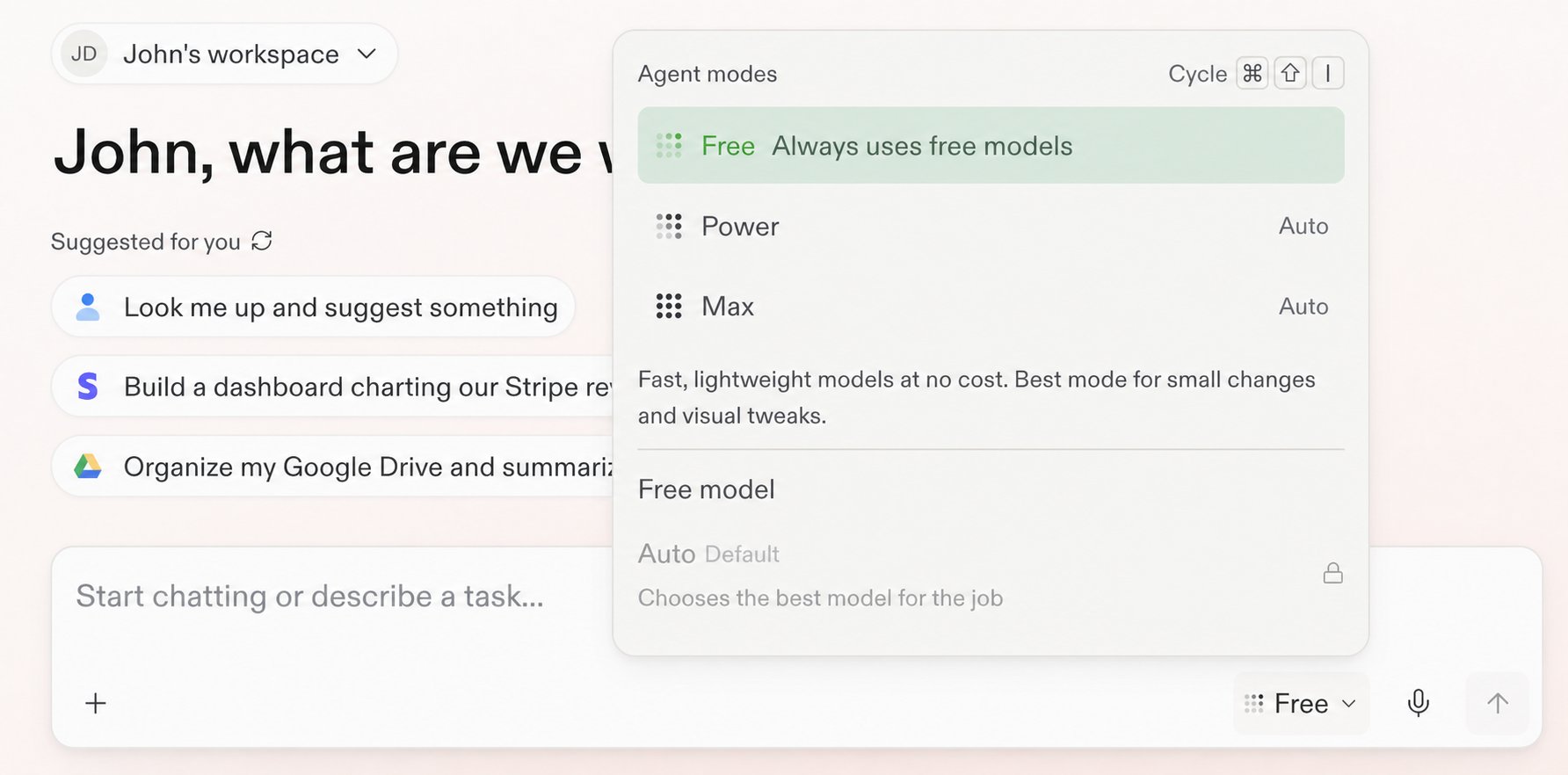
Choose Free from the Agent modes panel.
Start with Conversations
Start with a private Conversation to ask questions, explore information, attach context, run a Routine, or describe an outcome. When the work becomes substantial, ask Replit to turn the Conversation into a Project. Your context and files carry forward.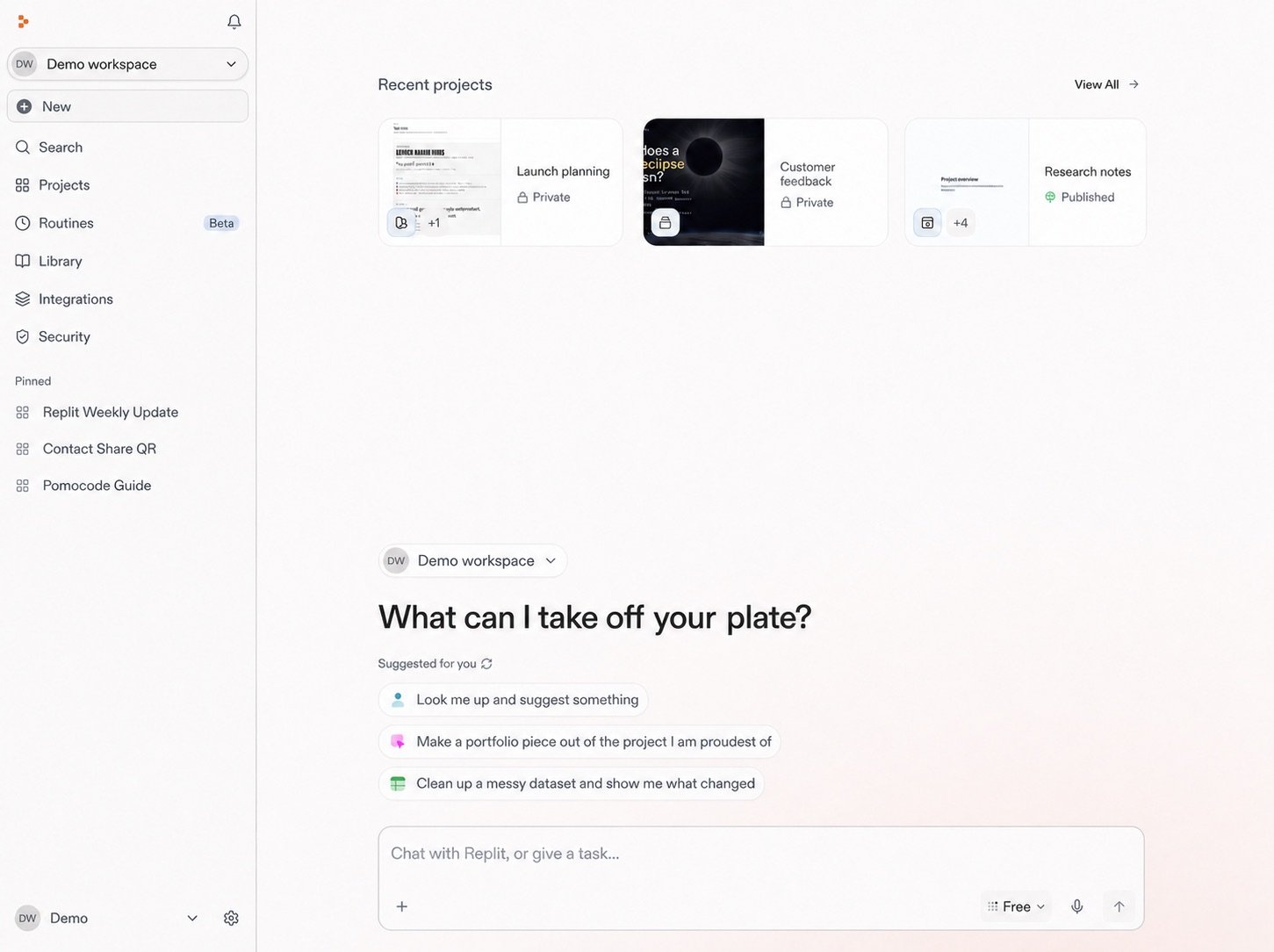
Start a Conversation from your Workspace home.
Automate recurring work with Routines
Schedule Replit to repeat work inside a Conversation. Each result returns to the same Conversation, where you can review it and continue working. Routines run in Power Mode or Max Mode and require a budget for each run.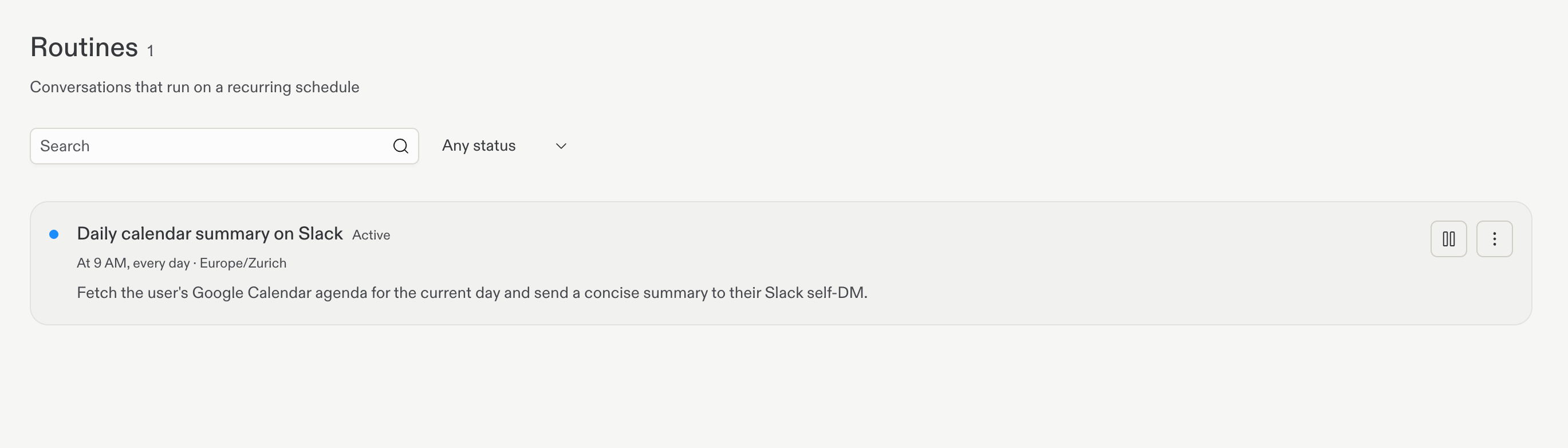
Review active Routines, schedules, and run history in one place.
Steer Agent while working
Send a follow-up while Agent works to add new context to the active turn. Steer is the default in Conversations and Projects, and you can change either preference to Queue in Settings > Personalization. PressCmd+Enter on Mac or Ctrl+Enter on Windows and Linux to use the opposite behavior for one message.
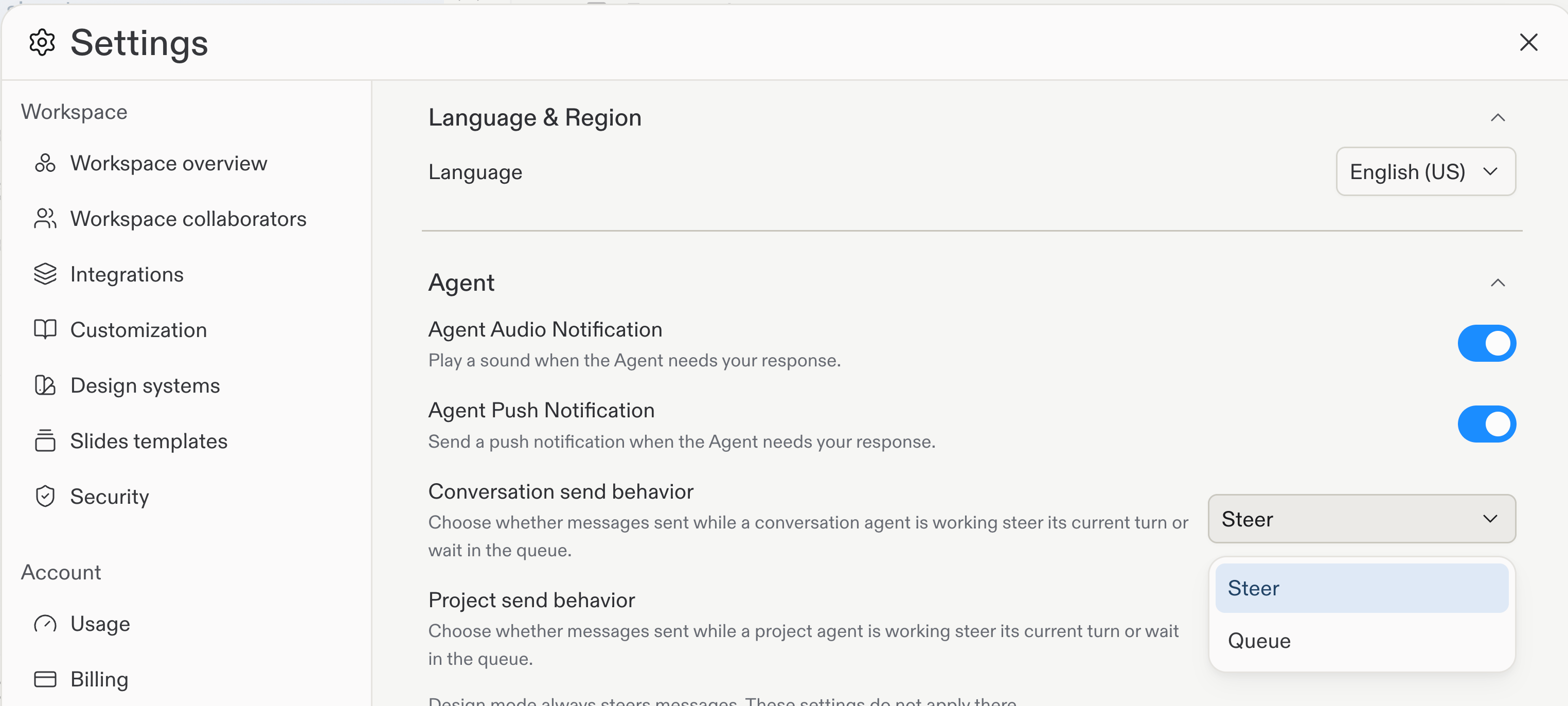
Choose Steer or Queue separately for Conversations and Projects.
Import Skills from GitHub
Import Skills from a public GitHub repository, folder, or file URL, then preview the Skill files before you add them. Saved Project Skills also support member access levels of Required, Available, or No access.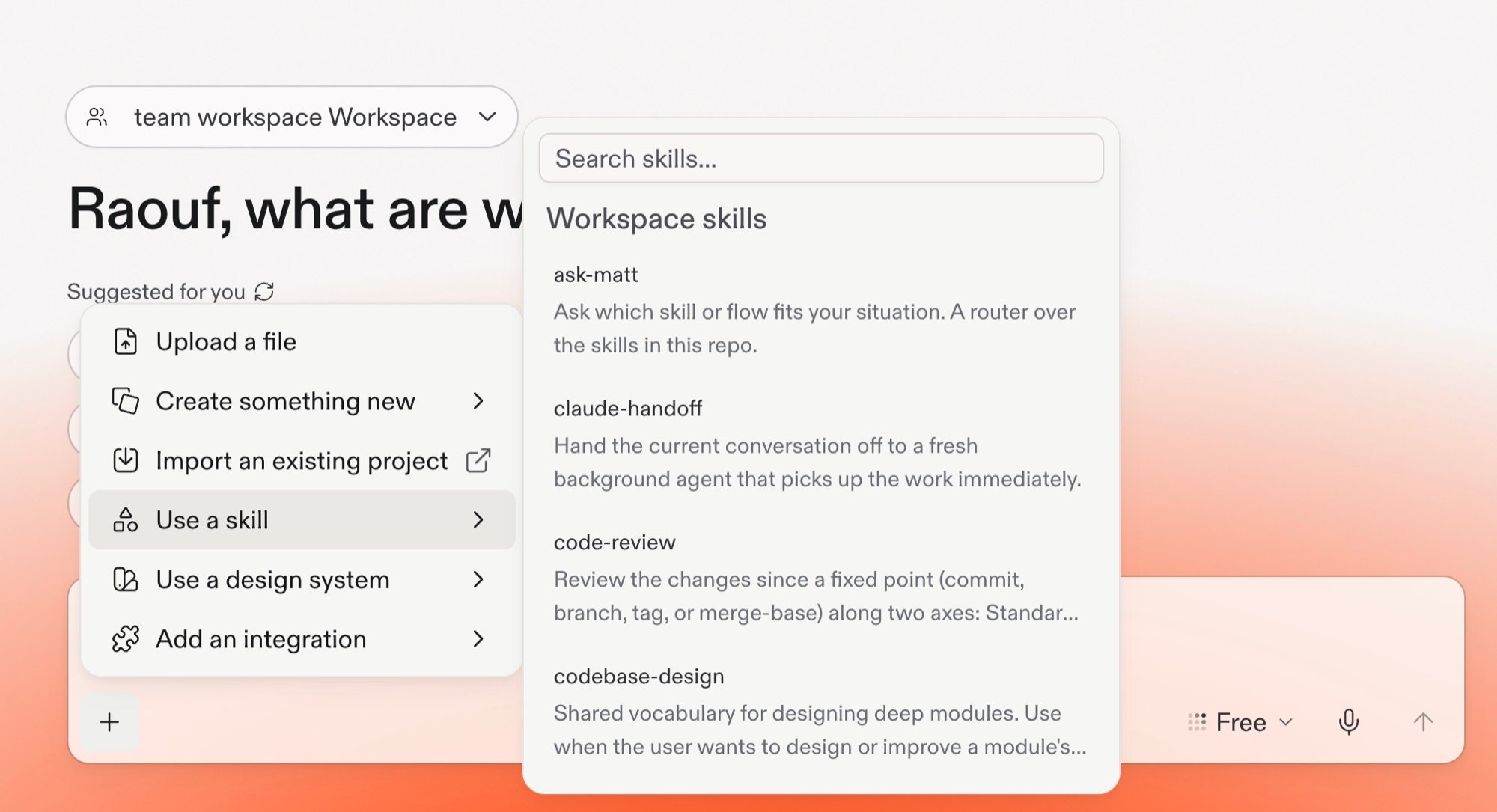
Open Workspace Skills to find and use shared or imported Skills.
Teams and Enterprise
Control Agent models across Workspaces
Enterprise account admins can set an account policy for each model provider, then choose which models are available in individual Workspaces. Use Enable all, Enable selected, or Disabled to match your organization’s policy.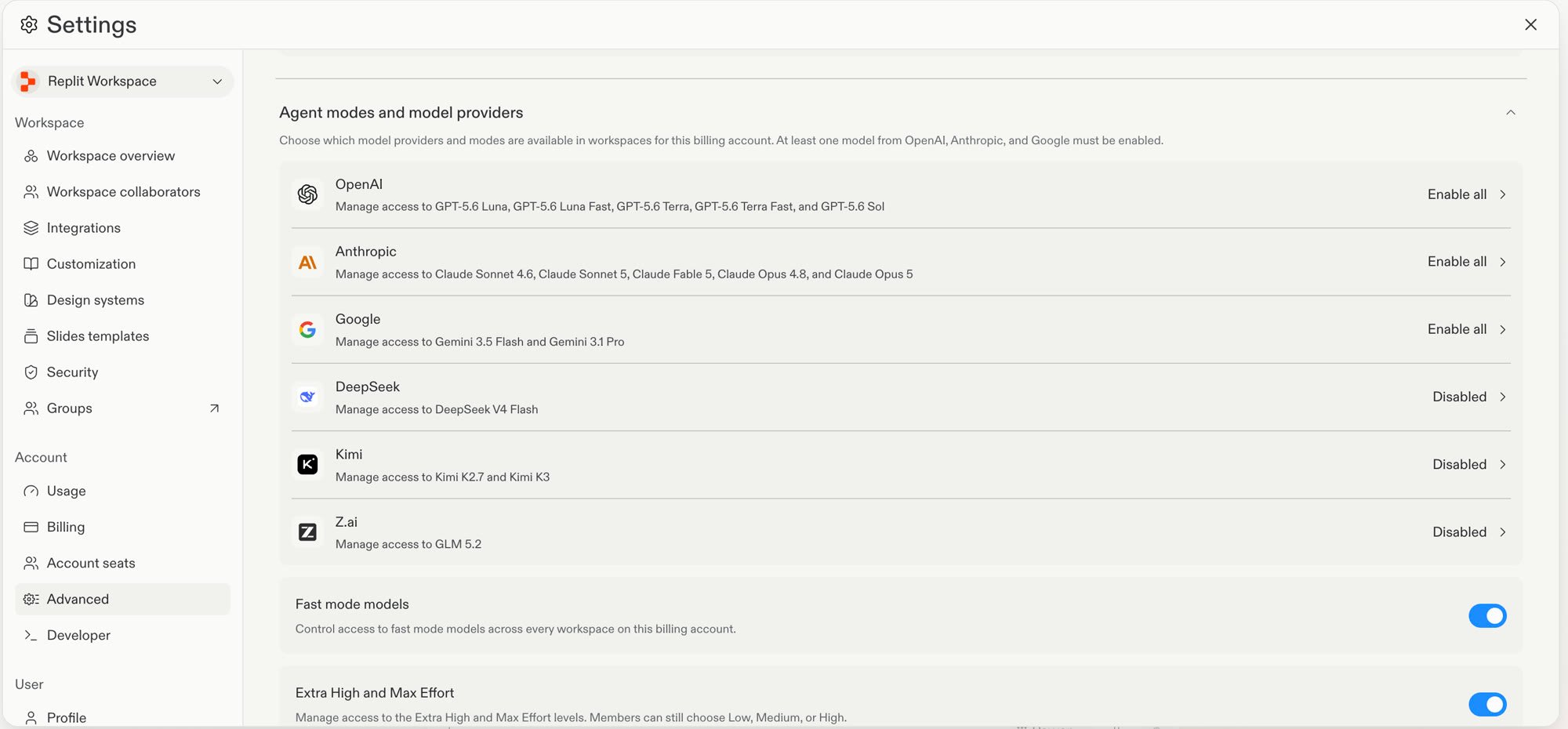
Set provider policies and manage model access from Advanced settings.
Platform
Run black-box pen tests
Run a Level 3 security scan to combine three checks. It runs free dependency and package checks, Agent static analysis of your source code, and an external black-box test of the live Preview. Replit runs the source-code review and the outside test in parallel.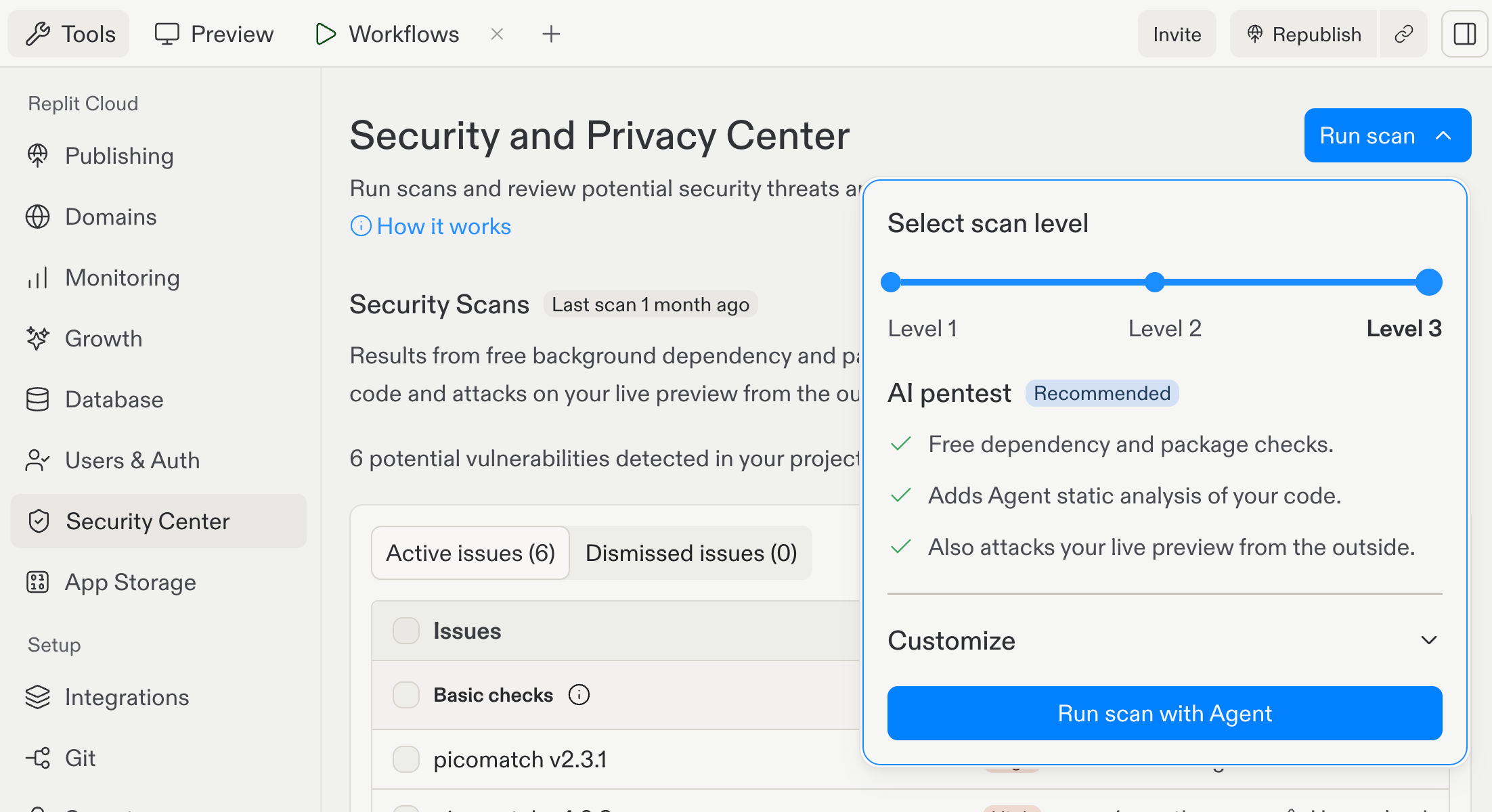
Level 3 adds Agent static analysis and an external live Preview test to dependency and package checks.