

What you can do
Mention @Replit with your idea in any channel, and Replit’s Agent builds a working prototype you can use or iterate on right away:- Generate prototypes and designs from a natural-language prompt.
- Get a working result back in seconds, then refine it in the thread.
- Collaborate with your team on the prototype without leaving Slack.
Add Replit to Slack
Install the app from Replit for Slack and select Add to Slack. Choose the Slack workspace to connect, review the permissions, and select Allow. Once it’s installed, mention @Replit in any channel to start building.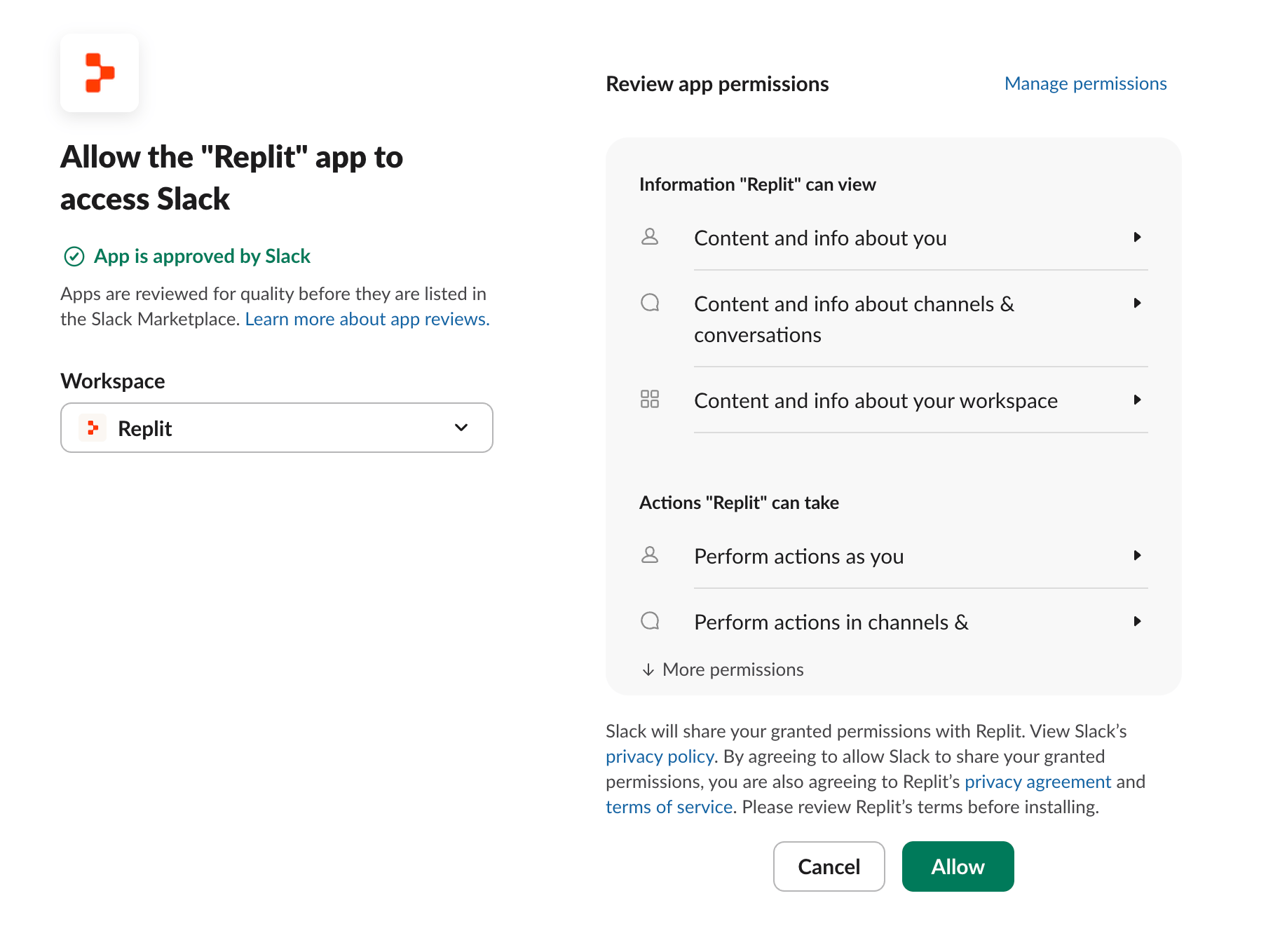
Replit’s Agent uses AI to generate responses, so outputs may occasionally be inaccurate or incomplete — verify important details independently.
Unlink your Replit account
To revoke your Replit account link for the current Slack workspace and Replit organization, send/replit unlink in Slack.
This removes only your link. It does not affect links for other organizations or users. You can link your account again when you next use the Replit app.
How it works
Mentioning @Replit drives Replit through the Replit MCP Server. Slack handles the connection for you.Related
- Replit in ChatGPT — build Replit Apps from a ChatGPT conversation.
- Replit in Claude — use Replit as a connector inside Claude.
- Replit MCP Server — the developer reference for the MCP server that powers these surfaces.