

Before you start
You need a Replit account. Nothing else: remixing and restyling happen with clicks and prompts.Remix a template into your project
This guide uses Supercar showcase (Apex 01) as its example. Any template works the same way.1
Pick a template
Choose a template to start from. Selecting one opens its cover page, with a live preview and sharing options. Here are a few:
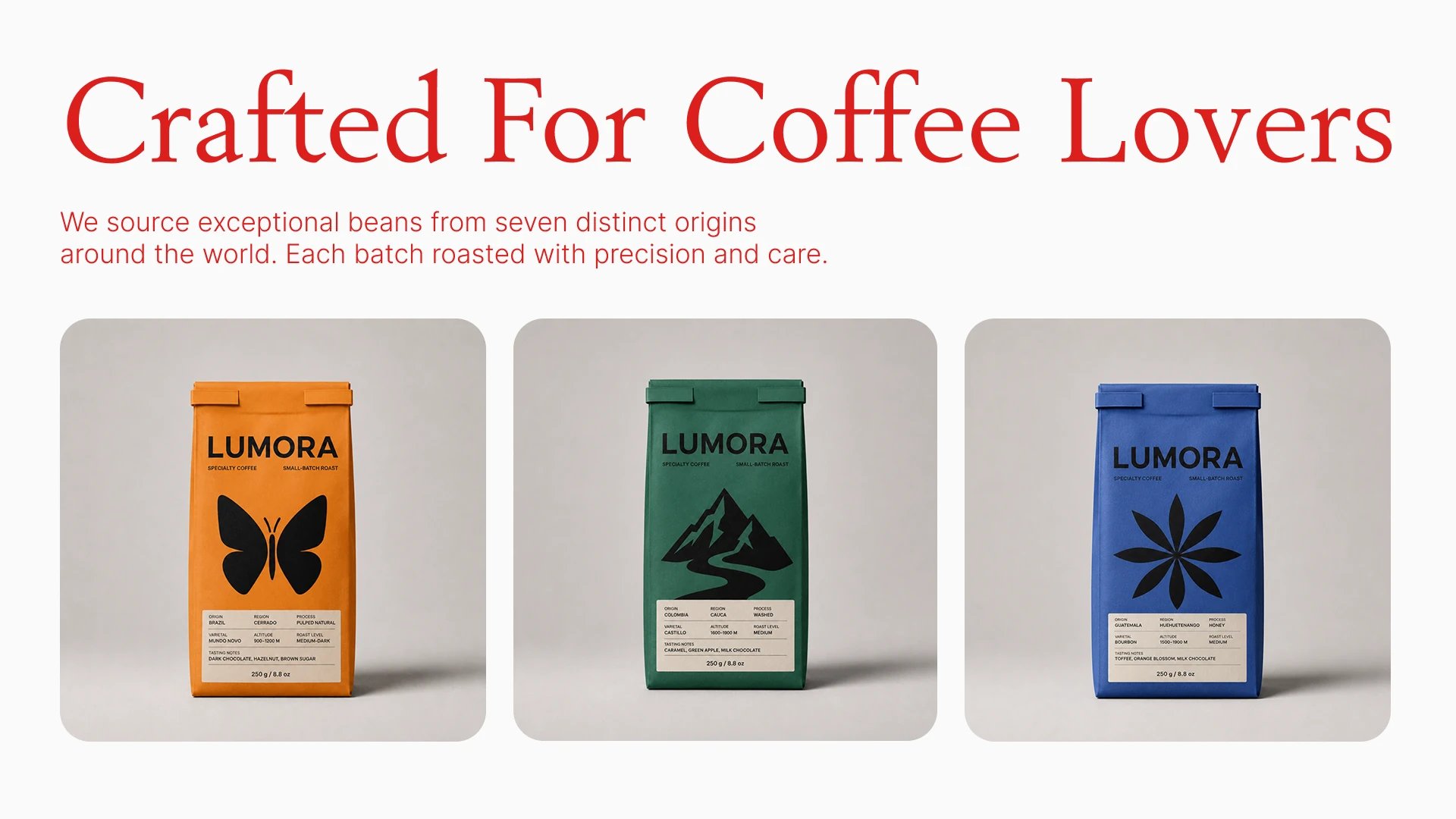
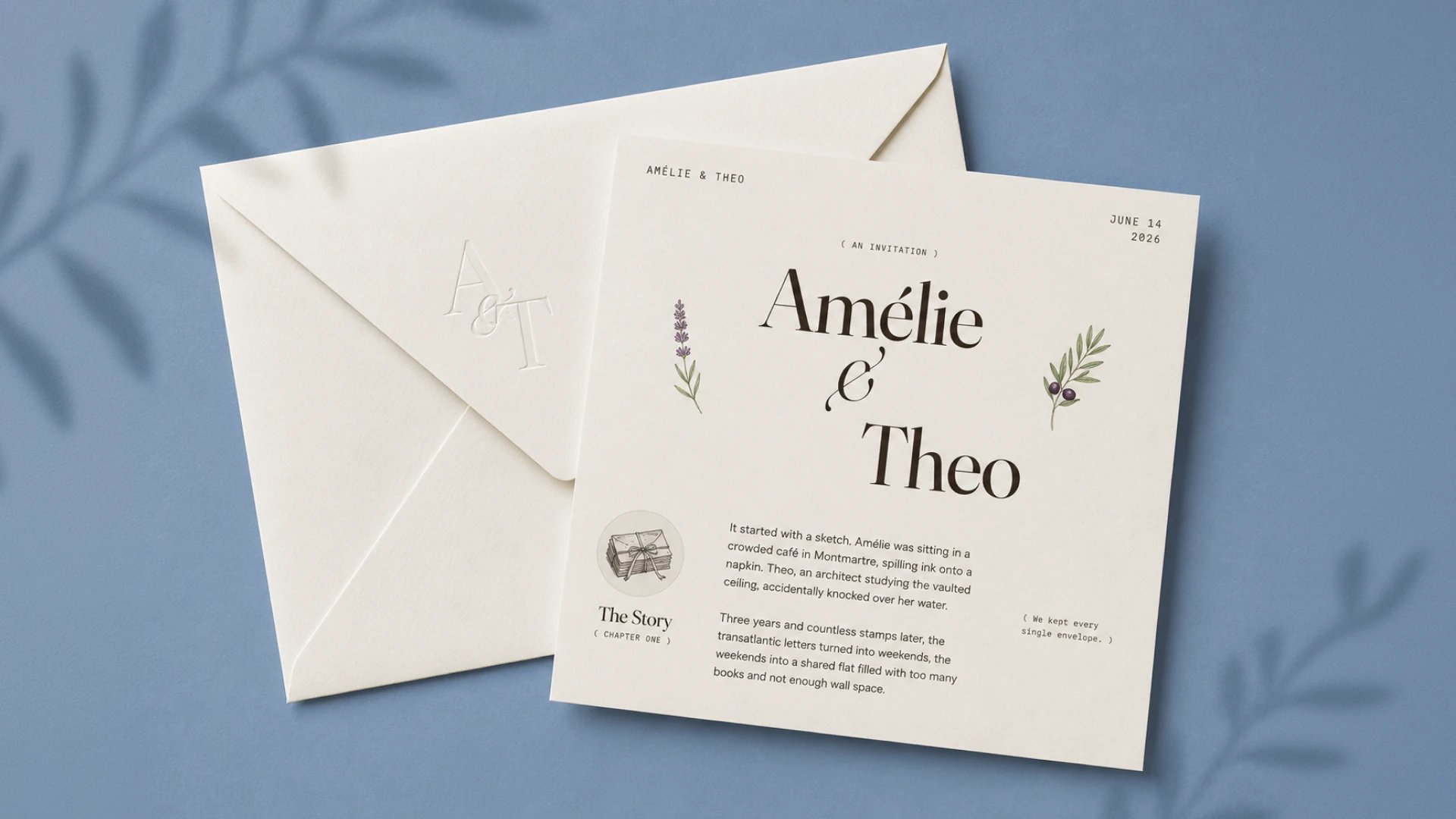
 Looking for something else? Explore more templates at replit.com/design: landing pages, posters, social posts, mobile, and prototypes.
Supercar showcase
Coffee shop landing page
Wedding invitation
Fashion ecommerce storefront
2
Remix it
Select Remix this App to make your own copy. New to remixing? See Remix an app.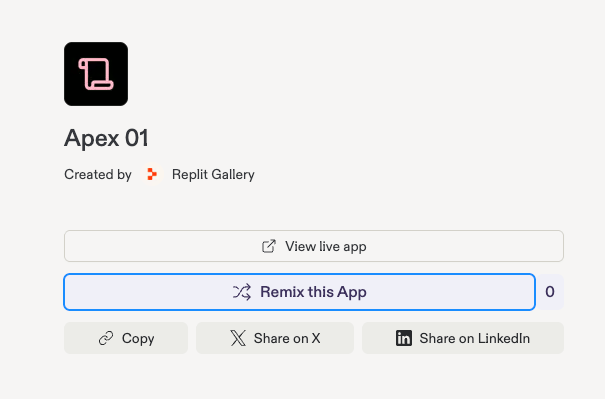
3
Name it
Give your copy a name and an optional description, then select Remix App.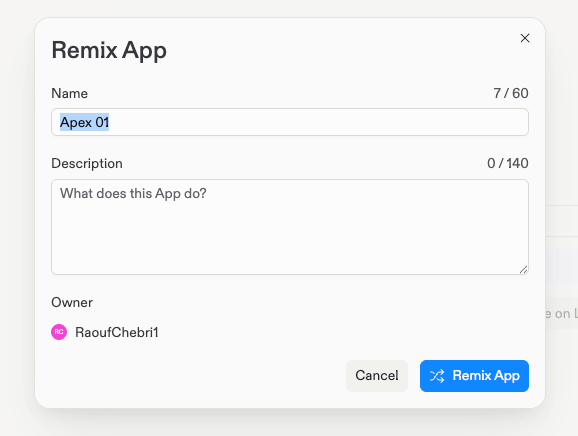
4
Meet your copy in Replit Design
Your copy opens in Replit Design with the template as a frame on the canvas. This is now your project; nothing you do here affects the original.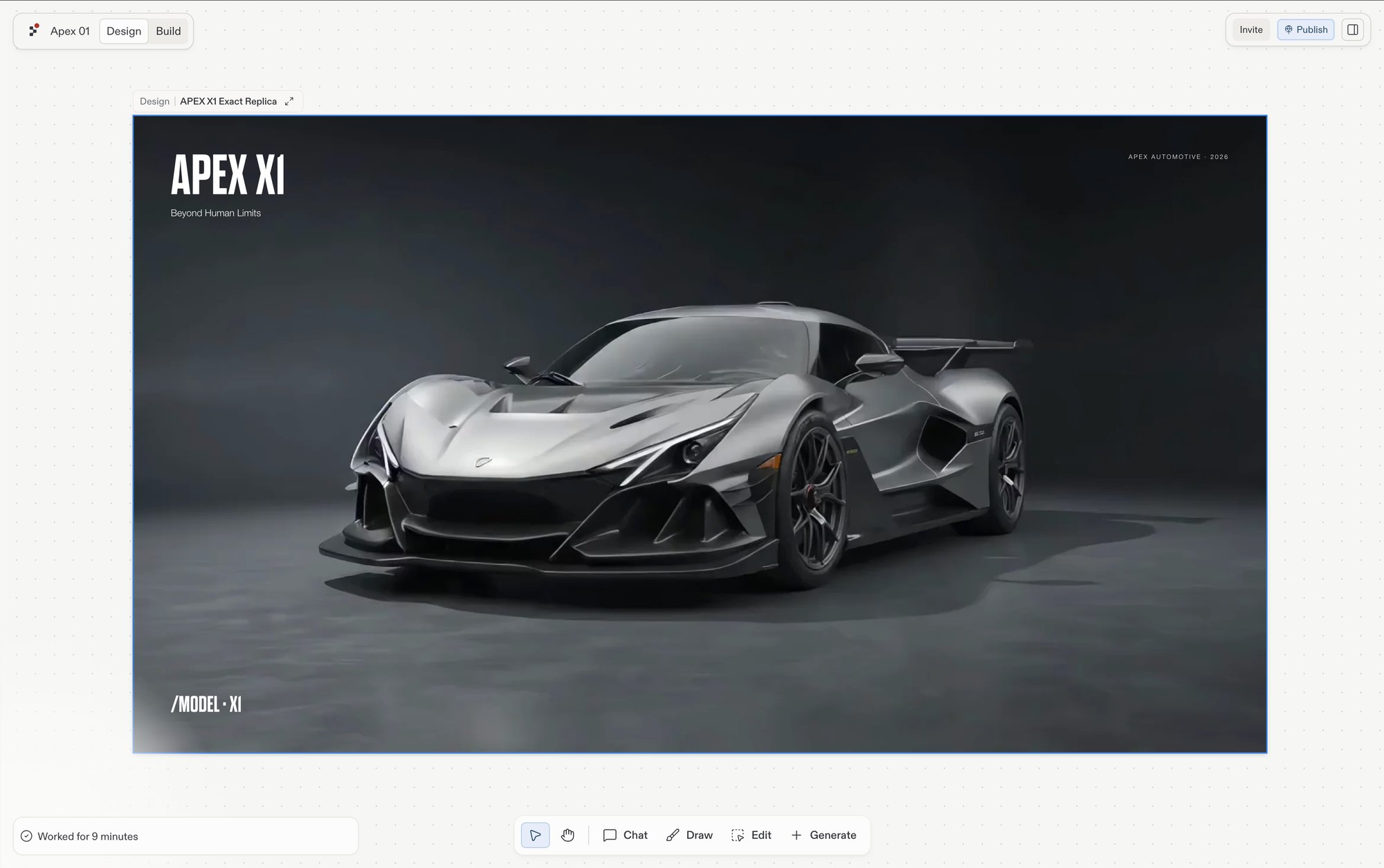
Make it yours
Select the template’s frame and start reshaping it:- Follow a suggestion: new directions generate as fresh frames, so the original stays for comparison.
- Chat about it: select the frame and brief Agent in your own words, “warmer colors”, “swap the hero car for a vintage roadster”.
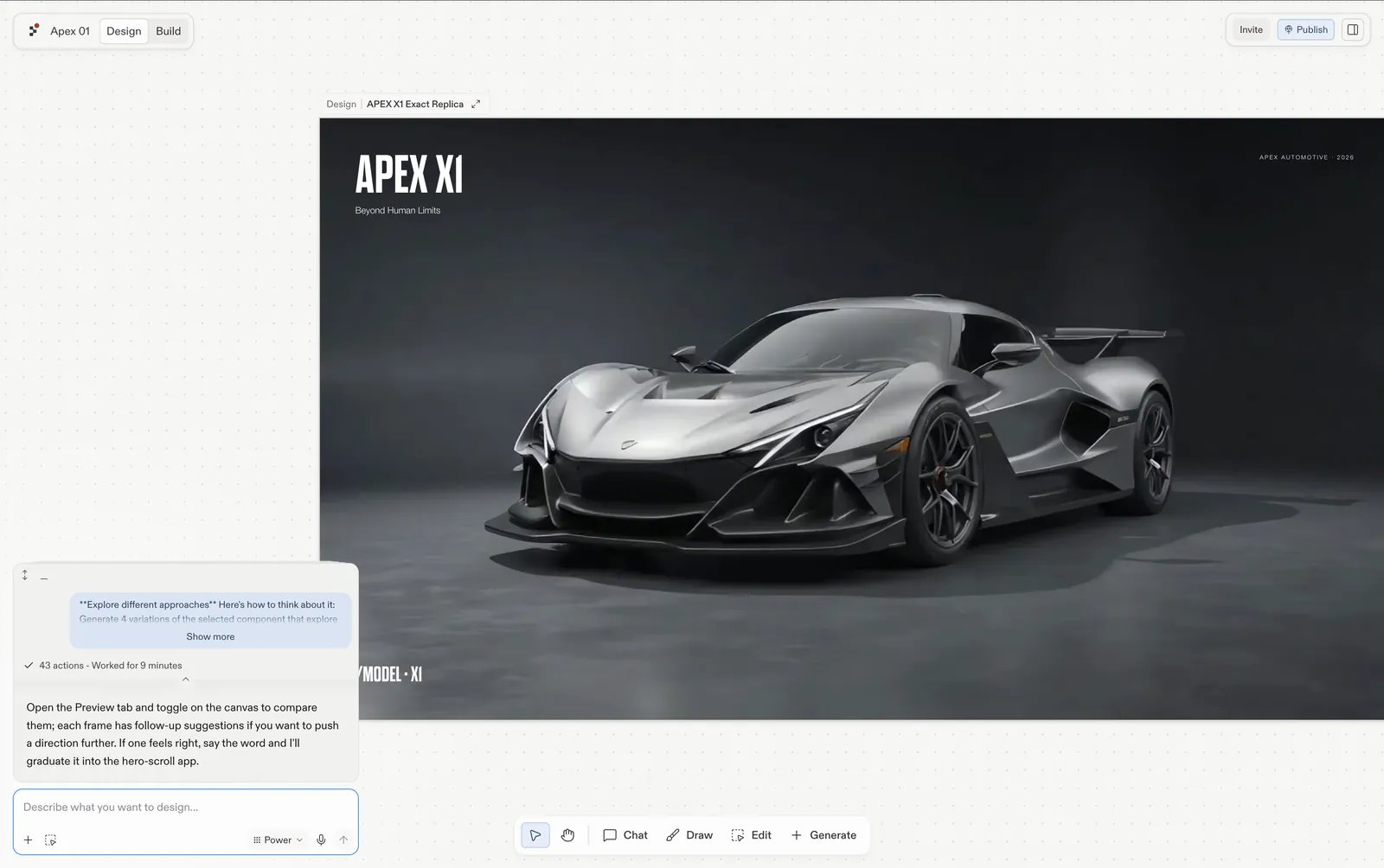
The Apex X1 frame on the canvas, with Agent responding to a suggestion and proposing follow-ups.
Already mid-design?
If you’re exploring in an existing project and want a template inside the design you already have, don’t remix; add one from the library panel instead. See Add templates and inspiration.Next steps
- Build and publish from a template: follow the complete gallery-to-live-site quickstart.
- Build your design: turn the restyled template into a working app.
- Create a design system: extract a system from your version so everything you make next matches it.