

Templates
Pre-built design frames made by Replit, searchable and grouped by kind: posters, social posts, landing pages, mobile, banners, and prototypes. Click or drag one to add it to your design; it lands on the canvas as a live frame, ready to edit like anything you generated yourself.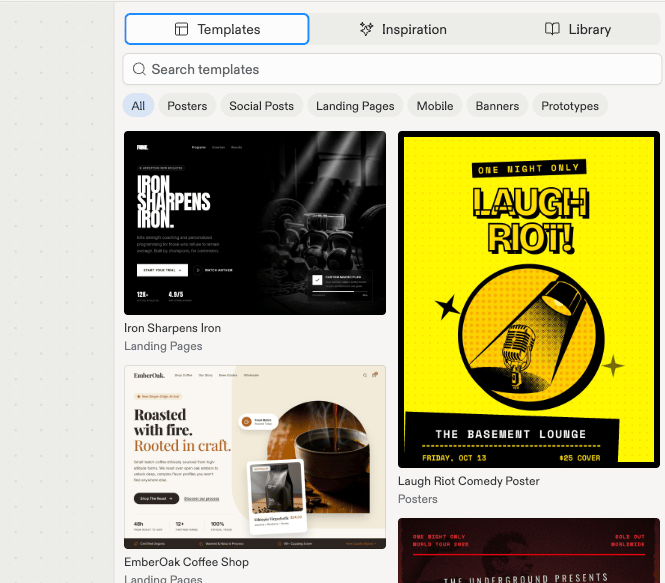
The Templates tab: searchable starter frames, grouped by kind.
Inspiration
UI screenshots from real products, curated by Mobbin. Search for app screens, such as “Airbnb onboarding” or “Coinbase checkout”, and click one to place it on the canvas as a static reference image. Inspiration adds no code to your project: it’s something to look at, point to in chat, or reference in your next generation.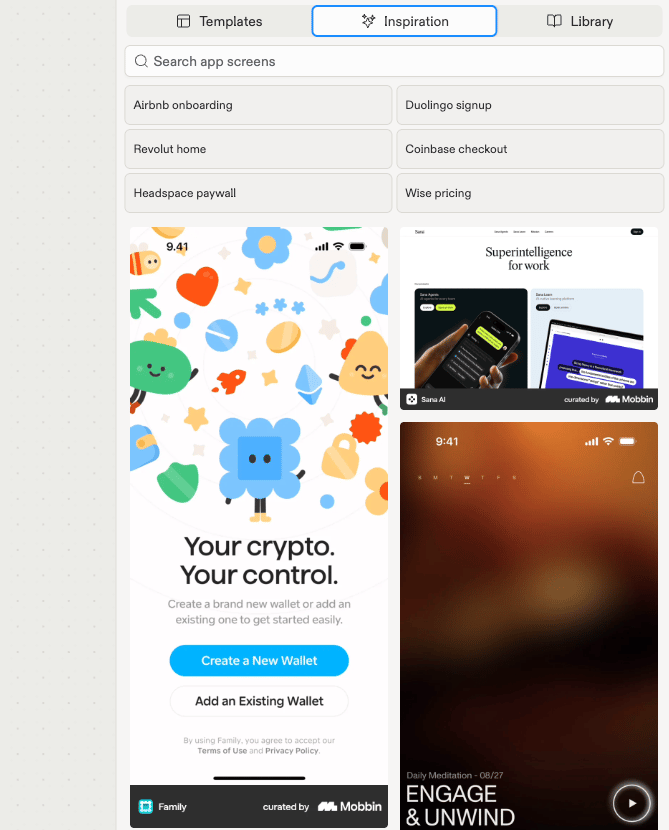
The Inspiration tab: searchable app screens, curated by Mobbin.
Library
Your own creations: designs and artifacts you’ve already made in this project, ready to bring back onto the canvas.Templates vs. Inspiration
See Add templates and inspiration for the guided flow.