From scratch: prompt it from the home page
Start here when the system exists in your head (or your brand guidelines) but not in any design yet.1
Ask for it in the create input
From the Replit home page, describe the design system you want in the prompt box — for example: “Create a design system for Velocity, a premium supercar rental brand.”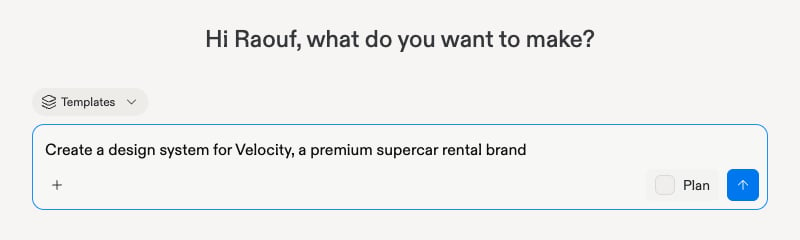
2
Answer the questionnaire
Agent asks a short set of questions about your system — brand personality, colors, typography preferences. You can also point it at a source: a Figma URL, a website, code, reference images, brand assets, or an existing DESIGN.md.
From a mockup: extract the design system
Start here when you already have a design you love — a generated frame, a dropped template — and want everything else to match it.1
Select the mockup
On the canvas, click the mockup whose look you want to capture.
2
Extract from the three-dot menu
Open the frame’s ⋯ (three-dot) menu and choose Extract design system. Agent distills the mockup’s tokens, colors, and typography into a living style guide — and applies it across the design.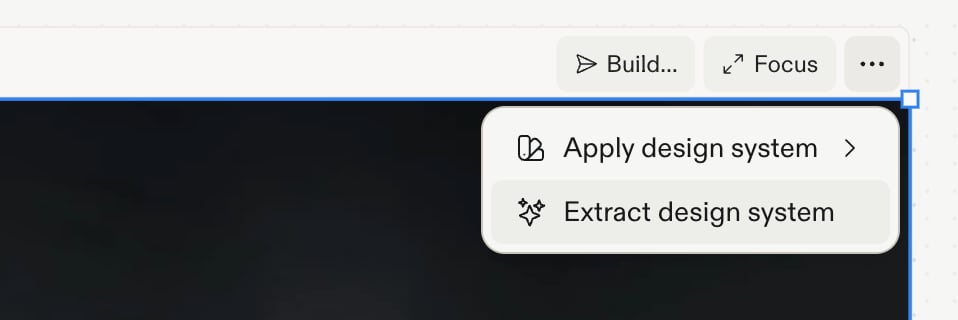
Review and save
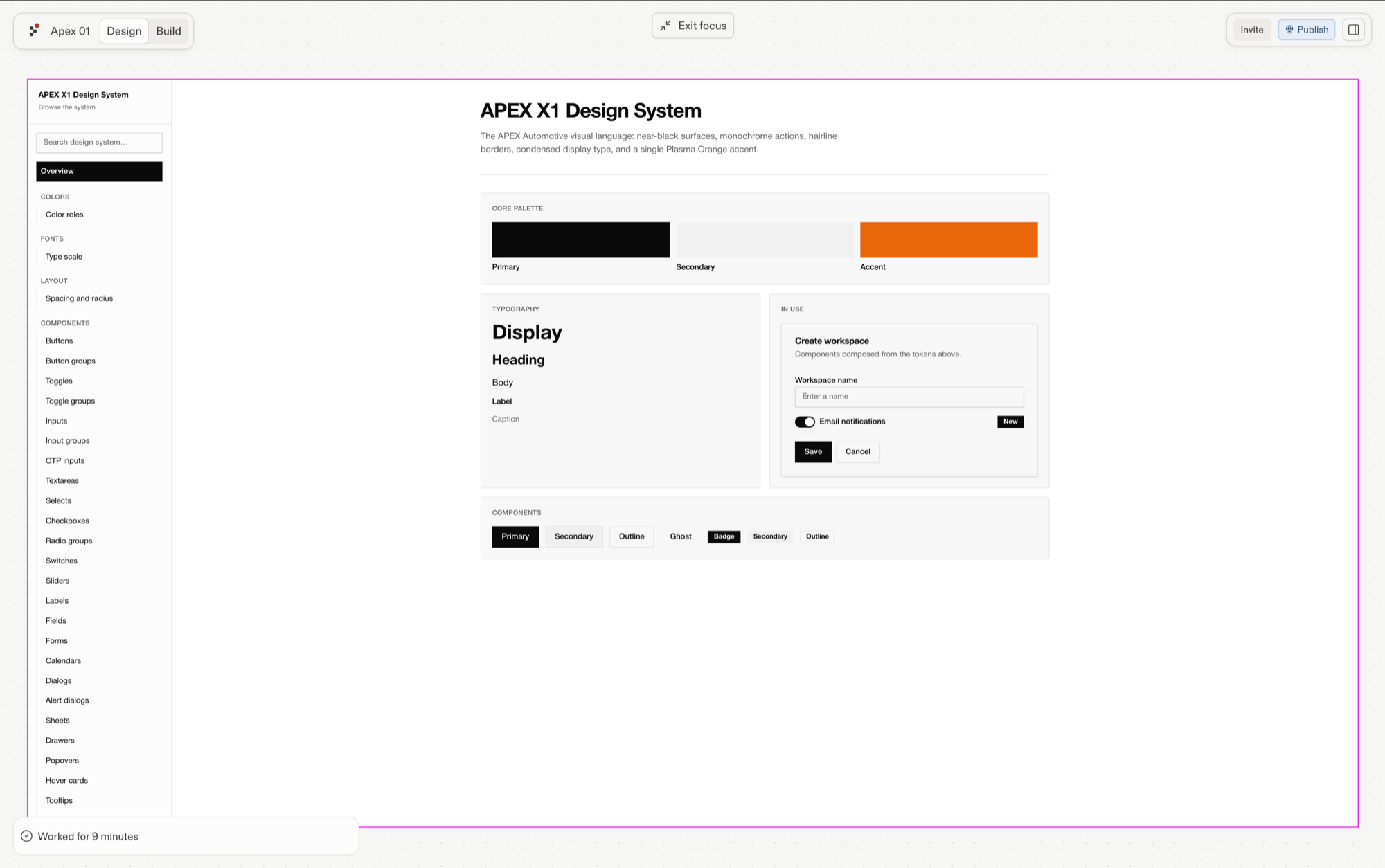
Either way, review what was generated: a living style guide with your colors (by role — primary, accent, muted…), typography scale, and tokens (stored intokens.json, feeding the CSS variables). Then select Save design system to keep it in your workspace.