

Chat about a frame from the main chat
Select the frame you’re discussing and it attaches to the main chat as a chip. Then describe the changes you want to see, like you’d brief a designer mid-review: “warmer colors”, “the hero feels empty”, “try the nav on the left.”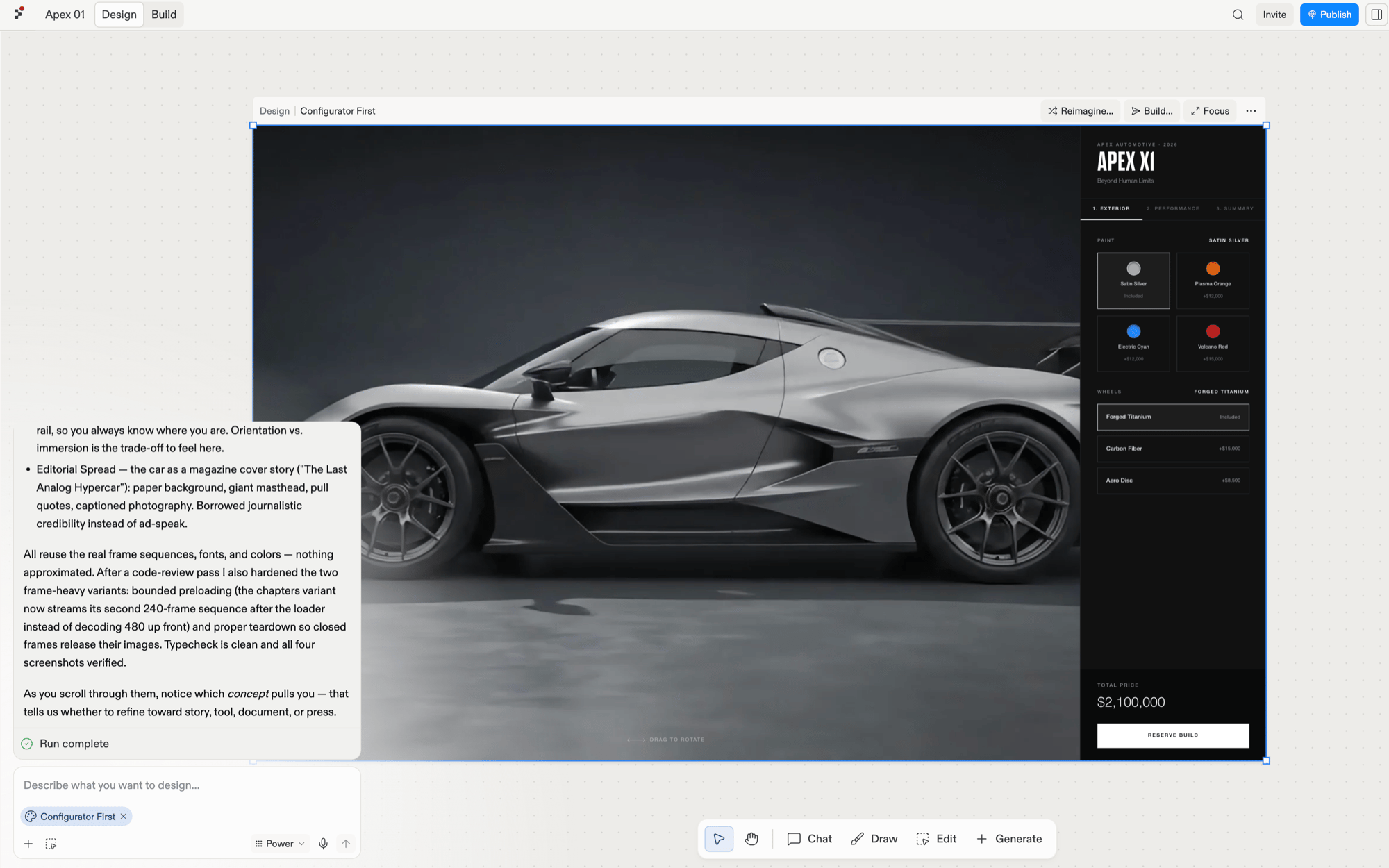
The selected frame attaches to the main chat as a chip.
Chat about an element with the Chat tool
Select Chat in the toolbar, then click an element inside a frame, such as a button, a heading, or an image. The rest of the board dims, the element appears as a chip in a composer, and your message applies to just that piece.
The Chat tool scoped to a selected button, with the rest of the board dimmed.