Estimated time: 10 minutes Sometimes the design you want to start from is already live on the web: your current site, or a page whose look you want to rebuild. Import from URL recreates a website as a design frame you can explore, refine, and build into an interactive app. You’ll use creative-studio-landing.replit.app, a Replit-built landing page for a creative studio, as the example.

Before you start

You need:
  • A Replit account.
  • The URL of a public website, or the example above.

Import the website

1

Copy the site's URL

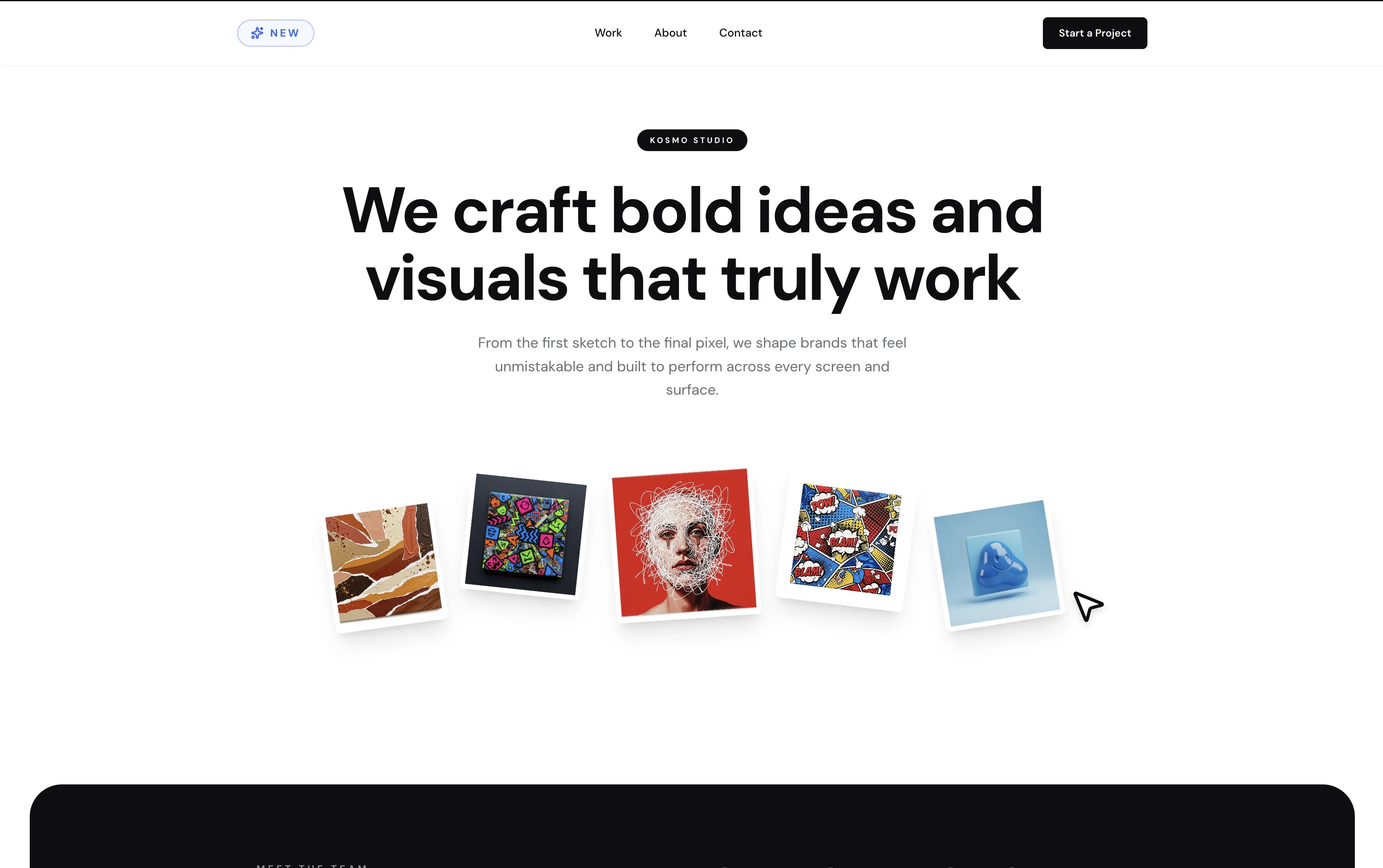
Use your own site, or copy the example: https://creative-studio-landing.replit.app.
The Kosmo Studio landing page with the headline We craft bold ideas and visuals that truly work, above a fan of artwork cards

The example site: Kosmo Studio, a creative studio landing page.

2

Open Replit Design

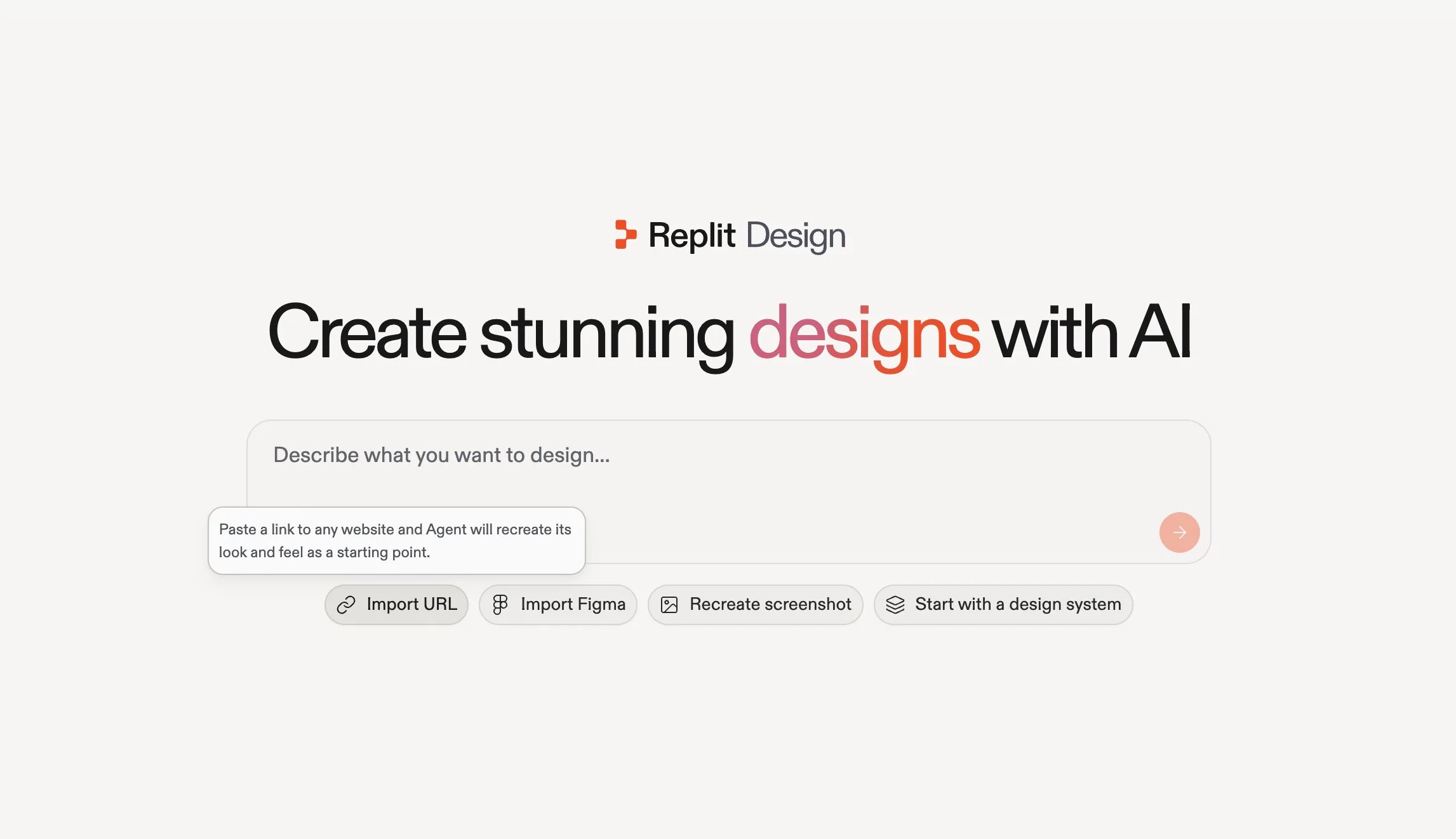
Go to replit.com/design and select Import URL under the prompt box. Agent recreates the site’s look and feel as a starting point.
The Replit Design home with the Import URL option selected and a tooltip reading Paste a link to any website and Agent will recreate its look and feel as a starting point

Import URL on the Replit Design home: paste a link to any website.

3

Paste the URL and start building

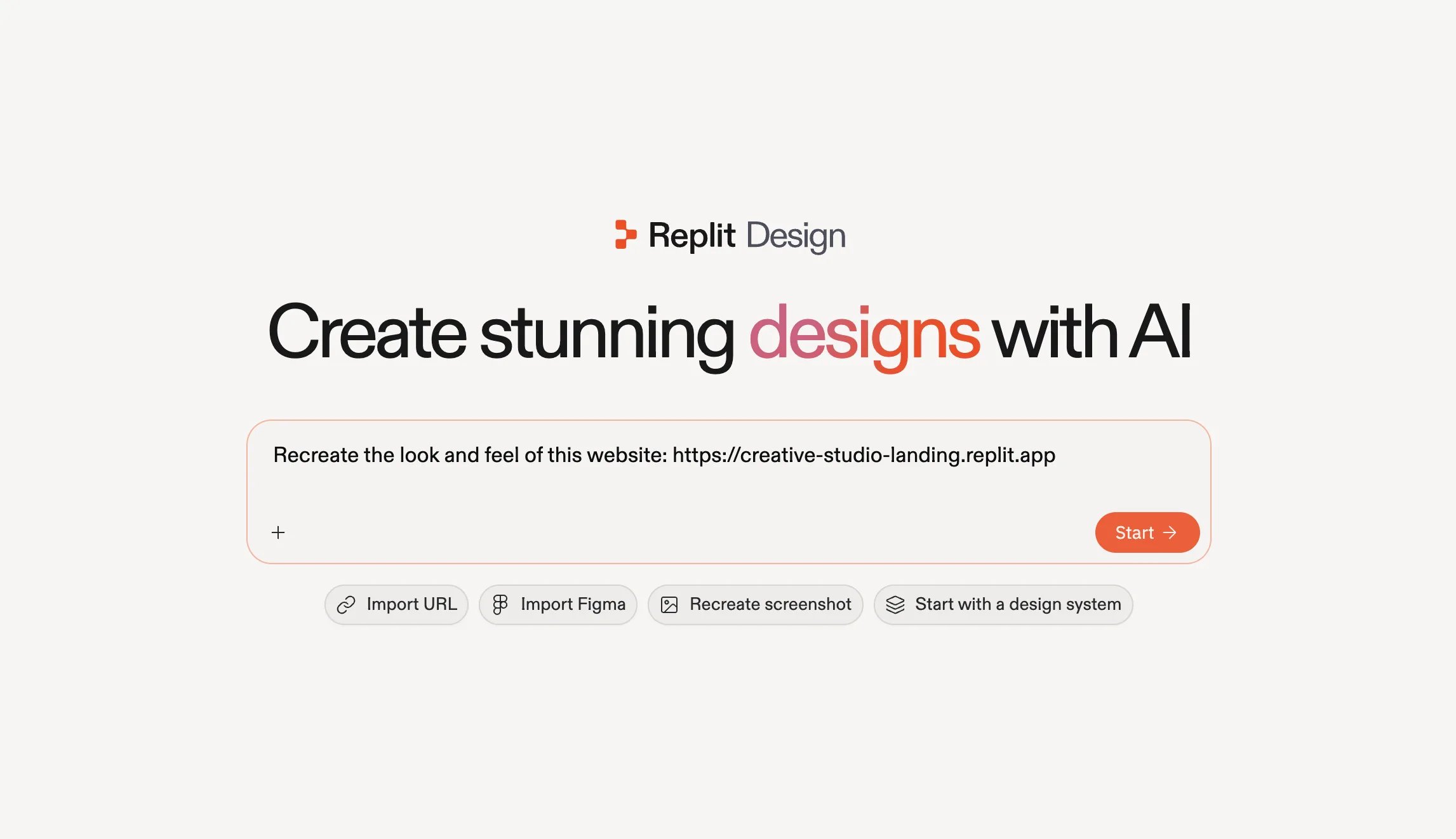
Selecting Import URL prefills the prompt: “Recreate the look and feel of this website:”. Paste your URL after it and select Start.
The Replit Design prompt box reading Recreate the look and feel of this website followed by the example URL, with the Start button

The prefilled recreate prompt with the example URL, ready to start.

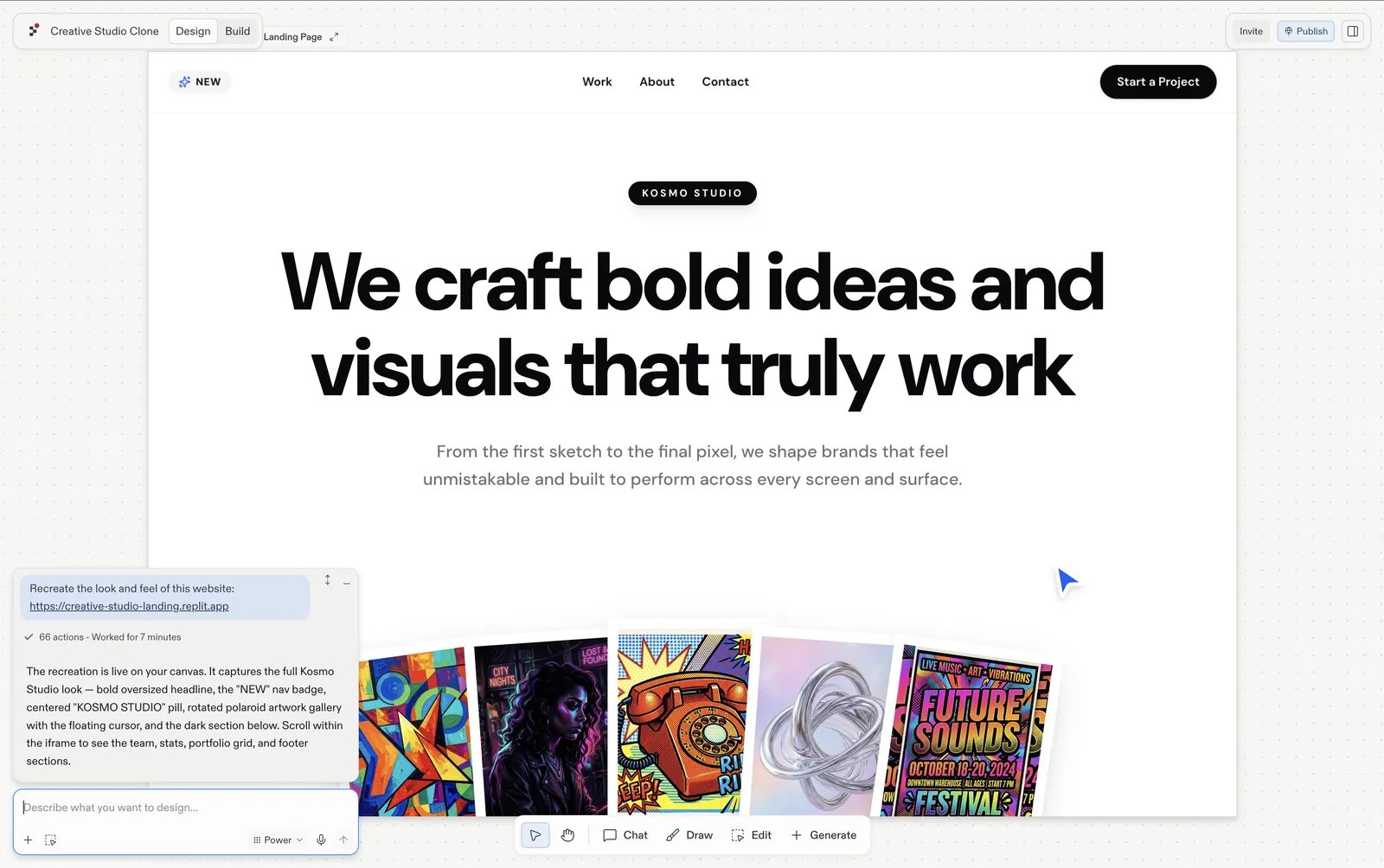
Agent recreates the site as a design frame in your project.
The recreated Kosmo Studio landing page as a design frame in Replit Design, with the run marked complete in the chat panel

The recreated Kosmo Studio landing page as a design frame in Replit Design.

Make it yours

Select the imported frame and start reshaping it:
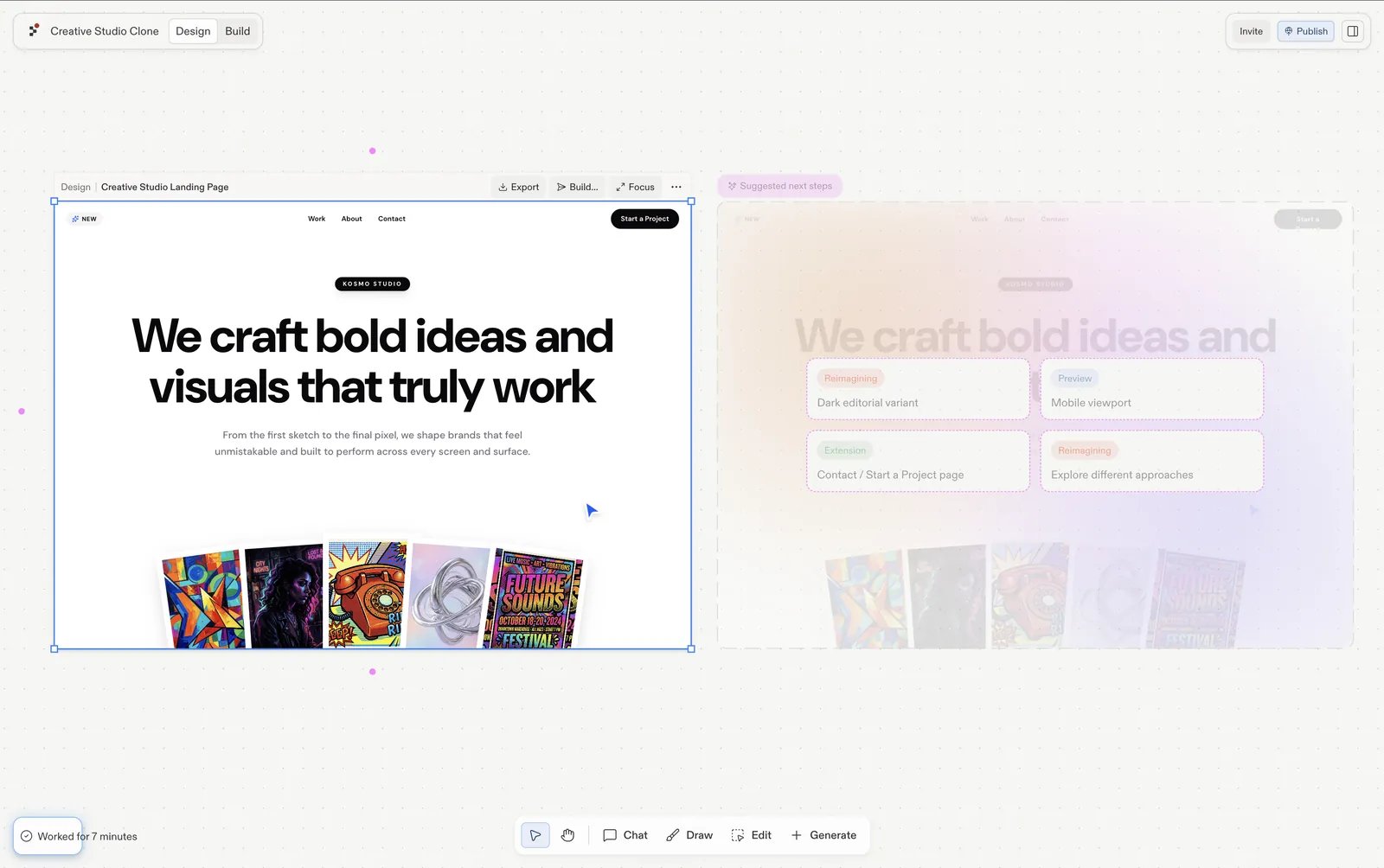
  • Follow a suggestion: the import arrives with proposed next steps, such as a dark editorial variant, a mobile viewport, or a contact page. Each generates as a fresh frame, so the original stays for comparison.
  • Chat about it: use the input under the frame and brief it in your own words, “swap the portfolio shots”, “make the hero type heavier”.
The recreated Creative Studio frame selected in Replit Design, with the Suggested next steps panel beside it proposing a dark editorial variant, a mobile viewport, a contact page, and different approaches

The imported frame selected, with suggested next steps proposing a dark editorial variant, a mobile viewport, and a contact page.

Next steps

Explore suggestions

Explore what to design next, one click at a time.

Visual Editor

Polish text, colors, spacing, and images directly.

Build your design

Turn the finished frame into a working app.