Import a Figma frame into Replit Design, refine it with suggestions and chat, and build it into an interactive app.
⏰ Estimated time: 15 minutesA Figma design shows what the experience should look like. Replit Design turns a Figma frame into a design frame you can explore, refine, and build into an interactive app.You’ll use the Personal Fitness Trainer Template from Figma Community as the example.
Bring the frame into Replit Design and let Agent turn it into a working design.
1
Get your Figma frame link
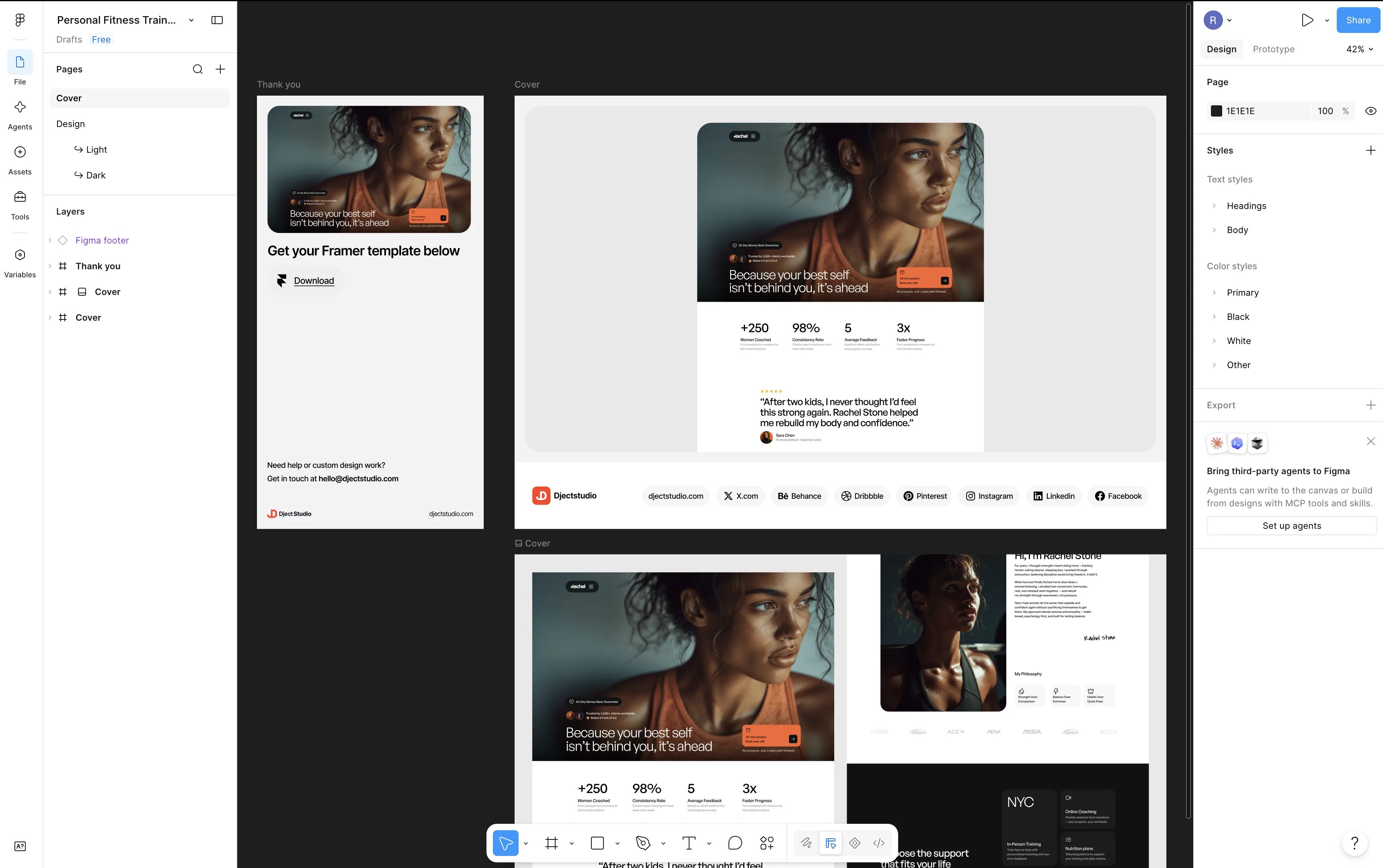
Use your own Figma file, or follow along with this guide’s example: the Personal Fitness Trainer Template on Figma Community.In Figma, right-click the frame you want to import, choose Copy/Paste as, then Copy link to selection.
The Personal Fitness Trainer Template open in Figma, with the Cover frames you'll import.
2
Open Replit Design
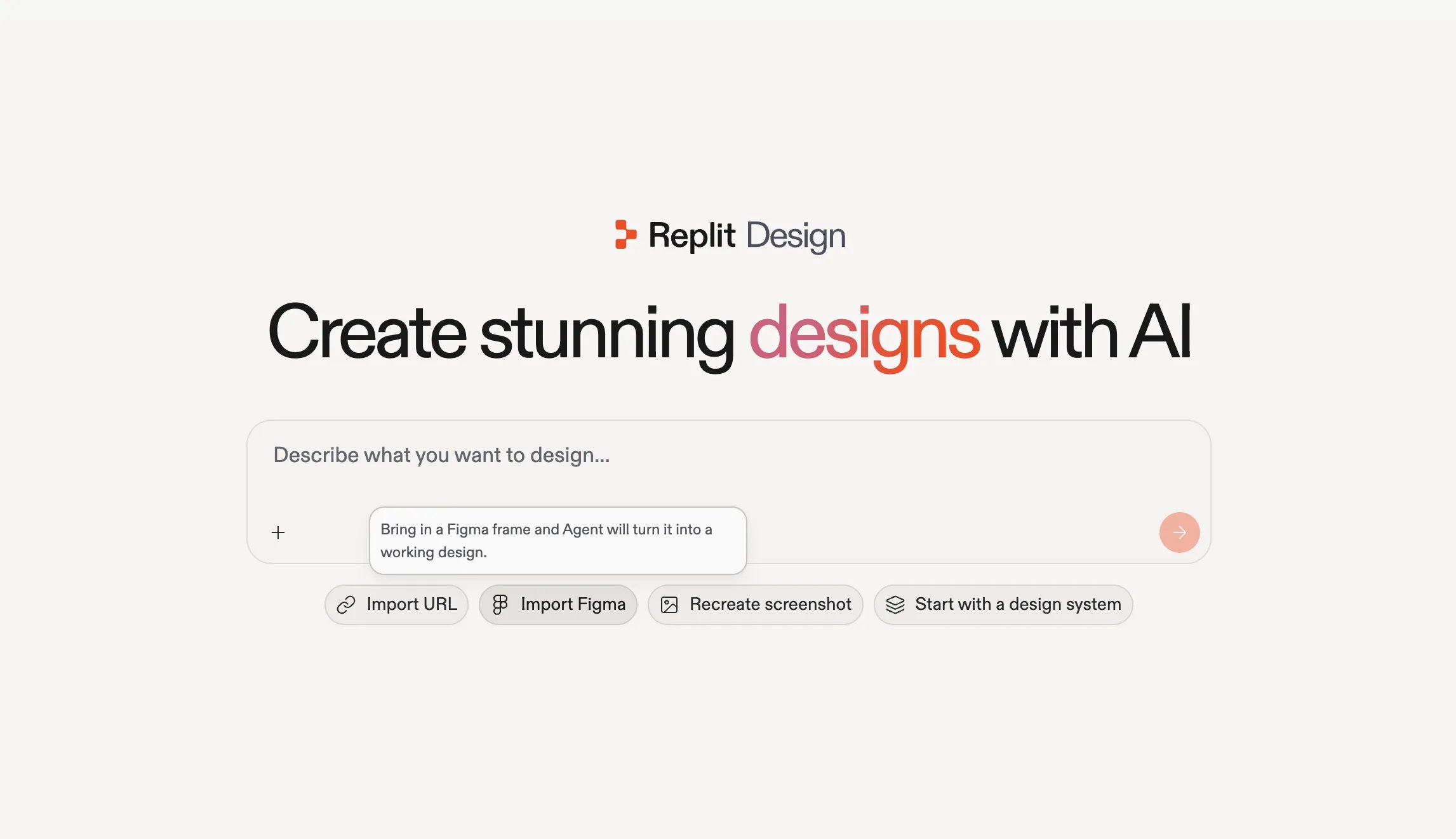
Go to replit.com/design and select Import Figma under the prompt box.
Import Figma on the Replit Design home: bring in a Figma frame and Agent turns it into a working design.
3
Paste the URL and start building
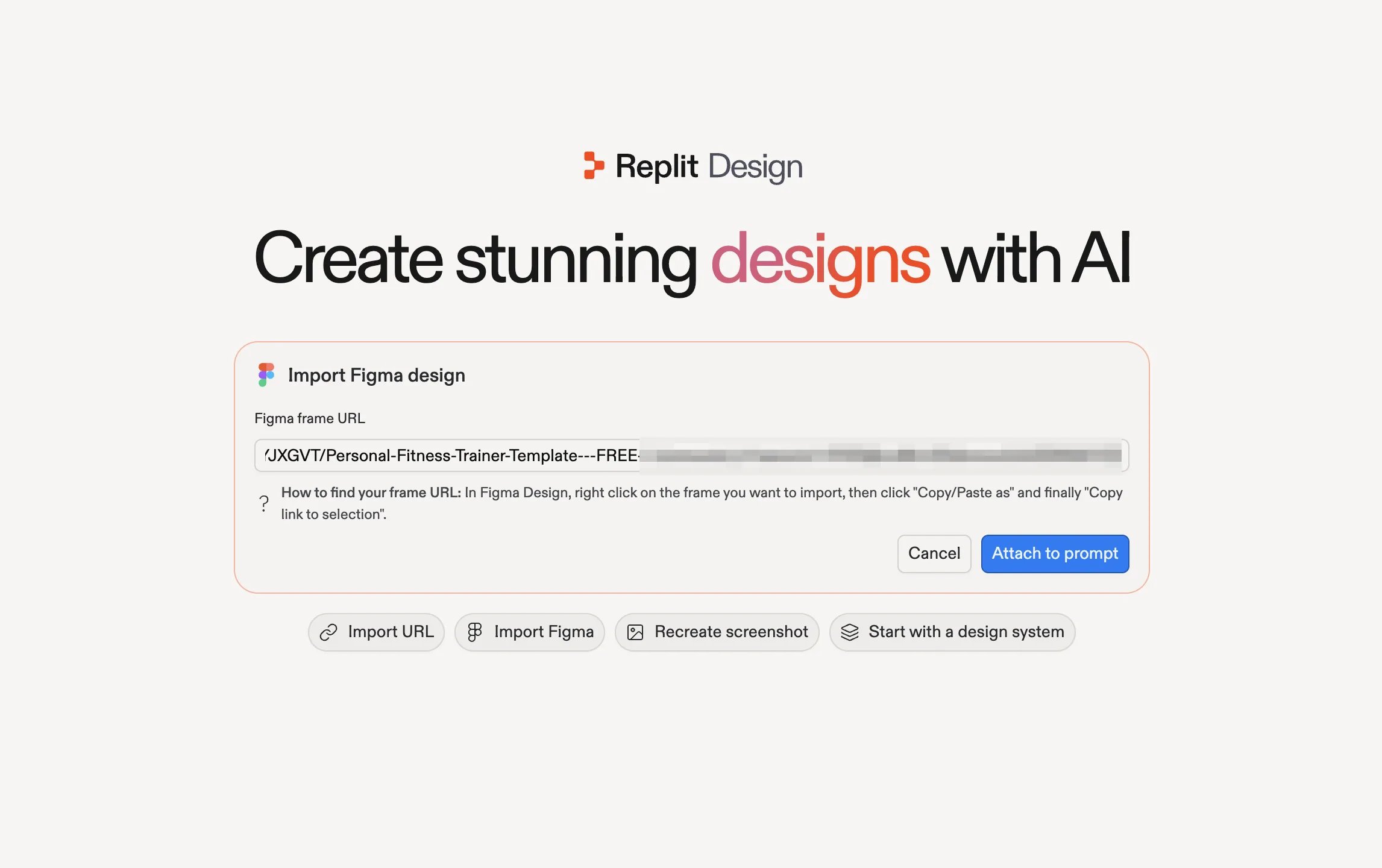
Paste your frame URL into the Import Figma design dialog and select Attach to prompt. The frame attaches to your prompt; submit it to start building.
The Import Figma design dialog with the frame URL pasted, ready to attach to the prompt.
Agent imports the frame and rebuilds it as a design frame in your project.
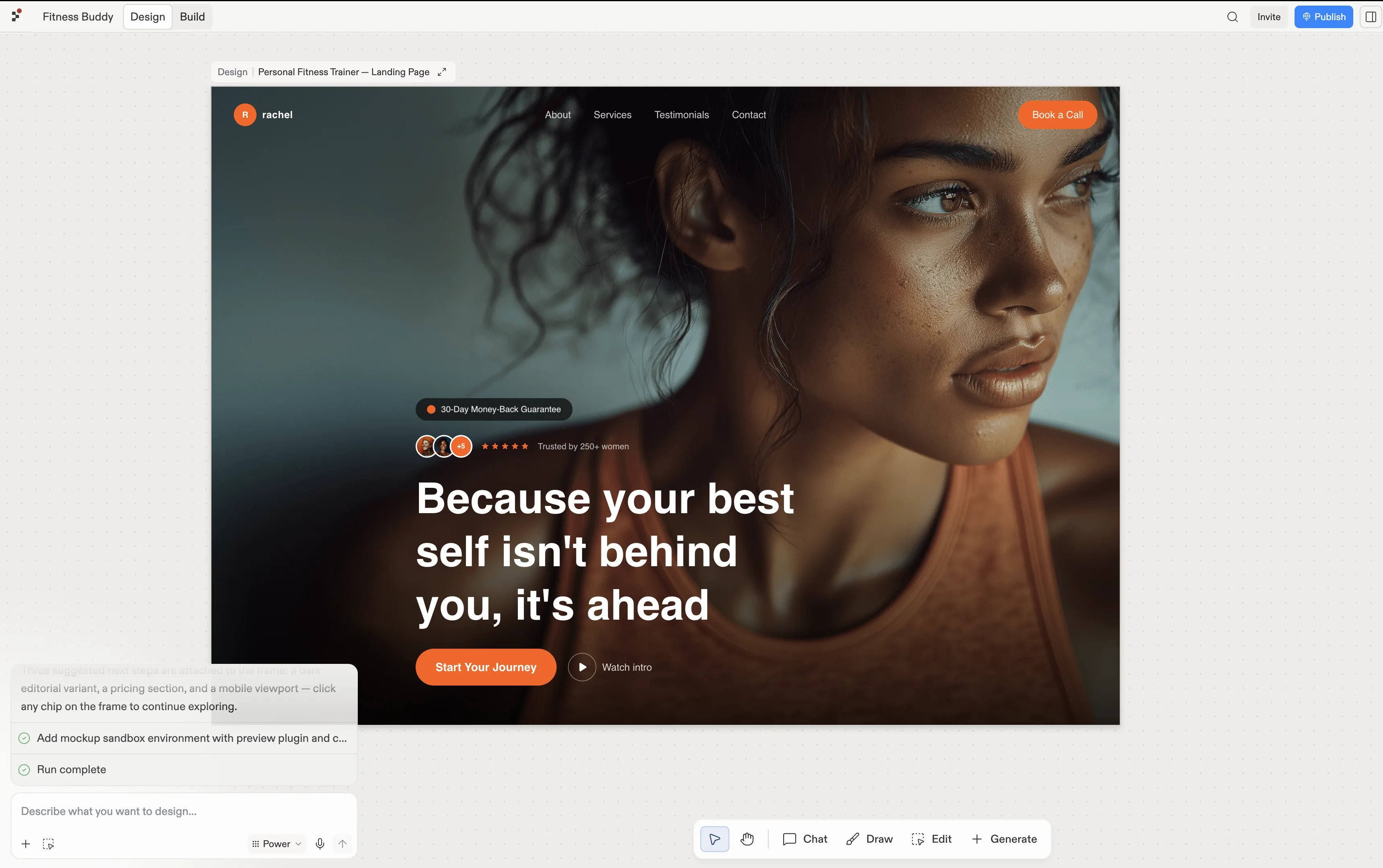
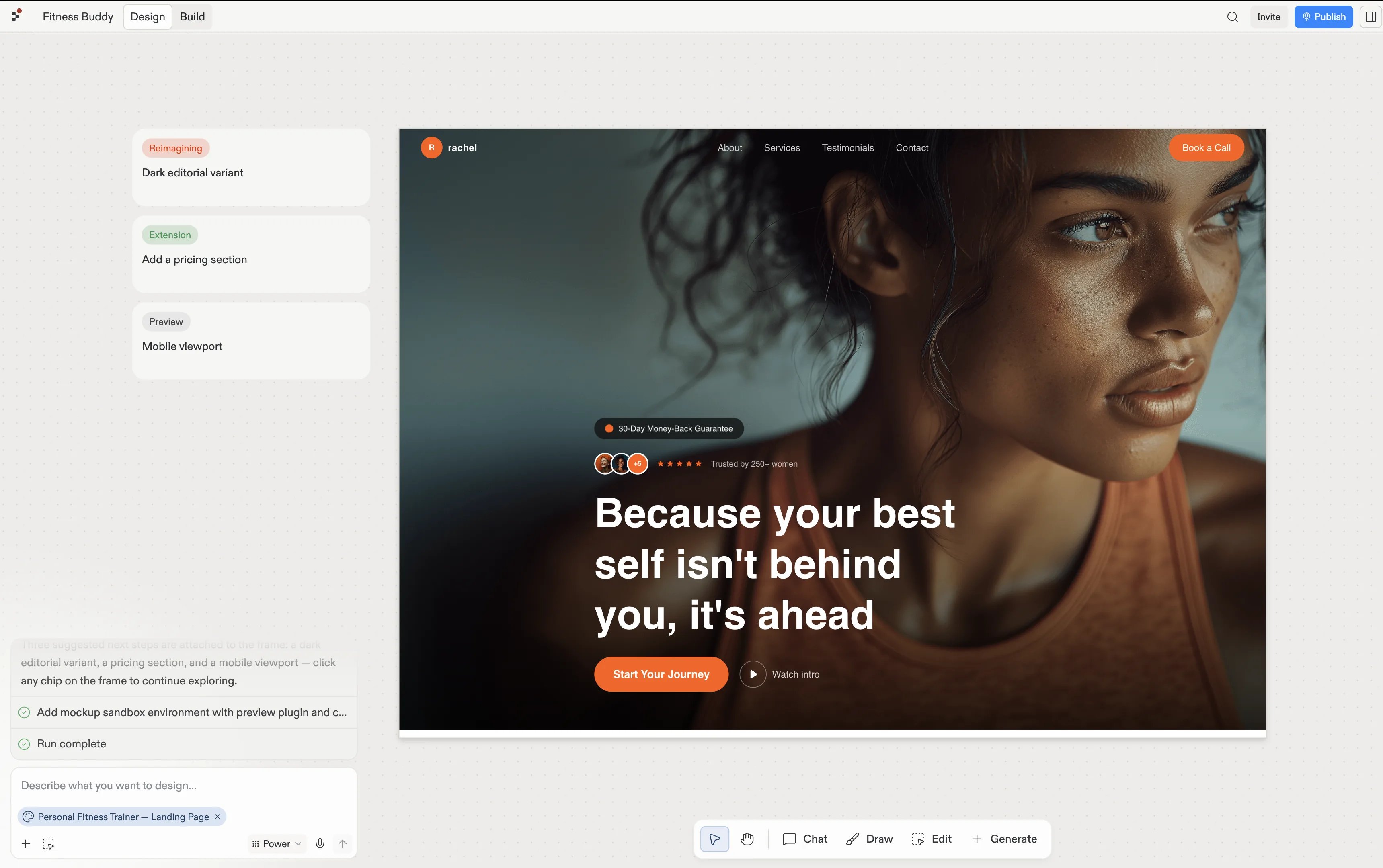
The imported Personal Fitness Trainer landing page as a frame in Replit Design.
Follow a suggestion: the import arrives with proposed next steps, such as a dark editorial variant, a pricing section, or a mobile viewport. Each generates as a fresh frame, so the original stays for comparison.
Chat about it: use the input under the frame and brief it in your own words, “swap the hero photo”, “make the call to action bolder”.
The imported frame selected, with suggestions proposing a dark editorial variant, a pricing section, and a mobile viewport.