

1
Open Replit Design
Go to replit.com/design. The prompt box front and center is where your design starts.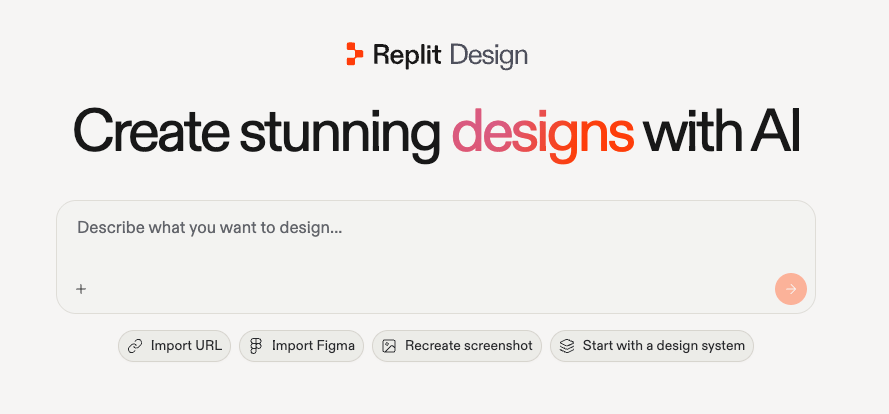
Already in your workspace? Select Design under the create input on your workspace home instead. The input switches to design mode and a Design chip appears in the prompt box.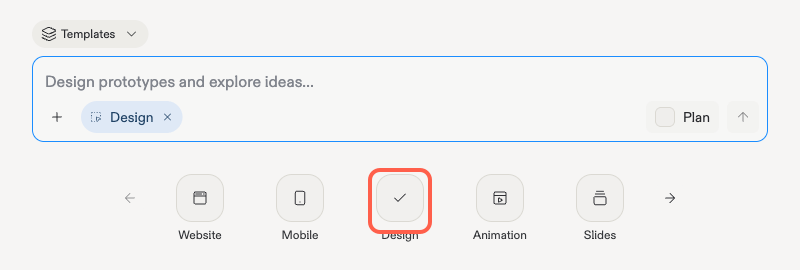
2
Describe what you want to design
Write your prompt like you’d brief a designer friend: what it is, who it’s for, and any vibe you have in mind. For example: “A landing page for a supercar rental service, bold, dark, cinematic.” Then submit.
3
Watch Design build
Agent picks up your prompt and starts building, reporting its progress in the chat panel as it works.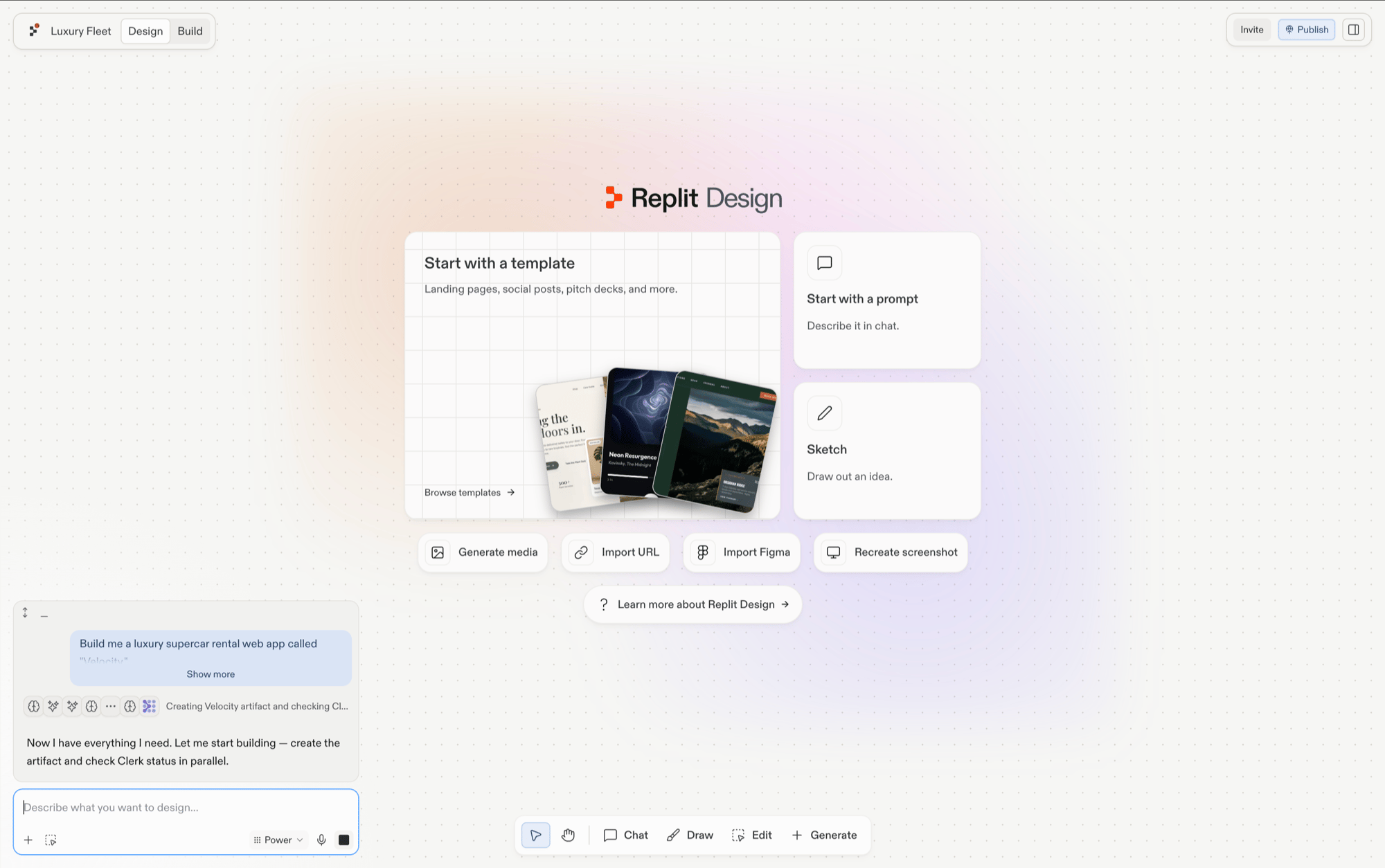
4
Review your first frames
Your design lands as a frame on the canvas. Give it a moment, then look it over at full size.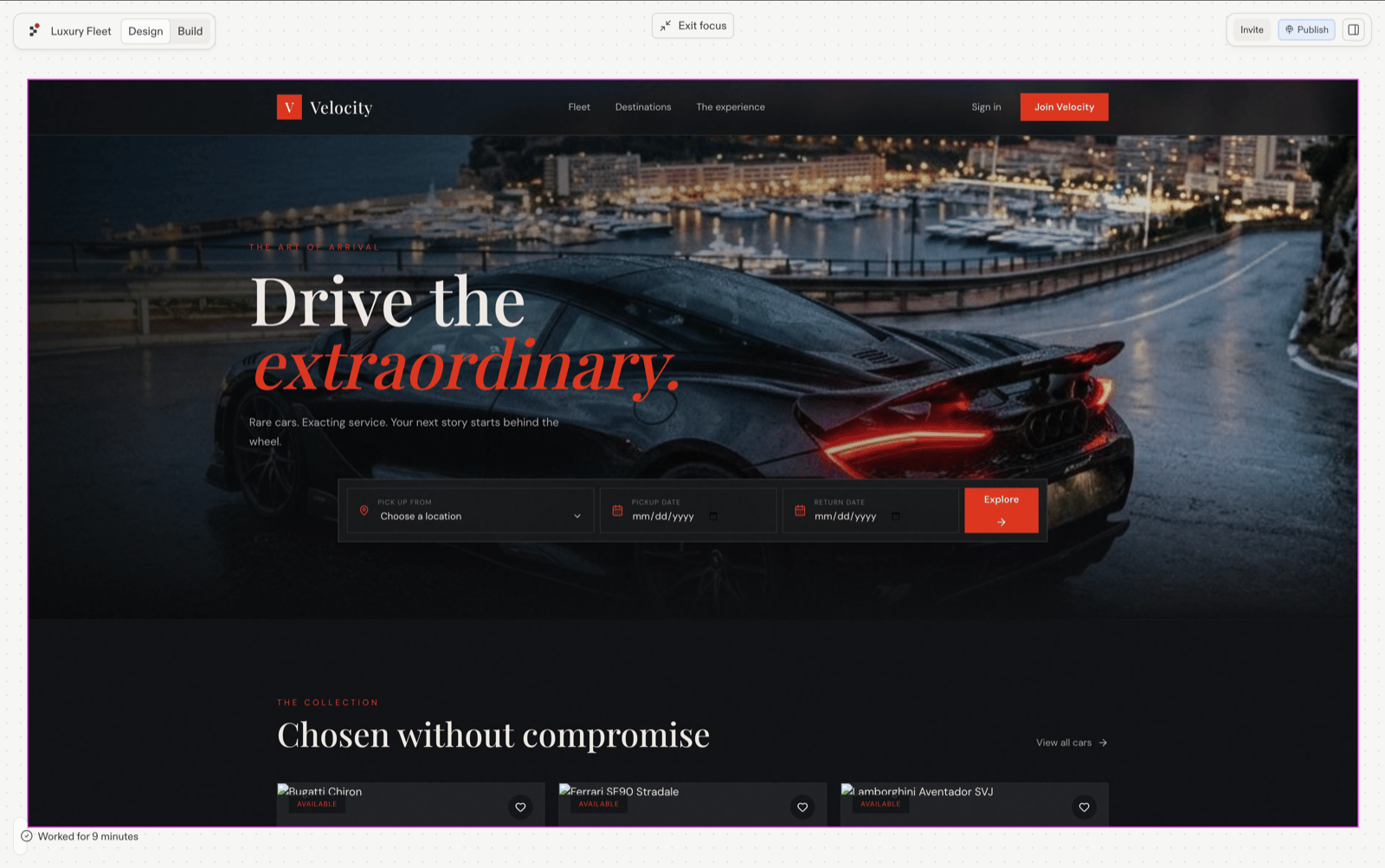
5
Keep generating with suggestions
Select the frame you like most. Suggestions appear for what to design next; click one and a new direction generates as a fresh frame, leaving your original untouched. Keep clicking until something feels right.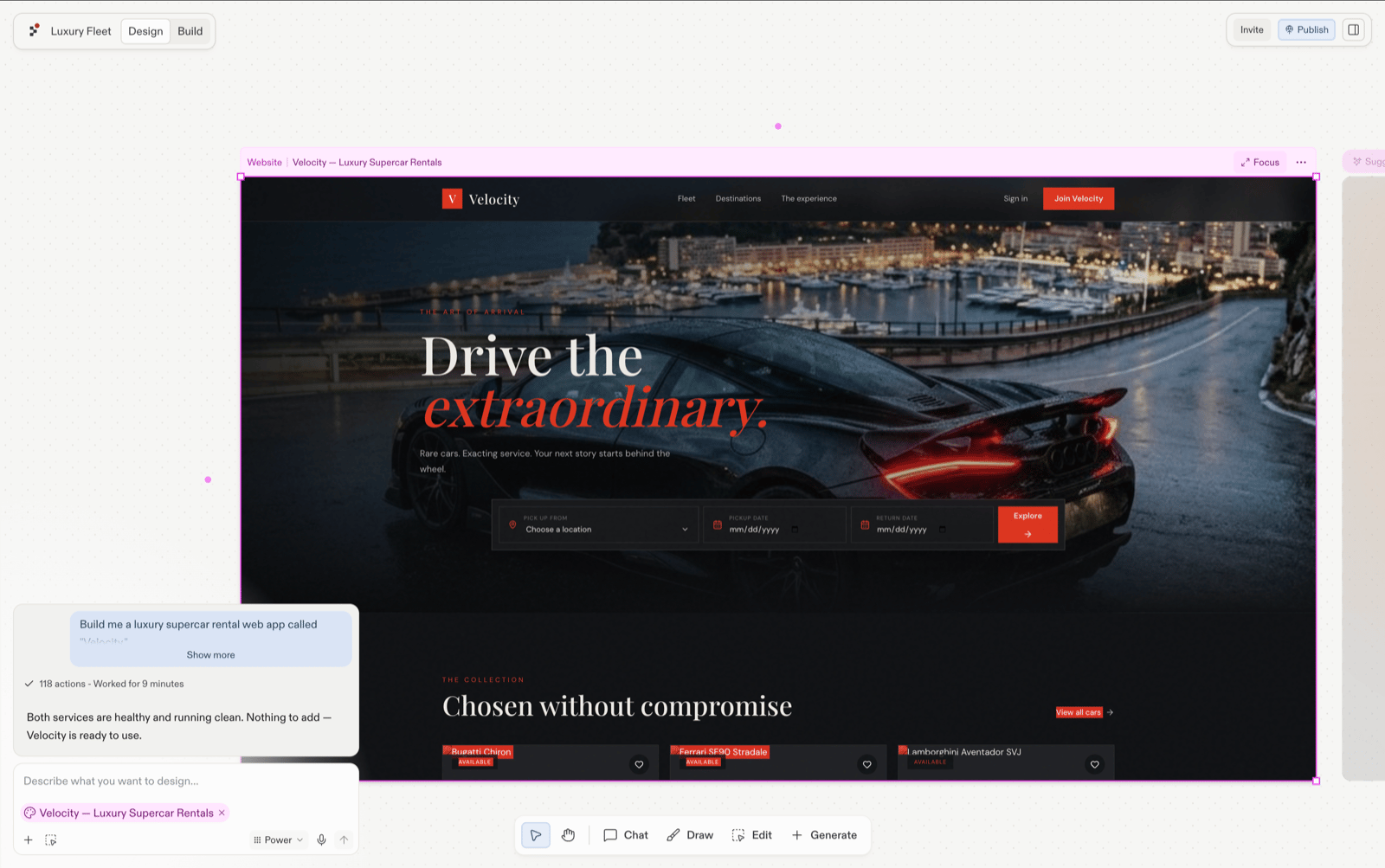
Next steps
Explore suggestions
Go deeper on the exploration loop.
Explore →
Start from a template
Begin from a pre-built design instead of a blank prompt.
Choose a template →
Build your design
Turn the winning frame into a working app.
Continue to Build →