

Build your first version with Free Mode
Use Free Mode to move an idea into a working first version without using credits. Choose Free from the mode selector below the prompt box before you start building.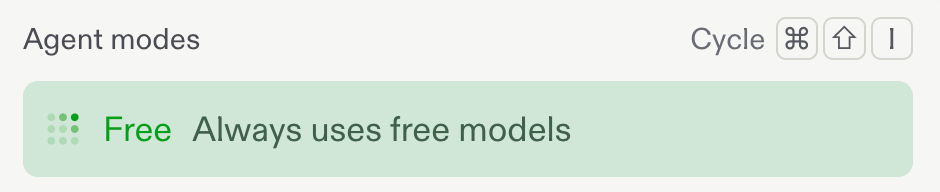
Choose Free Mode from the mode selector.
Build in focused steps
Free Mode works best when you give Replit one clear next step at a time. Start with the version of your app that proves the idea, then build on it.- Describe what you want to build. Start with the outcome, the people it is for, and the first thing it needs to do.
- Build the essential flow. Ask for one screen, feature, or interaction at a time instead of every possible feature at once.
- Preview and refine. Test what Replit creates, then ask for the next improvement with the result in front of you.
- Keep the context. Continue in the same conversation so Replit can build on your decisions and the app you already have.
Make the allowance go further
- Break a larger feature into small, testable requests.
- Tell Replit what to change and what to keep, especially when refining an existing screen.
- Use follow-up questions to clarify the plan before building a more involved feature.
- Return to a project with a concrete next step, such as adding validation, improving a mobile layout, or connecting a form.
Check your allowance
Go to Usage in Settings to see how much of your Free Mode allowance remains and when it will refresh.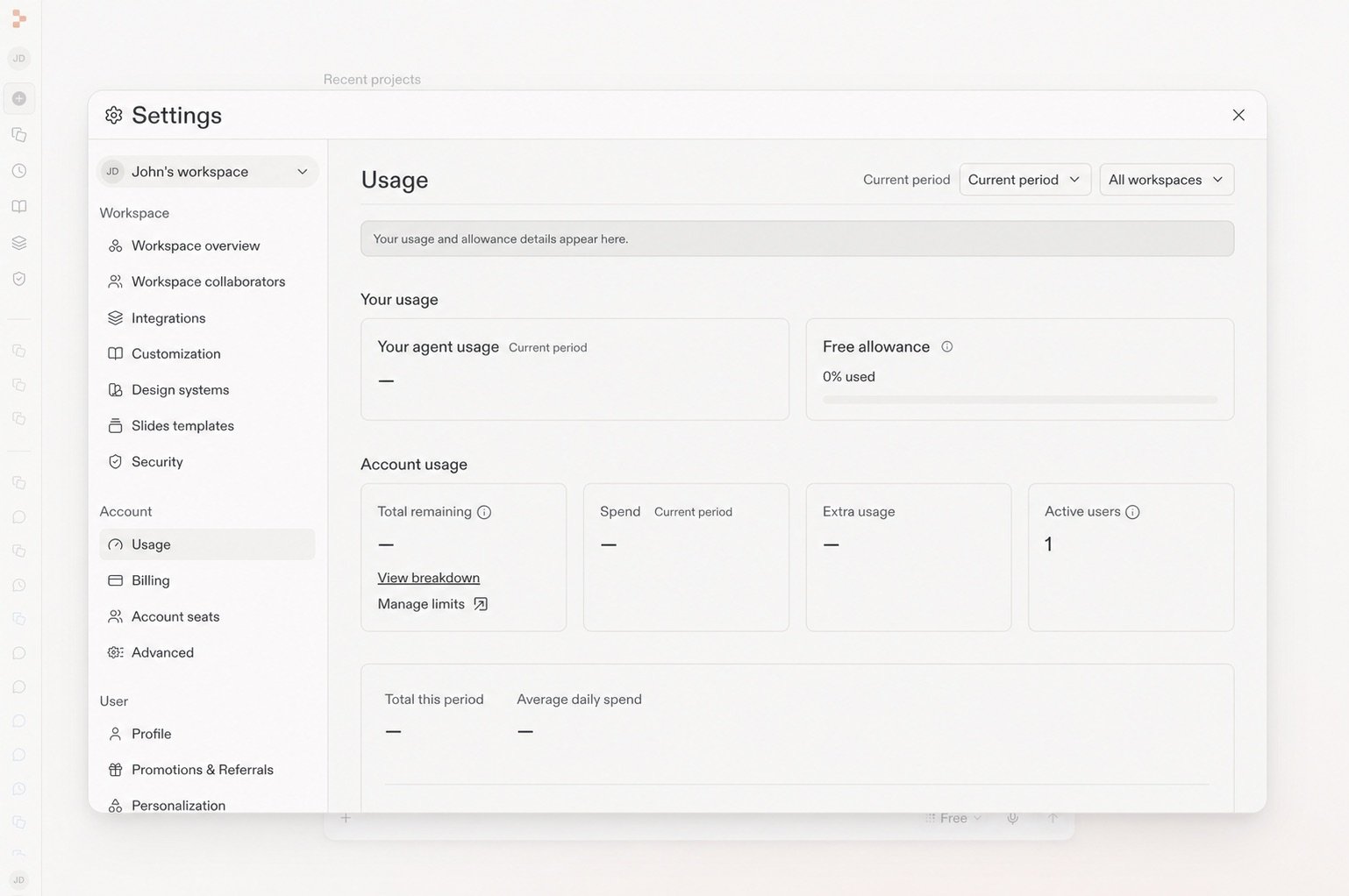
The Usage page shows your remaining Free allowance.
Keep going
- Get the most out of Free Mode: Learn how Free Mode fits everyday chat, creation, and building.
- Build your first app: Practice the prompt, build, test, and refine loop.
- Select the right Agent Mode: Choose between Free Mode, Power Mode, and Max Mode.