

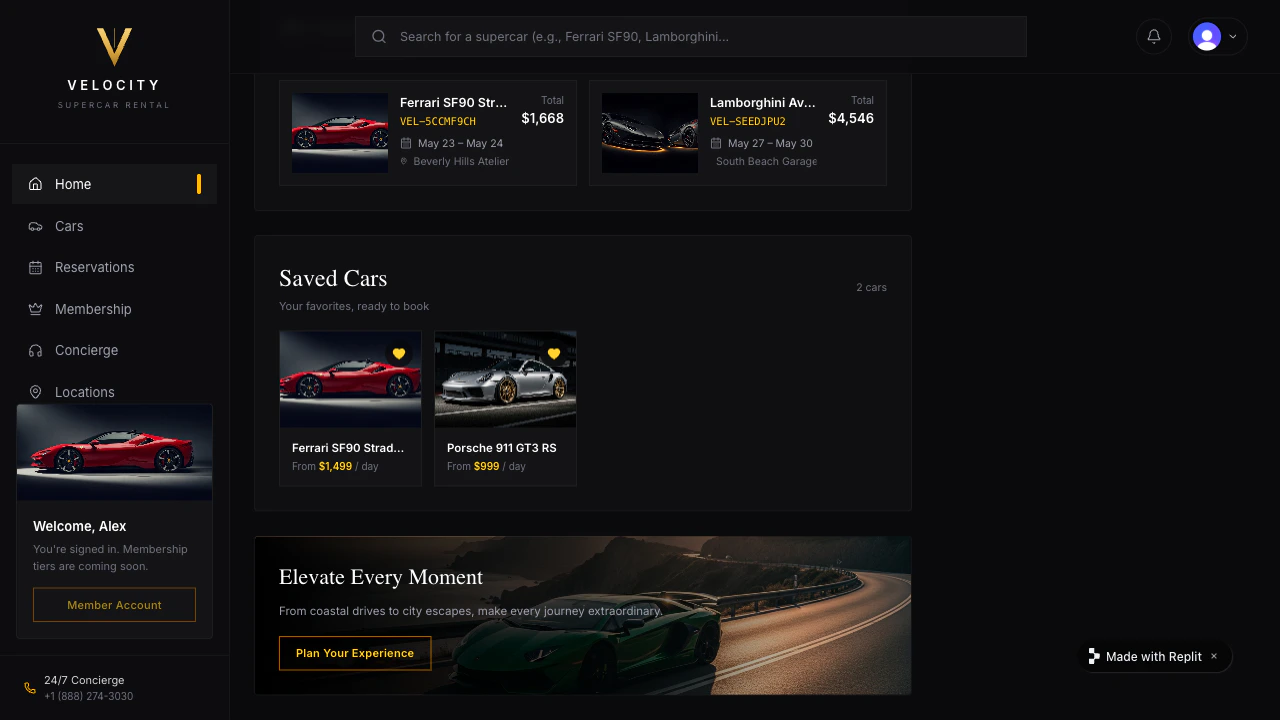
Tell Agent to save the data
For Velocity, use Neon — Replit’s managed Postgres database. Neon handles concurrent bookings cleanly, scales with real customer traffic, and Agent provisions it automatically with separate Development and Production environments. There’s no Neon dashboard signup and no keys to paste. Agent will provision a Neon database, move the fleet and reservations from in-memory data into it, and add the overlap check so the same Lamborghini can’t get double-booked.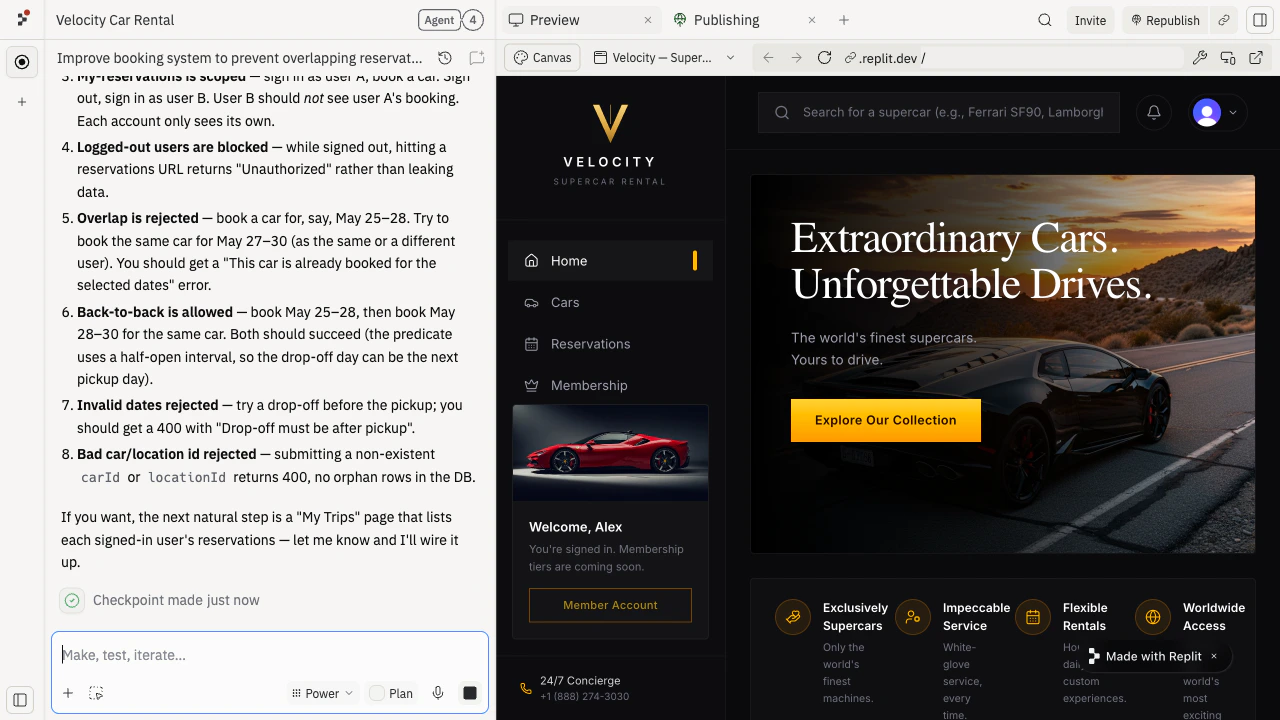
Test that everything sticks
- Sign in to Velocity in Preview and reserve a car for next Saturday.
- Refresh the page. The reservation should still be there in “My bookings.”
- Restart the app from the Agent chat. The fleet and the reservation should both still be there.
- Try to reserve the same car on the same Saturday with a second account. Velocity should say the car isn’t available and offer a different date or car.
- Sign out and sign back in. Your reservation should still be there.
Publish and confirm on the public URL
Agent’s Neon setup gives Velocity separate Development and Production environments out of the box. Publish Velocity again from the Agent chat or the Publishing tile, then open the public URL in a new tab. Replit wires the Production Neon credentials into the published deployment automatically — make a reservation on the public URL, refresh, and confirm it’s still there. Velocity now remembers every car, every available date, and every reservation. The next refresh won’t lose a single booking.Improve it next
Add payments
Take a refundable deposit when a customer reserves a car.
Add integrations
Send each booking to the customer’s calendar.
Create a dashboard from data
Turn the saved reservations into utilization charts.
Need further help?
- Reservations save in Preview but not on the public URL: ask Agent to confirm the Production Neon credentials are wired into the published deployment.
- Data is hard to inspect: ask Agent to add a simple admin view that lists everything in the database.
- You want to seed the fleet: ask Agent to add a one-time script that loads your real cars into the database.
- You want a zero-setup database for a quick prototype: use Replit Database instead — it’s built into every Repl with no separate provisioning.