

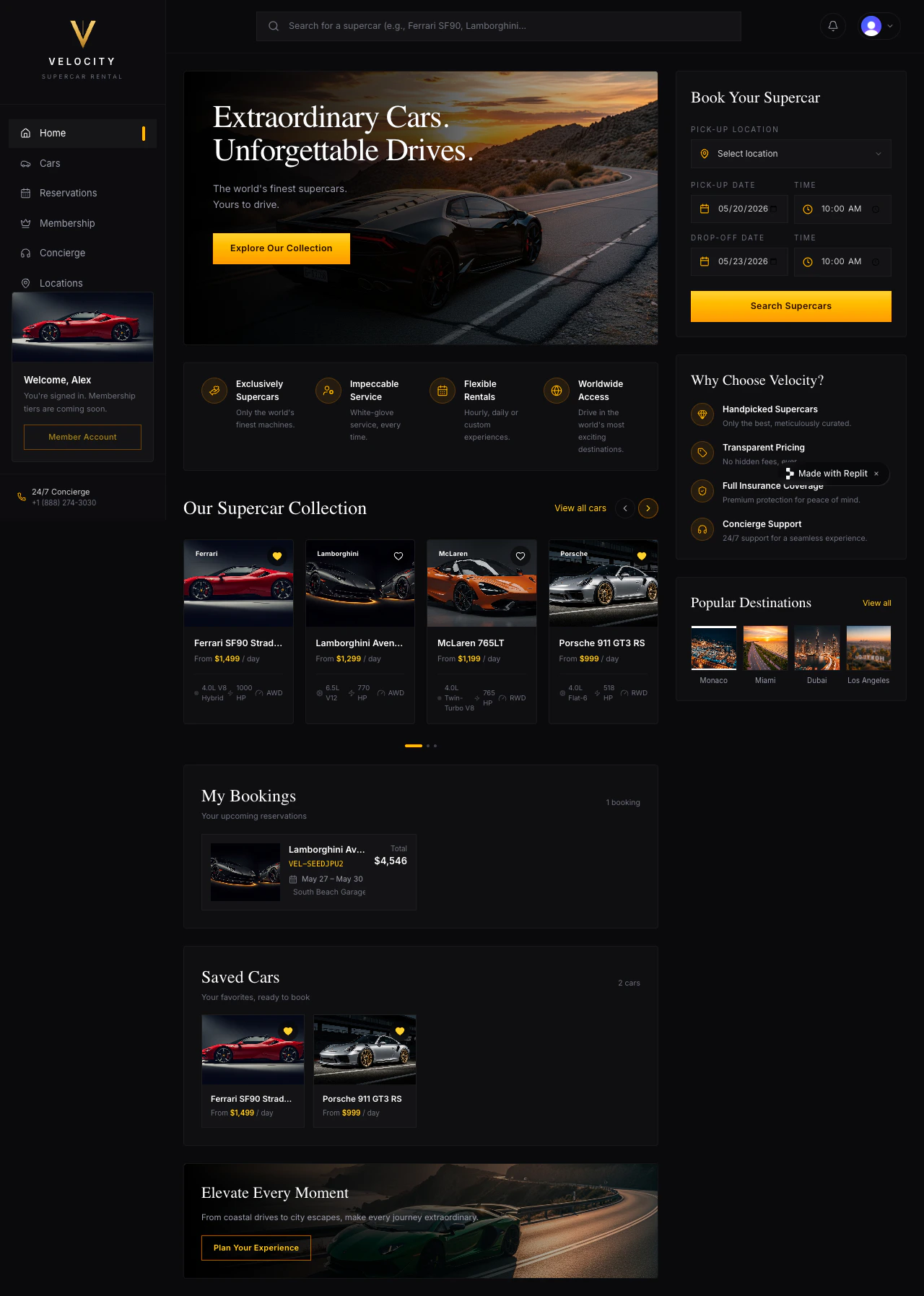
Tell Agent to add sign-in
For Velocity, use Clerk. Replit’s Clerk integration gives your app its own branded sign-in screen, customer accounts that exist inside Velocity (not Replit accounts), and full control over the look and feel — fitting for a premium rental brand. Agent provisions everything automatically, so there is no Clerk dashboard signup and no keys to paste. Agent will provision a Clerk tenant for Velocity, add the sign-in components, gate the booking flow behind it, attach each reservation to the signed-in customer, and add sign-out. Watch the build in the Agent chat.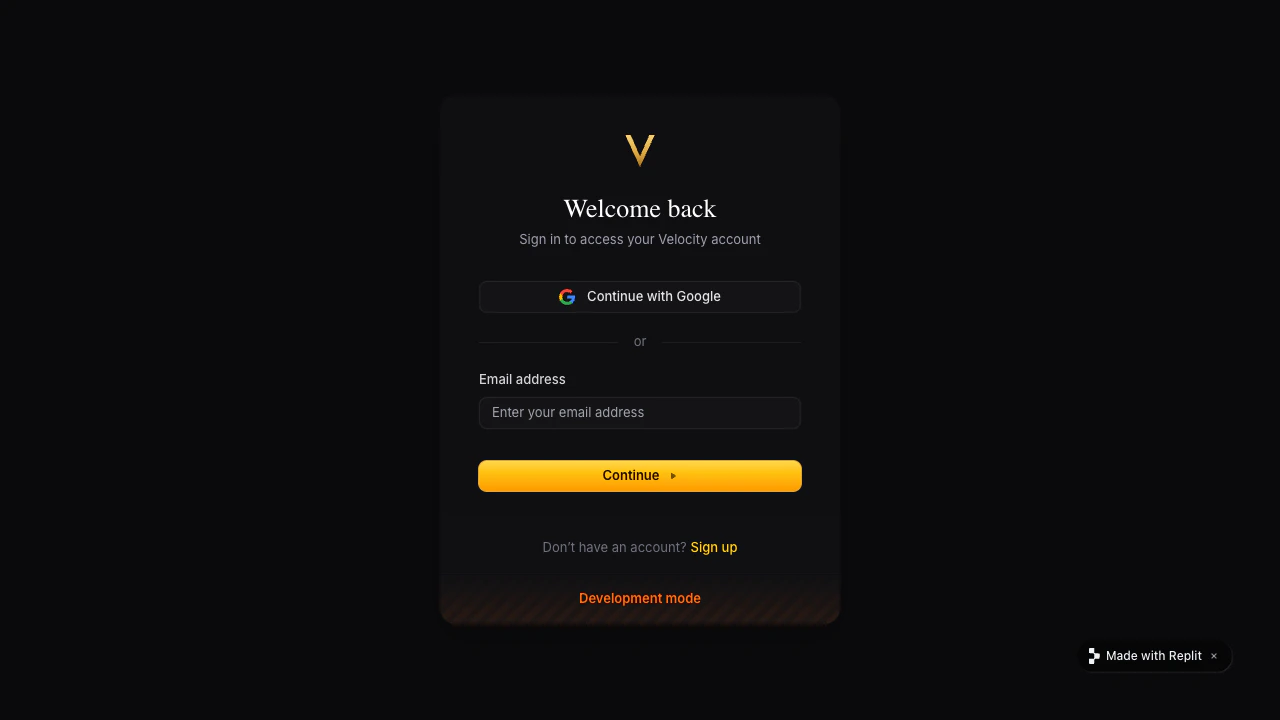
Test it with two customers
One account isn’t enough — you need two so you can prove bookings stay separate.- Open Velocity in Preview and browse cars without signing in. The fleet should still be visible.
- Click Reserve on a car. You should land on the Clerk sign-in screen.
- Sign up with your own email and complete a reservation (e.g. a weekend booking on a 911).
- Sign out. The “My bookings” section should disappear and the booking flow should ask for sign-in again.
- Open Preview in an incognito window and sign up with a different email. Reserve a different car.
- Switch back to your first window, sign in, and confirm you still see your own reservation — not the second customer’s.
Publish and sign in on the public URL
Publish Velocity again from the Agent chat or the Publishing tile, then open the public URL in a new tab and sign in. Clerk is provisioned with separate Development and Production environments — Agent wires the Production credentials into the published app automatically, so sign-in works on the public URL out of the box. Velocity now has real customers. Each one signs in to a personal garage of bookings — nobody else sees them.Improve it next
Add a database
Make cars, availability, and reservations persist between sessions.
Add payments
Take a refundable deposit when a customer reserves a car.
Need further help?
- The whole app is hidden: ask Agent to keep car browsing public and protect only the booking and account pages.
- Customers see each other’s reservations: ask Agent to attach each booking and saved car to the signed-in customer.
- Sign-in works in Preview but not after publishing: open the public URL in a new tab and tell Agent the exact error you see. Make sure Agent provisioned the Production Clerk environment.
- You want a faster zero-config sign-in for prototypes: Replit Auth uses your customers’ Replit accounts with no Clerk tenant to manage — see Replit Auth.