

What you’ll learn
You will learn how to:- Turn a broad product idea into one testable flow.
- Use Plan mode to scope a prototype before building.
- Review whether Agent’s plan is small enough to test.
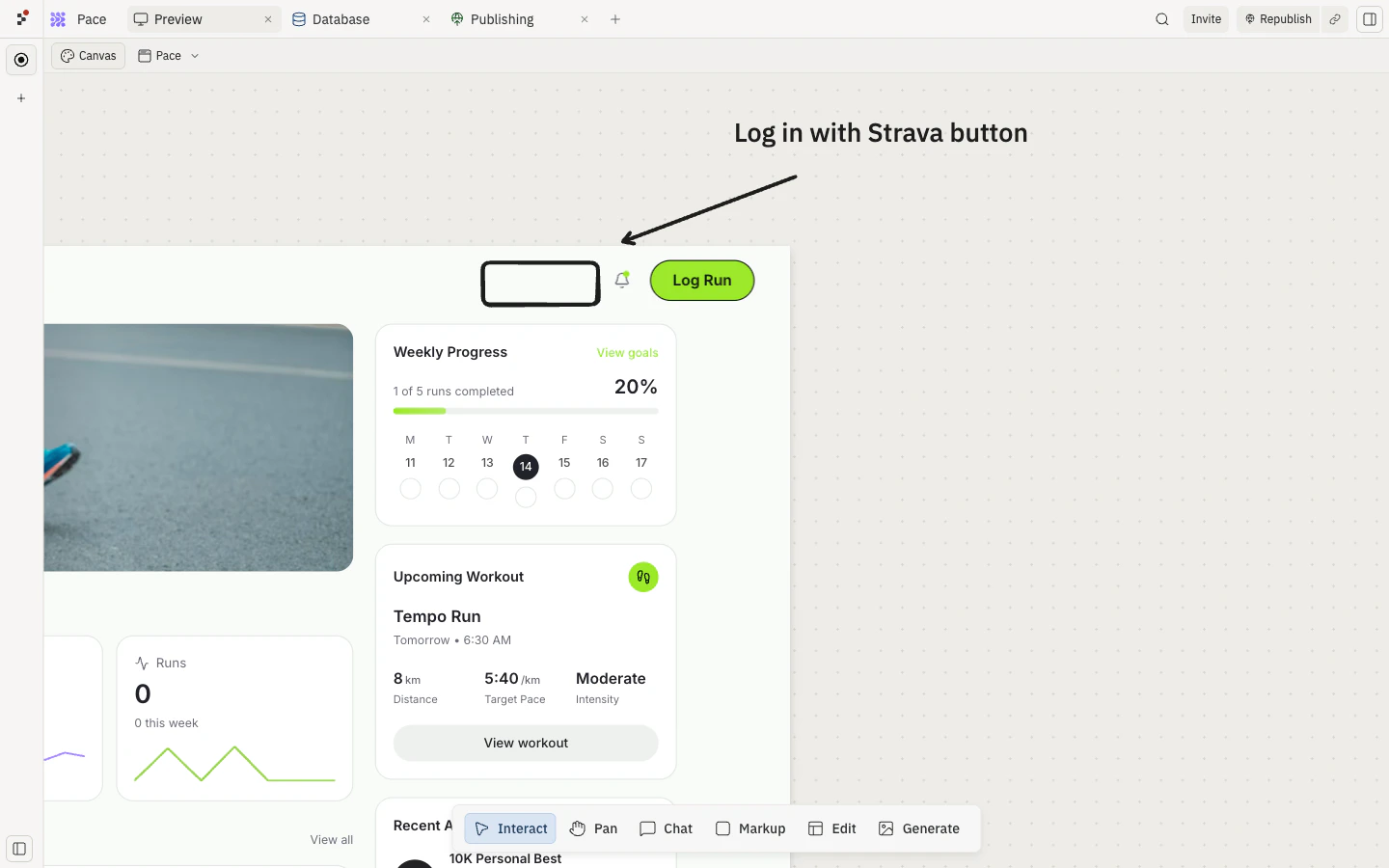
- Use Canvas annotations and collaboration to collect feedback in context.
- Explore two prototype directions in parallel when the product question is unclear.
1
Write the prompt
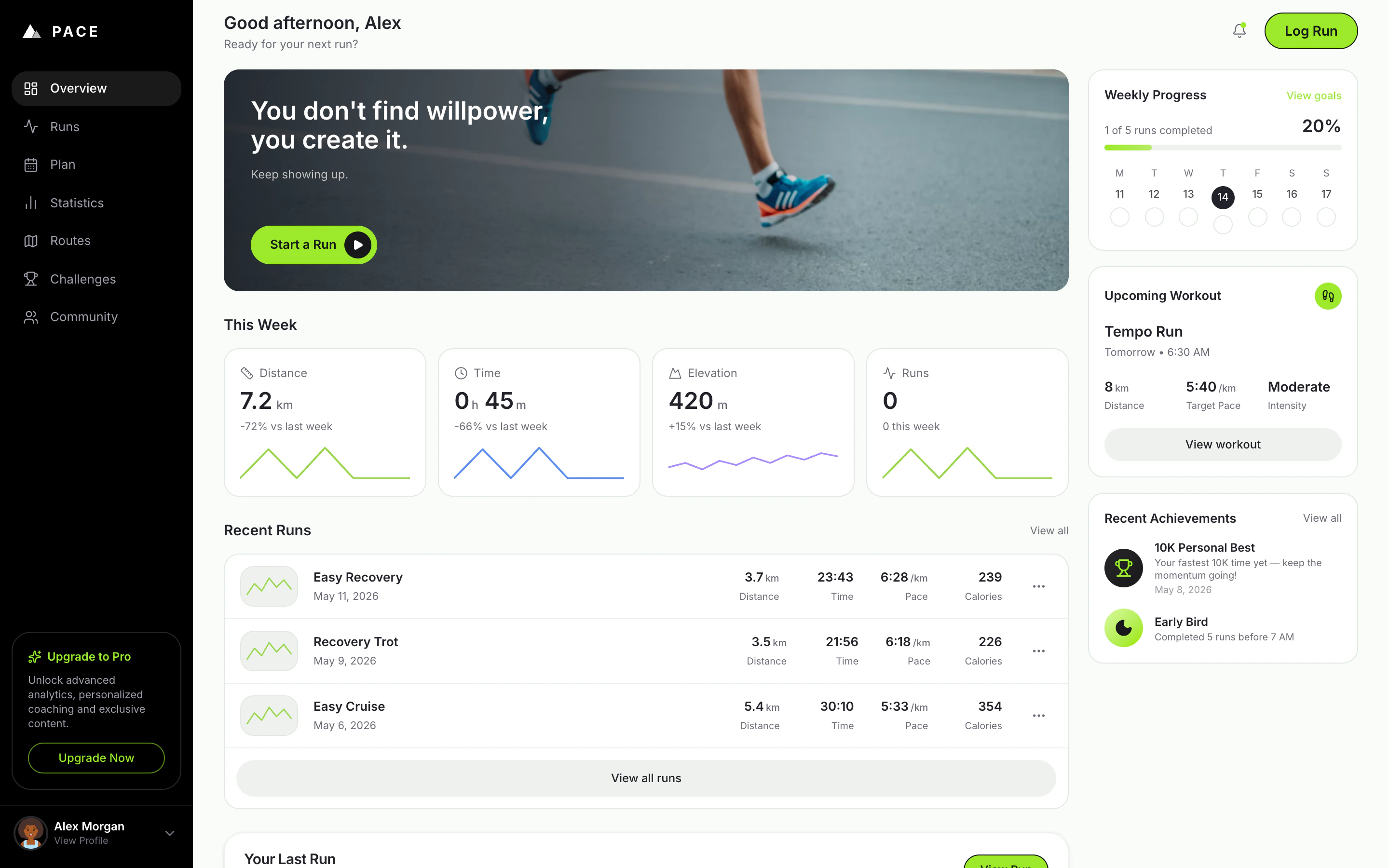
The prompt above describes Pace — a personal running tracker with a polished home dashboard, an Add Run flow, stats, a placeholder plan view, and realistic San Francisco sample data. Use Copy the prompt to paste it into Replit yourself, or Build on Replit to open Replit with the prompt already attached.The prompt is intentionally specific about the visual direction, the screens, what data to mock, and what’s a placeholder — that’s what gives Agent a clear target to evaluate against.
2
Use Plan mode (optional)
If you want Agent to think through the product question before writing any code, toggle Plan next to the prompt input. Plan mode produces a structured plan you can review before approving the build — useful when the direction isn’t fully decided yet.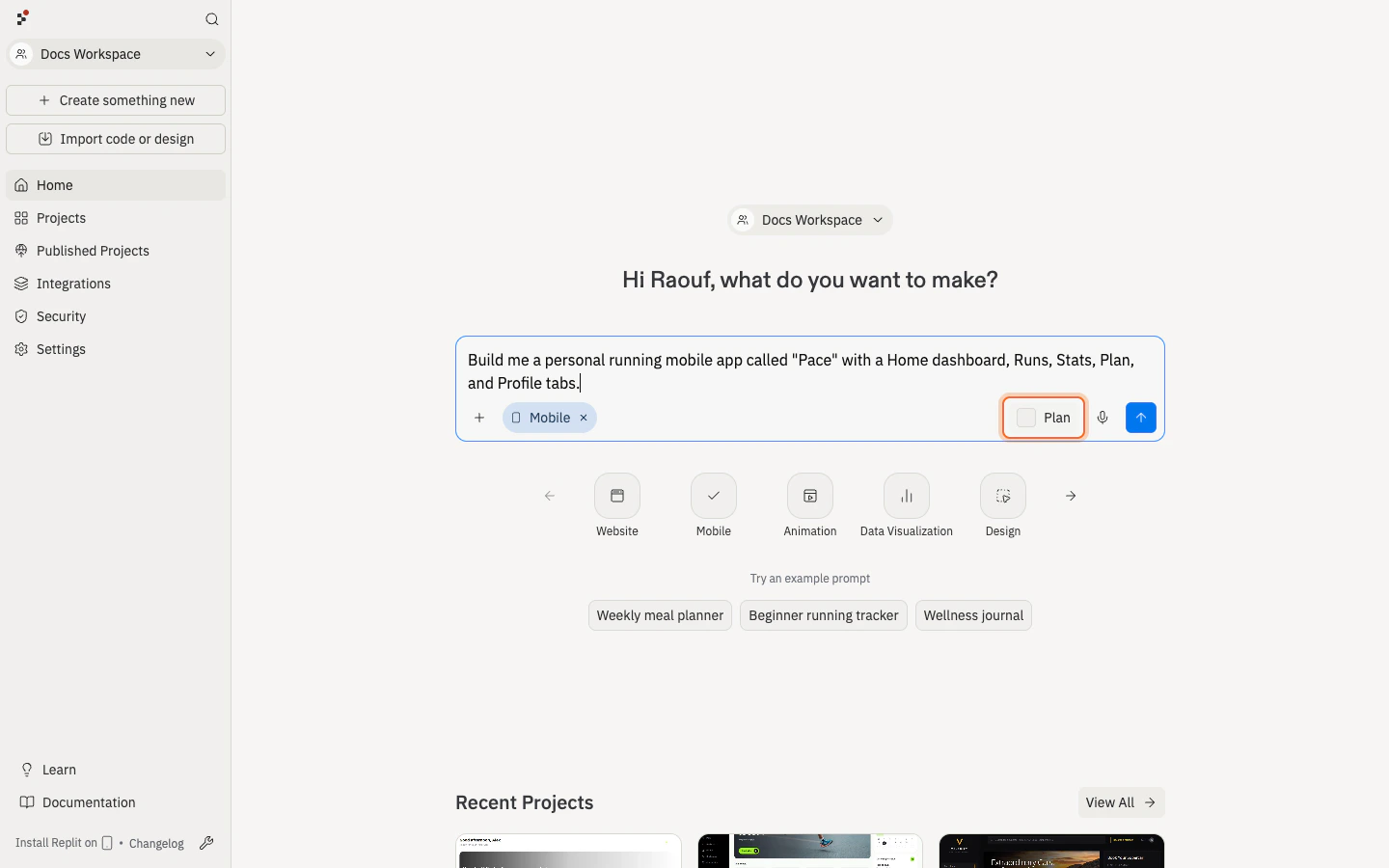
3
Review what Agent built
When Agent finishes, open Preview and use Pace like a first-time visitor.Check that you can: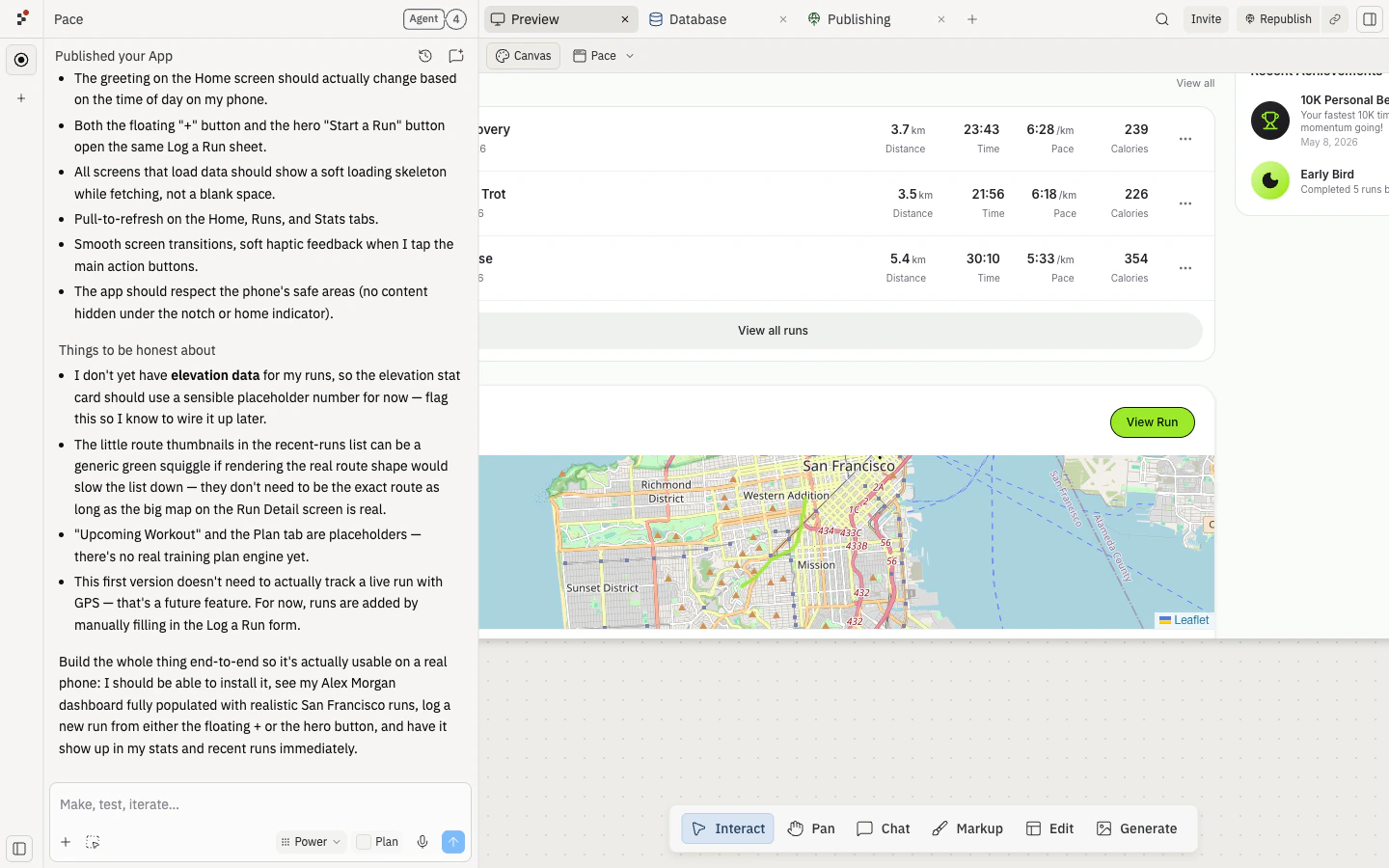
- See the Alex Morgan dashboard populated with realistic sample runs.
- Log a new run from the floating + or the hero Start a Run button.
- See the run appear in Recent Runs and the This Week stats update.
- Browse the Runs, Stats, Plan, and Profile tabs.
- Resize Preview to a phone-sized width to check the mobile layout.
4
Publish and ask for feedback
Publish when the main flow works.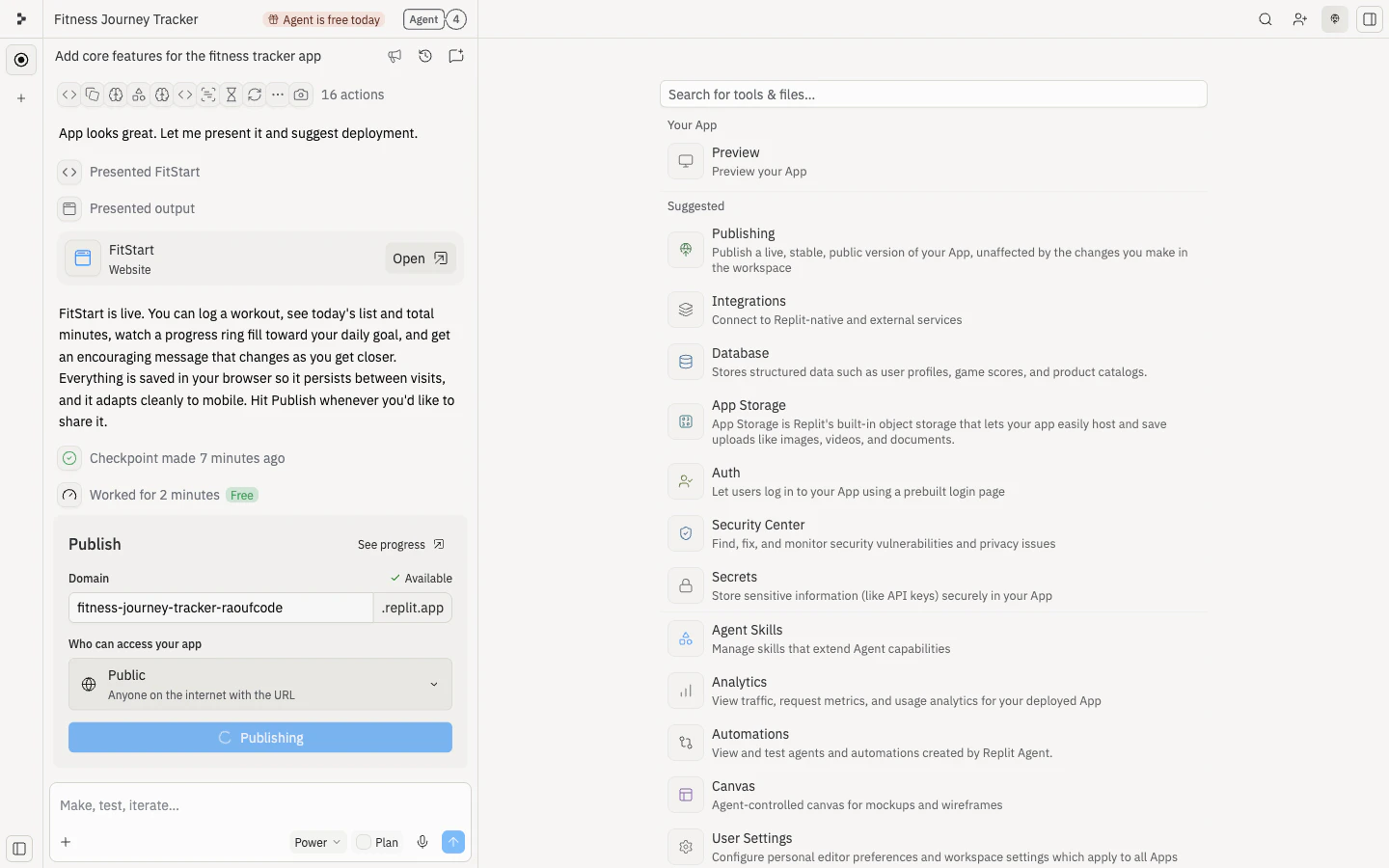
Use Pace as a runner trying to track a week of training. Log one run, browse the dashboard, and tell me what feels confusing or motivating.Good feedback should help you decide what to build next. Avoid asking, “What do you think?” unless you want vague answers.
5
Collaborate with your team
Product prototypes get better when teammates can review the same artifact and give feedback in context.Invite collaborators based on how closely they need to work with you: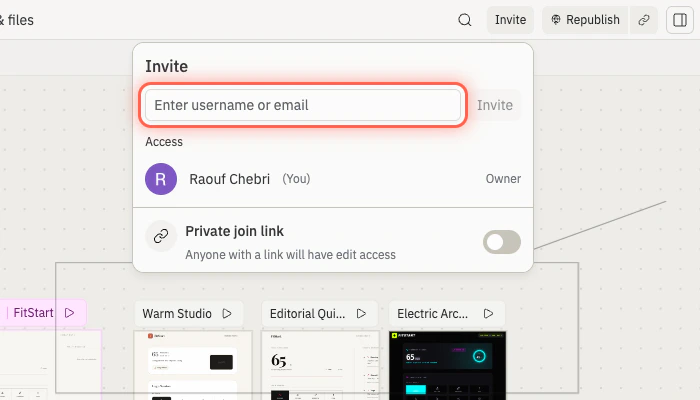
- Invite someone to the project when they need to review or help with this prototype only. See Invite teammates.
- Invite someone to a workspace when they are part of an ongoing team and need access across projects. See Team workspaces.
🎉 Congratulations
You’ve turned a product idea into a focused, shareable prototype — a working Pace dashboard that teammates and customers can try and react to. The hard part wasn’t this prototype. It was learning how to reduce a broad idea to one testable flow, collect feedback in context, and decide what’s worth building next.Next steps
Use feedback to choose one next step:Add a database
Save run history so it survives refresh.
Add login
Give each runner an account with their own progress.
Build a mobile app
Take Pace to phone-first tracking on iOS or Android.
Create a dashboard from data
Turn run history into progress insights.
Build in parallel
When the product question is about direction, not just implementation, exploring multiple ideas at once helps you compare options instead of committing too early. Replit Agent supports parallel tasks — you can ask Agent to work on more than one prototype, feature, or experiment at the same time and review them side by side.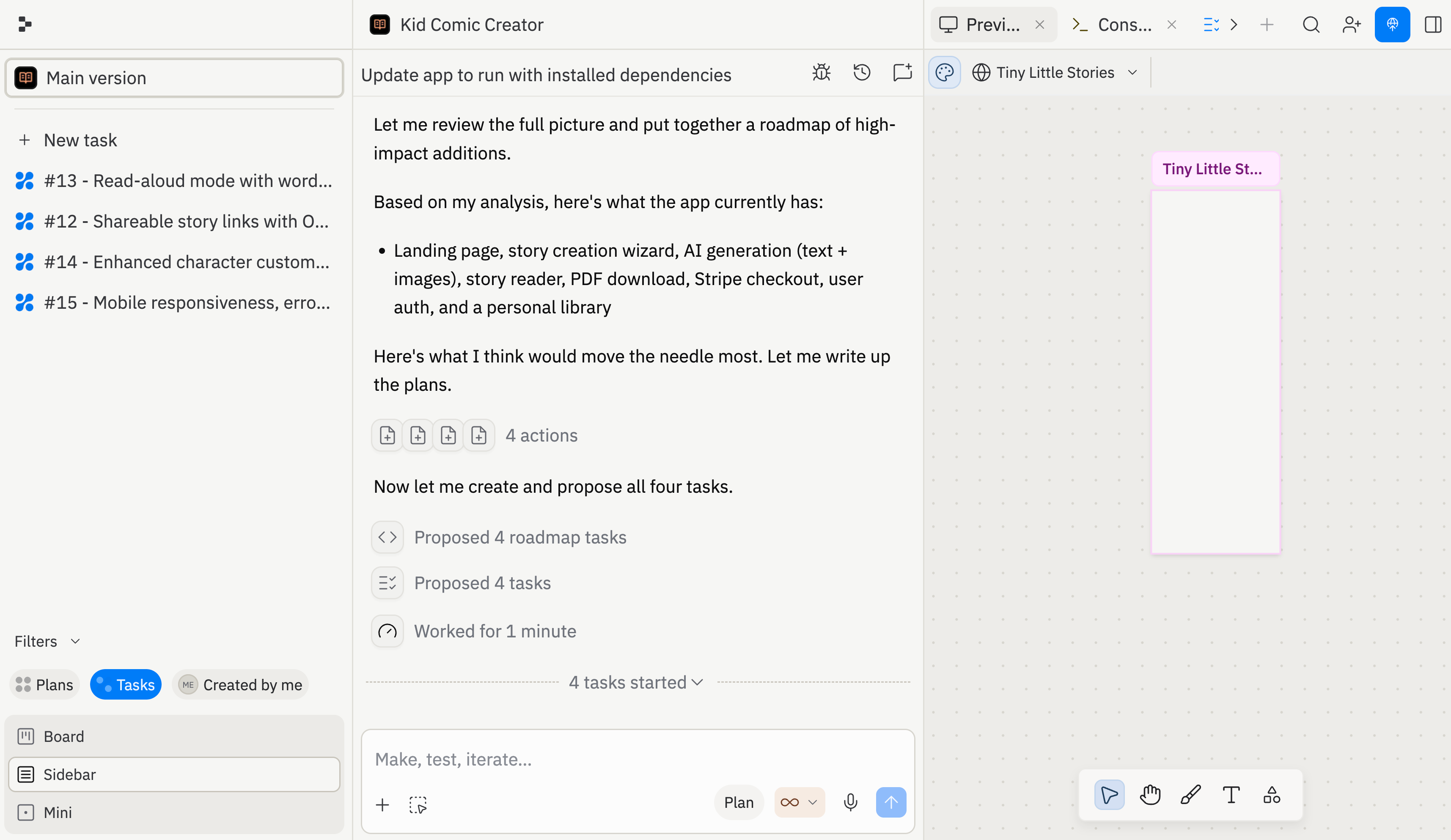
- Motivation-first prototype: streaks, achievements, encouraging recommendations.
- Analytics-first prototype: deeper stats, week-over-week trends, personal records.
Which version makes you more likely to come back tomorrow, and why?
Need further help?
- The prototype has too many features: ask Agent to reduce it to one target user and one flow.
- The audience is unclear: ask Agent to rewrite the welcome section for one target user.
- Mocked data hides risk: ask Agent to list what is real and what is mocked.
- Feedback is vague: give reviewers one task and one question.
- Publishing fails: use Troubleshoot publishing.