Whether you are new to a repository or exploring a new one, ask Replit to explain it to you. Understand its components without waiting for a teammate to walk you through the code. No edits or running preview required. Use your repository, or try the private Cloud Agent Demo if you have access. Before starting, connect to your repository so Replit can read the code.

Explore your repository

1

Understand the project

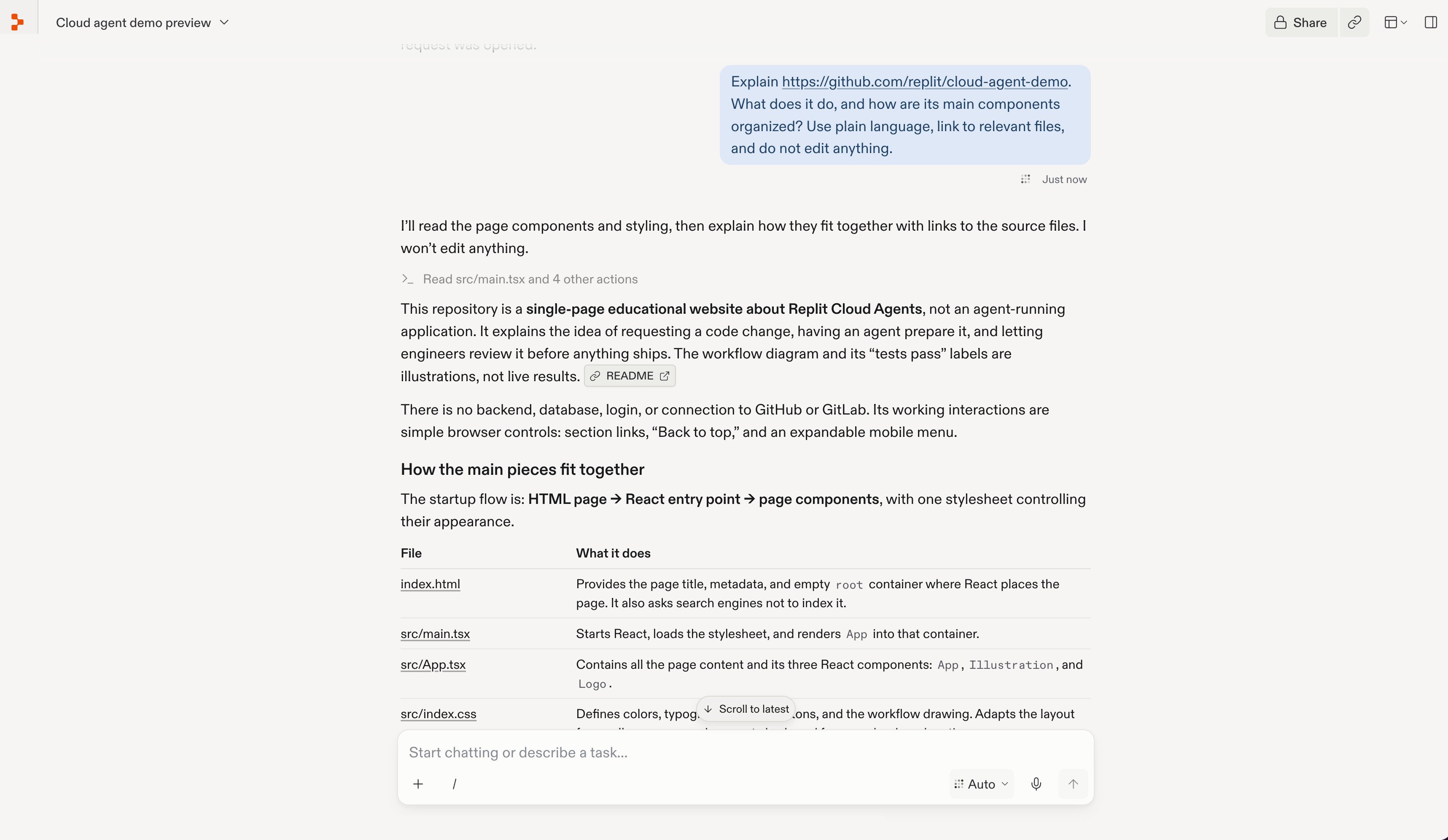
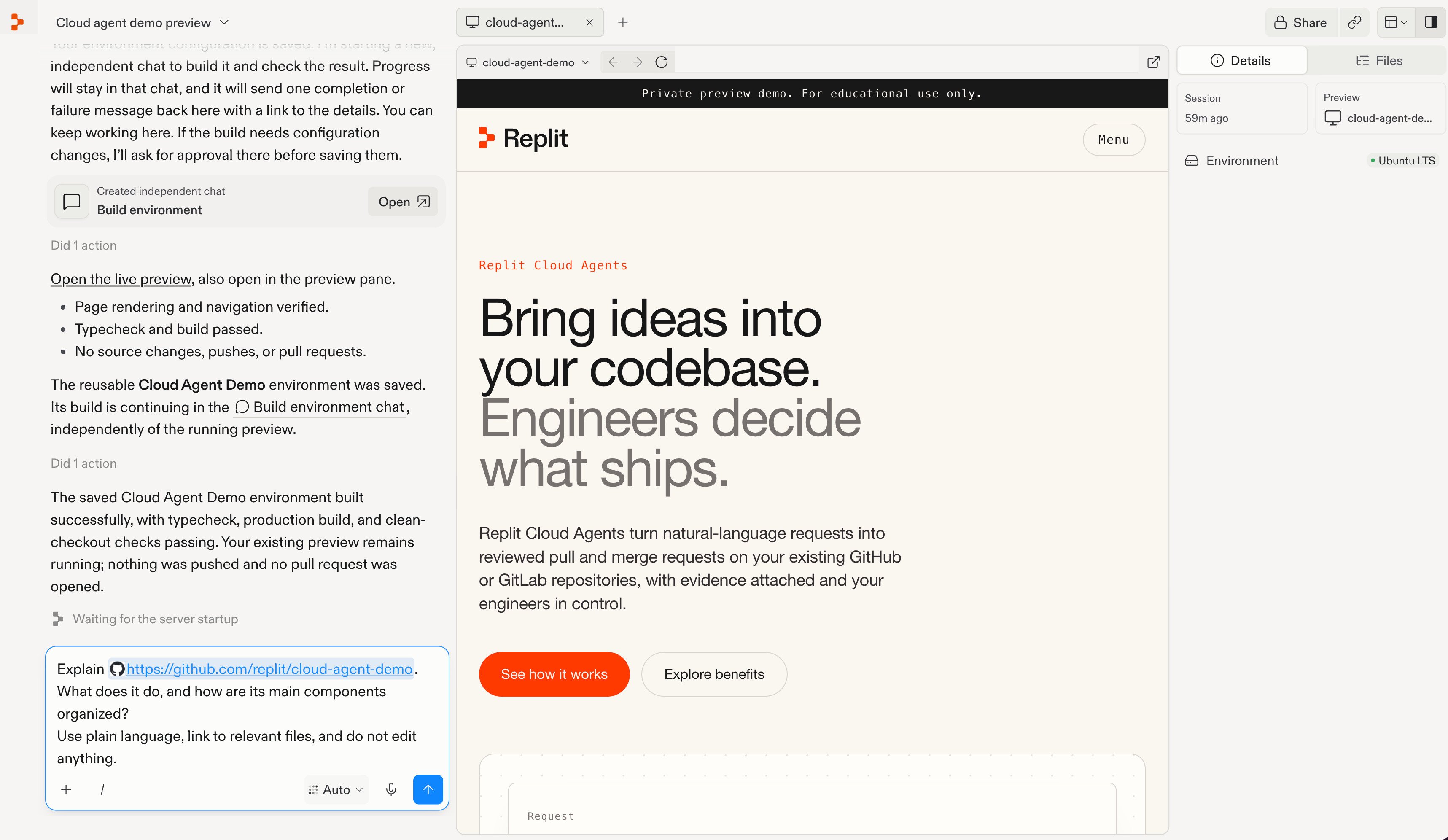
Ask Replit to explain the repository. Replace the URL to use your own.A request in the chat composer asking Replit to explain the Cloud Agent Demo without editing code.Replit explains the project and links to the files behind its components.Replit explaining the demo's purpose and listing its main files with descriptions and source links.
2

Ask follow-up questions

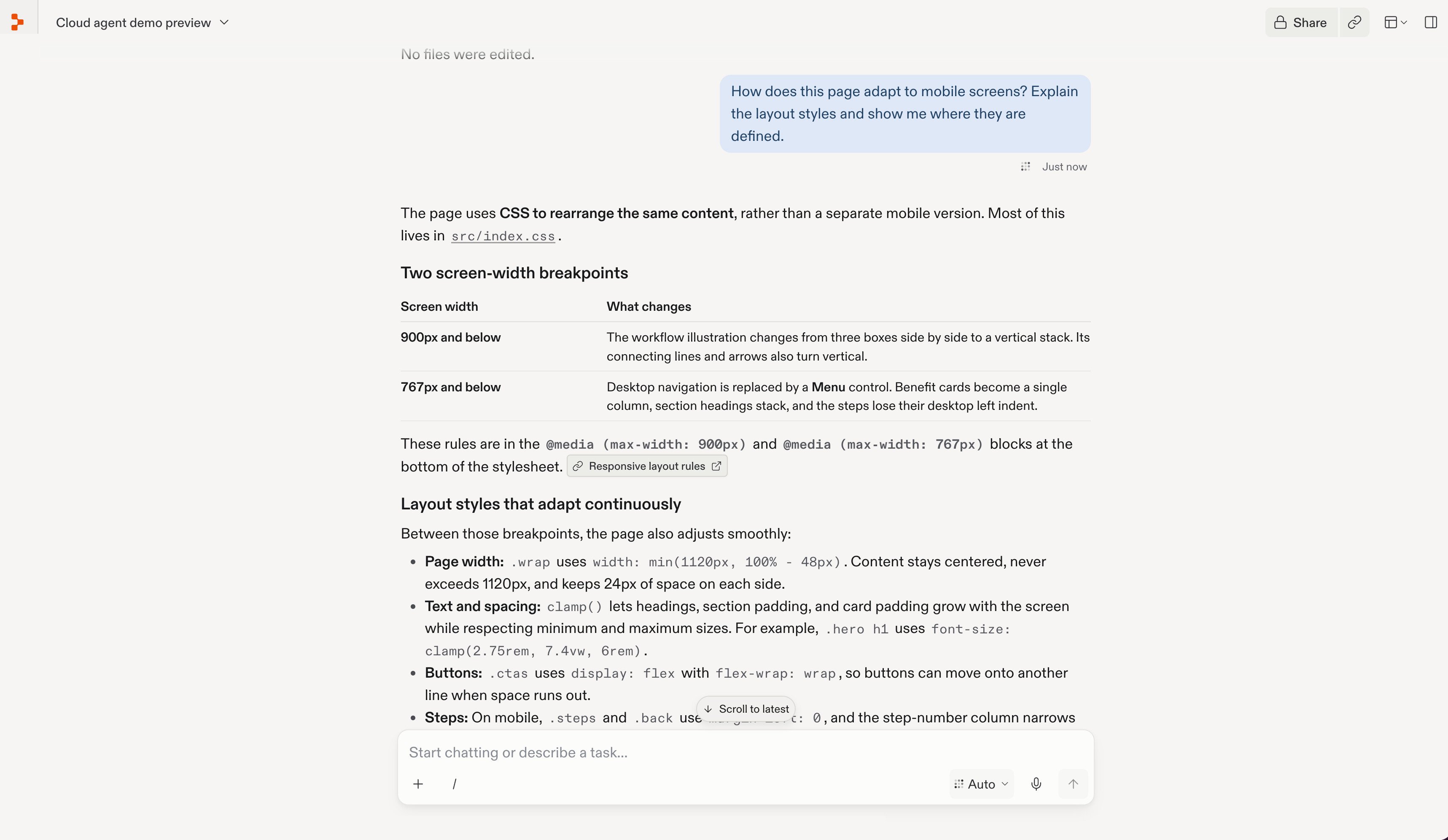
Explore any part you want to understand better. For example:Replit answering a follow-up question about mobile layout, explaining screen-width breakpoints and linking to the stylesheet.You can also ask about components, dependencies, or potential changes. Check the file references; your team may still need to explain business decisions that aren’t documented in the code.
Ready to make a change? Run your app in Replit, then make a contribution.