

New to dependency security? See Security concepts for definitions of CVE, SBOM, exposure, Fix with Agent, Republish, and Auto-Protect.
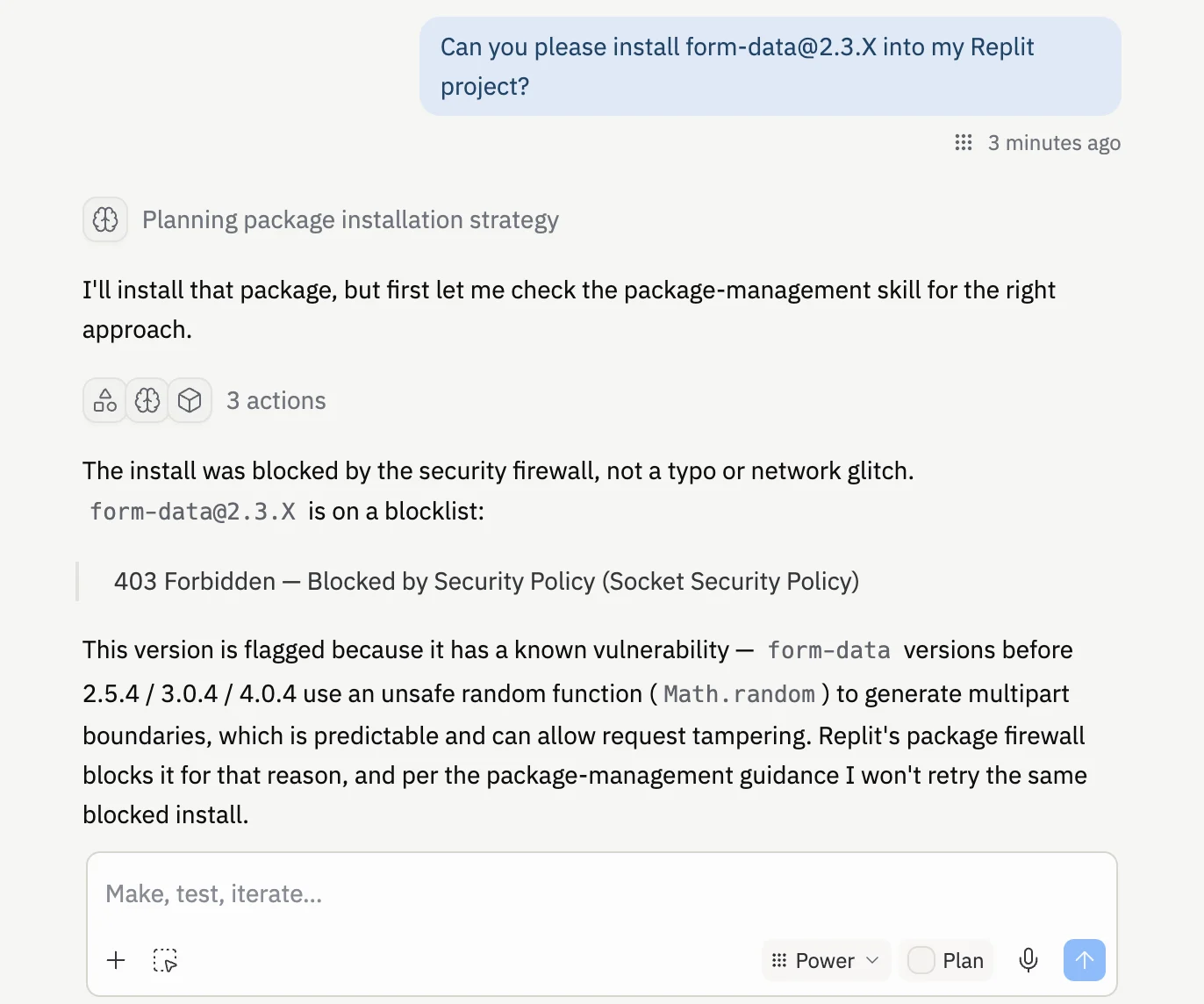
npm install or pip install, the request passes through Package Firewall first. Clean packages install as usual and you won’t notice a thing. Packages that Socket has flagged as malicious or compromised are blocked before any code reaches your environment.
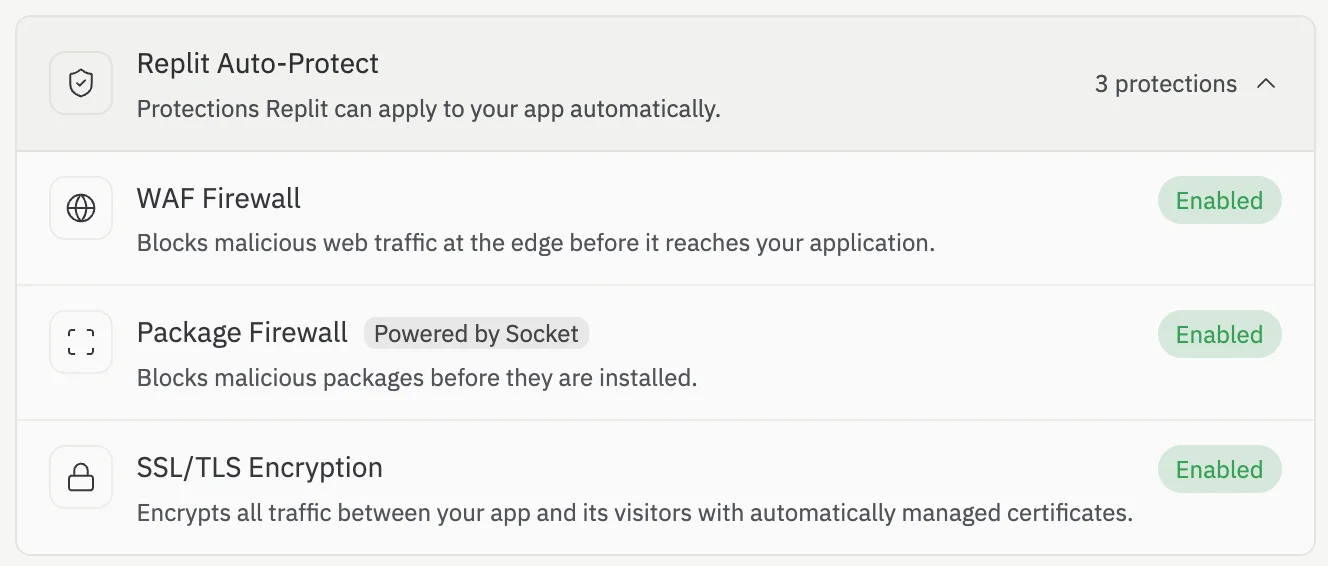
Package Firewall is on by default for every builder, with nothing to set up and nothing to migrate. It protects new and existing apps alike, and there is no setting to configure.
Why install-time protection matters
Most supply-chain tools only scan dependencies at publish time, long after a package is already installed. For ordinary vulnerabilities that can be enough. Malware is different: it does its damage the instant it is installed — stealing secrets, opening backdoors, or exfiltrating your environment variables. By the time a publish-time scan flags it, the attack has already run. Package Firewall closes that window. By blocking malicious packages before they download, it stops the attack before a single line of malicious code runs.How it works
- You or the Agent run an install command, such as
npm install <package>orpip install <package>. - The request passes through Package Firewall, which checks the package against Socket’s threat intelligence.
- If the package is clean, the install runs normally with no perceptible difference.
- If the package is malicious or compromised, the install is blocked before any code reaches your environment.
Supported package managers
Package Firewall protects installs across:- JavaScript — npm, yarn, and pnpm
- Python — pip
- Go — Go modules
What Package Firewall catches
Package Firewall blocks both outright malware and compromised or known-vulnerable versions of otherwise legitimate packages — including widely used ones. Many of these vulnerabilities were disclosed after the training cutoff of the models that recommend them, so a model can confidently suggest a dependency version that was known-good in its training data but has since been flagged. These risks have names in the field:- Typosquats — a malicious package with a name one keystroke away from a real one, such as
reqeustsinstead ofrequests. You ask for the wrong package and download malware. - Slopsquats — a model hallucinates a package name that doesn’t exist, an attacker registers that exact name, and waits for the next agent to install it.
- Stale recommendations — a real package with a disclosed vulnerability that the model recommends because it was known-good before its training cutoff.
How Package Firewall fits with Replit’s other security tools
Package Firewall is one of three complementary layers. Each protects a different point in your app’s lifecycle, so use them together rather than choosing between them.Next steps
- Review findings for a single project in the Project Security Center.
- Audit dependencies across every project in the Workspace Security Center.
- Read How Replit Secures AI-Generated Code for more on Replit’s approach to security.