

- Start building in a chat.
- Use it to ask questions and run Routines.
- Gather context, attach files, and clarify what you want to make.
- When the work becomes substantial, ask Replit to turn the chat into a Project. The context and files you gathered carry forward.
Chats are private. Only you can access them in your Workspace. For
collaboration, ask Replit to create a Project.
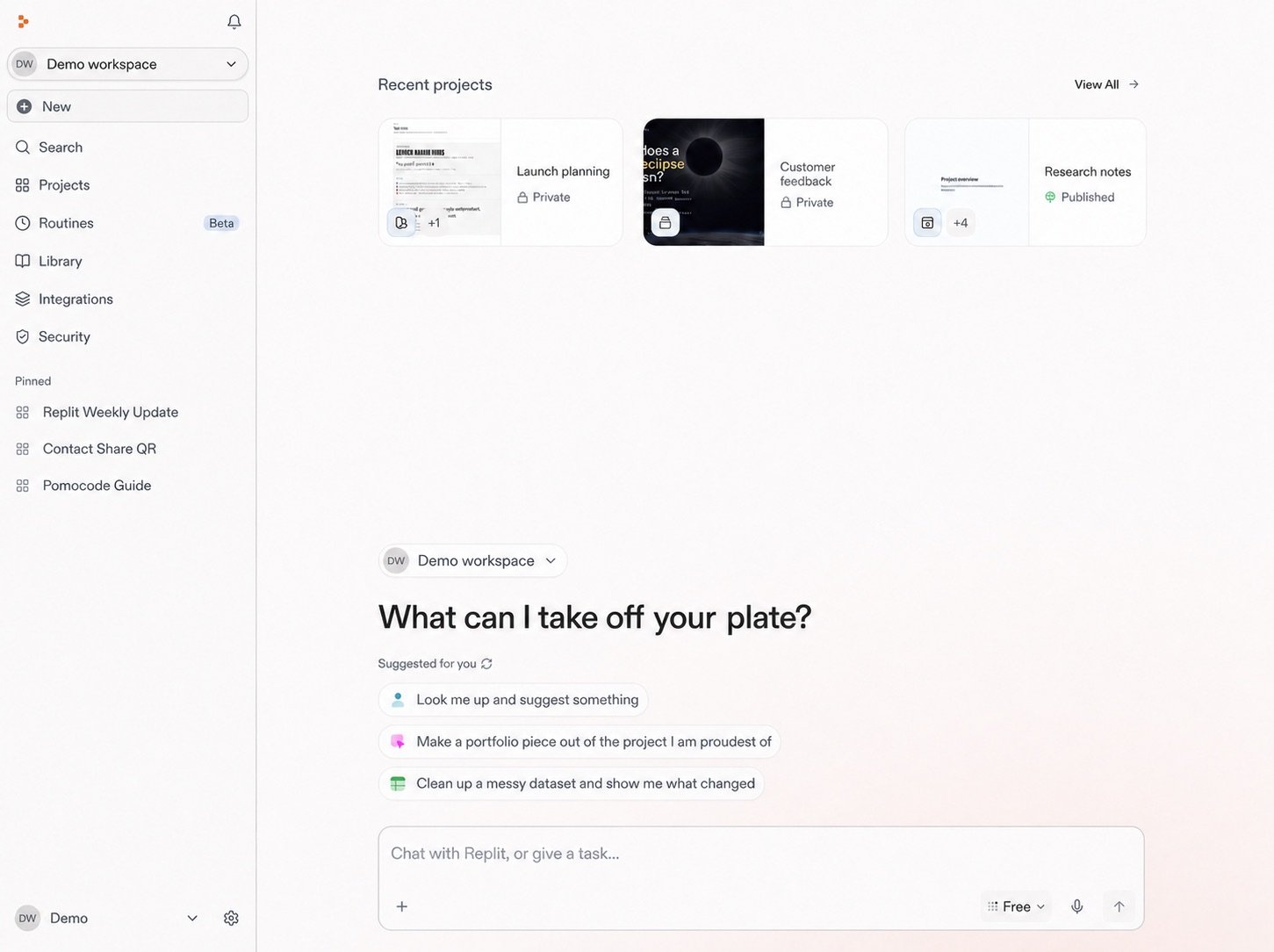
Start a new chat
1
Select New
Select New in the Replit sidebar.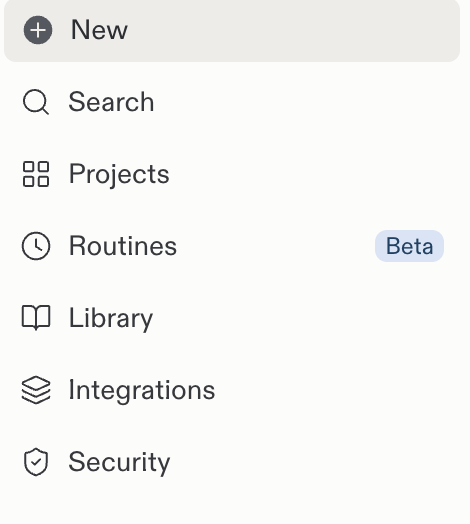
2
Write your request
Use the prompt box to write your request. For example, ask Replit:
“Summarize our Slack activity from this week and flag messages that need my
reply.”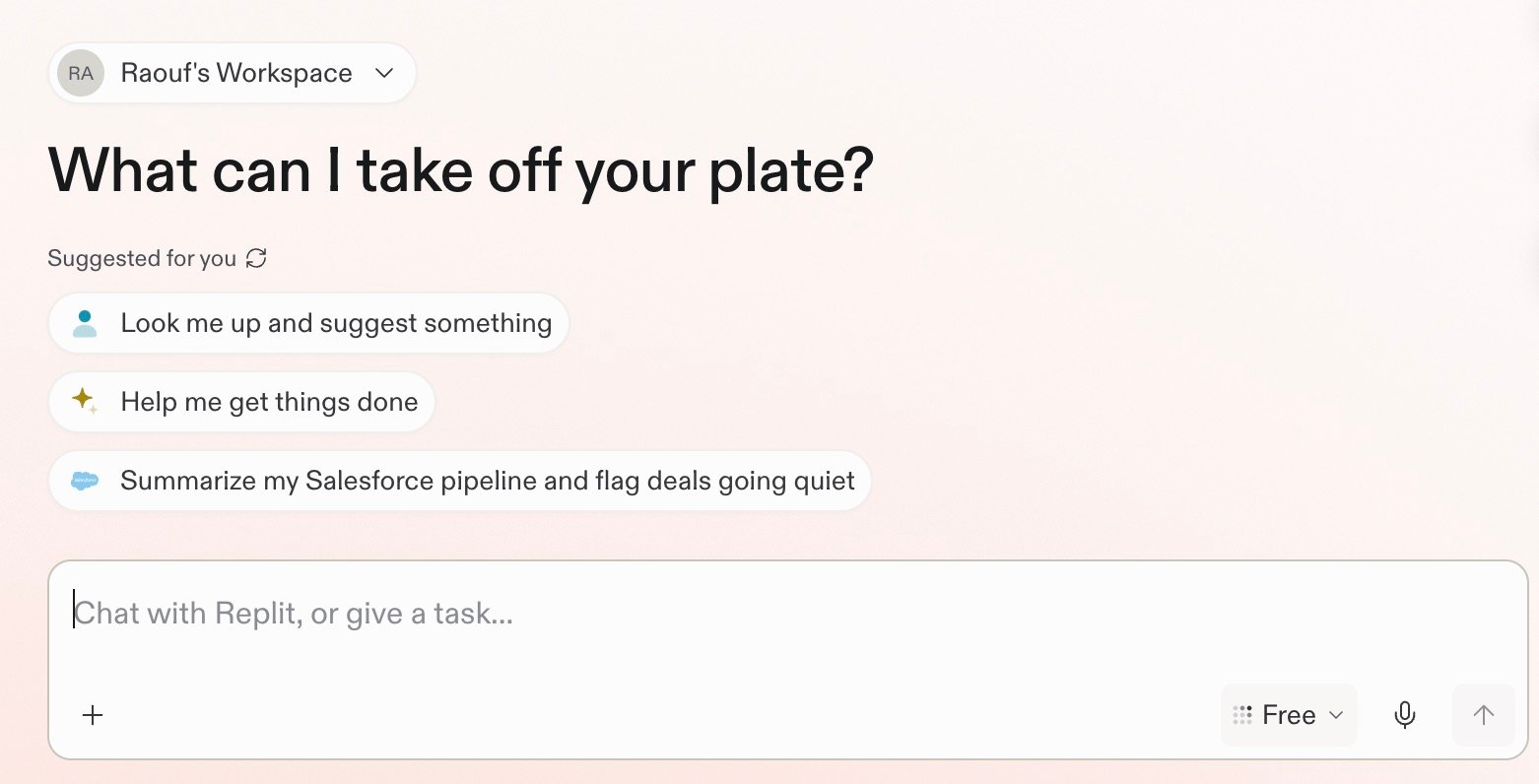
Start with what you want to do
Ask a question
Replit can research and analyze information from the web, connected tools, and uploaded files. Ask a focused question or provide the context Replit should use. For example, ask Replit to summarize your Slack activity from this week and flag messages that need your reply.Run a routine
A Routine schedules recurring work inside a chat. Replit returns each result to the same chat, where you can review and continue the work. Learn more about Routines. For example, ask Replit to review Slack every morning and return your priorities.Describe an outcome
A chat can turn an idea, research, or an insight into a concrete result, such as an app, presentation, or design. For example, ask Replit to create a simple project tracker for your team.Learn more
Explore a focused example for each path.Ask questions
Prepare for a customer call
Bring together connected sources and prepare a focused call brief.
Explore →
Run a routine
Schedule a routine
Schedule recurring work and review each result in the same chat.
Explore →
Describe an outcome
Build on insight
Create a dashboard, app, or tool around the information that matters.
Explore →
Next steps
Prompting helps you tell Replit what you need, point to useful context, and give clear direction. Start there, or follow a complete research example.Recommended next step
Prompting
Learn how to give Replit useful direction and context.
Continue →
Research and analyze
Prepare for a customer call
Bring together connected sources and prepare a focused call brief.
Explore the use case →