

How to upload a file
From the prompt box, select the plus button, then choose Upload a file. You can also drag and drop a file into the prompt box. Add the file before you send the request that depends on it.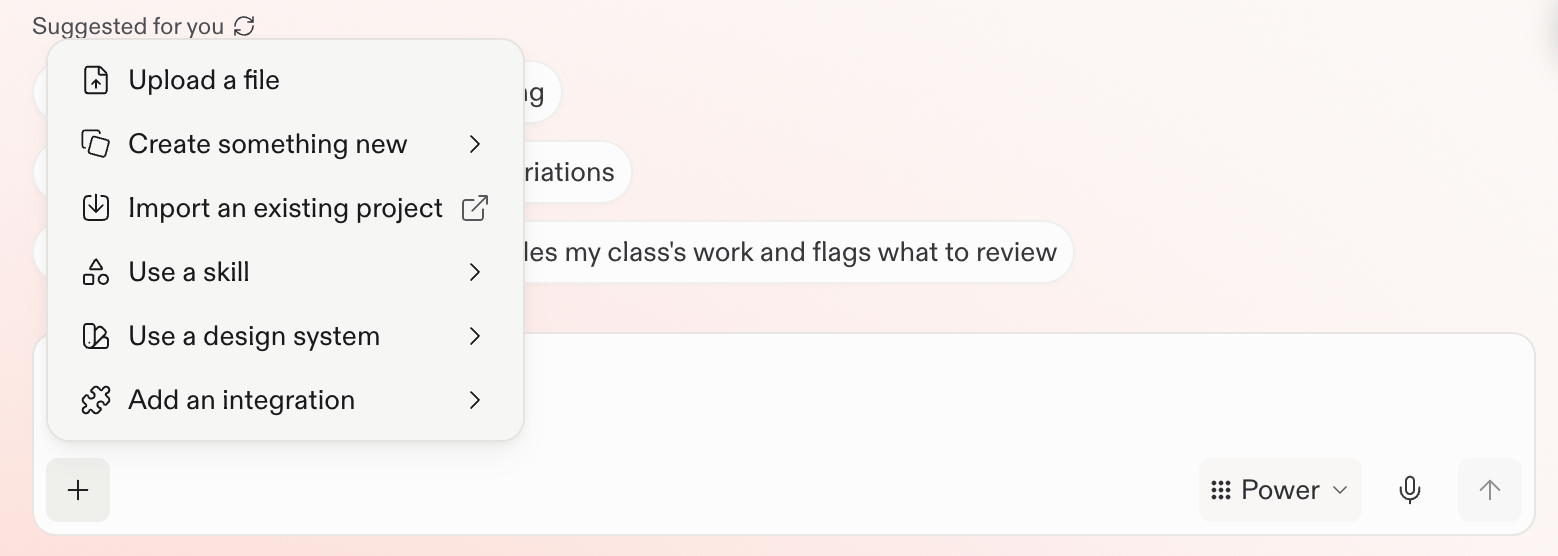
Use files to
- Analyze a spreadsheet.
- Create charts to compare categories or explore trends in a dataset.
- Ask questions about a PDF.
- Ask Replit to create or refine a design from a screenshot.
- Give Replit direction or information about an app you want to build.
Next steps
Work with files
See a complete example for understanding and analyzing a file.
Explore the use case →