

When Figma helps
- Explore another direction: Keep the core hierarchy while trying a different style or layout.
- Continue a product flow: Use an existing screen as context for the next screen or state.
- Move design work toward an app: Start from an approved visual direction, then refine and build from it.
Import a Figma frame
Choose the frame that represents the work you want to continue. Replit Design turns the imported frame into a design frame, where you can explore changes, compare suggestions, and decide what to build next.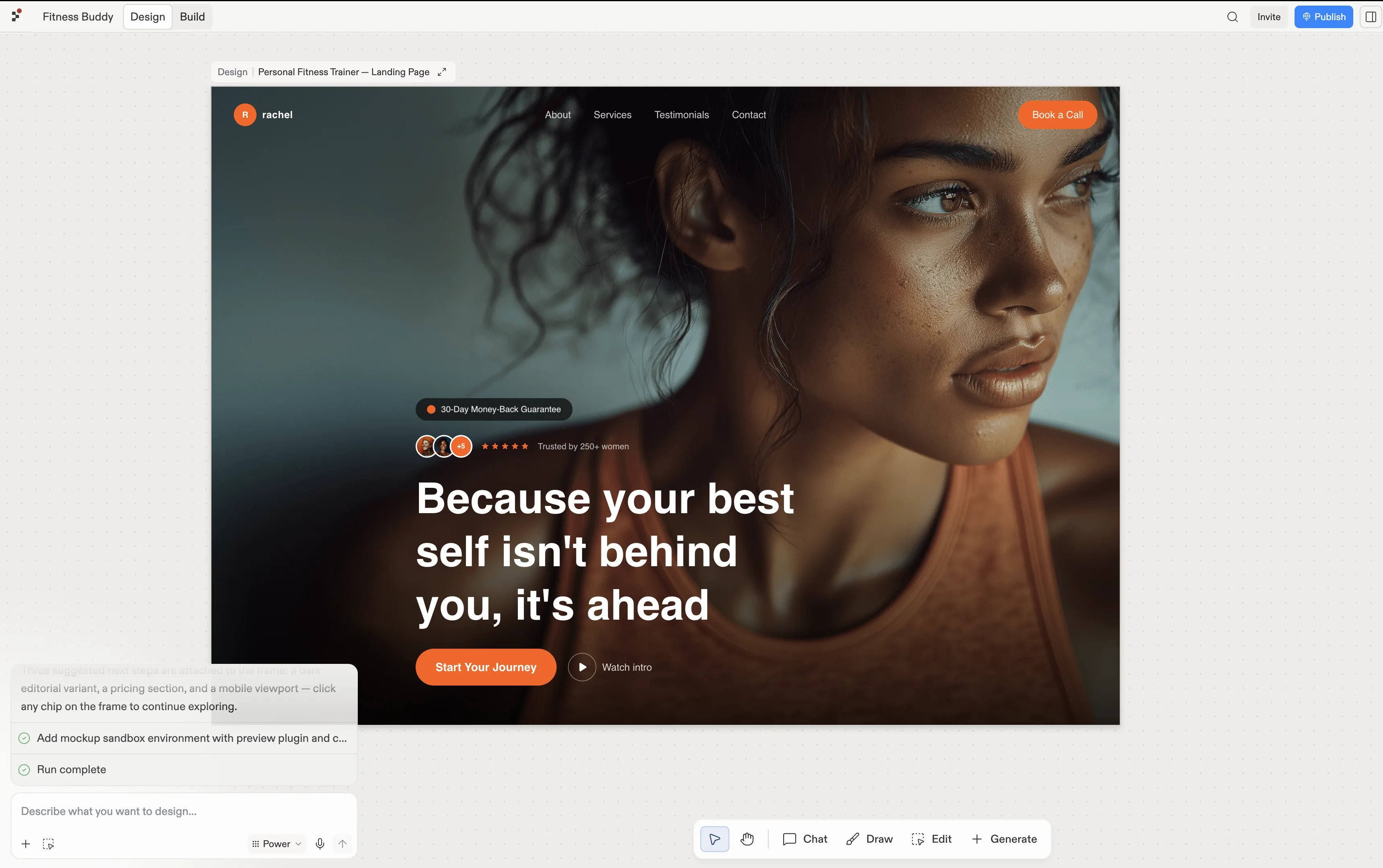
A Figma frame imported as a design frame in Replit Design.
Continue in Design
The Design guide covers the complete import, refinement, and build workflow.Import from Figma
Follow the complete flow for importing and refining a Figma frame.
Open the Design guide →