

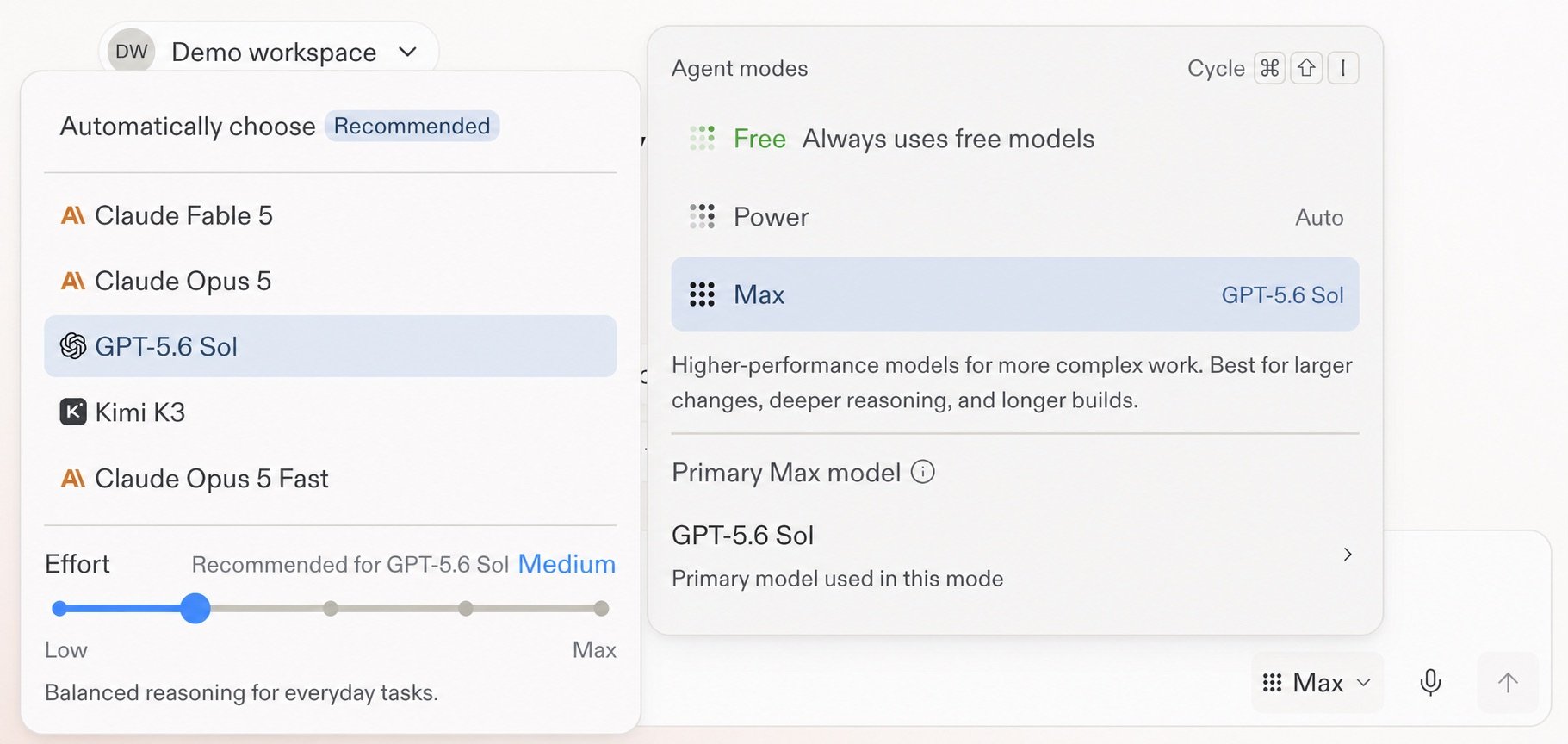
Model and Effort controls in the Agent settings menu.
Set Effort for the model
Effort controls how much reasoning the selected model spends on a response. It is a per-model control, not a separate mode. The supported levels run from Low through Max, and each model shows a recommended setting. Use a higher Effort only when the task calls for deeper reasoning. Higher settings can take longer and cost more on complex work.Learn more
Model selector reference
Review intelligent model routing, available models, Effort levels, and Compare models.
Open the reference →
Effort details
Compare Low, Medium, High, Extra High, and Max.
Review Effort →