

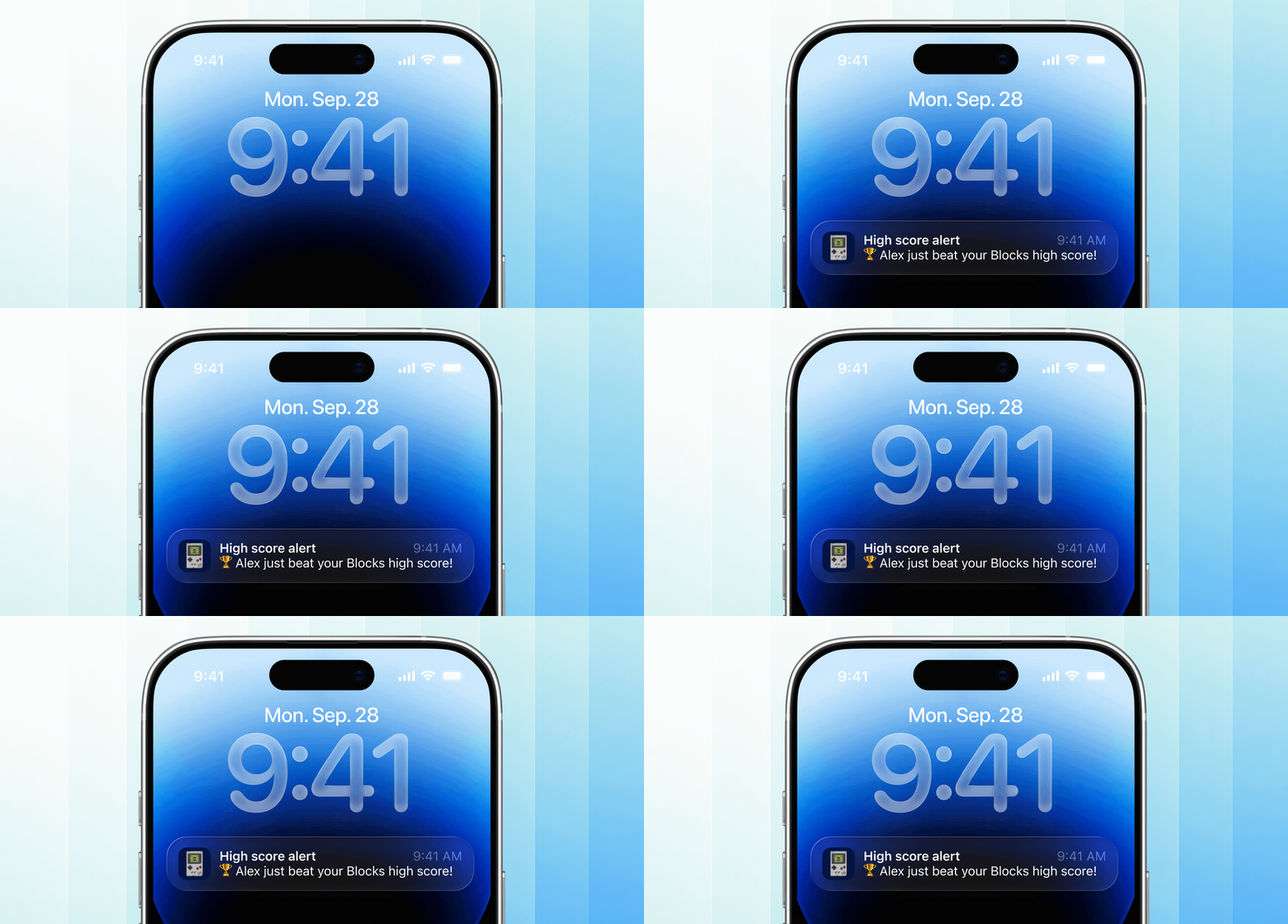
A PixelGames notification arriving on the lock screen.
1
Ask permission
iOS and Android both prompt once before the first notification. Decline means silence
until the player re-enables it from Settings.
2
Register the device
Agent registers a push token for the signed-in player, so PixelGames knows which device to
notify.
3
Send it
A notification fires when a friend beats that player’s high score.
Test it
- Grant notification permission when prompted, PixelGames can’t send anything until this is accepted, and the prompt only appears once.
- Trigger the real condition, like beating a friend’s high score from a second account, rather than only asking Agent for a one-off test notification. This confirms the whole path works: the score save, the check for who to notify, and the send, not just that permission was granted.
- Confirm it arrives on the lock screen, then tap it and confirm it opens PixelGames. Tapping checks that the notification actually routes back into the app, not just that it displays.
Troubleshooting
- Notification never arrives on iOS: confirm you’re testing from TestFlight, Expo Go can’t receive pushes on iOS.
- Player granted permission but gets nothing: check the token was actually saved against their account, a common gap when sign-in and notification setup happen separately.
What’s next
Add haptics
Pair a notification with a haptic tap.
Store images in your mobile app
Save profile photos to App Storage.