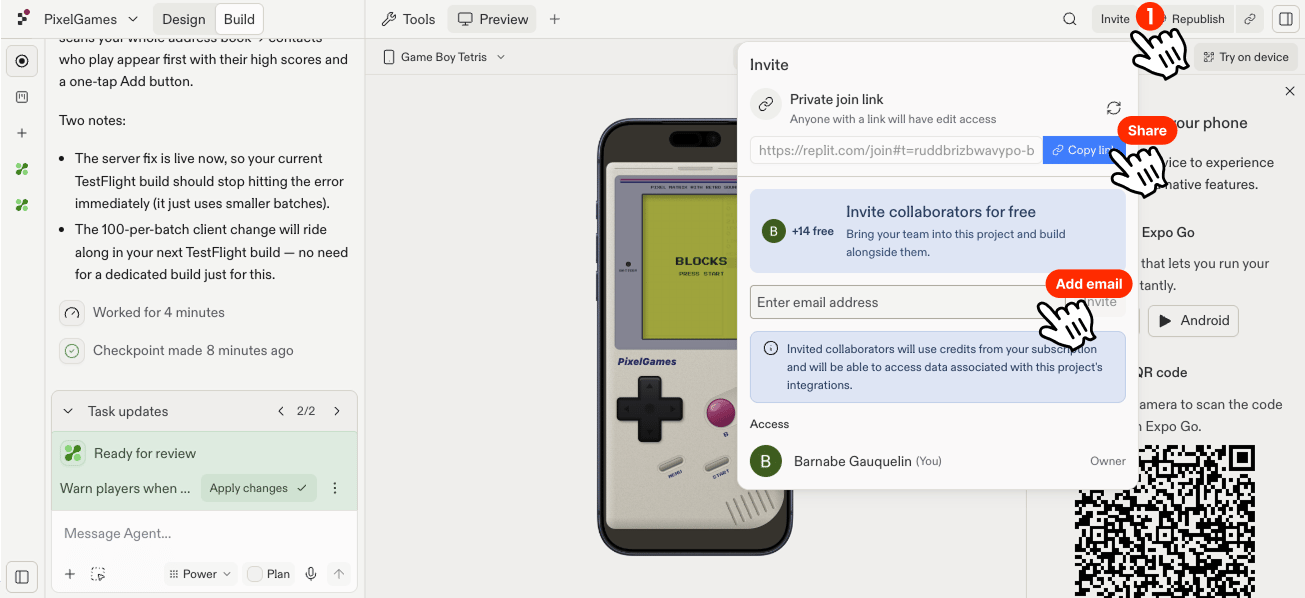
Invite teammates to build PixelGames in parallel, each with their own Agent task.
PixelGames doesn’t have to be a solo project. Invite teammates and each one can run their own
Agent task at the same time, all tracked on a shared board so nobody duplicates work.
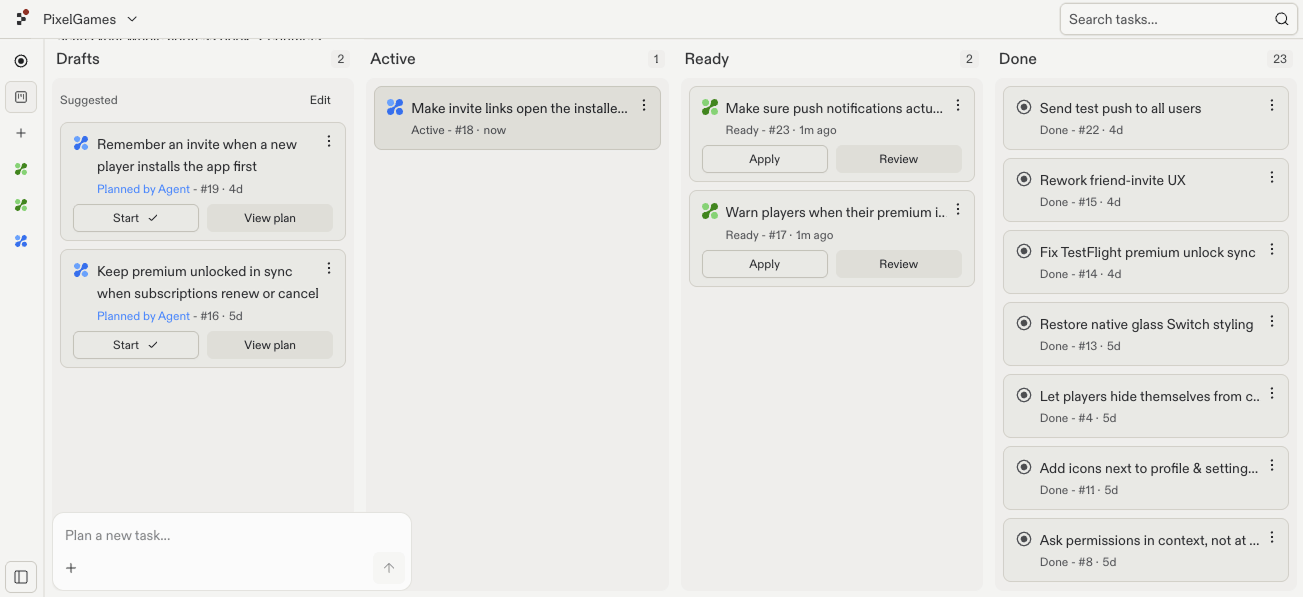
Each Agent task moves through four stages: Draft (a plan is ready for review), Active
(Agent is building it), Ready (finished, waiting to be applied), and Done (merged into
PixelGames).For example, one teammate could build Snake while another adds payments, both tasks move
across the board independently, so it’s clear who’s working on what.
The shared board shows every teammate's tasks across Drafts, Active, Ready, and Done.
Agent builds each task in its own isolated copy of PixelGames, so two people working at once
don’t step on each other’s changes. Conflicts only come up once a task is actually applied
back, and only if it touches the same code as another applied task.