

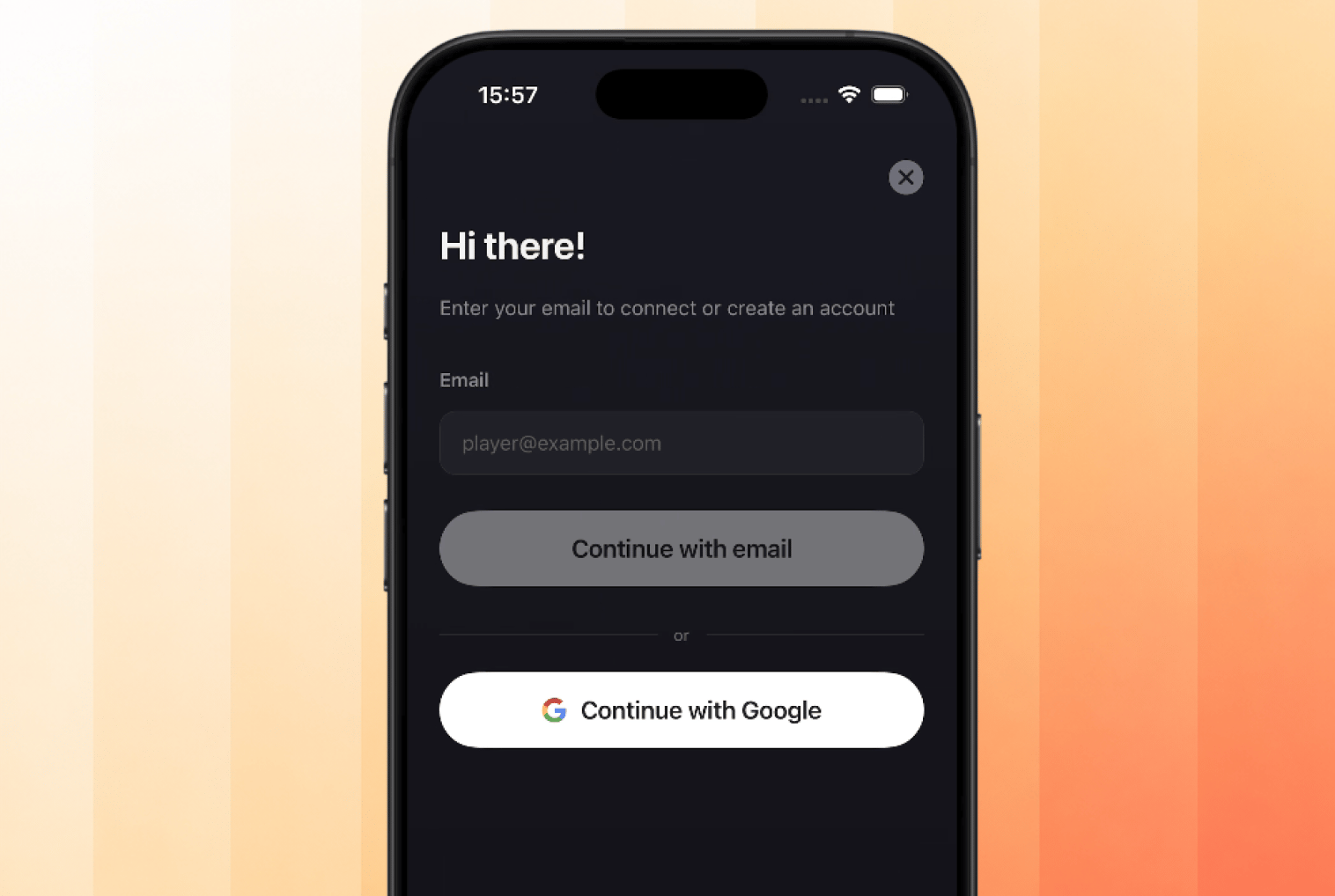
PixelGames' Clerk sign-in screen, email or Google.
Add Sign in with Apple
Apple’s App Store review requires offering Sign in with Apple as an equivalent whenever another social login, like Google, is available, but only on iOS. Android has no such requirement.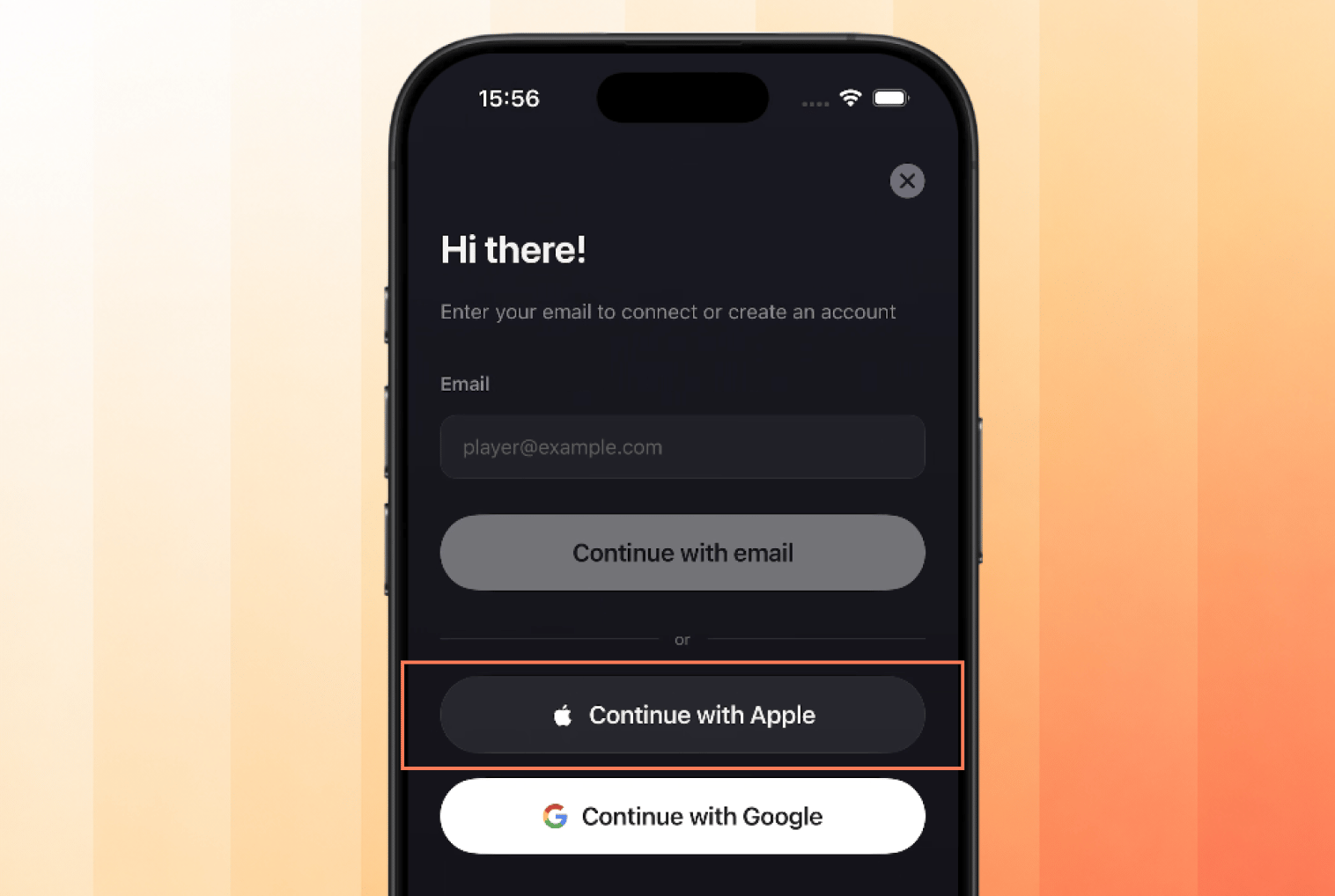
Sign in with Apple added alongside email and Google, iOS only.
Enable the providers
Adding a provider in the code isn’t enough, each one also has to be switched on in your app’s auth settings. Open Users & Auth → Configure → SSO providers → Production, and confirm Google and Apple both show as Enabled.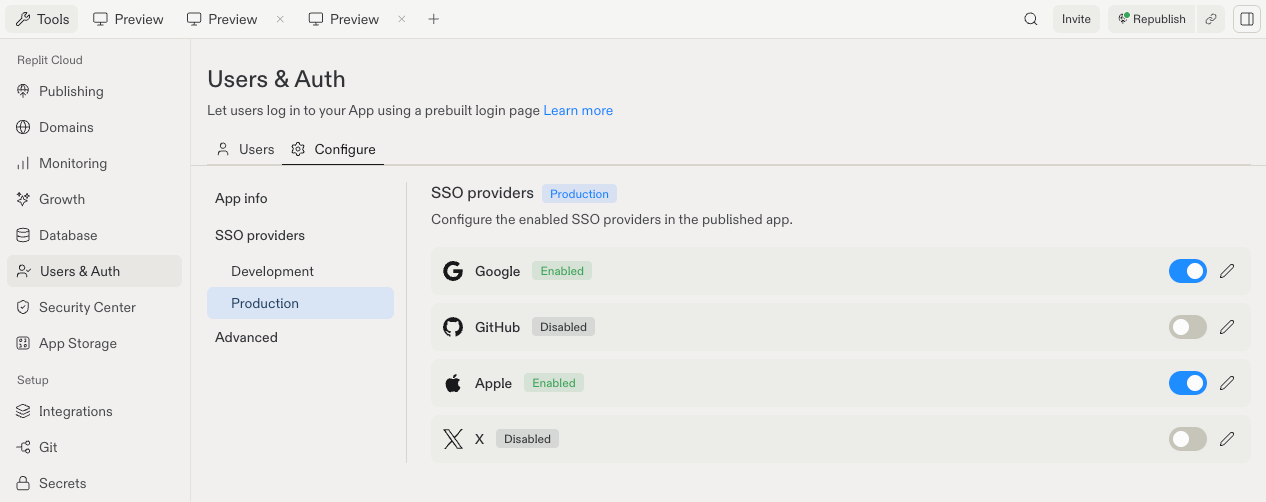
Google and Apple enabled under SSO providers in the Production environment.
Development and Production have separate provider lists. Enabling one doesn’t enable
the other, so check Production before you publish.
Test it
One account isn’t enough, you need two to prove PixelGames tells players apart.- Play a round without signing in, PixelGames should still work.
- Sign in with your own account.
- Sign out, then sign in with a different account and confirm you’re in a separate session, not the first account.
- Sign back into the first account and confirm you land back in that one.
- On iOS, confirm Continue with Apple appears above Google. On Android, confirm it doesn’t show up at all.
What’s next
Store images in your mobile app
Save profile photos once players are signed in.
Add native device features
Add more capabilities to PixelGames.