

What is Expo?
Expo is the toolkit Agent used to build PixelGames. It lets Agent write the app once in JavaScript and run that same code as a real iOS app and a real Android app. Expo Go is a free app from the App Store or Google Play. Install it once, and it can preview any Expo project, including PixelGames, just by scanning a QR code.1
Open Expo Go
Open the Expo Go app on your phone (iOS or Android).
2
Scan the QR code
Scan the QR code Replit shows in the preview pane.
3
Wait for it to load
Metro, Expo’s bundler, packages up PixelGames and sends it to your phone. The first
load can take a minute or two, it’s faster after that.
4
Play with it
PixelGames opens on your phone. Agent’s changes show up in a few seconds, no
reinstalling.
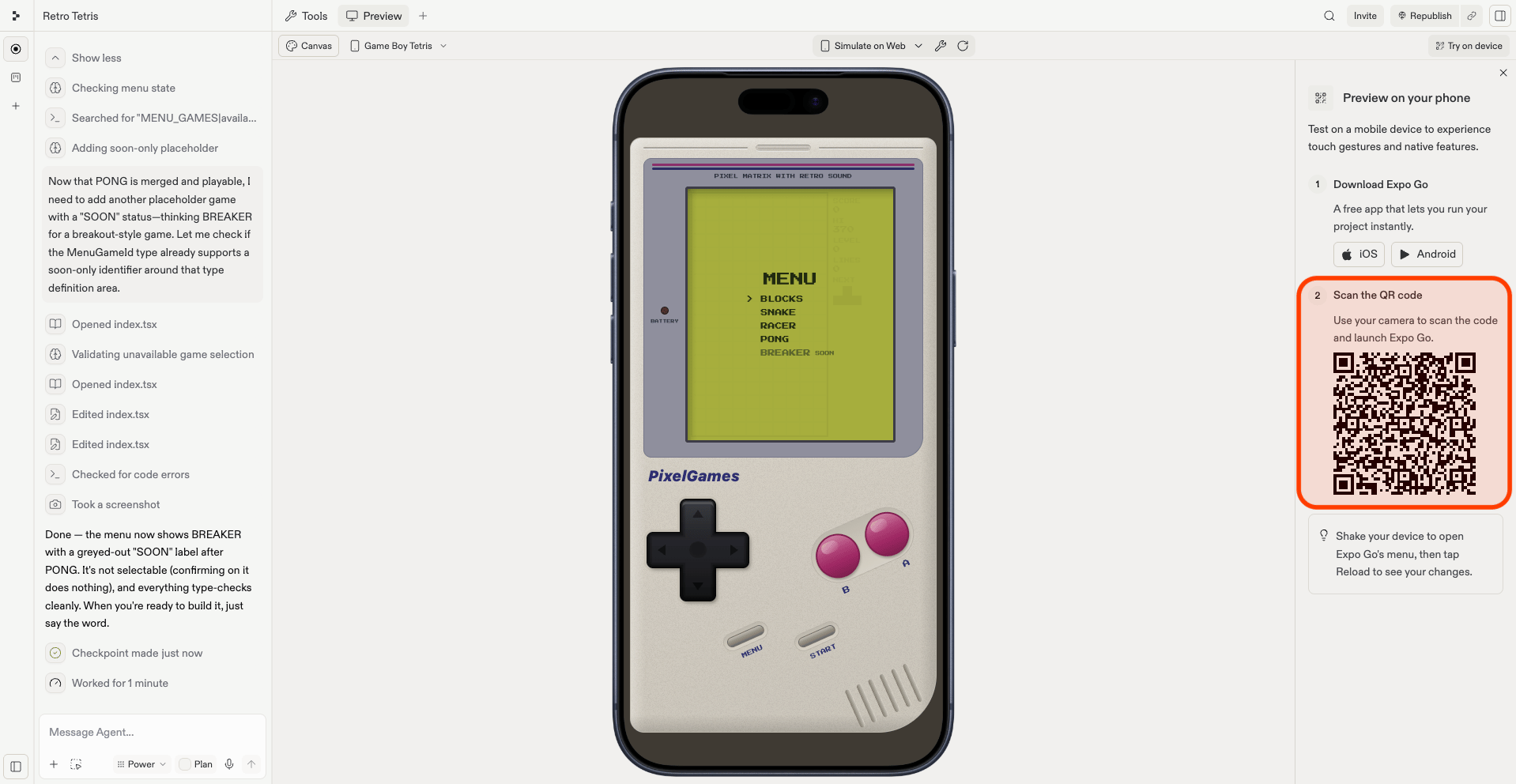
The Expo Go QR code shown in the Replit preview pane.
What Expo Go cannot test
Expo Go covers screens, flows, and UI. A few features only work once PixelGames runs as its own app on the phone: push notifications, in-app purchases, and Sign in with Apple are the common ones. To test those, upload PixelGames to Apple, then install it from TestFlight. Your app stays private to you and to the testers you invite, and you can keep iterating before anything goes public. Publishing to Google Play is not yet supported.Troubleshooting
- QR code won’t scan, or the app won’t connect: confirm your phone and computer are on the same WiFi network, some corporate and public networks block the connection between them. On one of those, ask Agent to start the app in tunnel mode.
- Changes aren’t appearing on your phone: shake your phone to open the Expo developer menu, then tap Reload to redownload PixelGames.
- Red error screen: usually a JavaScript error or a missing package. The message often points to the exact file and line, share it with Agent and ask for a fix.
- Works on iOS, breaks on Android (or vice versa): paste the error into Agent along with which platform it happens on.
- Console shell looks broken on one device: ask Agent to check the screen size or safe area handling for that device.
What’s next
Upload your app
Go beyond what Expo Go can test.
Add native device features
Add more device capabilities before you publish.