What’s new
- Contribute to your company codebase with Cloud Agents
- Message and create chats with Agent
- GPT-6.1 Terra in the model selector
Enterprise
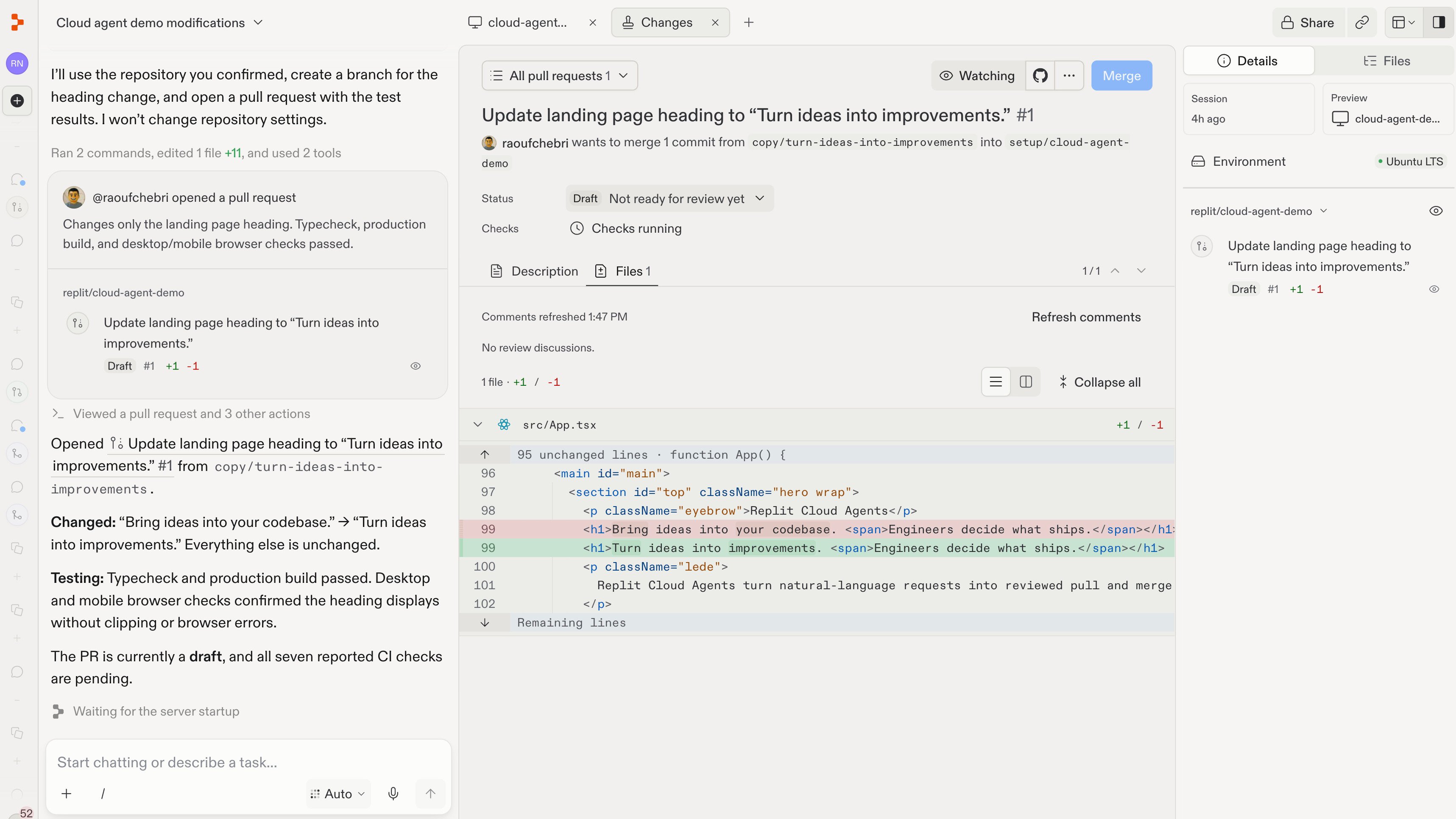
Contribute to your company codebase with Cloud Agents
Turn an idea into a tested code change, even if you’re not an engineer. Describe what should change, and a Replit Cloud Agent finds the relevant code, makes the change, tests it in your running app, and opens a GitHub pull request or GitLab merge request with screenshots and video. Your team sets up a shared development environment once. Changes run in isolated cloud sandboxes and follow your team’s contribution guidelines. Engineers review the changes and stay in control of what ships.