From a request to a mission
You do not need a mission for every question. A normal request is useful for exploring an idea or asking for a specific result. Use a mission when you want Replit to work toward an agreed outcome, check its progress, and address what remains. For the café, the outcome is a launch plan, not opening the business itself. Choosing premises, committing money, and deciding whether to proceed remain your decisions.Create the launch-plan mission
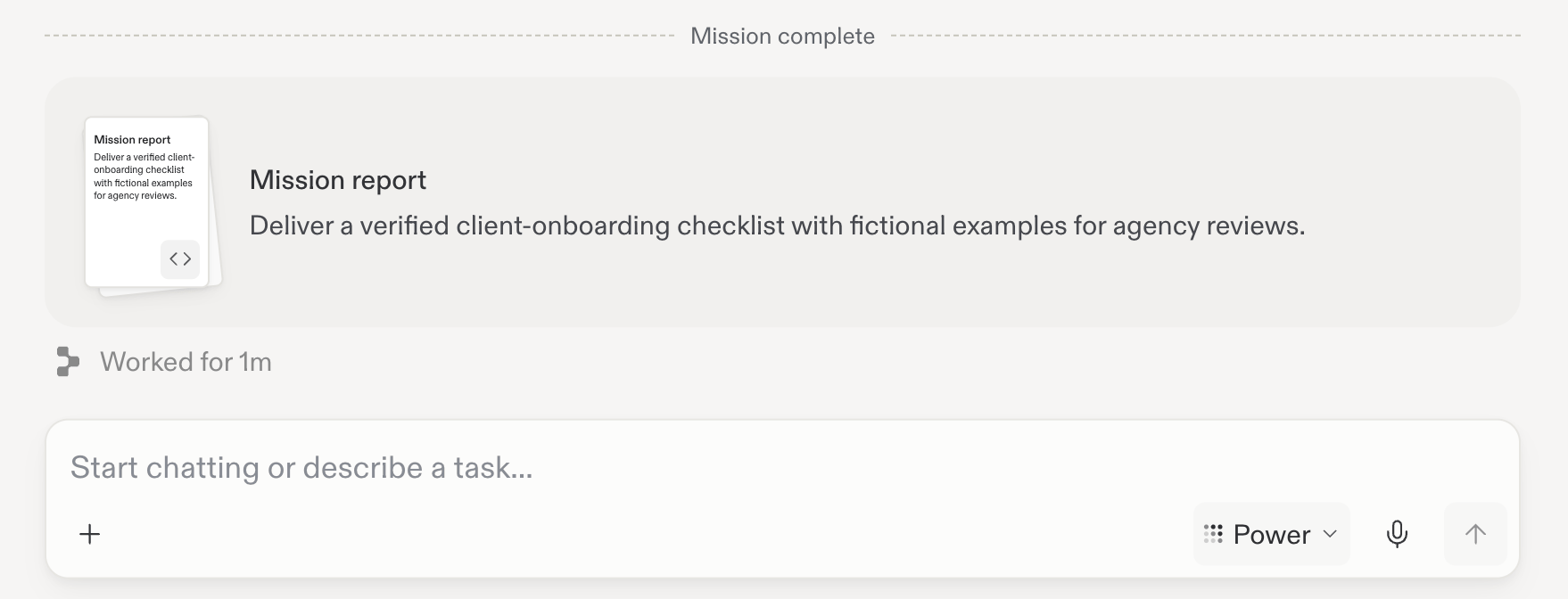
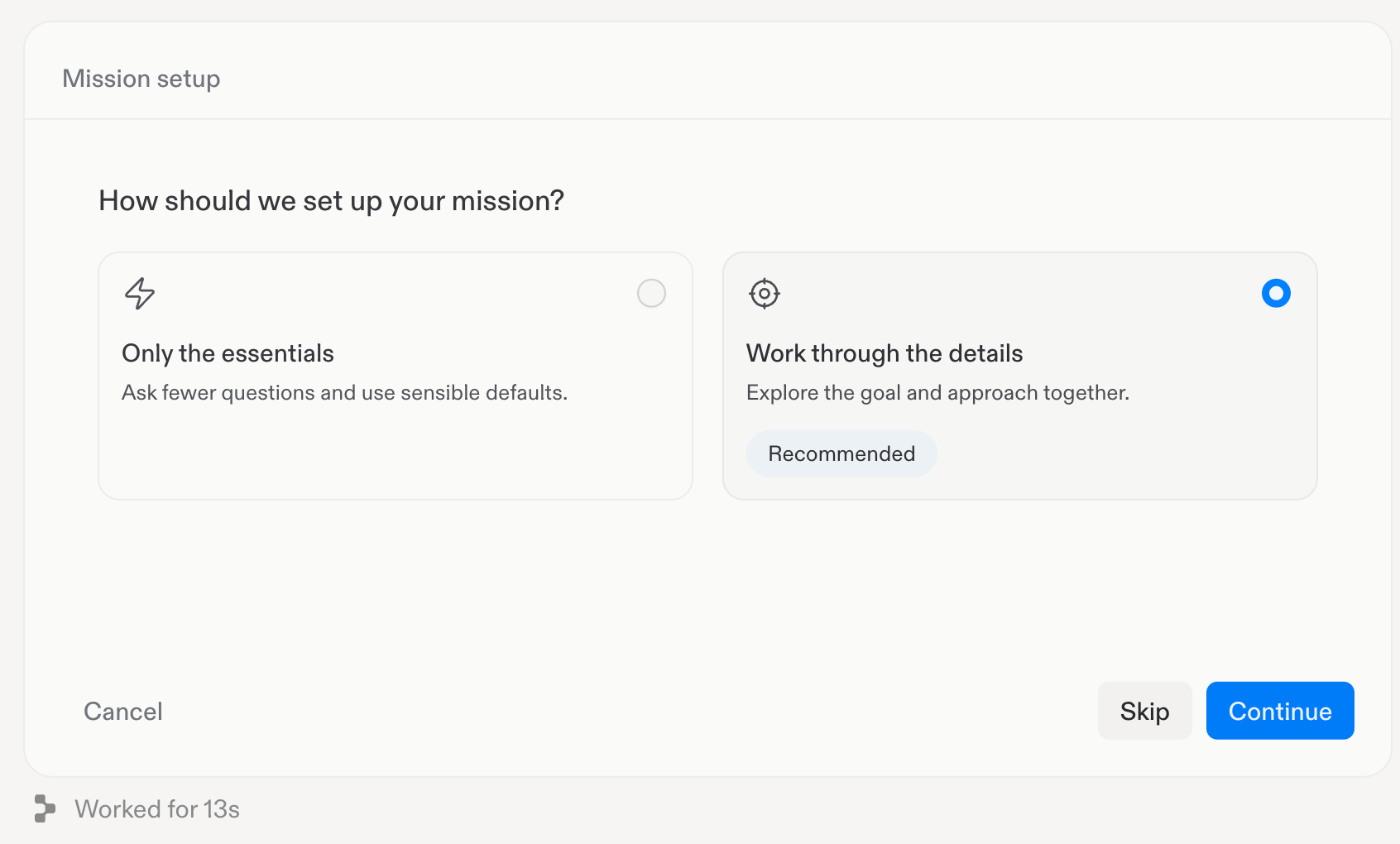
The screenshots below reuse the mission setup examples from the Missions guide. They show a client onboarding example, so your café questions and contract will have different content.1
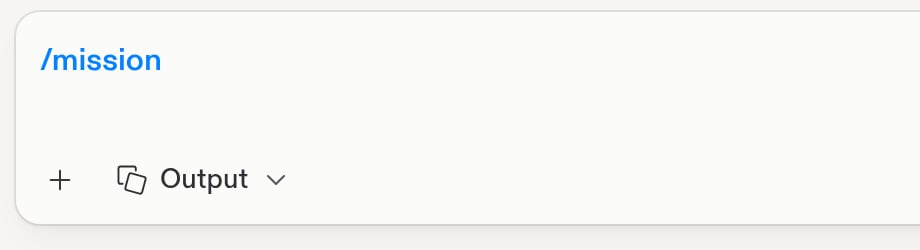
Start with /mission
In your existing café chat, type
/mission followed by the goal:You can continue using the context already in this chat. You will learn
how to connect additional files and tools later in the journey.2
Choose your planning depth
3
Define the outcome
During Understand and Approach, explain who will use the plan and
how you want it organized. For example, ask for a weekly checklist and a
separate list of decisions that need your input.During Success, agree on what makes the plan complete. For this mission,
you could require: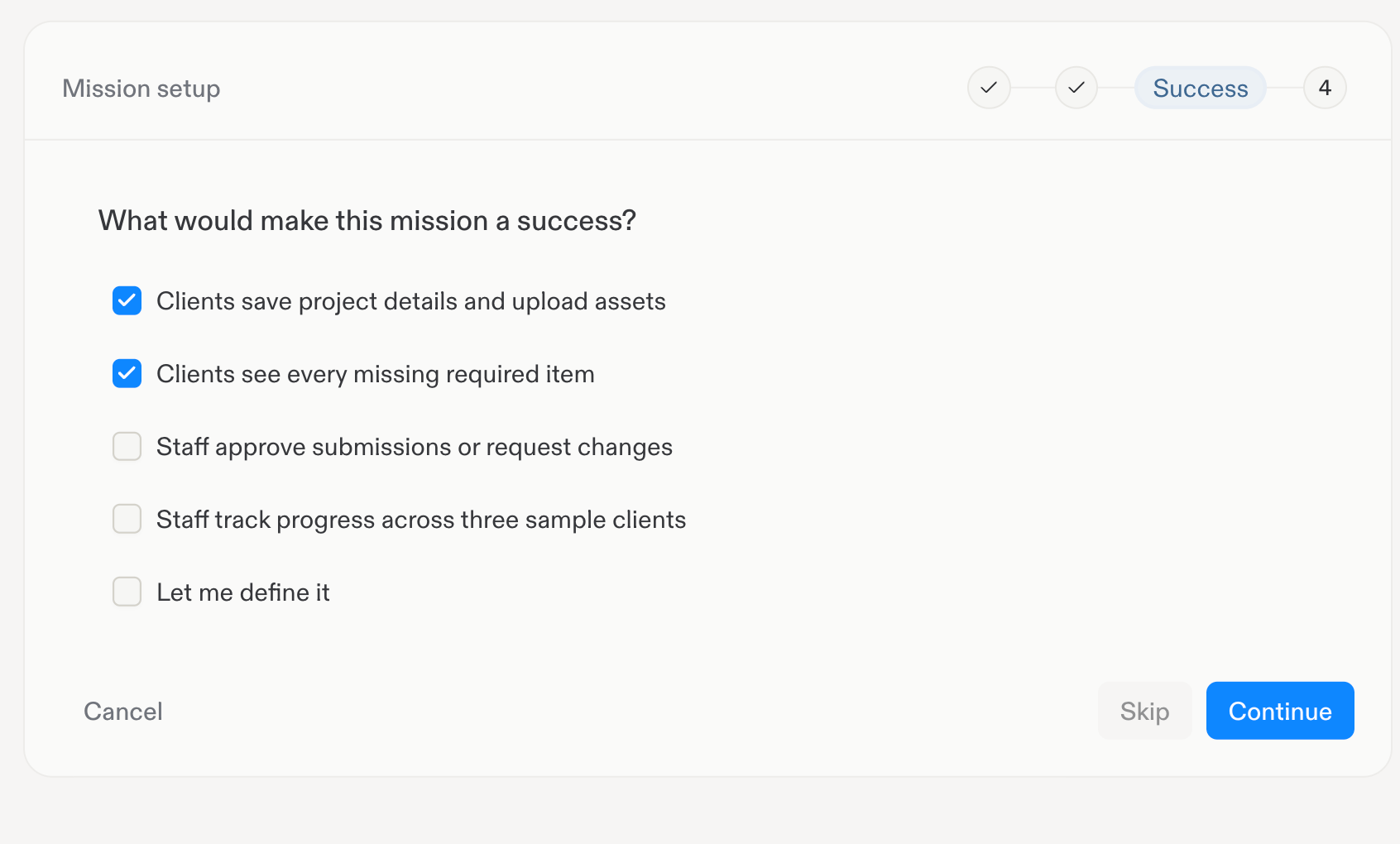
- A checklist covering the first four weeks of launch preparation.
- Budget assumptions clearly separated from confirmed figures.
- Missing information and unresolved decisions listed explicitly.
4
Set the budget and boundaries
Set a maximum Replit AI usage budget you are comfortable with and choose
the model. This is the budget for Replit’s work, not the café’s opening
budget. Work already running can take AI spending slightly over the limit.Confirm that the mission is for research and planning only. Keep purchases,
contacting people, and publishing outside its scope.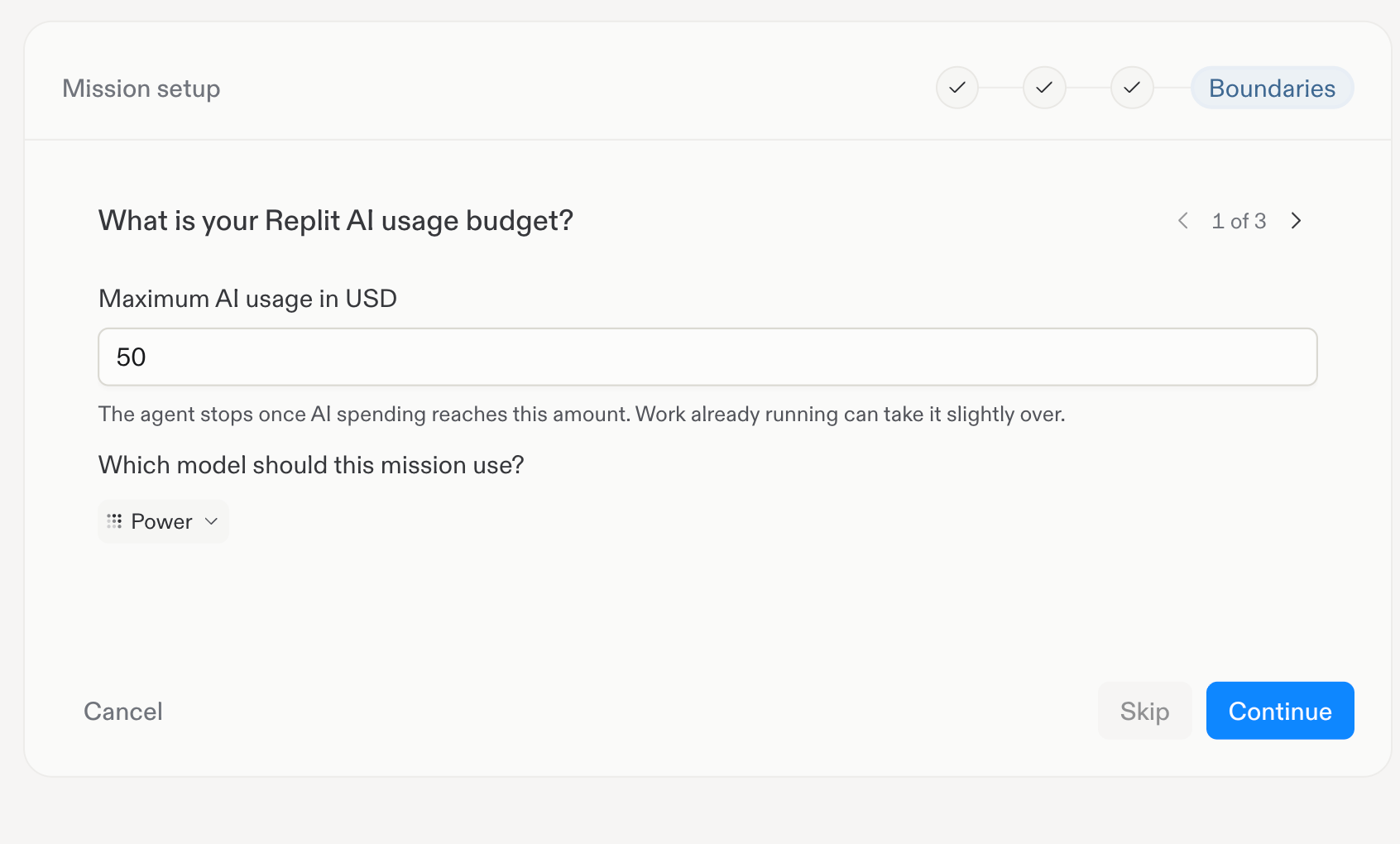
5
Review and start
Review the Mission contract. Check that it describes the café launch
plan, the agreed success criteria, your budget, and your boundaries. Ask
Replit to revise anything that does not match your intent.Select Confirm and start when you are ready.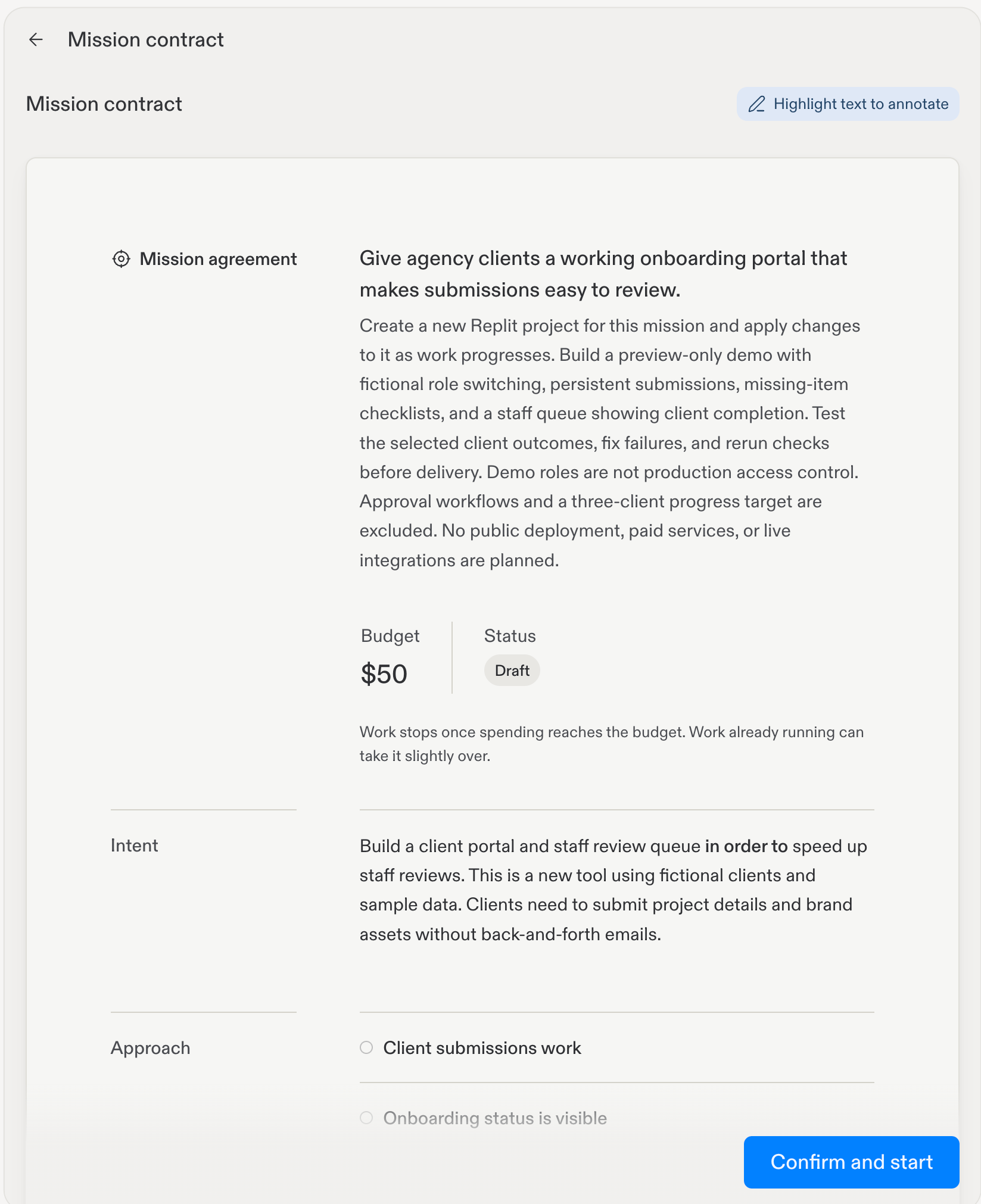
6
Review the result
Follow progress in the chat and answer any questions that need your input.
When the mission is complete, open the Mission report and review the
launch plan against your success criteria.