

Why use integrations?
Integrations bring information from the tools you already use into Replit. Connect a service, then ask Replit to find relevant context, answer a question, or help complete a task in the same chat. For the coffee-shop launch, you will use Google Drive as a source for budget notes, location research, menu ideas, and visual references. You will use Notion to document the evolving plan. First, here is how connecting an integration works.Connect an integration
Replit supports connectors for communication, email, calendars, files, customer records, project management, and more. The connector catalog in your Workspace shows what is available on your plan.Connect an integration
1
Open Integrations
From your Workspace, select Integrations in the sidebar.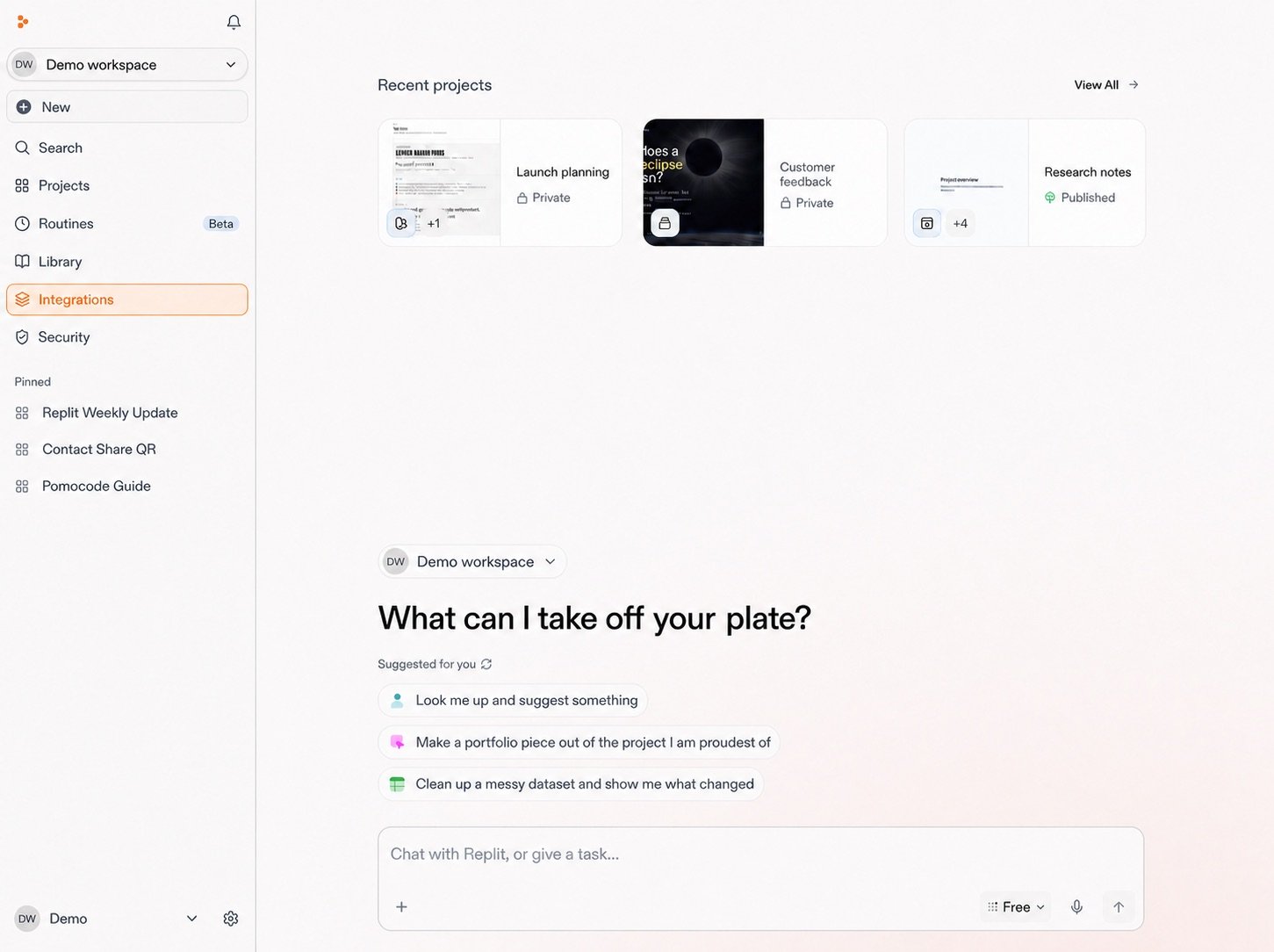
2
Select an integration
Browse or search the integrations library, then select the service you need.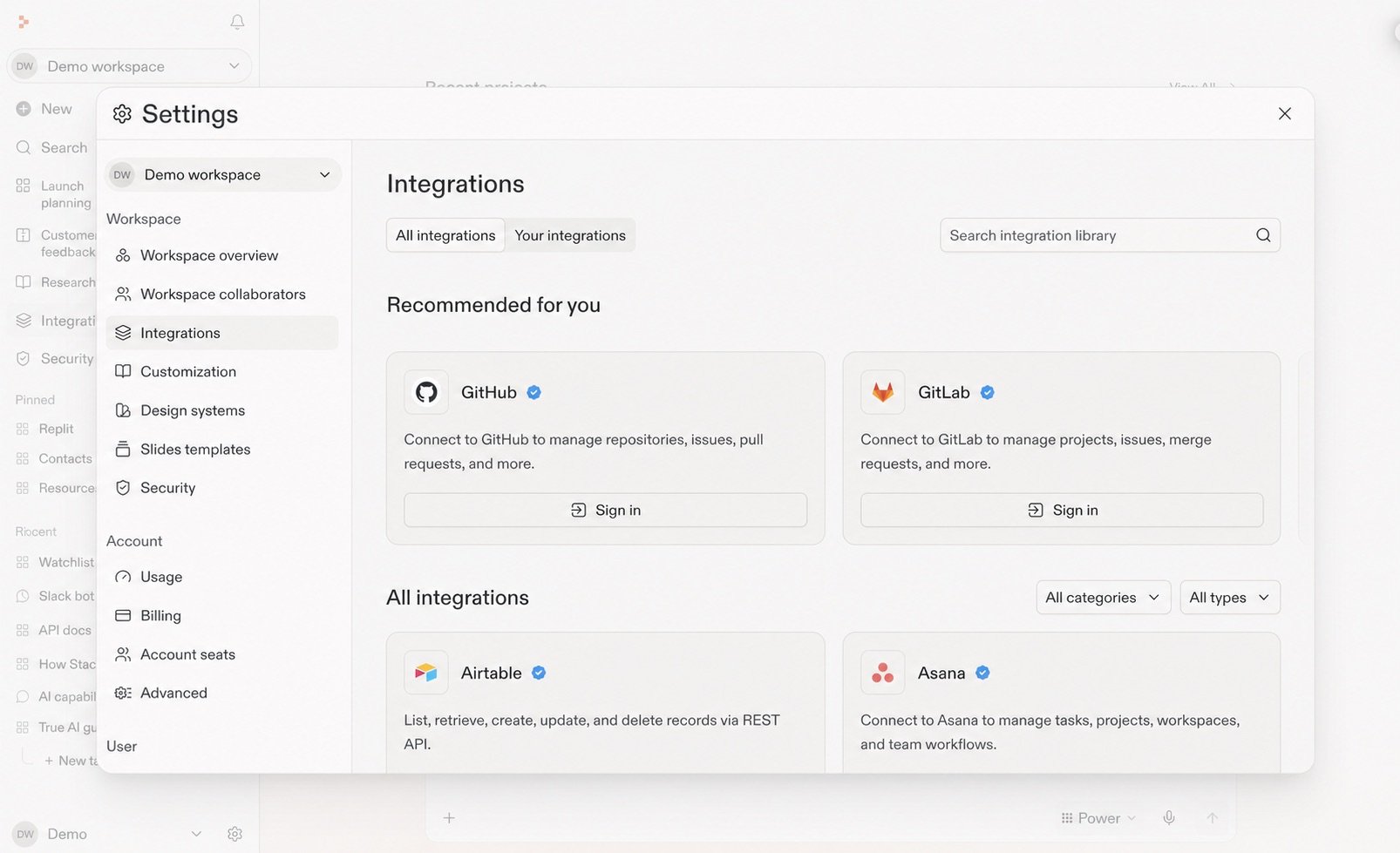
3
Connect it
Review what the integration can access, then continue through the provider’s sign-in and permissions flow. Salesforce is shown here. Other integrations may differ.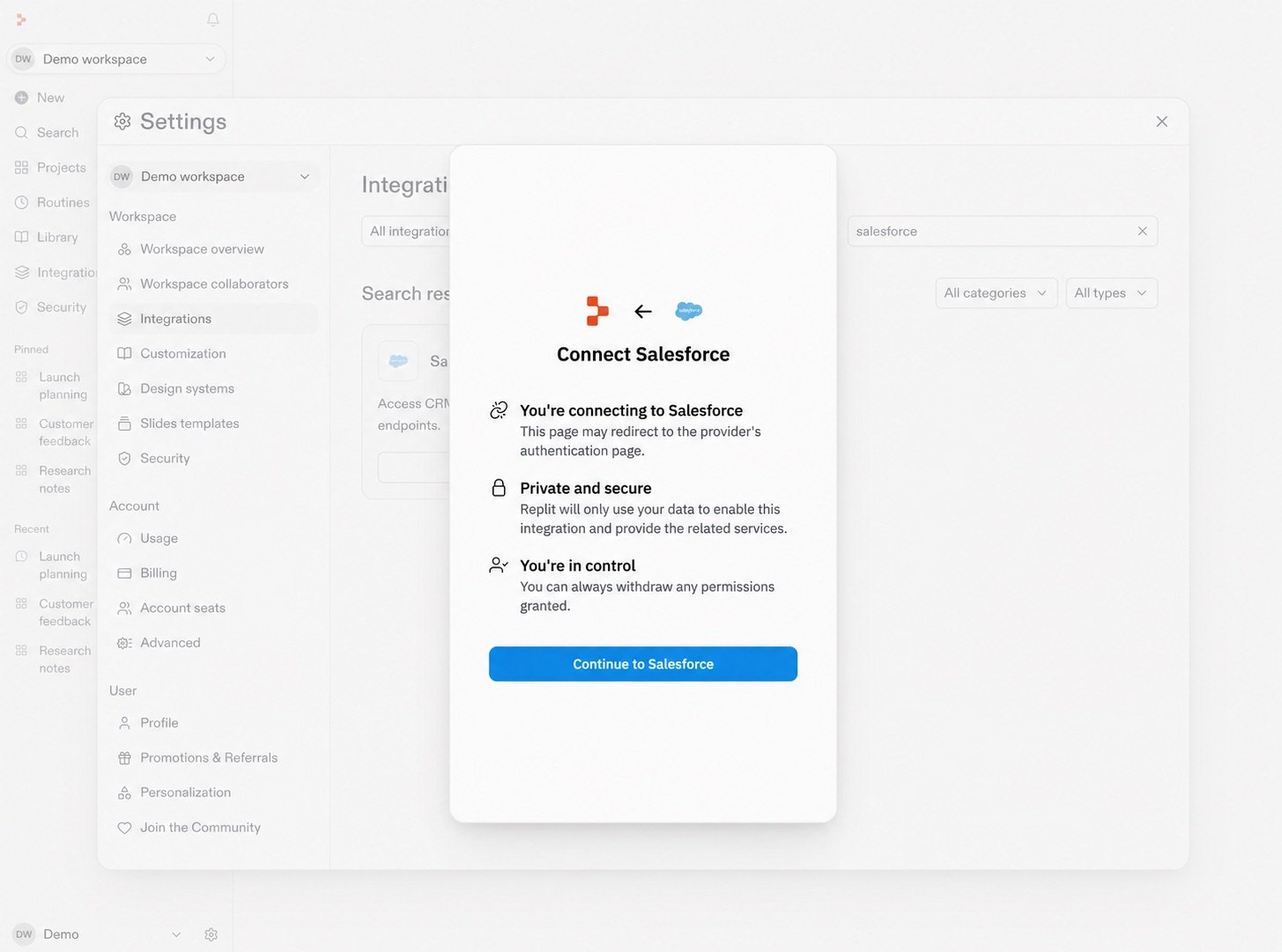
Explore more
Integrations are one way to connect Replit to other applications. You can also use Skills for reusable guidance or MCP for additional connections.Reusable guidance
Explore Skills
Give Replit a repeatable approach, instructions, and supporting files.
Explore Skills →
More connections
Explore MCP
Connect Replit to additional tools and data sources through MCP.
Explore MCP →
See an integration workflow
Research and analyze
Prepare for a customer call
Bring together Salesforce, Slack, and Google Drive context before a customer conversation.
Explore the use case →
Next
Coffee-shop project
Integrate tools
Connect Drive and Notion, then ask Replit to bring your plans together.
Continue →