

⏰ Estimated time: 5 minutesDocumentation Index
Fetch the complete documentation index at: https://docs.replit.com/llms.txt
Use this file to discover all available pages before exploring further.
Before you begin
You’ll need a free Replit account.This quickstart uses Agent, which is included in the free Starter plan with daily credits. No credit card required.
Welcome to Replit
When you open Replit, the first thing you see is your Project Editor, with the prompt box at the center. This is where everything starts. Describe what you want to build, and Agent takes it from there.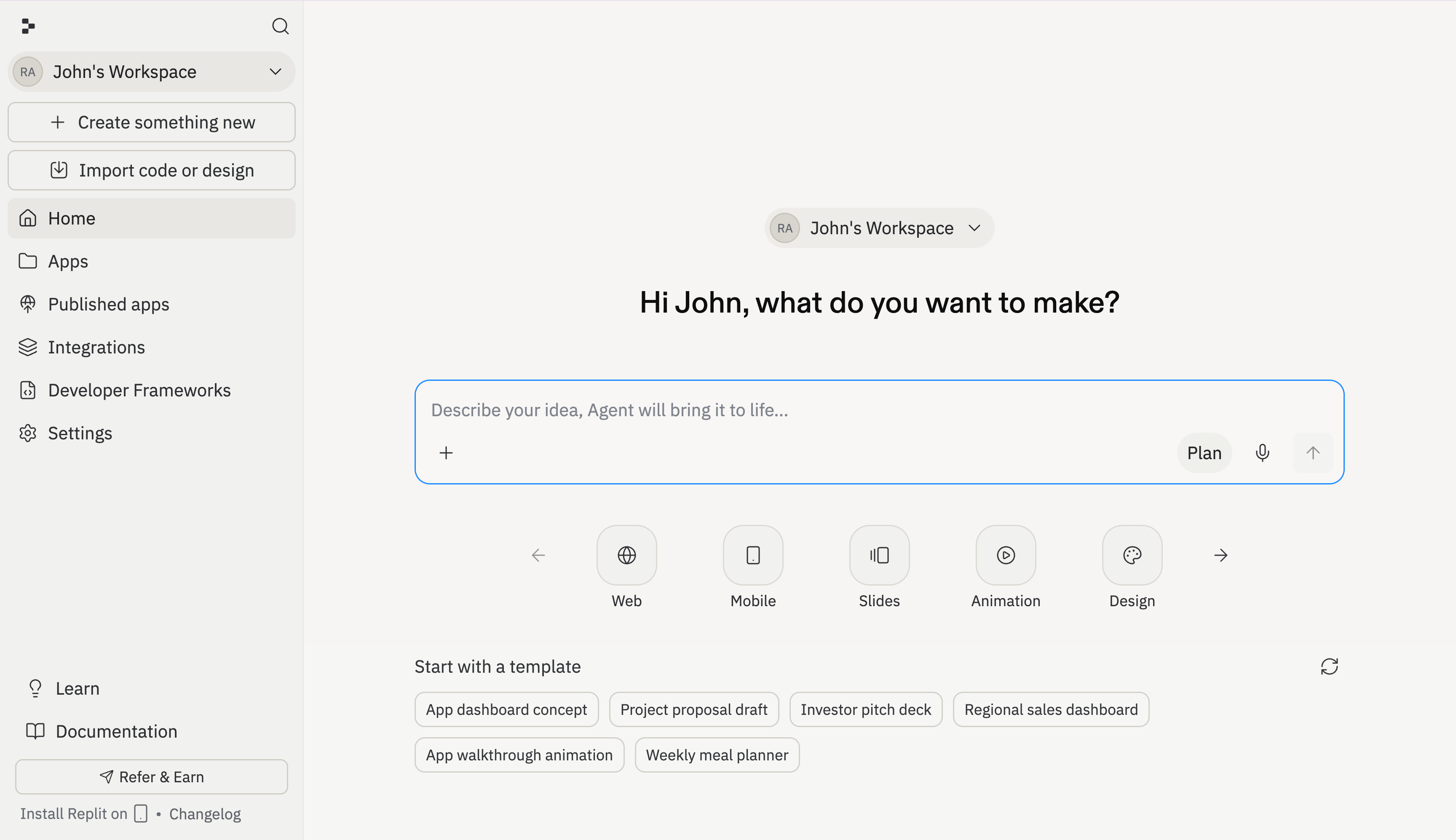
Build your app
Describe what you want to build
In the prompt box on the home screen, describe what you want to build. Be specific about features and behavior — the more detail you give Agent, the better the result.For this quickstart, try something like: “Build a realistic 16-key piano with proper white and black key layout. Each key should press down with animation when clicked and play the correct note.”Press Start to kick off the build. Agent sets up your project and starts writing code. This takes about 3–5 minutes.
Preview your app
When Agent finishes, navigate to the Preview tab to see your app in action. Click around and interact with it to make sure it works the way you expect.
Your app might look slightly different from the screenshots — Agent can generate varied results from the same prompt.
Try it now
Ready to build? Press to open Replit with the piano prompt pre-filled.Next steps
Design with Canvas
Explore design variations and restyle your app visually.
Expand your project
Add a mobile app, slide deck, or other artifacts to your project.
Publish your app
Learn about custom domains, sharing, and how publishing works.
Agent
Explore everything Agent can do.