> ## Documentation Index
> Fetch the complete documentation index at: https://docs.replit.com/llms.txt
> Use this file to discover all available pages before exploring further.
# August 7, 2026
> 1 min read
## What's new
* [Security scan while you build](#security-scan-while-you-build)
* [Regenerate production database credentials](#regenerate-production-database-credentials)
* [Build with SSO](#build-with-sso)
* [Move projects between workspaces](#move-projects-between-workspaces)
## Agent
### Security scan while you build
Agent now checks the files it changes for common security issues as part of its code review. This automatic Semgrep scan looks for risky patterns and hardcoded secrets, so Agent can address likely findings before it completes the task.
Learn more about [Security scan while you build](/features/security/project-security-center#security-scan-while-you-build).
## Platform
### Regenerate production database credentials
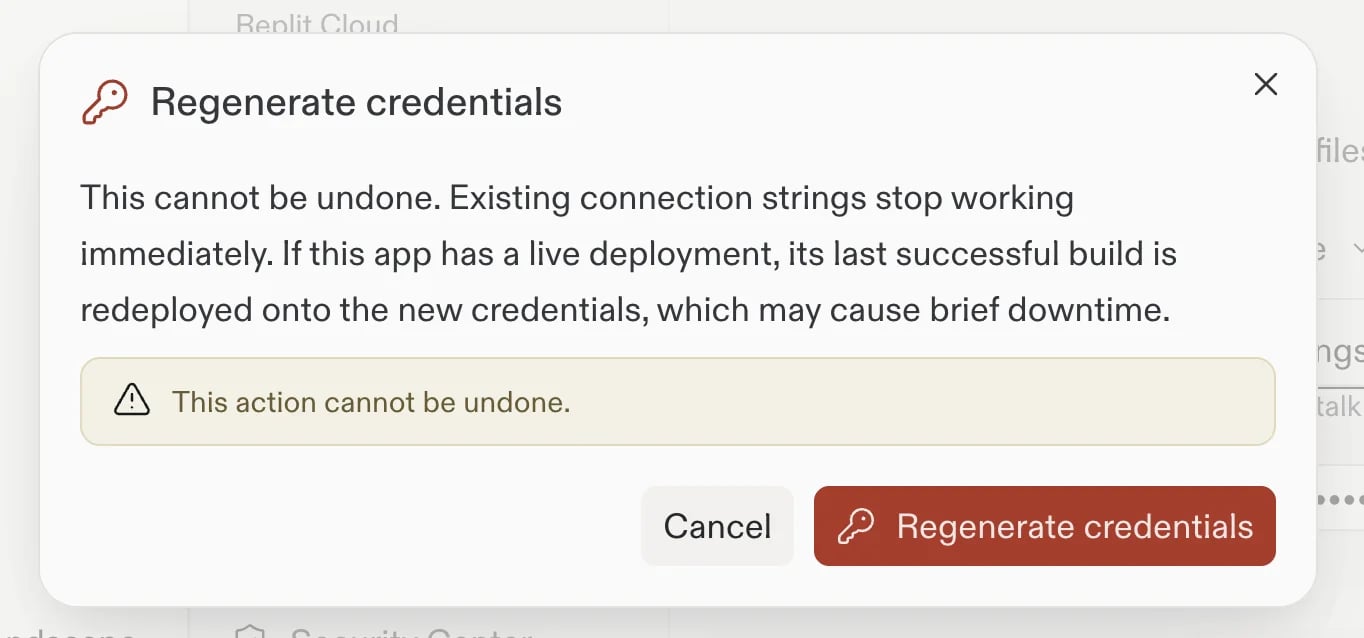
You can now regenerate credentials for an eligible production database from the **Database** tool. Replit updates the credentials and, when your app has a live supported deployment, starts a redeploy so it can continue using the new credentials. Update any external tools that use the old connection string.
 Learn more about [regenerating production database credentials](/features/data-and-storage/connection-details#regenerate-production-database-credentials).
## Teams and Enterprise
### Build with SSO
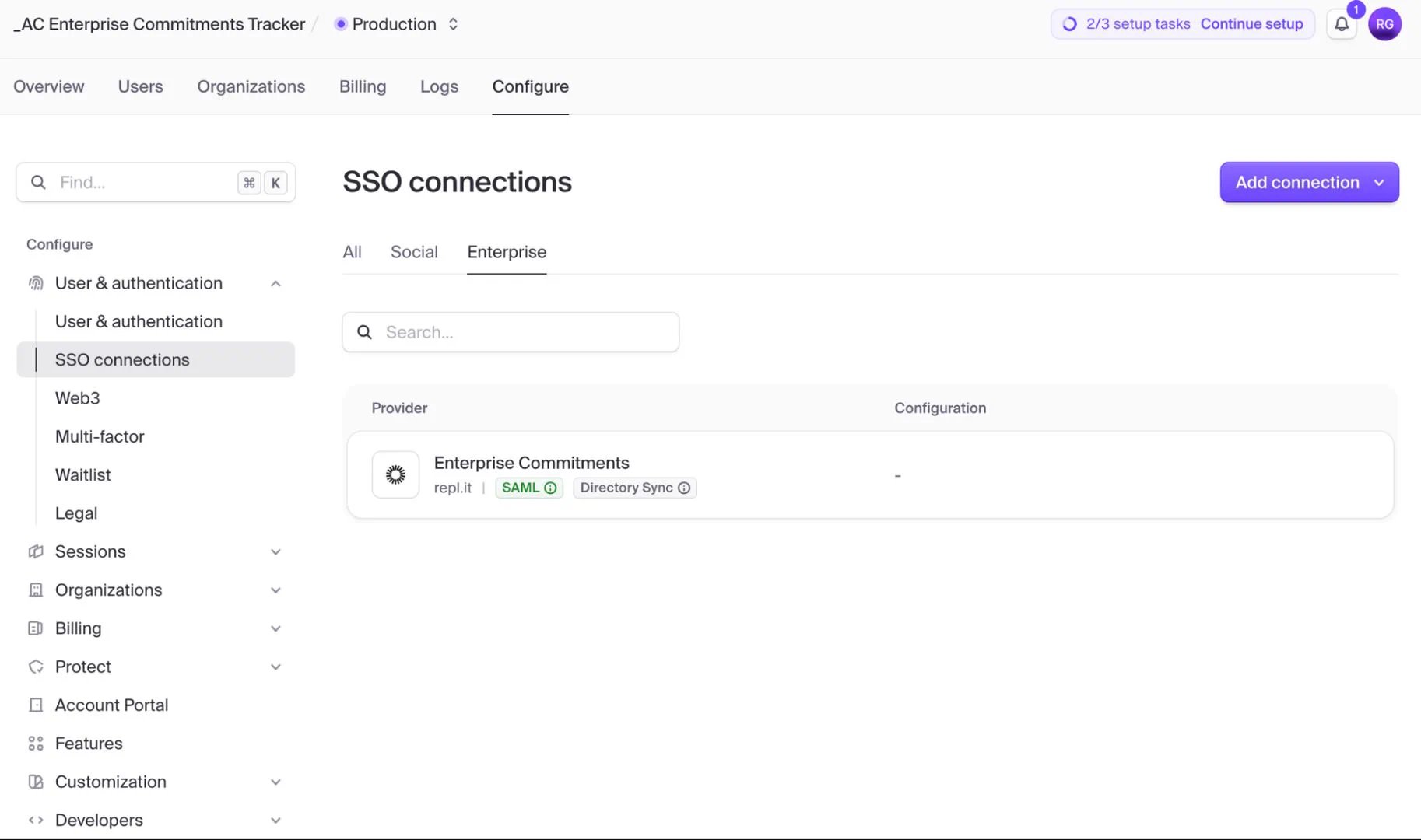
Pro builders can now configure enterprise SSO for a Replit App that uses [Clerk Auth](/features/auth-and-identity/clerk-auth). Ask Agent for the authentication change you need, and Agent directs you to the Clerk Dashboard. There, connect Okta or Microsoft Entra ID through OIDC or SAML. Enterprise SSO connections are free through October 1, 2026. After that, Clerk pass-through pricing applies. Enterprise availability is coming soon.
Learn more about [regenerating production database credentials](/features/data-and-storage/connection-details#regenerate-production-database-credentials).
## Teams and Enterprise
### Build with SSO
Pro builders can now configure enterprise SSO for a Replit App that uses [Clerk Auth](/features/auth-and-identity/clerk-auth). Ask Agent for the authentication change you need, and Agent directs you to the Clerk Dashboard. There, connect Okta or Microsoft Entra ID through OIDC or SAML. Enterprise SSO connections are free through October 1, 2026. After that, Clerk pass-through pricing applies. Enterprise availability is coming soon.
 Learn more about [Build with SSO](/features/auth-and-identity/single-sign-on).
### Move projects between workspaces
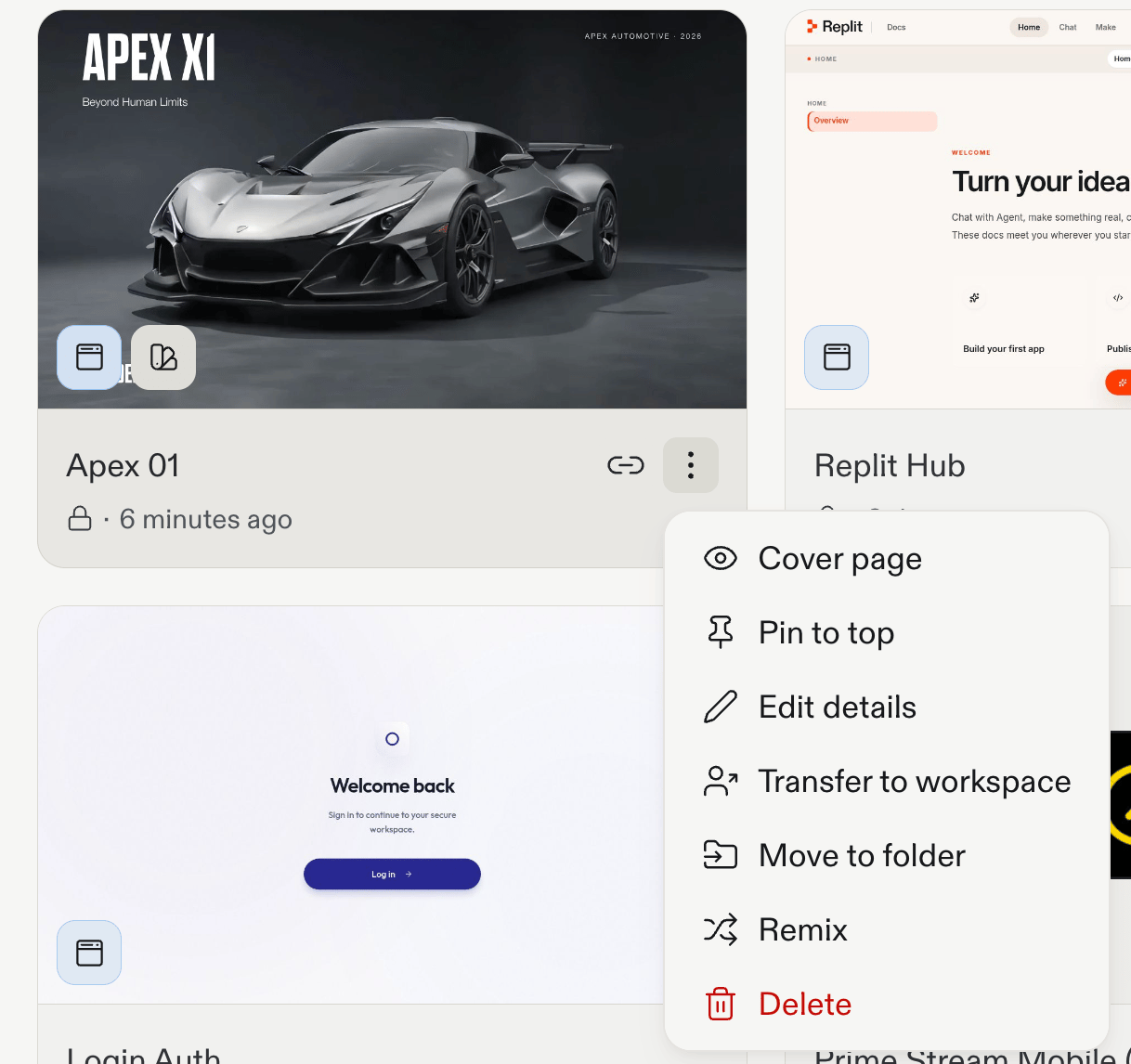
You can now move a project between team workspaces in the same billing account from the **Projects** list. The transfer runs in the background and can't be undone. Linked Account Secrets don't move with the project, so re-link them in the destination workspace.
Learn more about [Build with SSO](/features/auth-and-identity/single-sign-on).
### Move projects between workspaces
You can now move a project between team workspaces in the same billing account from the **Projects** list. The transfer runs in the background and can't be undone. Linked Account Secrets don't move with the project, so re-link them in the destination workspace.
 Learn more about [transferring projects between team workspaces](/teams/identity-and-access-management/transfer-app-to-teams#transfer-between-team-workspaces).