> ## Documentation Index
> Fetch the complete documentation index at: https://docs.replit.com/llms.txt
> Use this file to discover all available pages before exploring further.
# June 19, 2026
> 3 min read
## What's new
* [Use Replit from Claude](#use-replit-from-claude)
* [New MCP servers: Apollo and Black Forest Labs](#new-mcp-servers-apollo-and-black-forest-labs)
* [Voice Mode](#voice-mode)
* [Invite external guests to Enterprise workspaces](#invite-external-guests-to-enterprise-workspaces)
## Integrations
### Use Replit from Claude
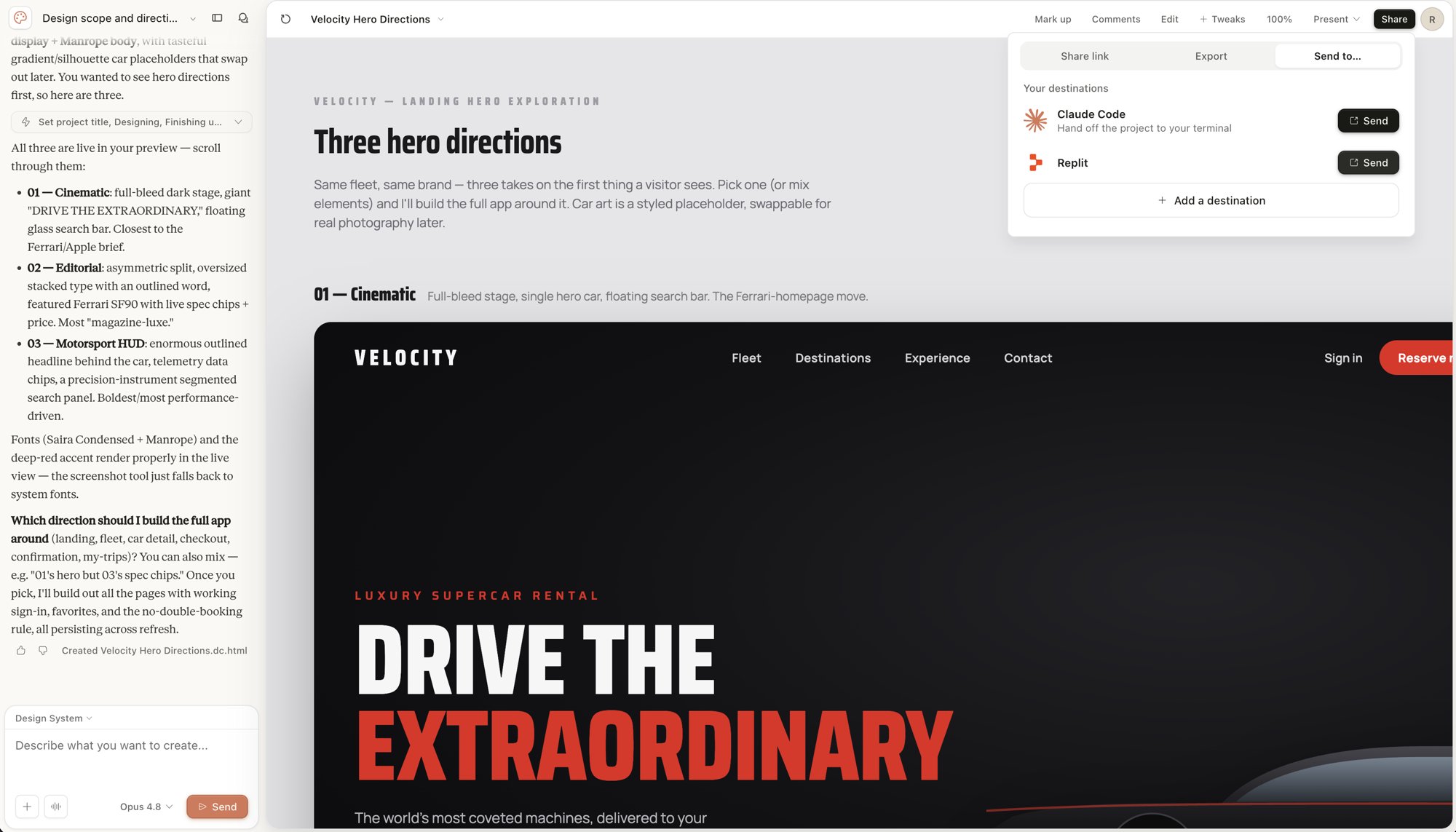
Replit is now available as a connector in Claude. Connect it once, and you can create, update, and ask questions about your Replit apps directly from a conversation with Claude. You can also send a design straight from Claude Design to Replit. It opens as a runnable app, and Agent plans how to turn it into a working product.
 Learn more about [using Replit from Claude](/platforms/mcp-server#use-replit-from-claude).
### New MCP servers: Apollo and Black Forest Labs
Two new servers join the one-click MCP catalog. Connect **Apollo** to research accounts and contacts and build outbound lists from a conversation with Agent. Connect **Black Forest Labs** to generate and edit FLUX images without leaving your project.
Learn more in the [MCP list](/references/mcp/overview).
## Agent
### Voice Mode
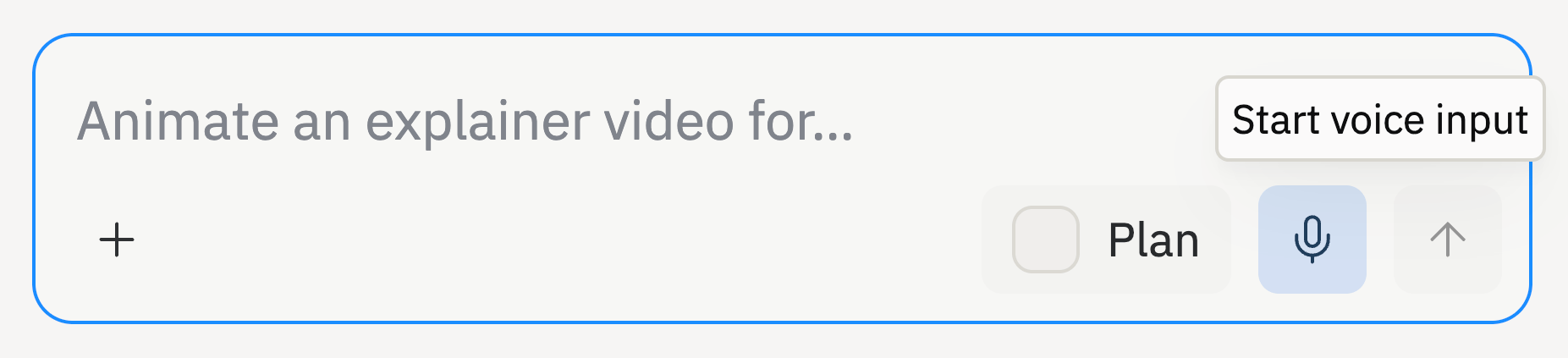
You can now describe what you want to build out loud. Tap the microphone in the Agent chat box, speak your prompt, and Replit transcribes your speech into editable text. Review the text, make any edits, and send it like any other message. Voice Mode is available on all Replit plans.
Learn more about [using Replit from Claude](/platforms/mcp-server#use-replit-from-claude).
### New MCP servers: Apollo and Black Forest Labs
Two new servers join the one-click MCP catalog. Connect **Apollo** to research accounts and contacts and build outbound lists from a conversation with Agent. Connect **Black Forest Labs** to generate and edit FLUX images without leaving your project.
Learn more in the [MCP list](/references/mcp/overview).
## Agent
### Voice Mode
You can now describe what you want to build out loud. Tap the microphone in the Agent chat box, speak your prompt, and Replit transcribes your speech into editable text. Review the text, make any edits, and send it like any other message. Voice Mode is available on all Replit plans.
 Learn more about [Voice Mode](/references/agent/voice-mode).
## Teams and Enterprise
### Invite external guests to Enterprise workspaces
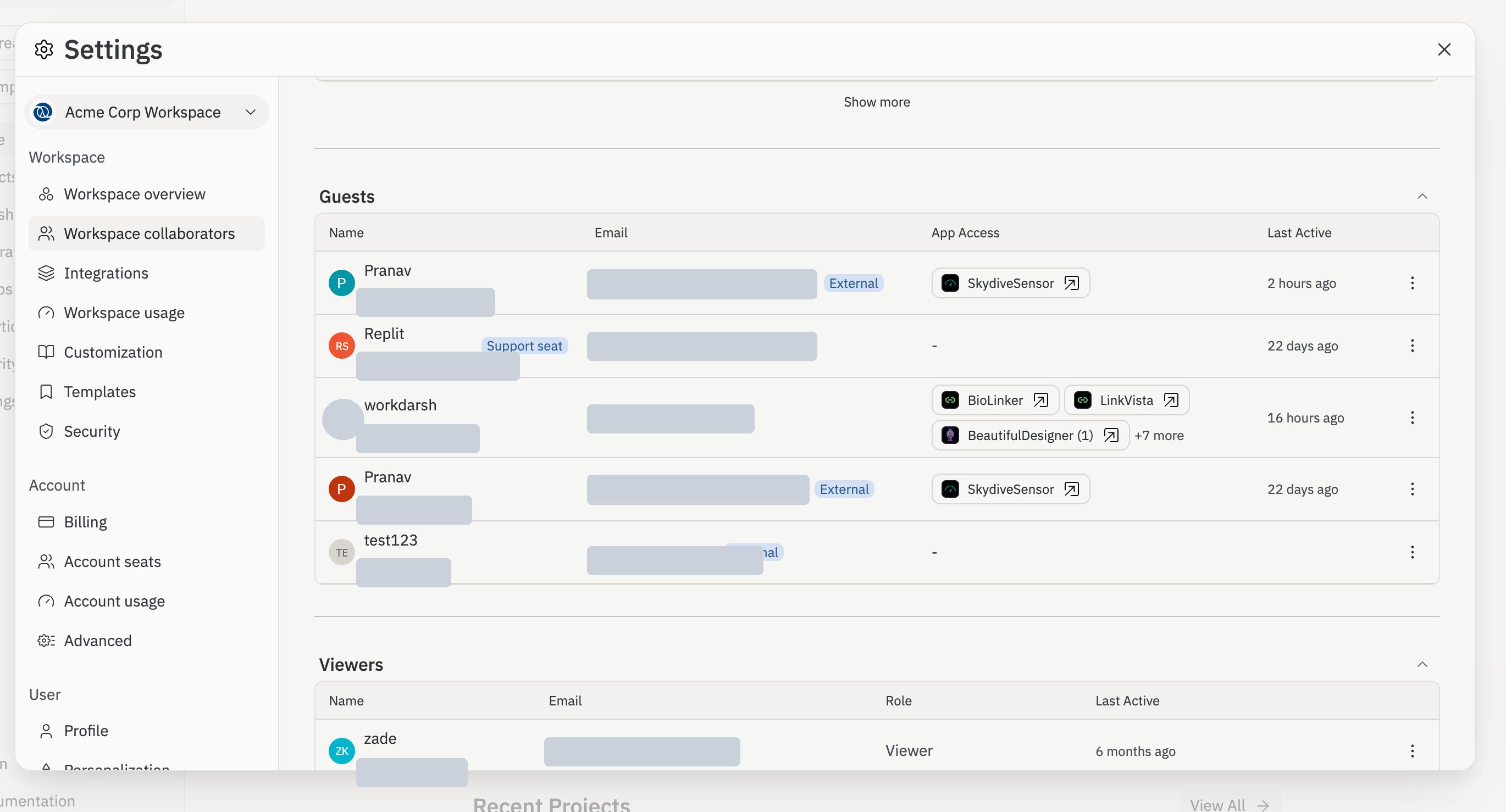
Enterprise admins can now invite outside collaborators into a workspace as Guests without going through their identity provider. Share a single app with an external email, and that person joins as a Guest with access to only that app. Guests appear in a dedicated table where you can see which apps they can reach and revoke access at any time.
Learn more about [Voice Mode](/references/agent/voice-mode).
## Teams and Enterprise
### Invite external guests to Enterprise workspaces
Enterprise admins can now invite outside collaborators into a workspace as Guests without going through their identity provider. Share a single app with an external email, and that person joins as a Guest with access to only that app. Guests appear in a dedicated table where you can see which apps they can reach and revoke access at any time.
 Learn more about [inviting external guests](/teams/identity-and-access-management/managing-members#inviting-external-guests).