> ## Documentation Index
> Fetch the complete documentation index at: https://docs.replit.com/llms.txt
> Use this file to discover all available pages before exploring further.
# June 12, 2026
> 3 min read
## What's new
* [Customize Agent with workspace instructions and skills](#customize-agent-with-workspace-instructions-and-skills)
* [Block malicious packages with Package Firewall](#block-malicious-packages-with-package-firewall)
* [Faster slide import and export](#faster-slide-import-and-export)
* [Add visual references when you generate media on Canvas](#add-visual-references-when-you-generate-media-on-canvas)
* [Choose which production alerts reach your inbox](#choose-which-production-alerts-reach-your-inbox)
## Agent
### Customize Agent with workspace instructions and skills
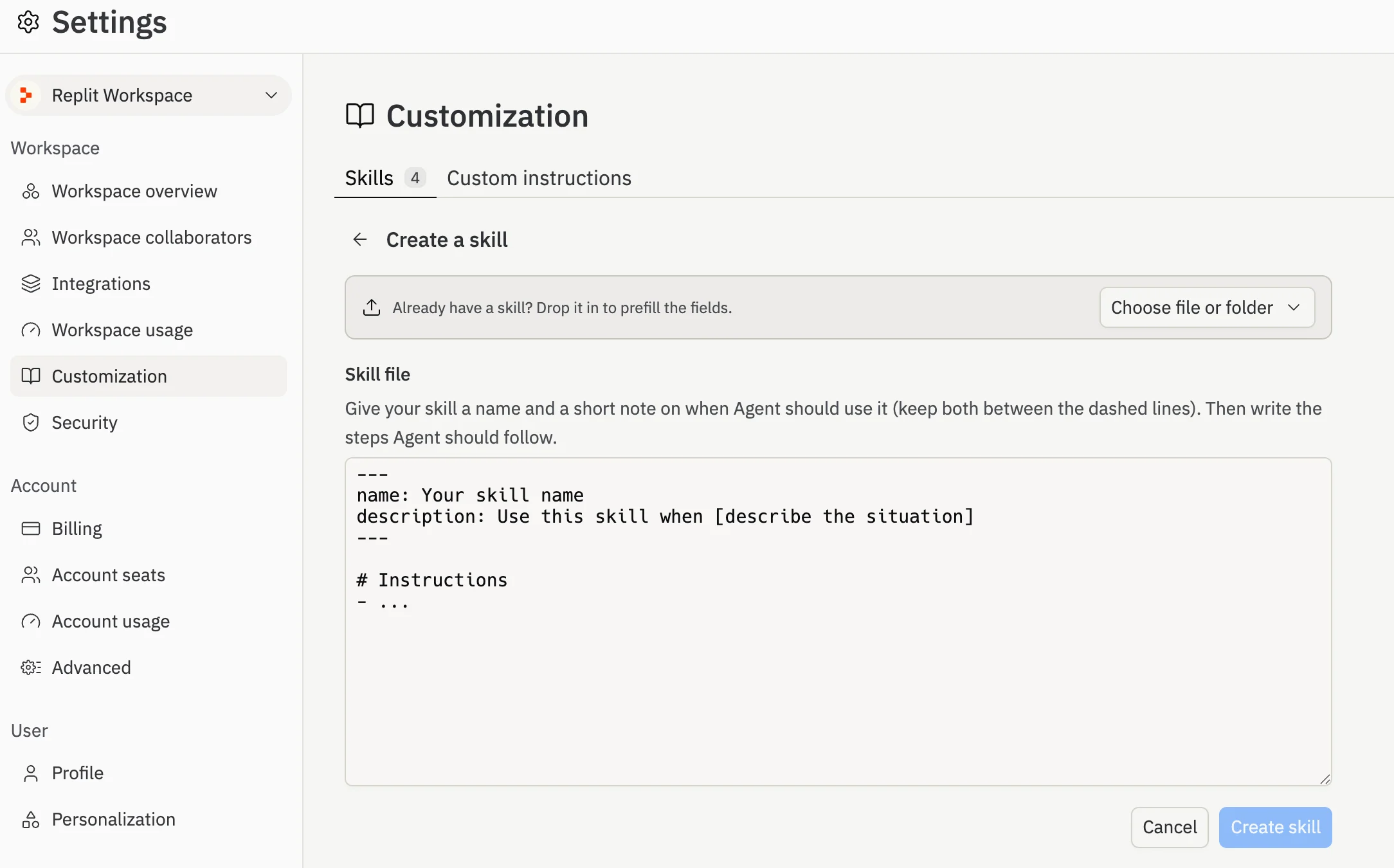
You can now teach Agent how your team works once, and have it apply everywhere. Set **custom instructions** that Agent follows in every project, and create reusable **skills** that Agent loads on demand for specific tasks. You manage both in **Workspace Settings** > **Customization**.
 Learn more about [Agent Customization](/references/agent/agent-customization).
## Platform
### Block malicious packages with Package Firewall
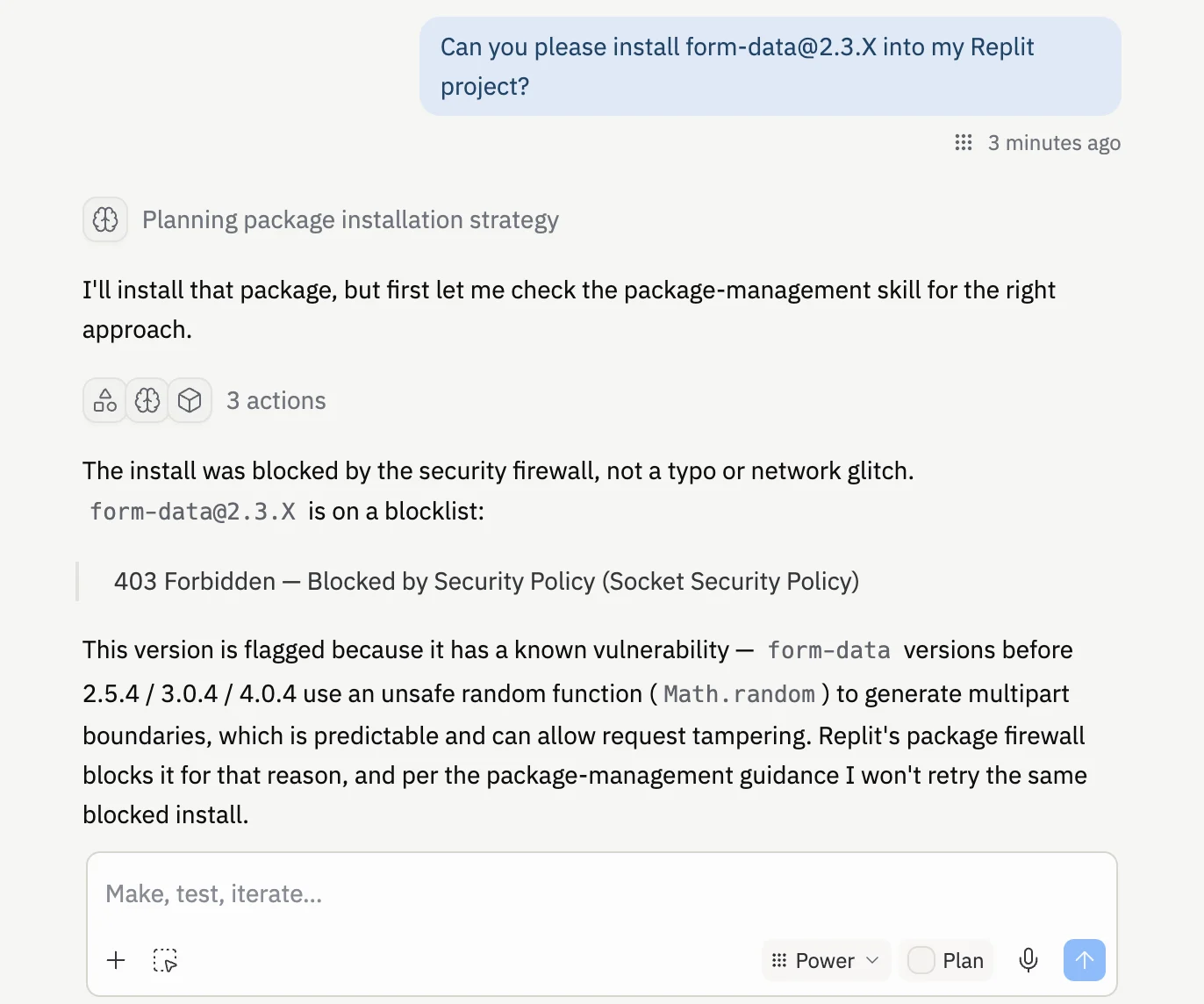
Replit now blocks malicious and compromised software packages before they ever reach your app. Package Firewall checks every install across common package managers and stops harmful dependencies automatically. It is on by default, and Agent adapts its plan to use safer alternatives when something is blocked.
Learn more about [Agent Customization](/references/agent/agent-customization).
## Platform
### Block malicious packages with Package Firewall
Replit now blocks malicious and compromised software packages before they ever reach your app. Package Firewall checks every install across common package managers and stops harmful dependencies automatically. It is on by default, and Agent adapts its plan to use safer alternatives when something is blocked.
 Learn more about [Package Firewall](/references/security/package-firewall).
## Workspace
### Faster slide import and export
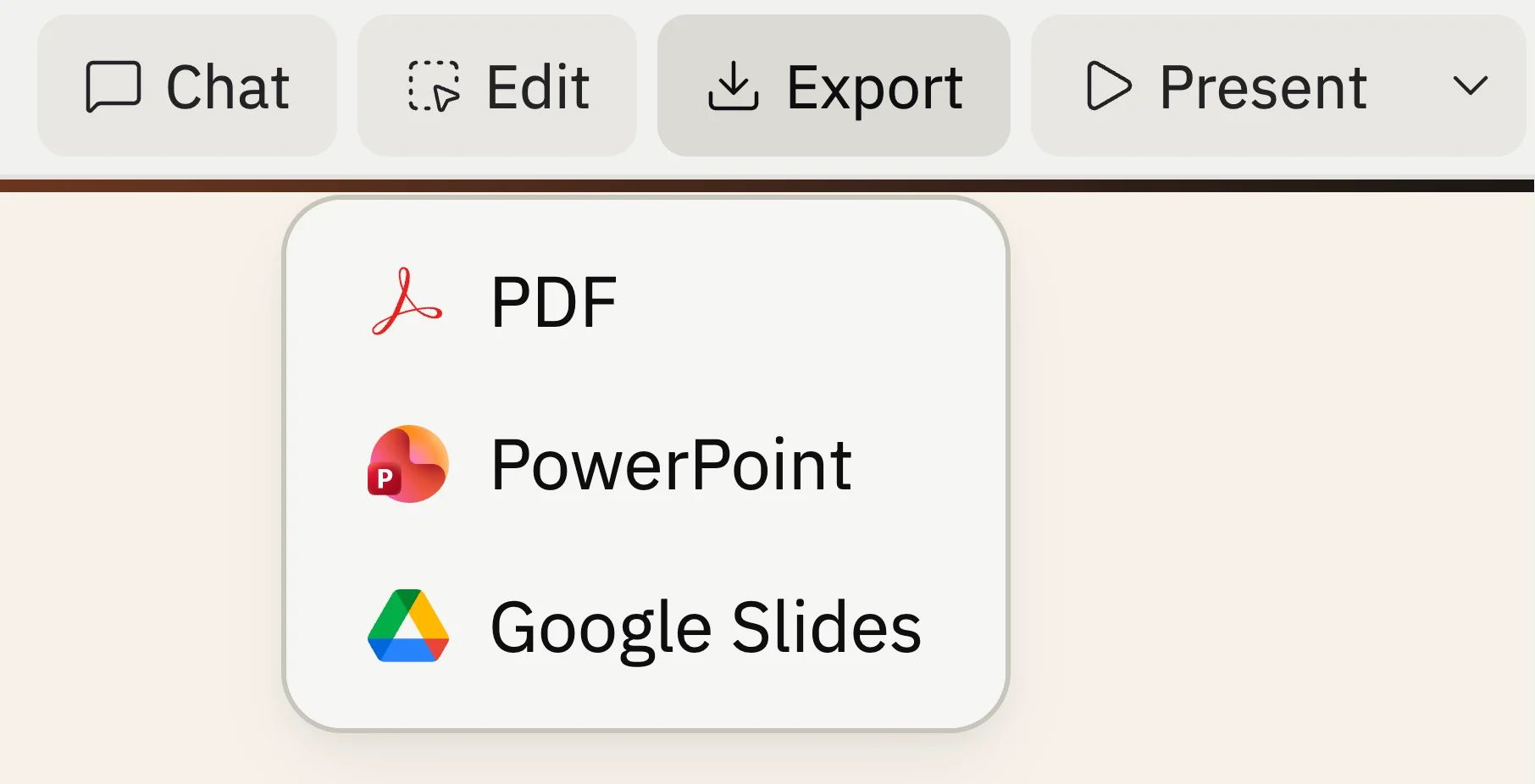
PowerPoint and Google Slides exports are three to ten times faster, large photo-heavy decks no longer produce oversized PDF files, and you can jump to a Google Slides export in one selection.
Learn more about [Package Firewall](/references/security/package-firewall).
## Workspace
### Faster slide import and export
PowerPoint and Google Slides exports are three to ten times faster, large photo-heavy decks no longer produce oversized PDF files, and you can jump to a Google Slides export in one selection.
 Learn more about [exporting slide decks](/references/artifact-types/slide-decks#exporting).
### Add visual references when you generate media on Canvas
When you generate an image, video, or vector graphic on Canvas, you can now attach things already on your board as visual references. Pick a frame, a note, or an image and Agent uses it to guide the result, so your generated media matches the look of your project.
Learn more about [exporting slide decks](/references/artifact-types/slide-decks#exporting).
### Add visual references when you generate media on Canvas
When you generate an image, video, or vector graphic on Canvas, you can now attach things already on your board as visual references. Pick a frame, a note, or an image and Agent uses it to guide the result, so your generated media matches the look of your project.
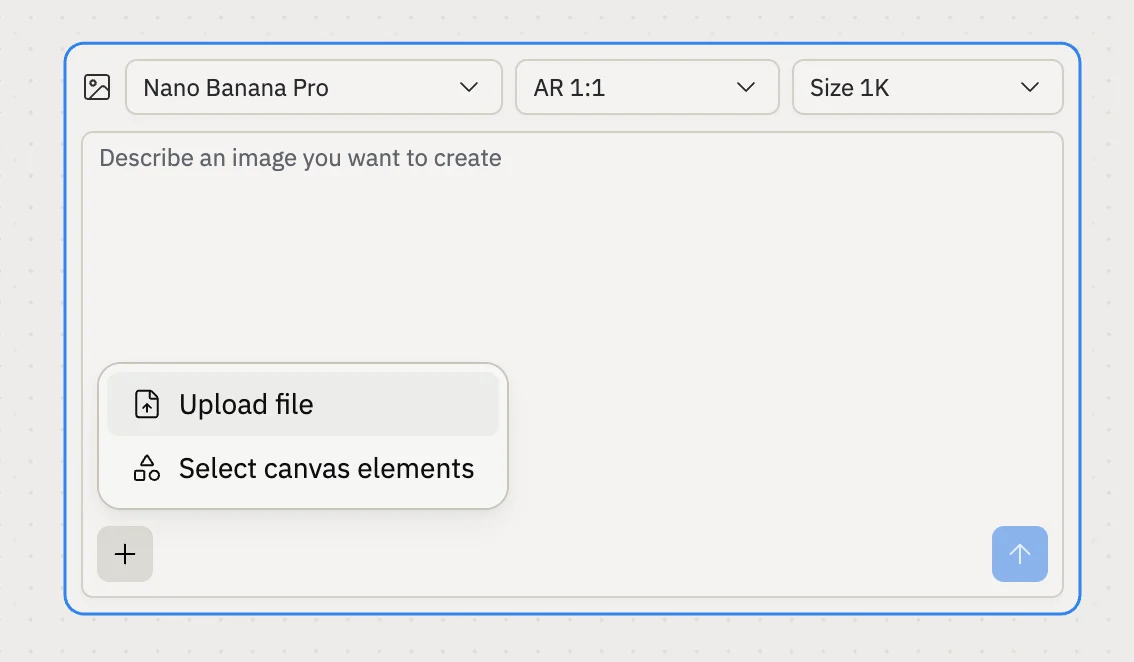 ChatGPT Images 2.0 does not support uploads at the moment. Switch the model, for example to Nano Banana Pro, to attach visual references.
Learn more about [generating media on Canvas](/references/design/toolbar#generate).
## Security
### Choose which production alerts reach your inbox
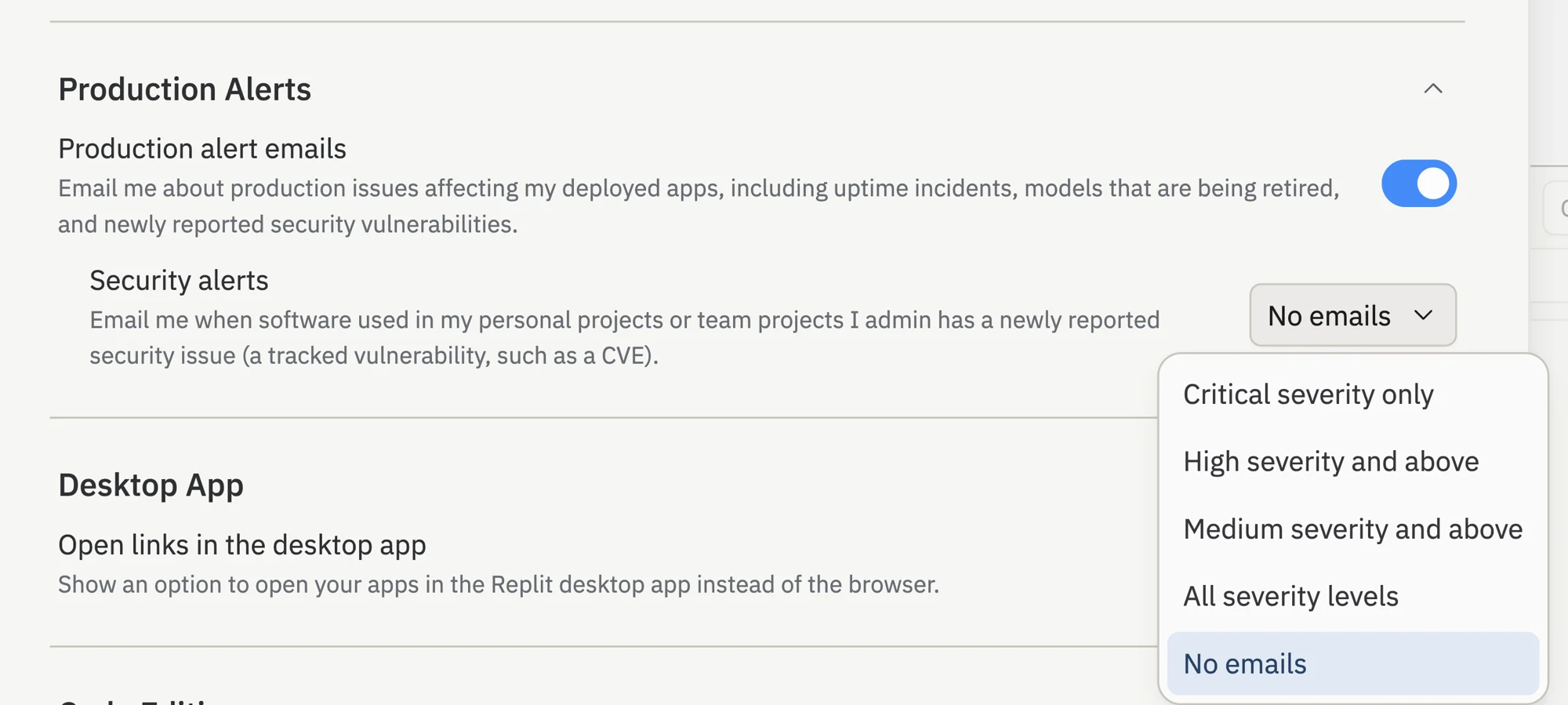
You now control production alerts separately from other emails. A new **Production Alerts** setting decides whether Replit emails you about uptime incidents, security vulnerabilities in your dependencies, and language model updates. If a published app uses an out-of-date model, Replit also prepares a draft task so you can upgrade with one review.
ChatGPT Images 2.0 does not support uploads at the moment. Switch the model, for example to Nano Banana Pro, to attach visual references.
Learn more about [generating media on Canvas](/references/design/toolbar#generate).
## Security
### Choose which production alerts reach your inbox
You now control production alerts separately from other emails. A new **Production Alerts** setting decides whether Replit emails you about uptime incidents, security vulnerabilities in your dependencies, and language model updates. If a published app uses an out-of-date model, Replit also prepares a draft task so you can upgrade with one review.
 Learn more about [notification settings](/references/editor/user-settings#notifications).