> ## Documentation Index
> Fetch the complete documentation index at: https://docs.replit.com/llms.txt
> Use this file to discover all available pages before exploring further.
# February 13, 2026
> 2 min read
## What's new
* [Claude Opus 4.5 support](#claude-opus-45-support)
* [Open in Replit button (Beta)](#open-in-replit-button-beta)
* [Agent production SQL database access](#agent-production-sql-database-access)
* [Bitbucket integration improvements](#bitbucket-integration-improvements)
* [User/group level budgets](#usergroup-level-budgets)
* [Connection reliability improvements](#connection-reliability-improvements)
## Platform
### Claude Opus 4.5 support
Claude Opus 4.5 is now supported in AI Integrations, giving you access to Anthropic's latest AI capabilities optimized for coding and agents.
### Open in Replit button (Beta)
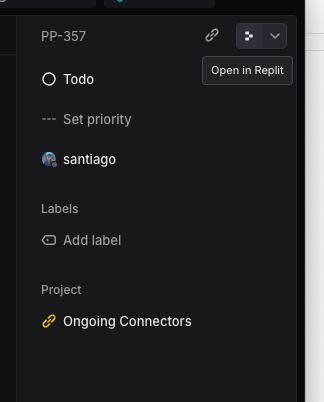
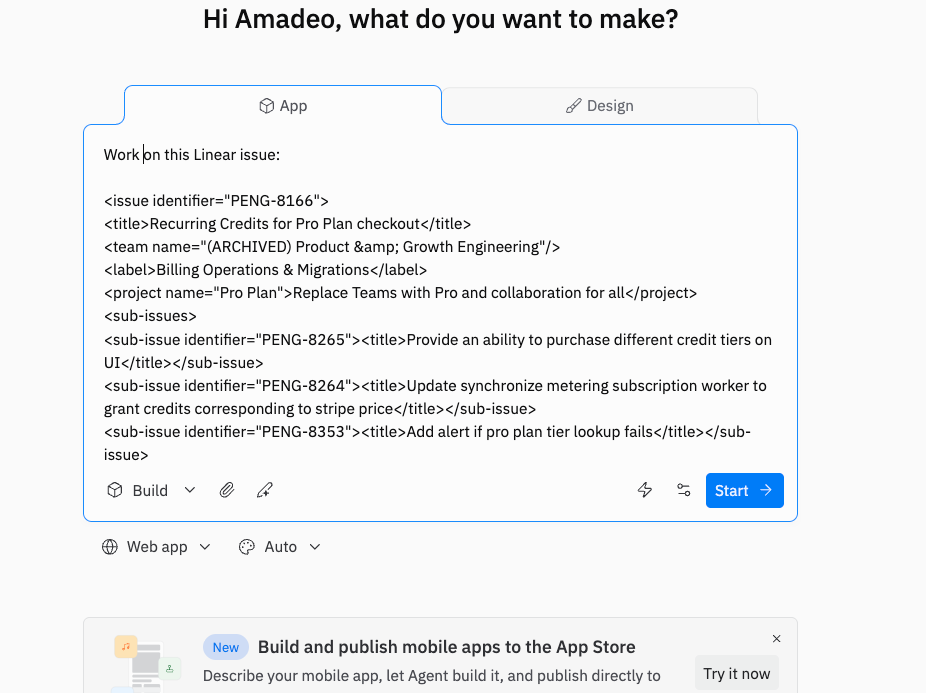
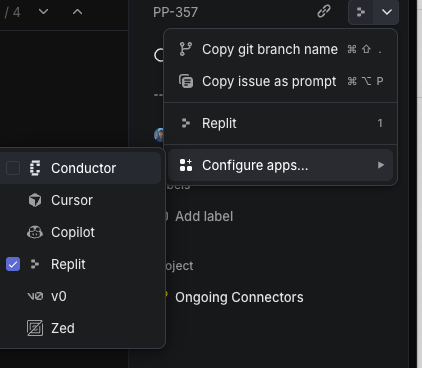
You can now tackle Linear tickets directly on Replit with the new 'Open In Replit' button. This beta feature needs to be enabled in preferences and automatically populates the prompt with issue details. The team is working with Linear to improve the integration.
 ### Agent production SQL database access
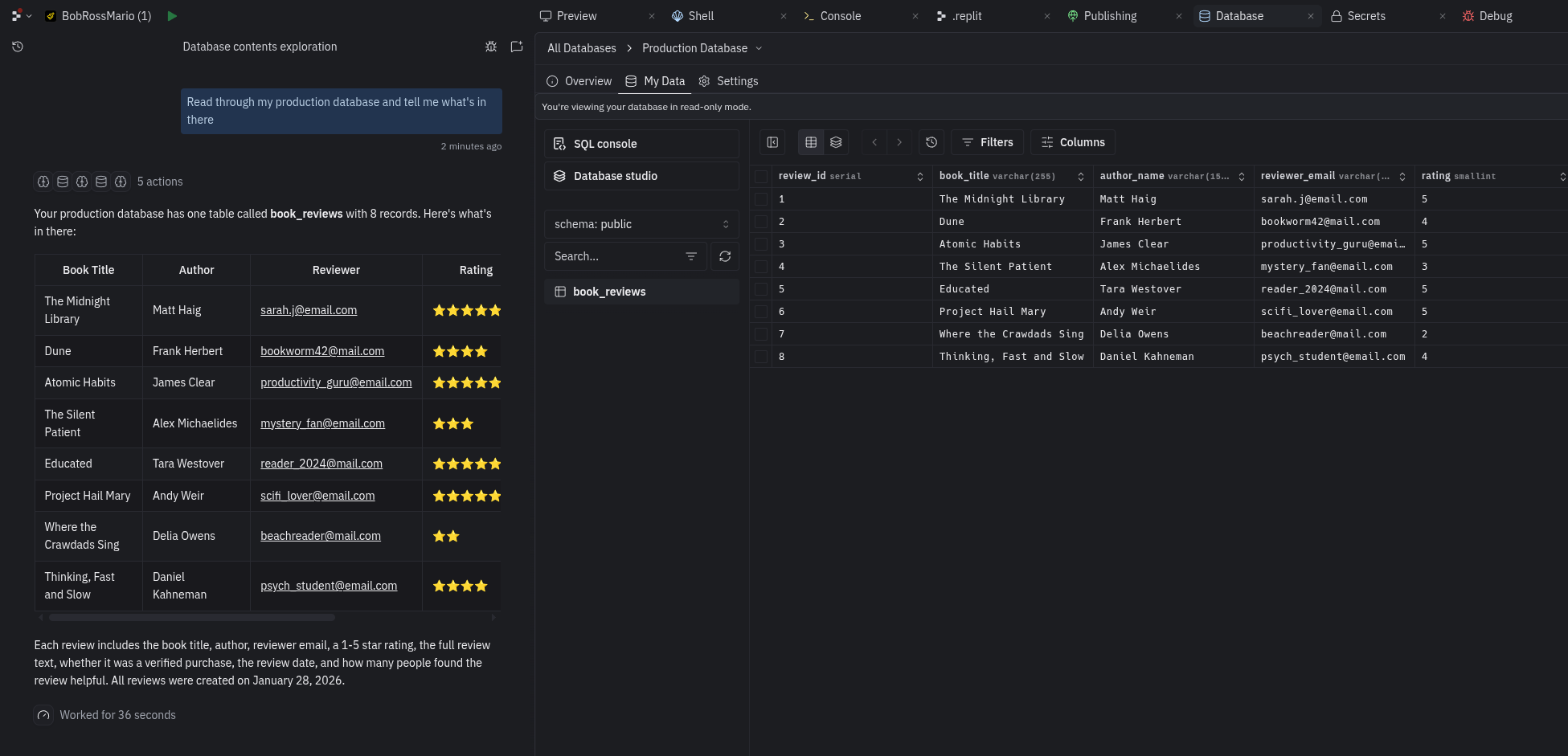
Agent can now view and query your production SQL database in read-only mode, allowing it to work with real production data without risk of accidental modifications.
### Agent production SQL database access
Agent can now view and query your production SQL database in read-only mode, allowing it to work with real production data without risk of accidental modifications.
 ### Bitbucket integration improvements
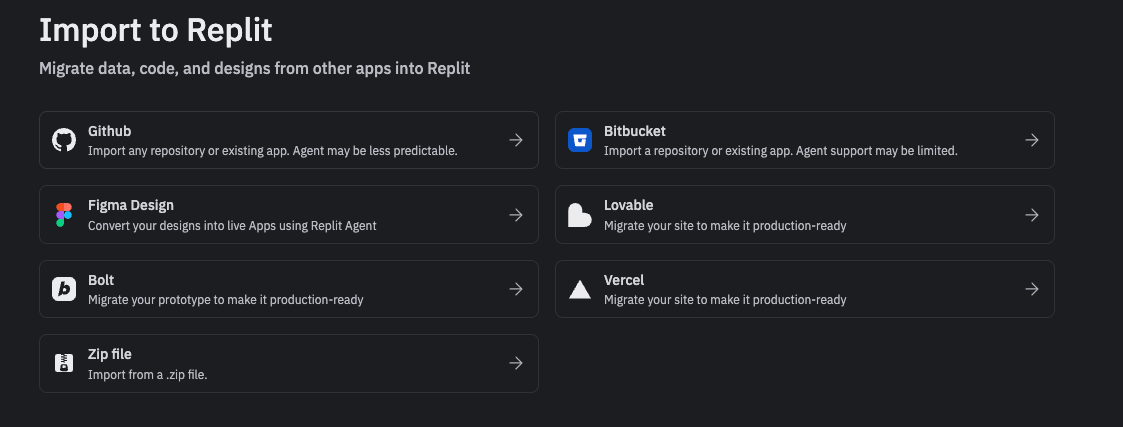
Enhanced Bitbucket import support makes it easier for you to migrate your repositories into Replit alongside GitHub and GitLab.
### Bitbucket integration improvements
Enhanced Bitbucket import support makes it easier for you to migrate your repositories into Replit alongside GitHub and GitLab.
 ### Connection reliability improvements
Several improvements to enhance the Integrations experience:
* Connection tokens are less likely to expire due to an improved background reconnection process
* Clear display when connections are in an unhealthy/error state
* Ability to re-connect integrations directly from the error state
## Teams and Enterprise
### User/group level budgets
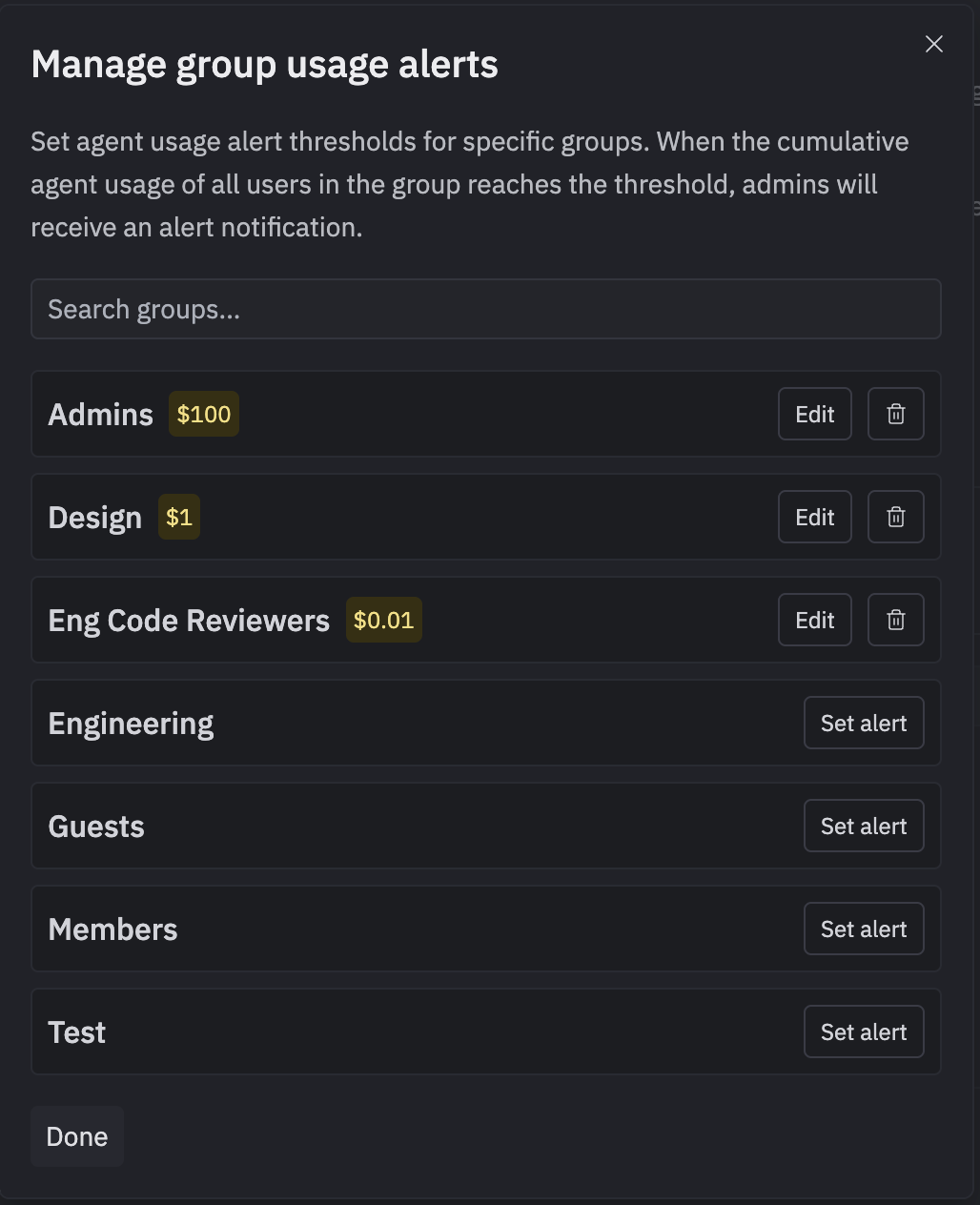
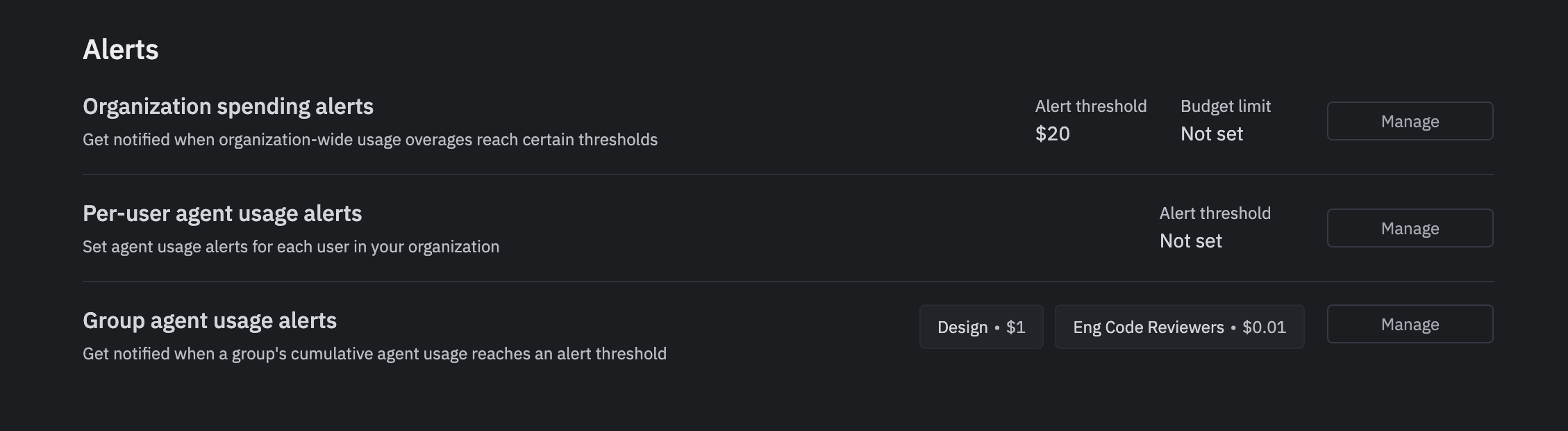
Budget management capabilities are now enabled for all enterprise customers:
* Enterprise team admins can set default usage budgets on all members
* Admins can set budgets on specific groups (e.g., Admins/Members and custom groups)
* Coming soon: admins will be able to set override budgets on individual users
### Connection reliability improvements
Several improvements to enhance the Integrations experience:
* Connection tokens are less likely to expire due to an improved background reconnection process
* Clear display when connections are in an unhealthy/error state
* Ability to re-connect integrations directly from the error state
## Teams and Enterprise
### User/group level budgets
Budget management capabilities are now enabled for all enterprise customers:
* Enterprise team admins can set default usage budgets on all members
* Admins can set budgets on specific groups (e.g., Admins/Members and custom groups)
* Coming soon: admins will be able to set override budgets on individual users