> ## Documentation Index
> Fetch the complete documentation index at: https://docs.replit.com/llms.txt
> Use this file to discover all available pages before exploring further.
# January 10, 2025
> 2 min read
## What's new
* [Slack integration](#slack-integration)
* [Agent and Assistant improvements](#agent-and-assistant-improvements)
* [Shell bash completion](#shell-bash-completion)
* [Elixir ecosystem fix](#elixir-ecosystem-fix)
* [Custom domain UX improvement](#custom-domain-ux-improvement)
* [Enhanced project featuring controls](#enhanced-project-featuring-controls)
* [Teams mobile search](#teams-mobile-search)
Another great week of updates!
## Platform updates
### Slack integration
Agent now integrates with the Slack API. That means you can use Agent to build apps that:
* Post messages
* Read history
from/to all your favorite Slack channels.
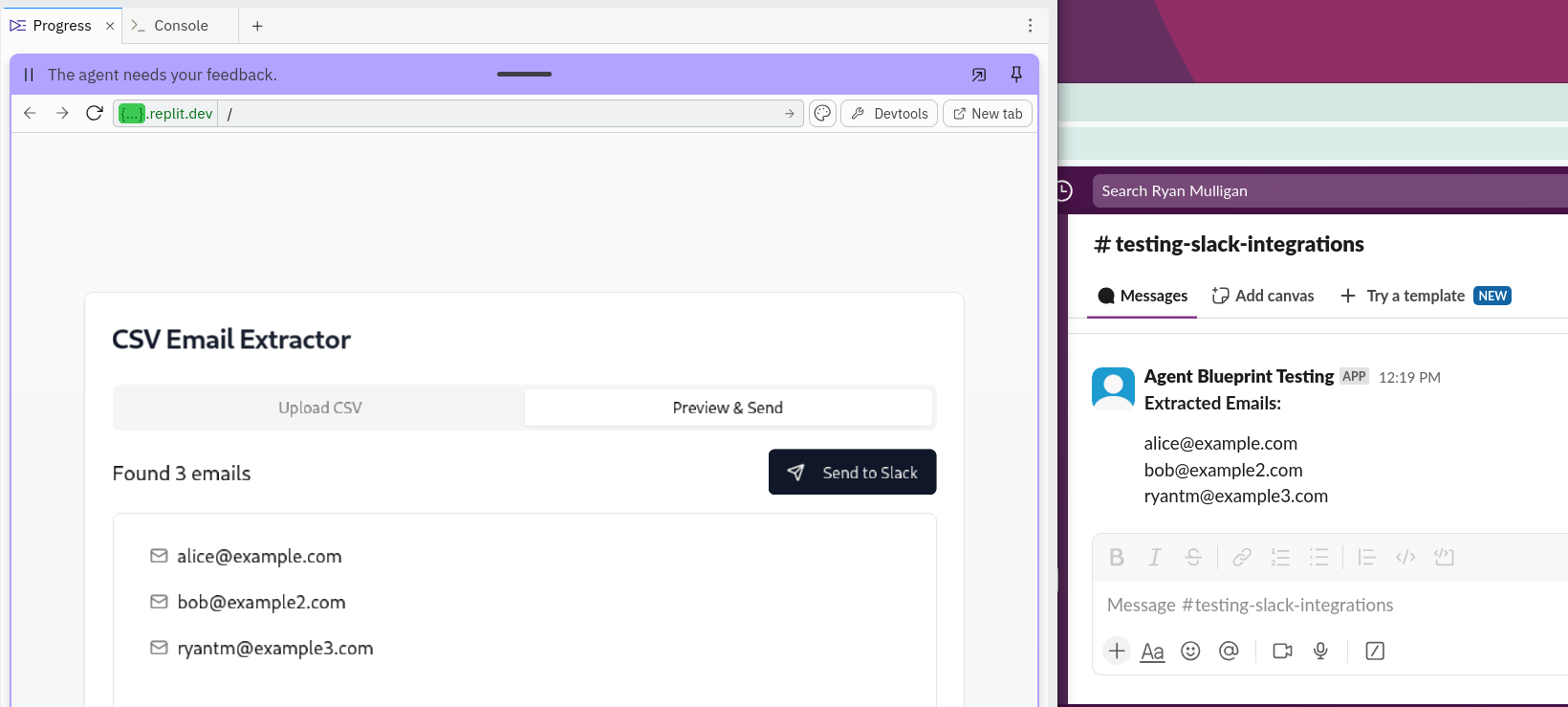 Submit what you build to the [Agent Showcase](https://forms.gle/qxpfr82wNpKsCdok9).
### Agent and Assistant improvements
* Agent now loads faster from the homepage so you can get to building faster.
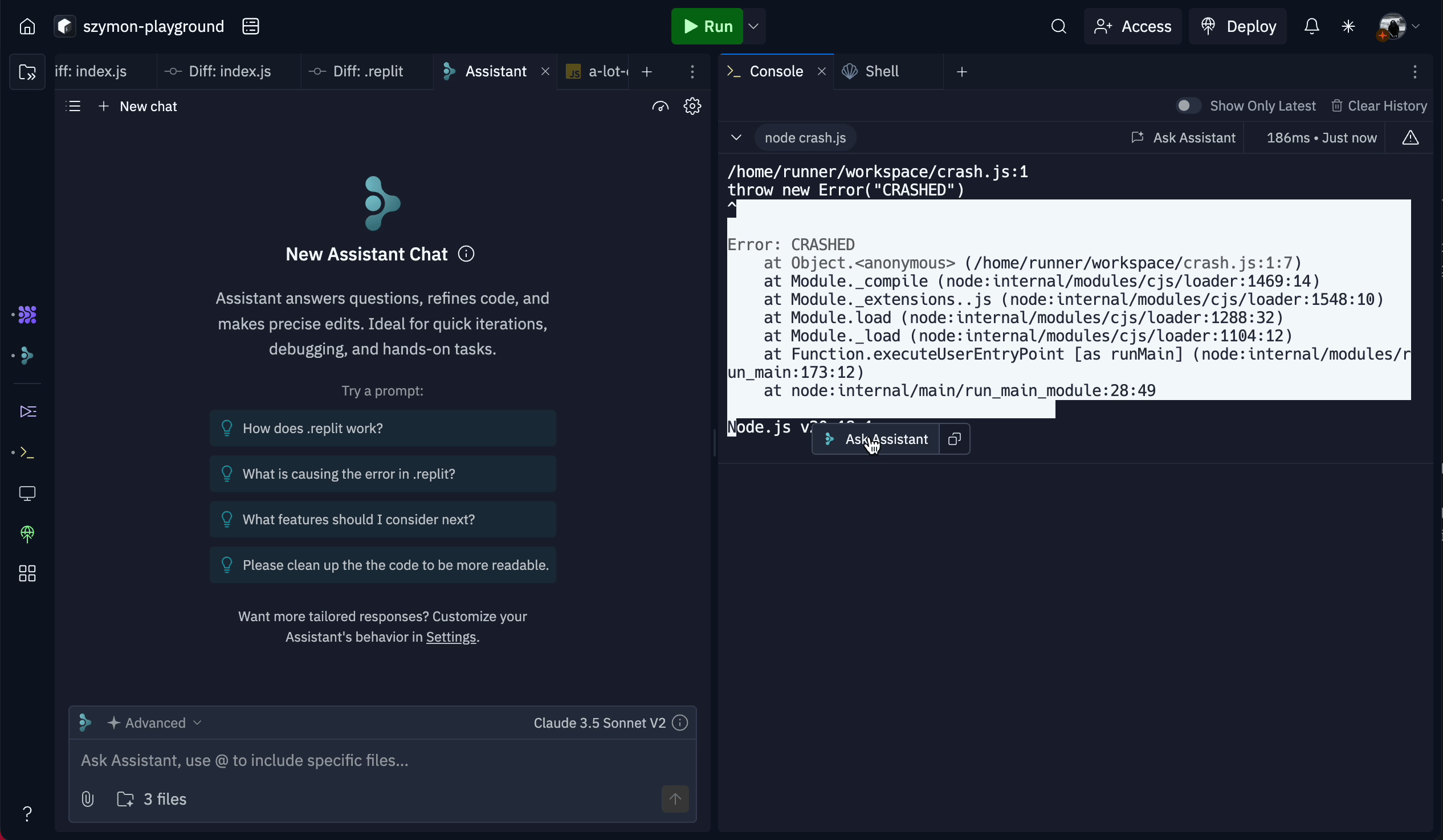
* A floating popup now provides quick access to Assistant when selecting text in Console and Shell. Simply select text and select the Assistant icon to ask a question.
Submit what you build to the [Agent Showcase](https://forms.gle/qxpfr82wNpKsCdok9).
### Agent and Assistant improvements
* Agent now loads faster from the homepage so you can get to building faster.
* A floating popup now provides quick access to Assistant when selecting text in Console and Shell. Simply select text and select the Assistant icon to ask a question.
 ### Shell bash completion

Shell now has autocomplete! Hit tab twice to autocomplete a command.
### Shell bash completion
Shell now has autocomplete! Hit tab twice to autocomplete a command.
 ### Elixir ecosystem fix
Resolved issues with Elixir's mix tooling, the language now works as expected.
### Custom domain UX improvement
You can now paste a URL into the custom domain input and Replit automatically extracts the domain for you.
## Teams and Enterprise
### Enhanced project featuring controls
It's now easier to feature and un-feature your organization's public projects!
### Elixir ecosystem fix
Resolved issues with Elixir's mix tooling, the language now works as expected.
### Custom domain UX improvement
You can now paste a URL into the custom domain input and Replit automatically extracts the domain for you.
## Teams and Enterprise
### Enhanced project featuring controls
It's now easier to feature and un-feature your organization's public projects!
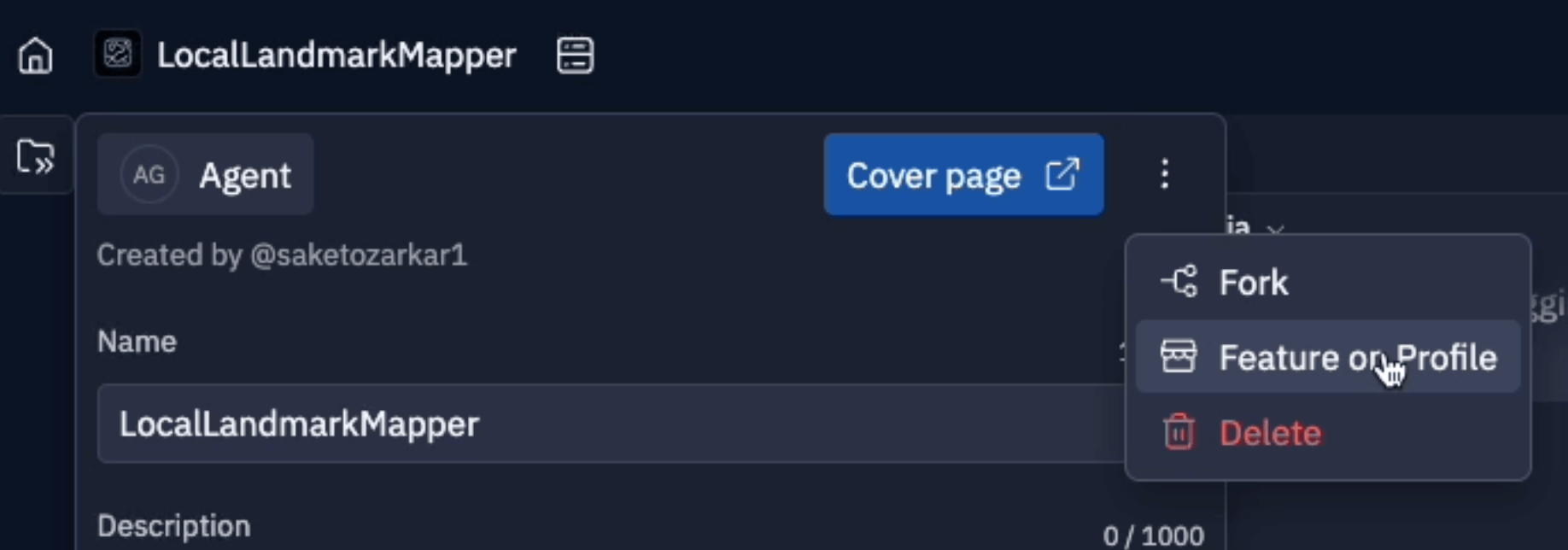 Now you can control a project's featured state directly from the workspace via the project info modal and from the projects index table.
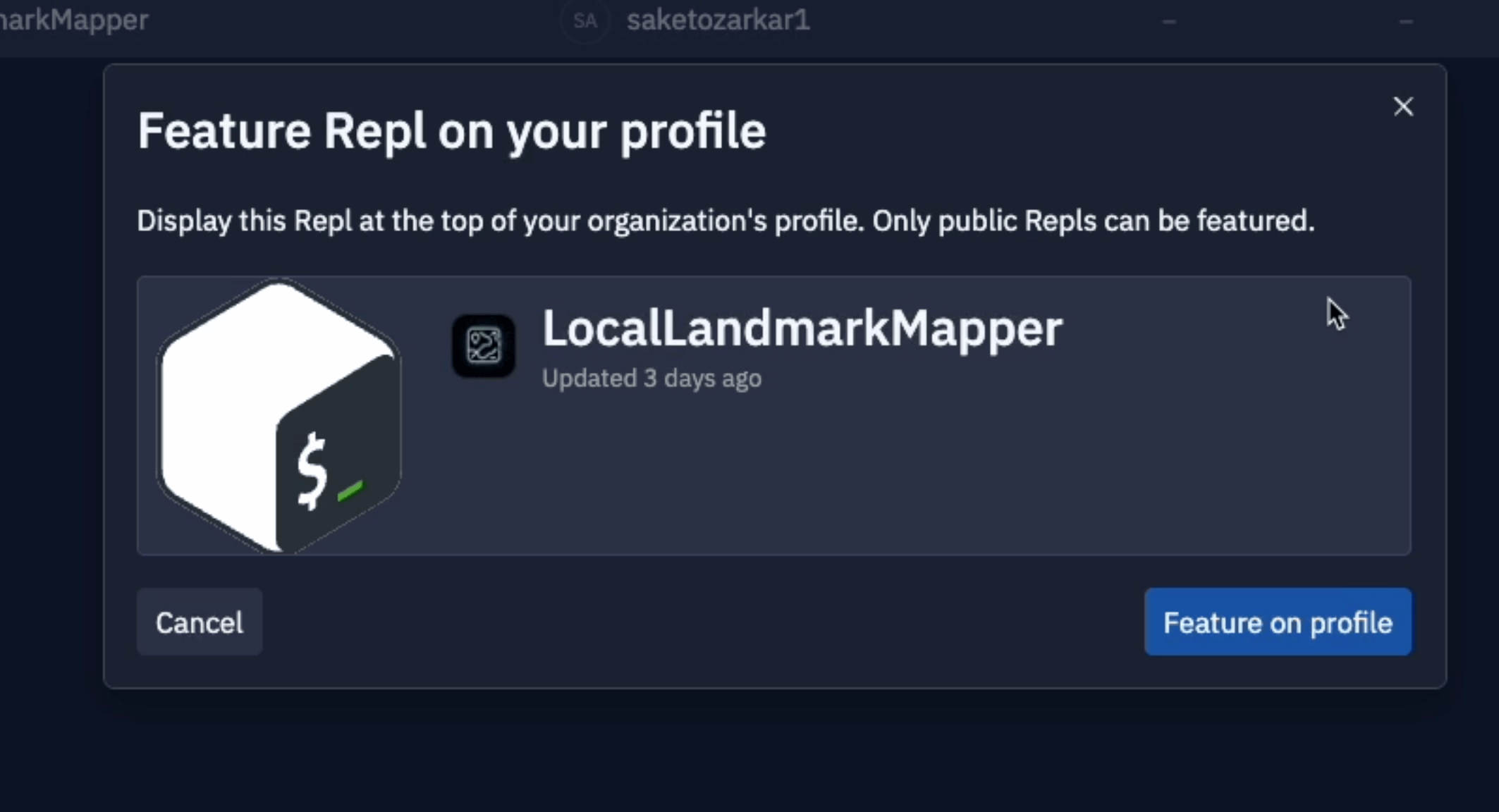 Plus, when you feature a project, you'll get a sneak peek of how it will appear on your public profile.
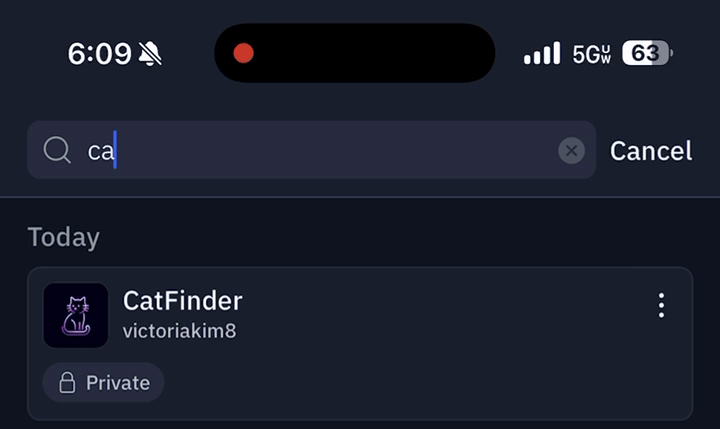
### Teams mobile search
You can now search for your Teams Replit Apps on mobile.
Plus, when you feature a project, you'll get a sneak peek of how it will appear on your public profile.
### Teams mobile search
You can now search for your Teams Replit Apps on mobile.