> ## Documentation Index
> Fetch the complete documentation index at: https://docs.replit.com/llms.txt
> Use this file to discover all available pages before exploring further.
# Access Management
> Learn how to control access and visibility settings for Replit Apps through the Project Editor interface, including group permissions and user roles.
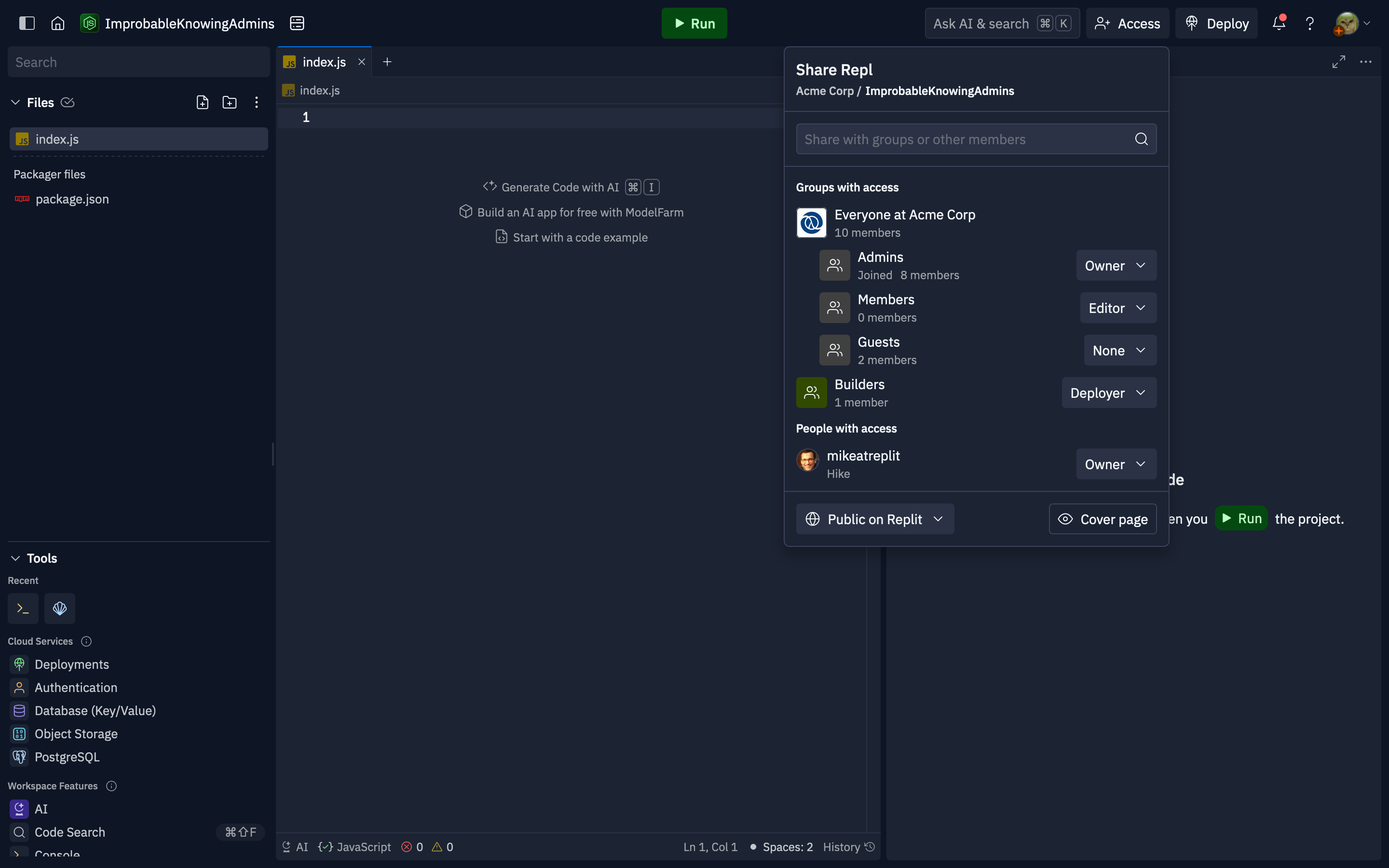
Replit App access may be managed either from the [group permissions interface](/teams/identity-and-access-management/groups-and-permissions#repl-permissions), or from the Project Editor using the "Invite" button in the header. Users with edit access can change the role for existing groups or individuals, or add roles to new groups or users. All users with access to the Project Editor are able to see who has access to the Replit App, even if they can't manage it.
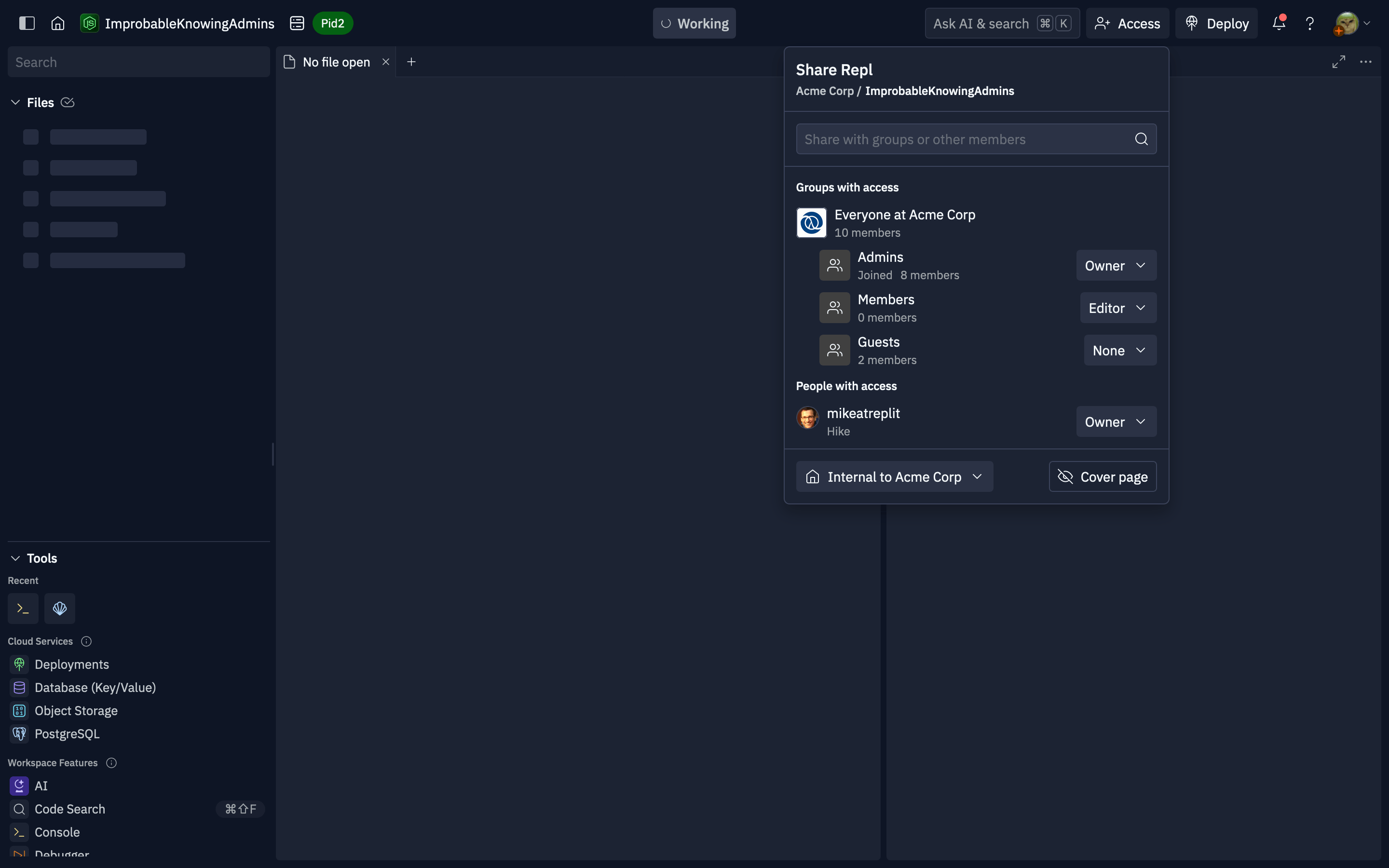 To grant access to a group or member, use the search to locate them by name or username.
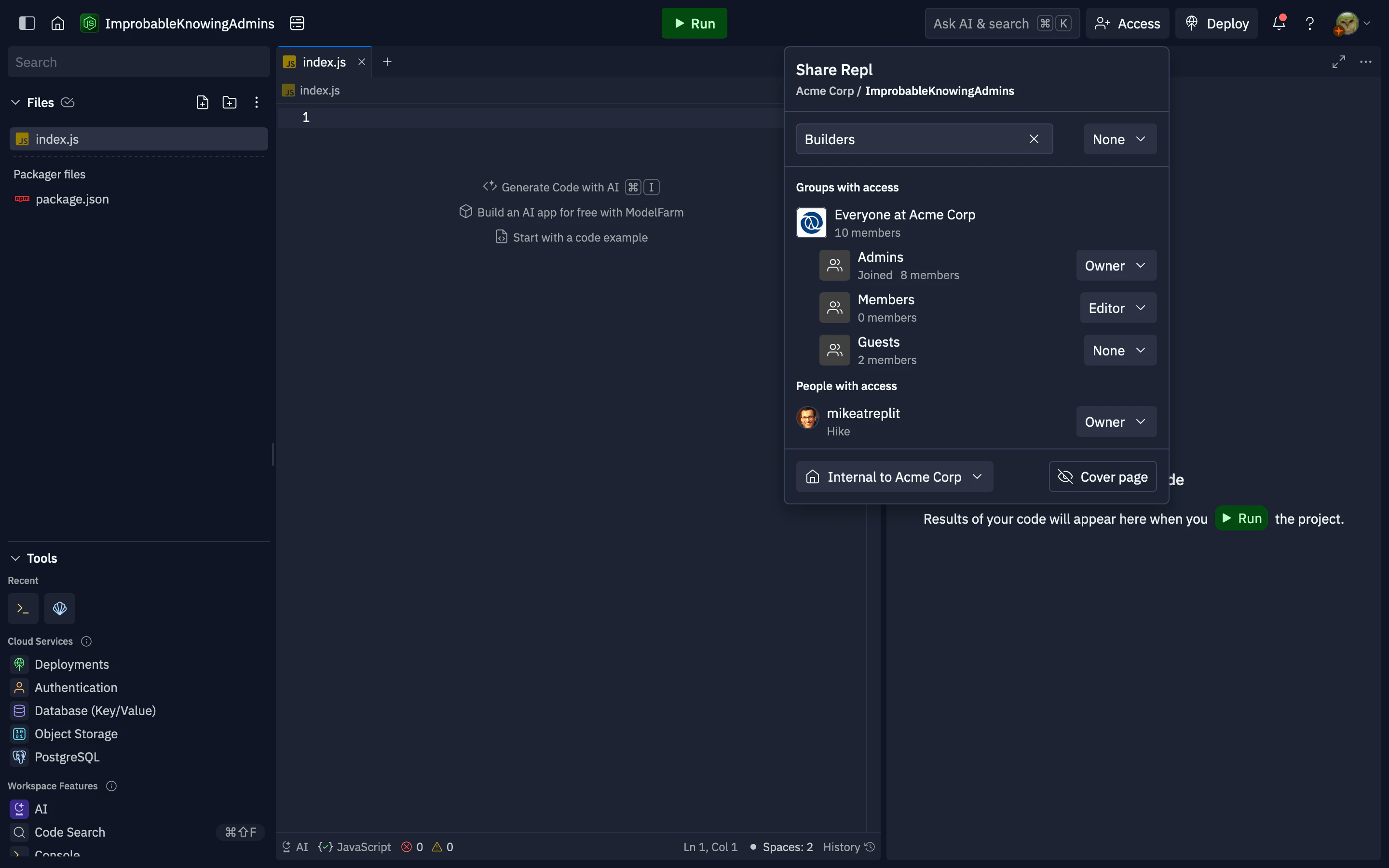 After selecting the result, a dropdown for the role selection will appear. After choosing the role, the group or user will be added to the "Groups with access" or "People with access" sections below.
This popover controls who in your organization can see and work on the Replit App, including the **internal** (organization-only) audience when that option is available. App source code is not available as a platform-wide **public to Replit** listing; only users and groups you grant access can see that the app exists and open it, according to your org rules.
After selecting the result, a dropdown for the role selection will appear. After choosing the role, the group or user will be added to the "Groups with access" or "People with access" sections below.
This popover controls who in your organization can see and work on the Replit App, including the **internal** (organization-only) audience when that option is available. App source code is not available as a platform-wide **public to Replit** listing; only users and groups you grant access can see that the app exists and open it, according to your org rules.