> ## Documentation Index
> Fetch the complete documentation index at: https://docs.replit.com/llms.txt
> Use this file to discover all available pages before exploring further.
# May 29, 2026
> 2분 읽기
## 새로운 기능
* [Replit을 떠나지 않고 Enterprise로 업그레이드](#upgrade-to-enterprise-without-leaving-replit)
* [앱을 설치하여 Stripe 연결, 키 복사 불필요](#connect-stripe-by-installing-an-app-no-keys-to-copy)
* [Tripo3D 커넥터로 3D 모델 생성](#generate-3d-models-with-the-tripo3d-connector)
* [Agent가 음악, 음향 효과, 음성을 생성할 수 있음](#agent-can-generate-music-sound-effects-and-speech)
* [Canvas에서 바로 미디어 생성](#generate-media-right-on-canvas)
## 팀 및 Enterprise
### Replit을 떠나지 않고 Enterprise로 업그레이드
이제 제품을 떠나거나 영업팀에 먼저 연락하지 않고도 무료, Core, Pro 등 어떤 플랜에서든 Replit Enterprise로 업그레이드할 수 있습니다. 협업 워크스페이스가 있는 경우 결제를 완료하면 새 Enterprise 조직으로 자동으로 이전됩니다. 게시된 앱은 다운타임 없이 계속 실행됩니다.
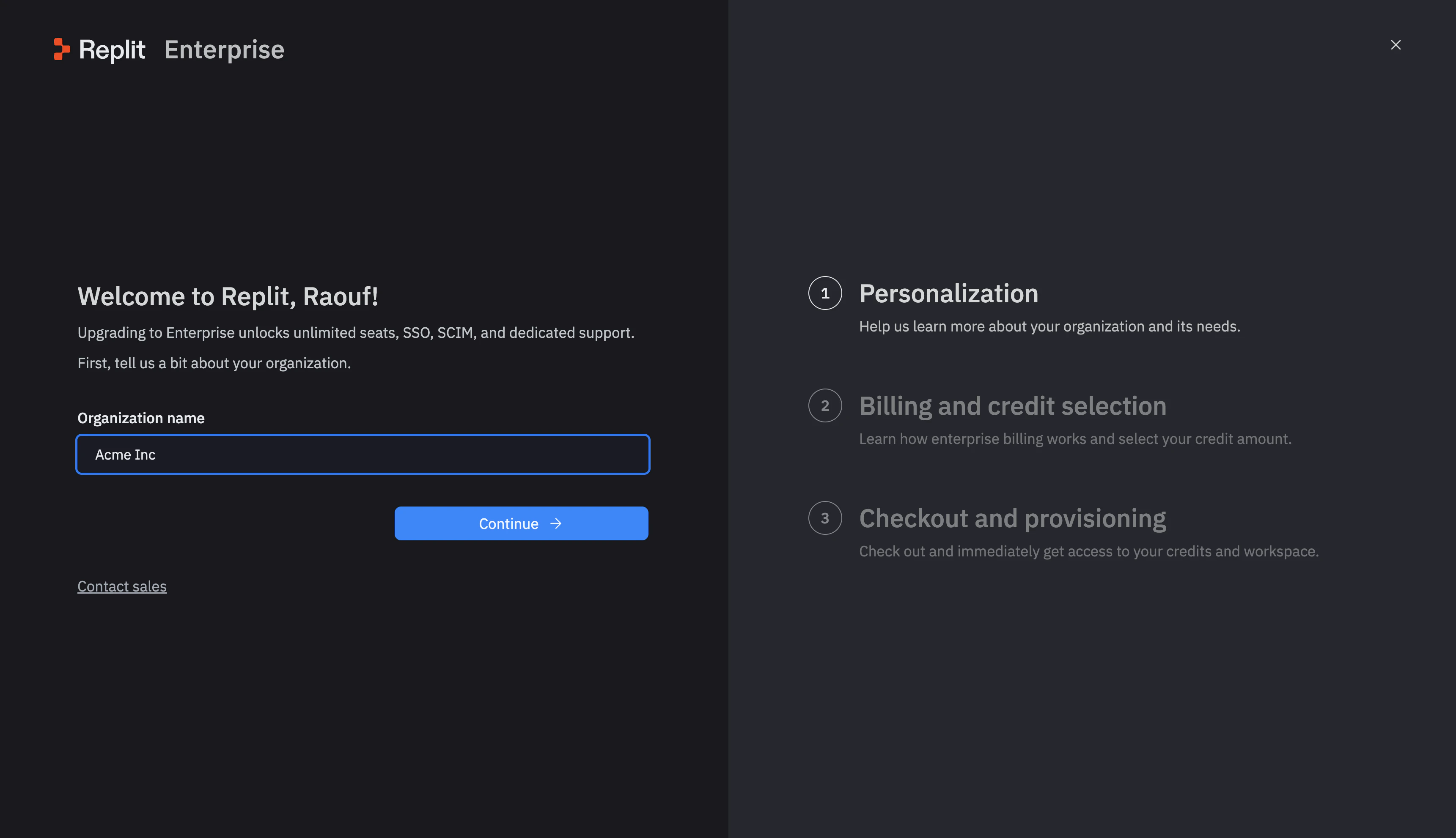 [Replit Enterprise](/billing/plans/replit-enterprise#upgrade-to-enterprise)에 대해 자세히 알아보세요.
## 청구
### 앱을 설치하여 Stripe 연결, 키 복사 불필요
Stripe로 앱을 라이브로 전환하는 것이 더 간단해졌습니다. Stripe 대시보드에서 라이브 API 키를 복사하는 대신, 이제 Stripe Marketplace에서 Replit Integrated Payments 앱을 설치합니다. 프로덕션 키가 자동으로 연결됩니다. 게시 패널을 열고, 앱을 설치하고, Stripe에서 연결을 완료하세요.
[Replit Enterprise](/billing/plans/replit-enterprise#upgrade-to-enterprise)에 대해 자세히 알아보세요.
## 청구
### 앱을 설치하여 Stripe 연결, 키 복사 불필요
Stripe로 앱을 라이브로 전환하는 것이 더 간단해졌습니다. Stripe 대시보드에서 라이브 API 키를 복사하는 대신, 이제 Stripe Marketplace에서 Replit Integrated Payments 앱을 설치합니다. 프로덕션 키가 자동으로 연결됩니다. 게시 패널을 열고, 앱을 설치하고, Stripe에서 연결을 완료하세요.
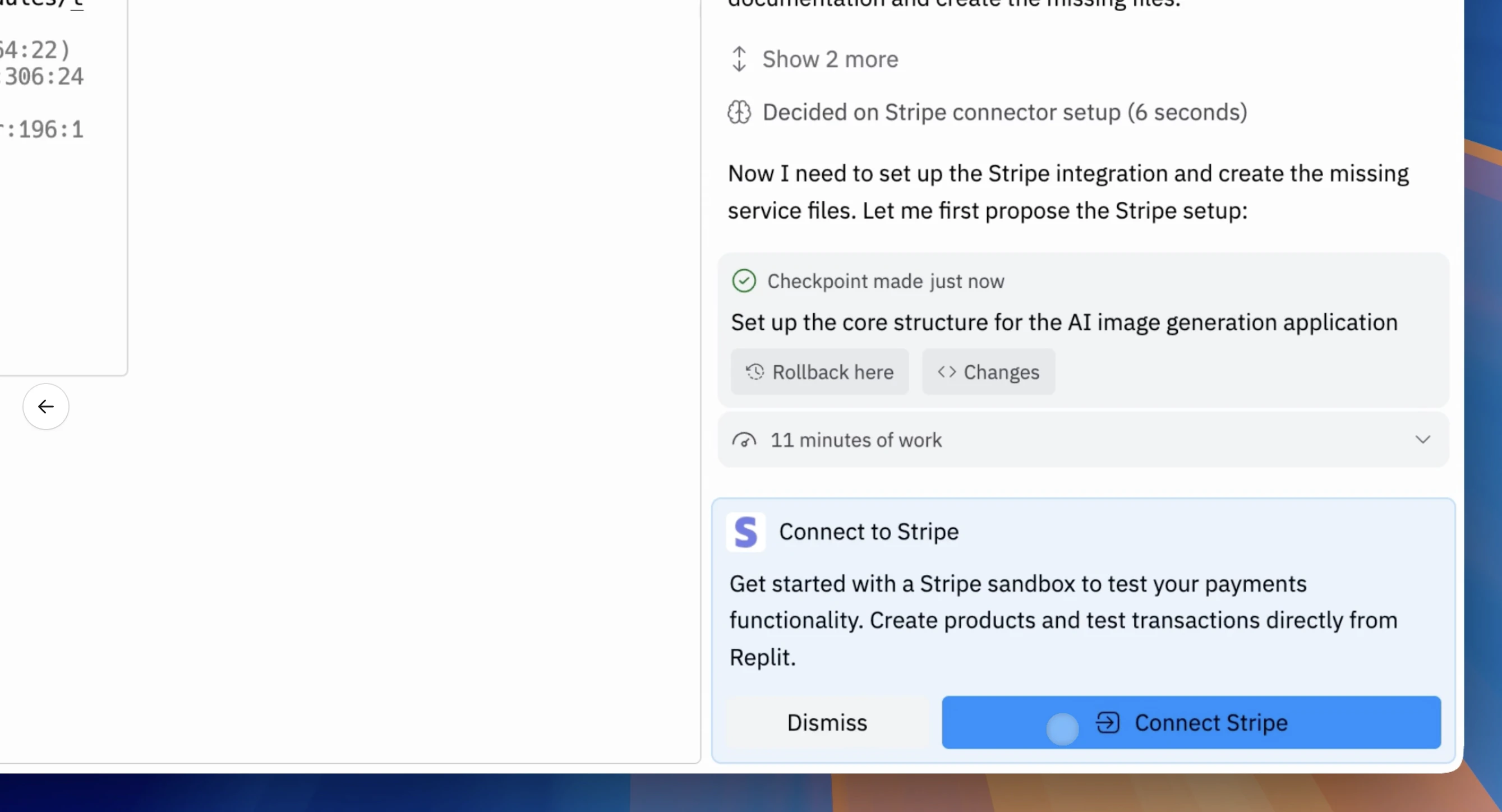 [Stripe로 라이브 전환](/references/monetization/stripe-payments#go-live)에 대해 자세히 알아보세요.
## 통합
### Tripo3D 커넥터로 3D 모델 생성
Tripo3D가 이제 커넥터 카탈로그에 있습니다. Agent에게 텍스트 설명이나 이미지에서 3D 모델을 생성하도록 요청하세요. 게임, 제품 목업 및 AR 경험에 유용합니다. 사용량은 Replit 크레딧으로 청구됩니다.
[Stripe로 라이브 전환](/references/monetization/stripe-payments#go-live)에 대해 자세히 알아보세요.
## 통합
### Tripo3D 커넥터로 3D 모델 생성
Tripo3D가 이제 커넥터 카탈로그에 있습니다. Agent에게 텍스트 설명이나 이미지에서 3D 모델을 생성하도록 요청하세요. 게임, 제품 목업 및 AR 경험에 유용합니다. 사용량은 Replit 크레딧으로 청구됩니다.
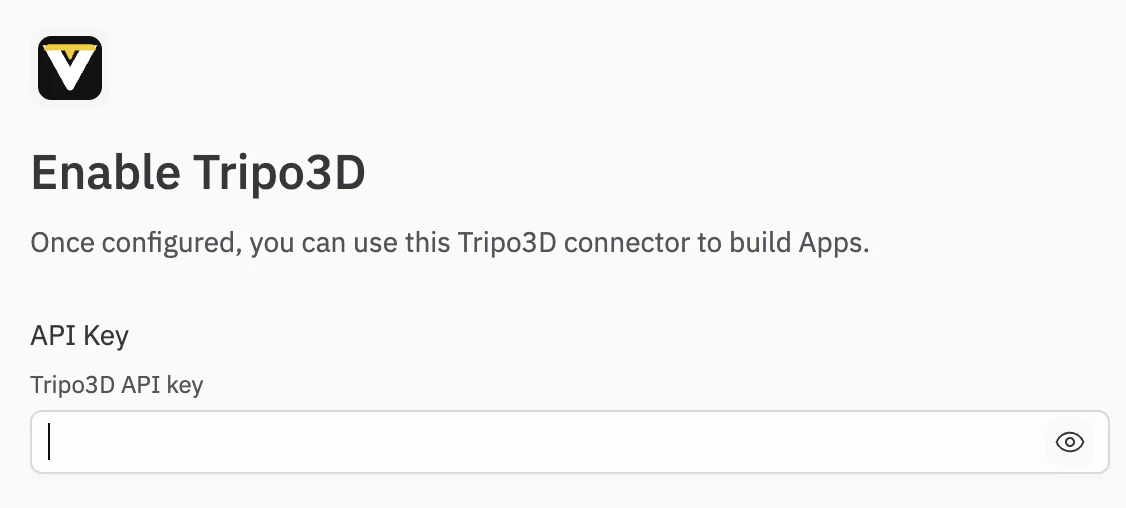 [커넥터](/references/integrations/overview#available-connectors)에 대해 자세히 알아보세요.
## Agent
### Agent가 음악, 음향 효과, 음성을 생성할 수 있음
Agent가 이제 앱용 오디오를 생성할 수 있습니다. 배경 음악, 음향 효과 또는 음성 내레이션을 요청하면 Agent가 오디오를 생성하고 프로젝트에 직접 추가합니다. 사용량은 Replit 크레딧으로 청구됩니다.
[오디오 생성](/references/agent/audio-generation)에 대해 자세히 알아보세요.
## 워크스페이스
### Canvas에서 바로 미디어 생성
이제 Canvas에서 직접 미디어를 생성할 수 있습니다. Canvas 툴바에서 **생성** 도구를 열고 **이미지**, **벡터 그래픽** 또는 **동영상**을 선택하여 제자리에서 생성하세요. 전체 흐름이 보드에 유지되므로 도구를 전환하지 않고 디자인하고 반복할 수 있습니다.
[커넥터](/references/integrations/overview#available-connectors)에 대해 자세히 알아보세요.
## Agent
### Agent가 음악, 음향 효과, 음성을 생성할 수 있음
Agent가 이제 앱용 오디오를 생성할 수 있습니다. 배경 음악, 음향 효과 또는 음성 내레이션을 요청하면 Agent가 오디오를 생성하고 프로젝트에 직접 추가합니다. 사용량은 Replit 크레딧으로 청구됩니다.
[오디오 생성](/references/agent/audio-generation)에 대해 자세히 알아보세요.
## 워크스페이스
### Canvas에서 바로 미디어 생성
이제 Canvas에서 직접 미디어를 생성할 수 있습니다. Canvas 툴바에서 **생성** 도구를 열고 **이미지**, **벡터 그래픽** 또는 **동영상**을 선택하여 제자리에서 생성하세요. 전체 흐름이 보드에 유지되므로 도구를 전환하지 않고 디자인하고 반복할 수 있습니다.
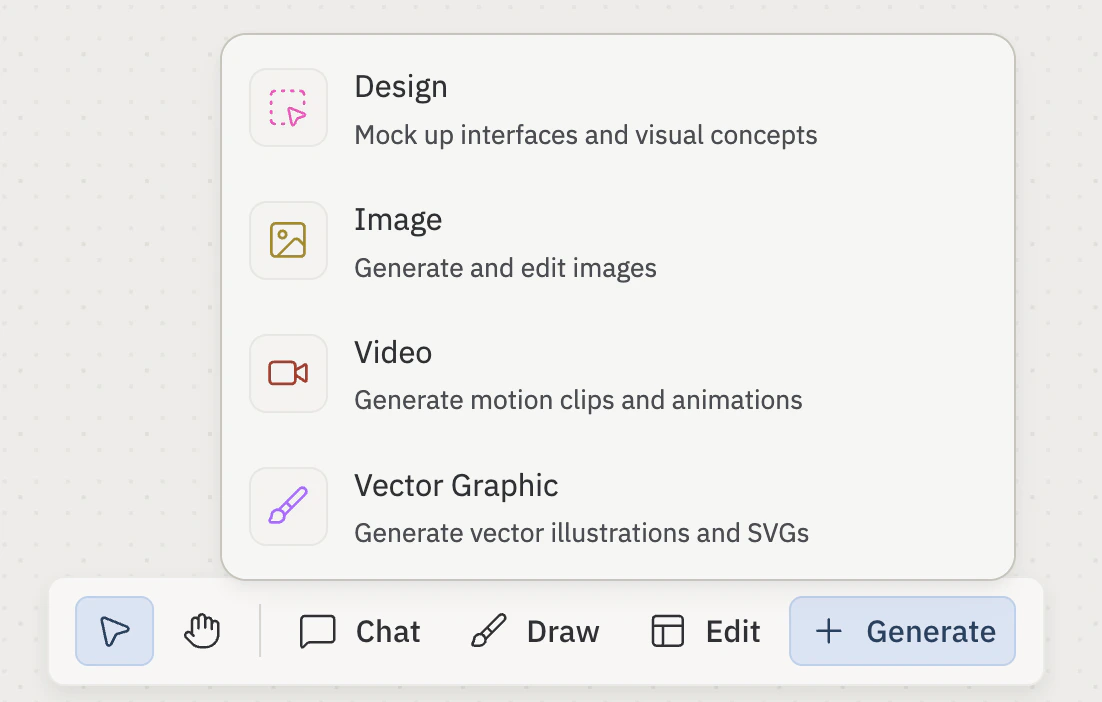 [Canvas](/references/design/canvas)에 대해 자세히 알아보세요.