> ## Documentation Index
> Fetch the complete documentation index at: https://docs.replit.com/llms.txt
> Use this file to discover all available pages before exploring further.
# 개발자 프레임워크
> 개발자 프레임워크—새 Replit 프로젝트의 재사용 가능한 시작점—를 사용하는 방법을 알아보세요.
## 개발자 프레임워크란?
개발자 프레임워크는 플랫폼과 커뮤니티가 다른 사람들이 시작점으로 사용할 수 있도록 게시한 Replit App입니다. Replit이 만든 공식 개발자 프레임워크에는 프레임워크 이름 옆에 체크박스가 표시됩니다:
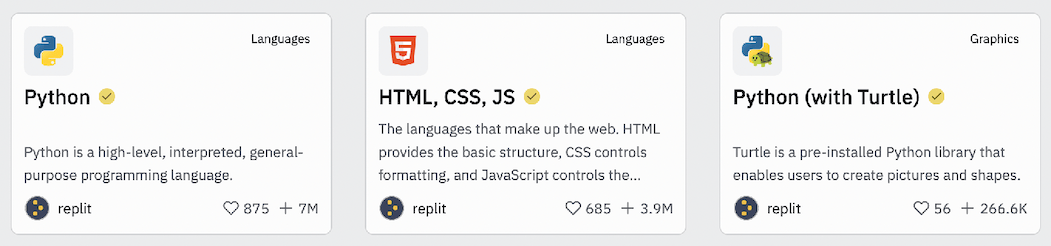 [HTML, CSS, JS 프레임워크](https://replit.com/@replit/HTML-CSS-JS?v=1#index.html)는 매우 인기 있으며 바닐라 JavaScript 프로젝트의 시작점으로 사용할 수 있습니다. 프레임워크를 포크하여 사용할 수 있습니다.
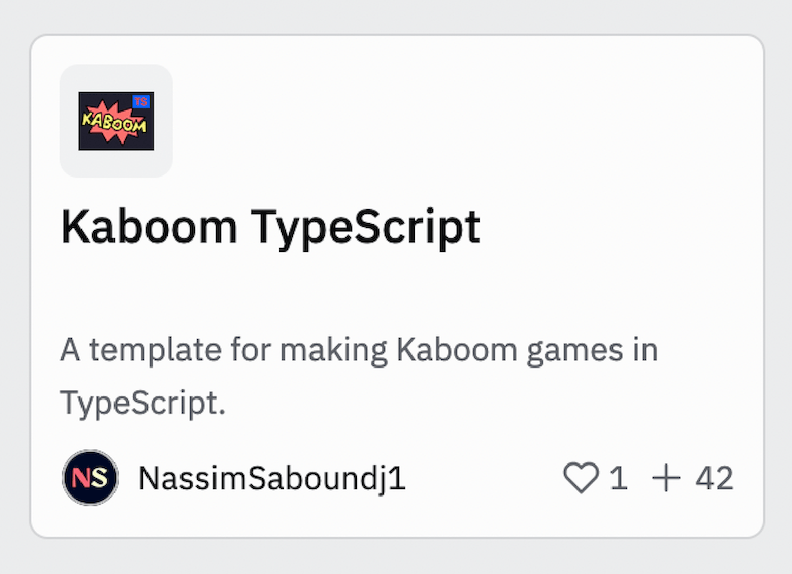
다른 개발자 프레임워크는 다음과 같이 커뮤니티 멤버들이 만들기도 합니다:
[HTML, CSS, JS 프레임워크](https://replit.com/@replit/HTML-CSS-JS?v=1#index.html)는 매우 인기 있으며 바닐라 JavaScript 프로젝트의 시작점으로 사용할 수 있습니다. 프레임워크를 포크하여 사용할 수 있습니다.
다른 개발자 프레임워크는 다음과 같이 커뮤니티 멤버들이 만들기도 합니다:
 ## Enterprise 사용자 정의 템플릿
Enterprise 조직은 모든 조직 멤버의 Agent 입력 상자에서 선택 가능한 옵션으로 나타나는 [사용자 정의 템플릿](/teams/custom-templates)을 만들 수 있습니다. 사용자 정의 템플릿은 회사별 Agent 지침, 스킬, 미리 구성된 프로젝트 컨텍스트를 포함하여 개발자 프레임워크를 넘어섭니다. 자세한 내용은 [사용자 정의 템플릿 가이드](/teams/custom-templates)를 참조하세요.
## Enterprise 사용자 정의 템플릿
Enterprise 조직은 모든 조직 멤버의 Agent 입력 상자에서 선택 가능한 옵션으로 나타나는 [사용자 정의 템플릿](/teams/custom-templates)을 만들 수 있습니다. 사용자 정의 템플릿은 회사별 Agent 지침, 스킬, 미리 구성된 프로젝트 컨텍스트를 포함하여 개발자 프레임워크를 넘어섭니다. 자세한 내용은 [사용자 정의 템플릿 가이드](/teams/custom-templates)를 참조하세요.